
Aider

Aider is a terminal AI coding assistant for developers who want LLM help inside an existing codebase.
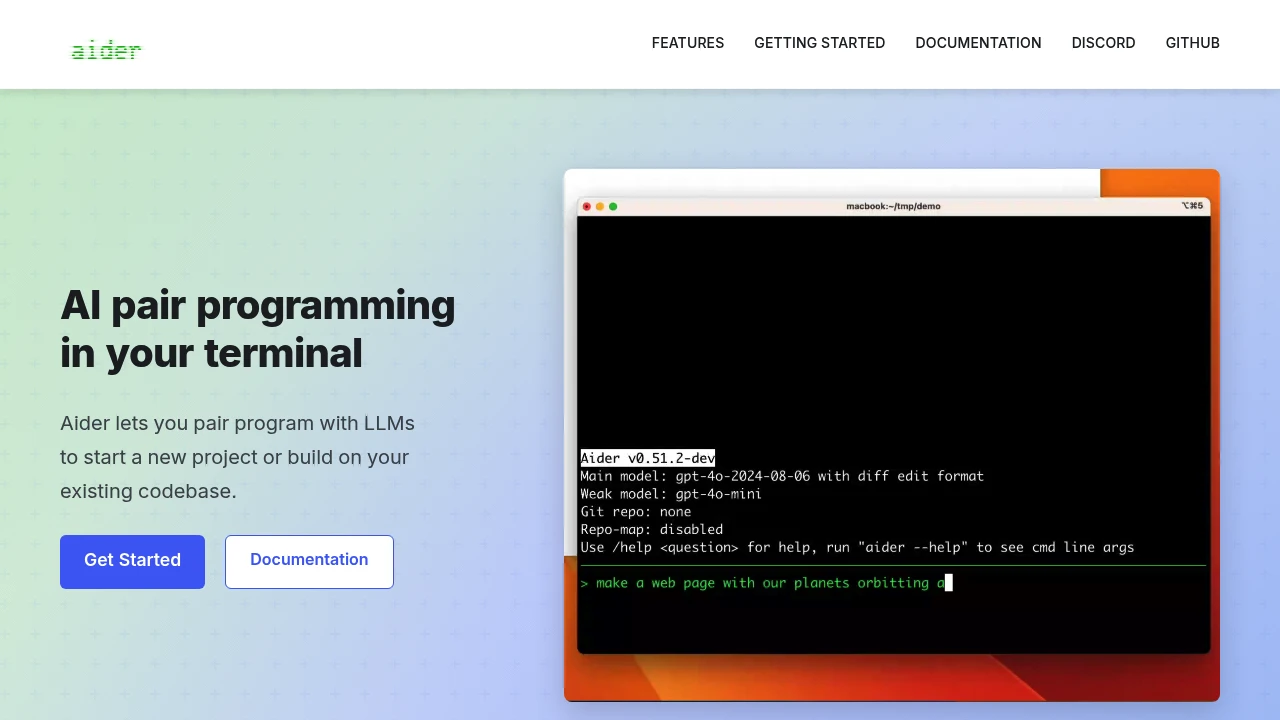
Aider is an open-source AI pair programming CLI that runs in your terminal. It helps developers use LLMs to start a new project or work inside an existing codebase, while keeping the workflow close to git and the command line. You install it locally, choose a model provider, and ask for code changes from inside the repo.
Key Highlights
- Terminal-based pair programming for new and existing codebases
- Works with LLM providers shown in the Aider docs, including DeepSeek, Anthropic Claude, and OpenAI
- Local install via
aider-install, with API keys supplied at run time - Adds selected files to the chat, then edits or creates files based on your request
- Git-aware workflow with diffs, auto-commits, and
/undosupport
What Makes It Different
Aider is not a hosted editor or browser workspace. Its main difference is that it brings the AI coding loop into a normal terminal session, so developers can work from an existing checkout instead of moving the project into a separate app.
The workflow is explicit: choose the files or let Aider infer them, pick the LLM, and review the diffs it produces. That makes it a better fit for developers who already trust git, shell commands, and local project tools.
Features & Capabilities
A typical session starts by installing the CLI, changing into a project directory, and launching Aider with a model plus the matching API key. From there, you ask it to modify selected files, create new ones, or work through a feature request.
Aider can connect to cloud and local models. Its materials highlight codebase mapping, git integration, IDE/editor usage, images and web pages as context, voice-to-code, linting, testing, and copy/paste workflows for web chat.
User Ratings and Testimonials
Aider does not publish an aggregate rating, but its site includes developer testimonials about daily coding and existing-codebase work. The praise is strongest around terminal ergonomics and the feeling of pairing with an LLM inside a real project.
The tradeoff is that Aider expects developer habits. You need to manage API keys, choose a capable model, inspect diffs, and keep sensitive code or secrets in mind when sending context to external model providers.
Pricing & Value
- Aider CLI: $0, open-source terminal tool you install locally
- Model usage: varies by provider, since you bring your own API key or use a local/free model where available
Aider does not list a hosted subscription. It fits developers who want a free CLI layer and can pay model providers directly when using paid APIs.


FAQs
It runs in your terminal, adds selected files to an LLM chat, then edits code and shows diffs in your git repo.
The CLI is free. You bring an API key or local model, so costs depend on the model provider you choose.
Treat it like any code-changing CLI: use git, review diffs, and avoid sharing secrets in prompts or logs.
Yes. Official usage docs say files can be existing files or names of files you want Aider to create.
Tags:

You might also like
 bisibility — Free beta: Track your website’s keywords, Google rankings, Search Console insights, and share of voice.

