
Amp

Amp is a coding agent for developers who want CLI, editor, and web control over model-powered coding work.
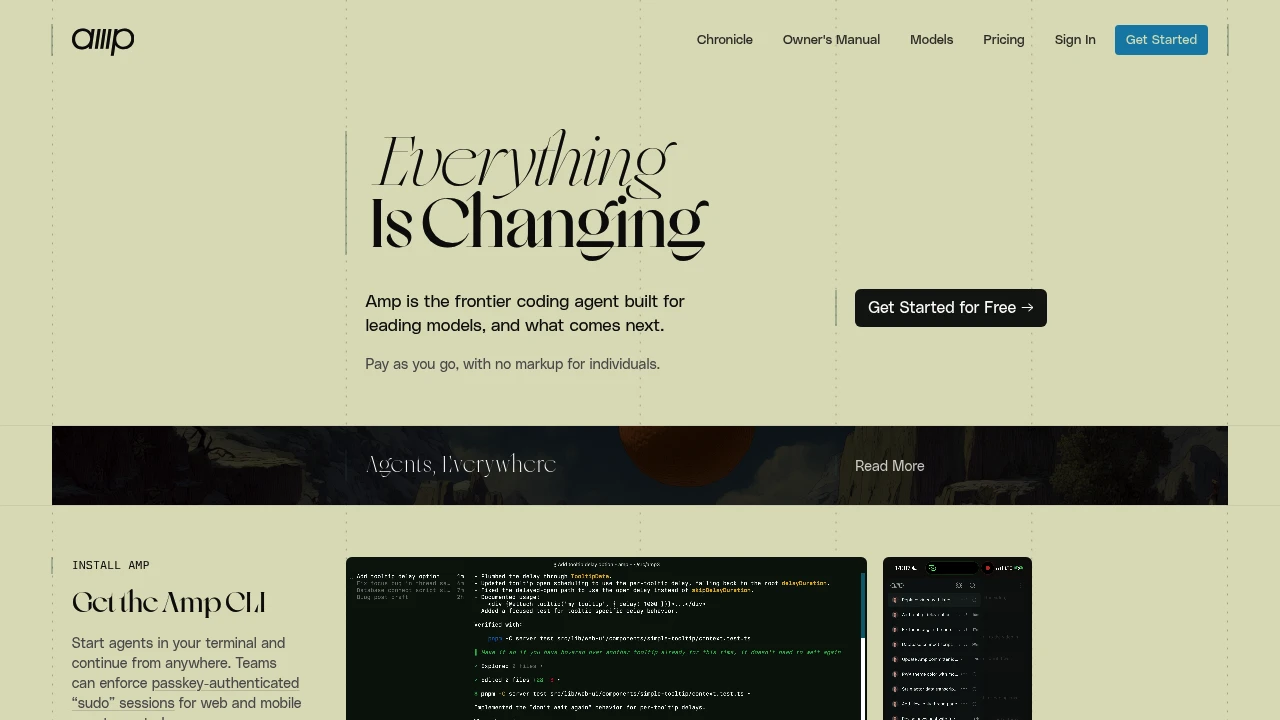
Amp is an AI coding agent for developers who want agent work in the terminal, editor, and web UI. Start in the CLI, connect an IDE, share a thread, and let Amp inspect code, edit files, and run commands. The site positions it as a coding agent for leading models rather than a fixed model wrapper.
Key Highlights
- Runs from the CLI with install paths for Mac, Linux, WSL, Windows, and Homebrew
- Connects to VS Code, VS Code-based editors, JetBrains IDEs, Neovim, and Zed
- Offers deep, smart, and rush modes for different task sizes
- Reads AGENTS.md guidance from project, user, and system locations
- Supports subagents, an Oracle review tool, Librarian code search, plugins, and MCP servers
- Shares, searches, archives, and continues agent threads from the web UI
What Makes It Different
Amp is opinionated about model use and workflow shape. Its docs describe a product that moves with new models and uses modes instead of asking users to wire every model choice themselves.
The other difference is the thread model. A coding session can be shared, searched, referenced from another thread, controlled from the web, or continued from mobile while the CLI keeps running.
Features & Capabilities
After signing in, install the CLI and run amp for an interactive coding session. You can also use amp -x for non-interactive prompts, pipe input into the CLI, mention files, paste images, and connect an IDE so Amp can see the active file and selection.
For larger teams and custom workflows, Amp can load AGENTS.md instructions, use MCP servers, and run TypeScript plugins that add commands, tools, prompts, permissions, modes, and event handlers. Threads can be private, unlisted, workspace-shared, or group-shared.
User Ratings and Testimonials
Amp does not publish a third-party rating. The homepage includes vendor-selected quotes praising its agent behavior, polished experience, repeat use, and diagram generation.
The docs also show caveats. Subagents work in isolation, users cannot steer them mid-task, and the main agent receives the final summary rather than step-by-step details.
Pricing & Value
- Individual and non-enterprise workspaces: pay as you go with no subscription or commitment. Amp passes through actual LLM and tool costs with zero markup, and the minimum credit purchase is $5.
- Enterprise: usage is 50% more expensive than individual and team usage. It adds SSO, directory sync, zero data retention for text inputs in LLM inference, analytics API access, cost controls, user groups, retention options, IP allowlisting, and regional endpoints.
- Enterprise upgrade credit: a one-time $1,000 USD purchase grants $1,000 USD of Enterprise usage and upgrades the workspace to Enterprise.
Unused credits expire after one year of account inactivity, and workspace credits are pooled across members.


FAQs
It can be worth testing if you want a coding agent with CLI, editor integrations, subagents, and pay-as-you-go model costs.
Amp is an agentic coding tool for terminal, editor, and web workflows. It can inspect code, edit files, run commands, and share threads.
The source highlights Amp's CLI and editor workflow, thread sharing, subagents, Oracle reviews, plugins, and pay-as-you-go credits.

You might also like
 bisibility — Free beta: Track your website’s keywords, Google rankings, Search Console insights, and share of voice.

