
Beautiful.ai
Beautiful.ai helps teams create presentations with AI drafting, Smart Slides, themes, and sharing tools.
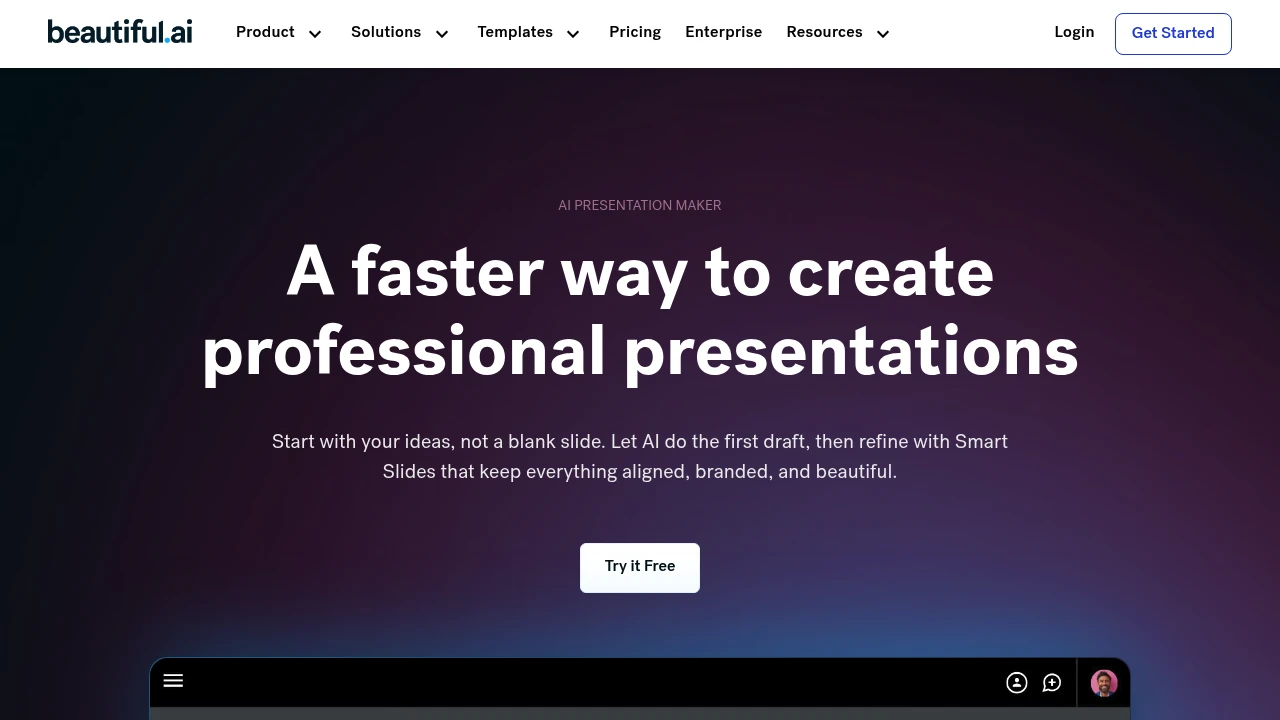
Beautiful.ai is a presentation builder for individuals and teams creating business decks. Its Smart Slides arrange and format content as you edit. You can begin with a prompt, an outline, or a template, then review the story and visual structure before sharing the presentation.
Key Highlights
- Smart Slides that resize and align content
- AI assistance for presentation outlines and content
- Themes with brand colors, fonts, and logos
- Charts, graphs, and other data slide layouts
- PowerPoint import and export on eligible plans
What Makes It Different
Smart Slides provide layout rules rather than leaving every element on a blank canvas. This makes repeated deck formatting more structured. Classic Slides offer a blank starting point when more manual control is needed, so choosing the slide type affects how much layout freedom you have.
Features & Capabilities
Begin with an idea or supplied material, refine the slide outline, and choose a theme. Edit the generated presentation and use layouts for comparisons, timelines, charts, or images. Review figures and claims before presenting them.
Team plans add shared templates, branded themes, and real-time editing. Sharing and analytics options help teams distribute decks and inspect audience engagement, with access depending on the subscription.
User Ratings and Testimonials
Beautiful.ai publishes selected customer accounts from CVENT, IDC, and Paciolan. Treat those experiences as examples of particular workflows. Test a real deck for layout control and export quality before using it for client work.
Pricing & Value
Pro and Team offer a 14-day trial requiring a credit card; it converts to a paid subscription unless canceled. Team costs $50/user/month or $40/user/month billed annually for 2 to 20 seats. Compare collaboration needs with the individual offer before choosing a plan.


Analytics
Deep dive into AI Tool performance and audience insights.
Growth Trend
DecliningTraffic growth over last 30 days
Traffic & Engagement
Traffic Sources
Top Countries
FAQs
A 14-day card-required trial is available for Pro or Team. It converts to a paid subscription unless canceled.
The Pro and Team trial lasts 14 days and requires a card. Cancel before it ends to avoid the subscription charge.
Choose Beautiful.ai for adaptive slide layouts and Canva for your broader design needs. Test both with the same project before subscribing.
Test your own deck for layout control, brand features, and export quality. Value depends on how often you create presentations.
Tags:

You might also like
 bisibility — Free beta: Track your website’s keywords, Google rankings, Search Console insights, and share of voice.
