Canva Alternatives
A curated collection of the 7 best alternatives to Canva.
The best alternative to Canva is Ideogram. If that doesn't suit you, we've compiled a ranked list of other Canva alternatives to help you find a suitable replacement. Other interesting alternatives to Canva are: Recraft, Adobe Express, Beautiful.ai and Playground.
Canva alternatives are mainly AI Design tools but may also be AI Image Generation tools or AI Image Editing tools. Browse these if you want a narrower list of alternatives or looking for a specific functionality of Canva.


Ideogram (pronounced "eye-dee-oh-gram") is a free-to-use AI tool that turns your ideas into stunning images, in a matter of seconds.
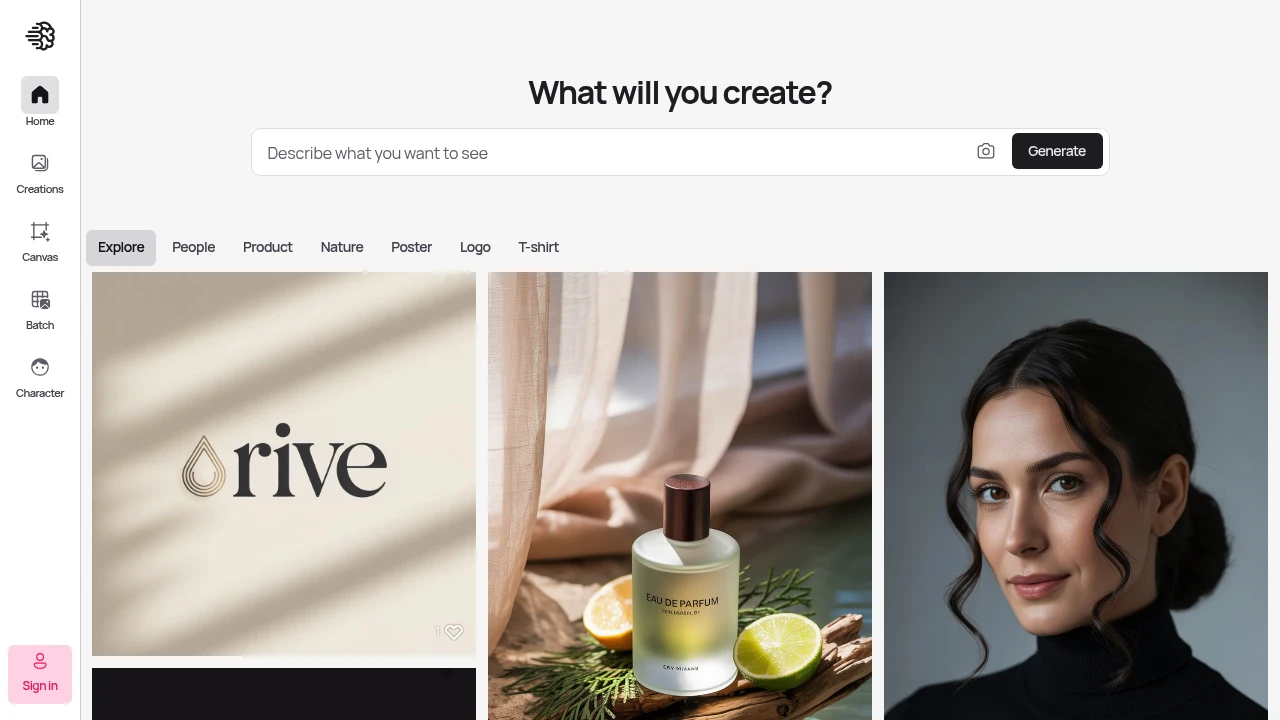
Ideogram creates high-quality visuals with sharp, clean results that match what you're thinking. This platform helps designers and creators make professional images faster than traditional methods.
Key Highlights
- Superior prompt understanding compared to other AI image tools
- Canvas editing feature for post-generation modifications
- Character consistency tools for brand work
- High-quality, sharp visual output
- Fast generation speeds with priority credits
- Team collaboration features available
What Makes It Different
Ideogram sets itself apart with its Canvas editing system. You can modify generated images directly within the platform. The tool also excels at character consistency - keeping the same people or objects looking identical across multiple images. This makes it perfect for brand work and storytelling projects.
Features & Capabilities
Ideogram generates images from text prompts with strong accuracy. The Canvas feature lets you edit images after creation without starting over. You can upload reference images for style matching.
The platform handles various image types including vectors, photos, and illustrations. Batch generation saves time for large projects. Team workspaces allow multiple users to collaborate on visual projects.
User Ratings and Testimonials
Ideogram has an average rating of 5.0 out of 5 stars from 4 reviews on Product Hunt.
Users praise the high image quality and sharp, clean visuals. They find the platform understands prompts better than other AI image tools. Many users report increased creativity and faster development times. Some mention it helps create unique vectors and improves their creative workflow.
Pricing & Value
Ideogram offers several pricing plans:
- Free: $0 - Limited slow credits and basic Canvas access
- Basic: $8/month - 400 priority credits monthly, 100 slow credits daily, and Canvas editing without image upload
- Plus: $20/month - 1,000 priority credits monthly, unlimited slow credits, and image upload for editing
- Pro: $60/month - 3,500 priority credits monthly, batch generation, and best cost per credit
- Team: $30 per user/month (minimum 2 users) - 1,500 priority credits per user and team collaboration features
- Enterprise: Custom pricing with private models, custom credit amounts, and API volume discounts
All paid plans offer 12-20% savings with annual billing.
The free plan provides basic access to test the platform.
Ideogram stands out with its Canvas editing feature and character consistency tools, making it valuable for designers who need reliable AI image generation with editing capabilities.
Looking for alternatives to other popular tools? Check out other posts in the alternatives series and flowtools.co, a directory of best AI tools with filters for tags and categories for easy browsing and discovery.

Recraft is a text-to-image and design platform for photorealistic images, editable vector art, custom styles, and mockups.
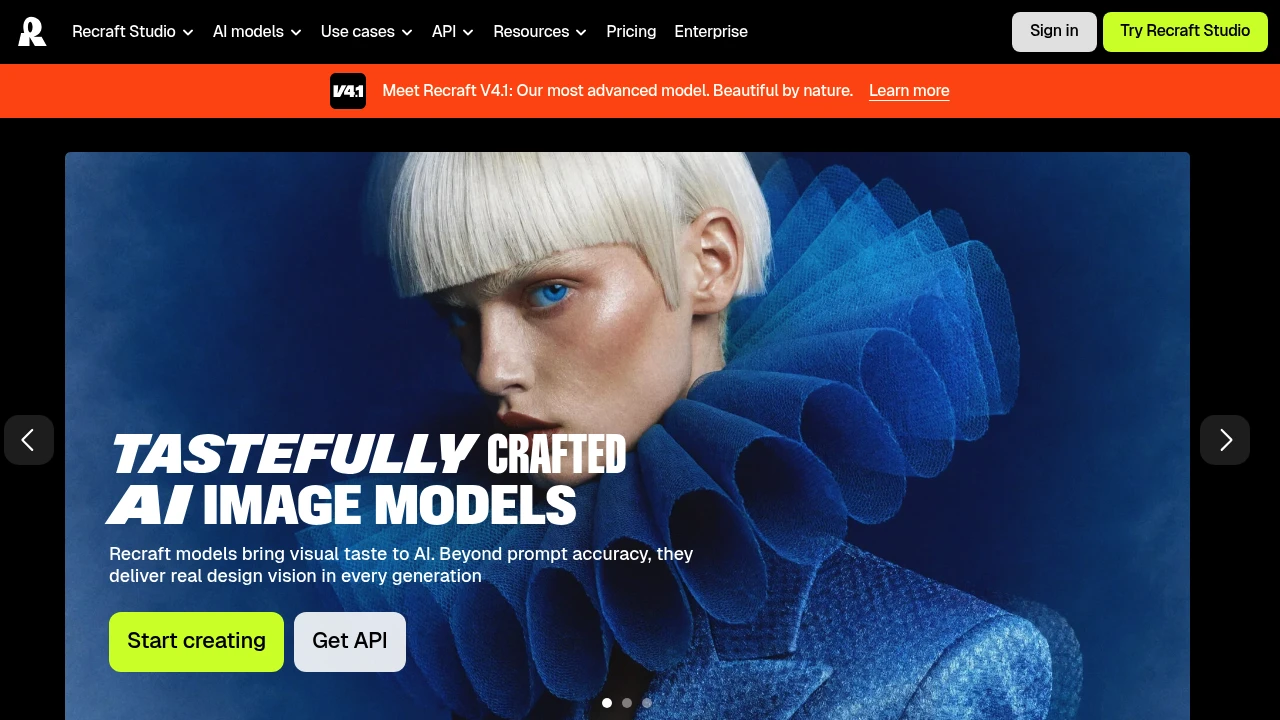
Recraft is an AI image and design platform that generates photorealistic images, editable vector graphics, and product mockups from a text prompt. It is built for designers, marketers, sellers, and teams who need brand-consistent visuals rather than one-off art. You can create a reusable custom style from your own reference images, so every generation stays on-brand.
Key Highlights
- Generates photoreal raster images and fully editable vector graphics
- Recraft V4.1, the platform's most advanced in-house model
- Create reusable custom styles from your own reference images, no model training required
- Built-in editing tools, mockups, and design-ready typography
- Recraft's own models plus frontier models like Nano Banana, Seedream, GPT Image, and Flux
- Video generation on higher tiers through Kling, Veo, Sora, Seedance, and Grok Imagine
- API access for generating images programmatically
What Makes It Different
Recraft's main differentiator is native vector output. Most AI generators produce only raster images, while Recraft can generate complex, editable vector graphics with consistent styles and clean typography, which matters for logos, icons, and print work. Its second edge is custom styles: upload a few reference images and Recraft turns them into a reusable style, keeping a brand look without training a model.
Features & Capabilities
In Recraft Studio you generate and edit images, vectors, and mockups, then refine them with custom color palettes, a magic wand, creative upscale, and prompt extraction. It pairs Recraft's own models with other top models, so you switch engines in one workspace.
Paid tiers add video generation, parallel generations for faster batches, and unlimited custom style usage. Teams plans add a shared workspace, shared styles, SSO, and 24/7 support. Developers can call Recraft through its API using a key from the profile section.
User Ratings and Testimonials
Recraft publishes customer examples about customizing visuals and working with vectors. Evaluate style consistency, editable output, and the changes needed for your own design. Free images are public and Recraft-owned without a commercial license; paid-image rights follow the subscription terms.
Pricing & Value
Free includes 30 credits renewed every 24 hours; generated images are public, Recraft-owned, and not commercially licensed. Basic, Pro, and Teams are paid options. Paid subscriptions include recurring credits, while top-ups are purchased separately. Subscription credits reset each billing cycle without rollover; top-ups do not expire.
Credit use varies by operation and model. API requests use separately purchased API Units rather than subscription credits. Compare the selected plan's generation features, workspace controls, and usage allowance before buying. Images created during a paid subscription remain private and commercially usable under the applicable terms after cancellation.

Design social posts, images, videos, and flyers with templates, media editing, and generative AI tools.
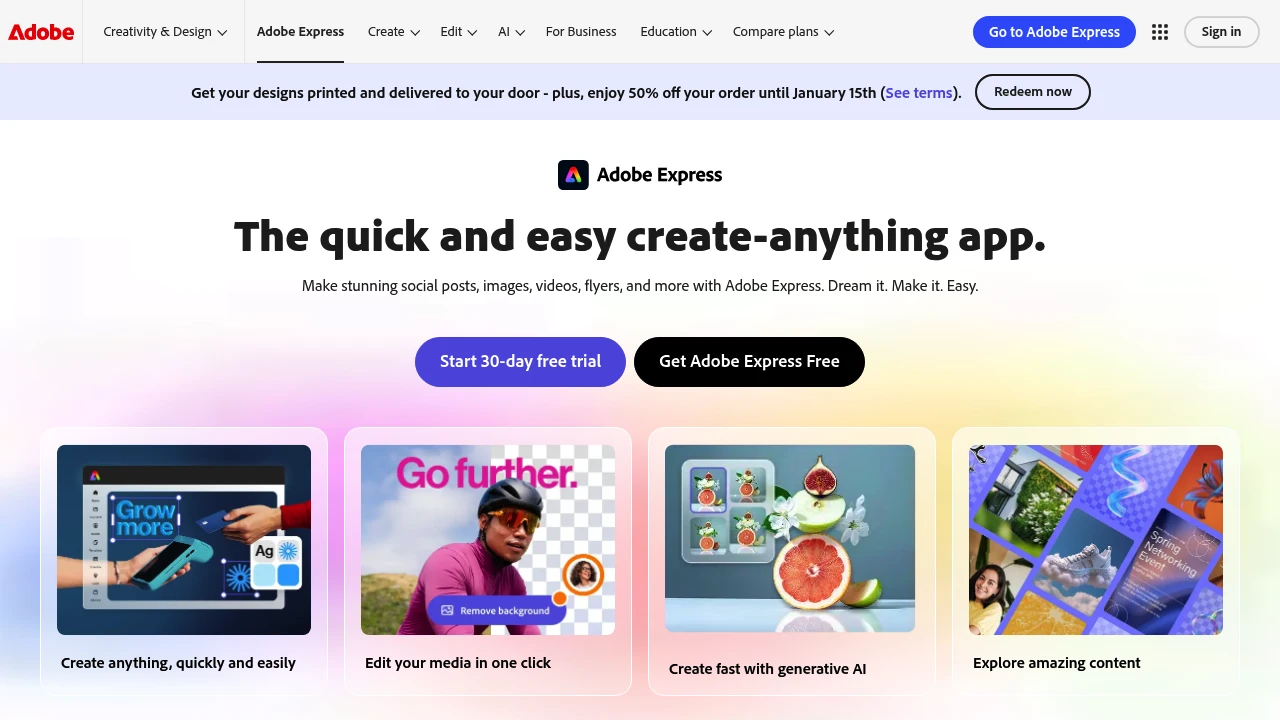
Adobe Express is a design app for people making social posts, promotional graphics, videos, flyers, and documents. It combines templates with photo and video editing in a browser or on a phone. Generative AI helps create and revise visual material alongside conventional editing tools.
Key Highlights
- Templates for social, video, and print content
- Image, video, and document editing
- Generative AI image tools
- Content scheduling for supported social accounts
- Brand kits and resizing on eligible paid plans
What Makes It Different
The app brings several everyday content tasks into one workspace. A creator can start from a template, adapt text and visual elements, and prepare versions for different channels. AI generation is part of the workflow; it does not replace reviewing the design, wording, or asset rights.
Features & Capabilities
Upload media or choose a template, then adjust the layout, images, text, and video. The AI Assistant beta supports prompt-based creation and editing. Other tools help remove backgrounds, generate images, and revise visual content.
Premium features include brand kits, additional assets, and one-click resizing. Scheduling connects the finished material to supported social accounts. Device support, storage, assets, and generative credits vary across plans, so choose the tier around the work you actually publish.
User Ratings and Testimonials
For a useful trial, make a complete post or short video in your usual format. Check text accuracy, visual details, and export quality before adopting the app for client work. Template availability and AI quotas can affect repeated production.
Pricing & Value
- Free: basic editing, selected assets, and limited generative AI access
- Premium: additional assets, brand features, editing tools, and higher allowances
- Business and education: offers depend on eligibility and organization needs
Check current billing and AI quotas before subscribing. The free plan provides a practical starting point for routine design work.

Beautiful.ai helps teams create presentations with AI drafting, Smart Slides, themes, and sharing tools.
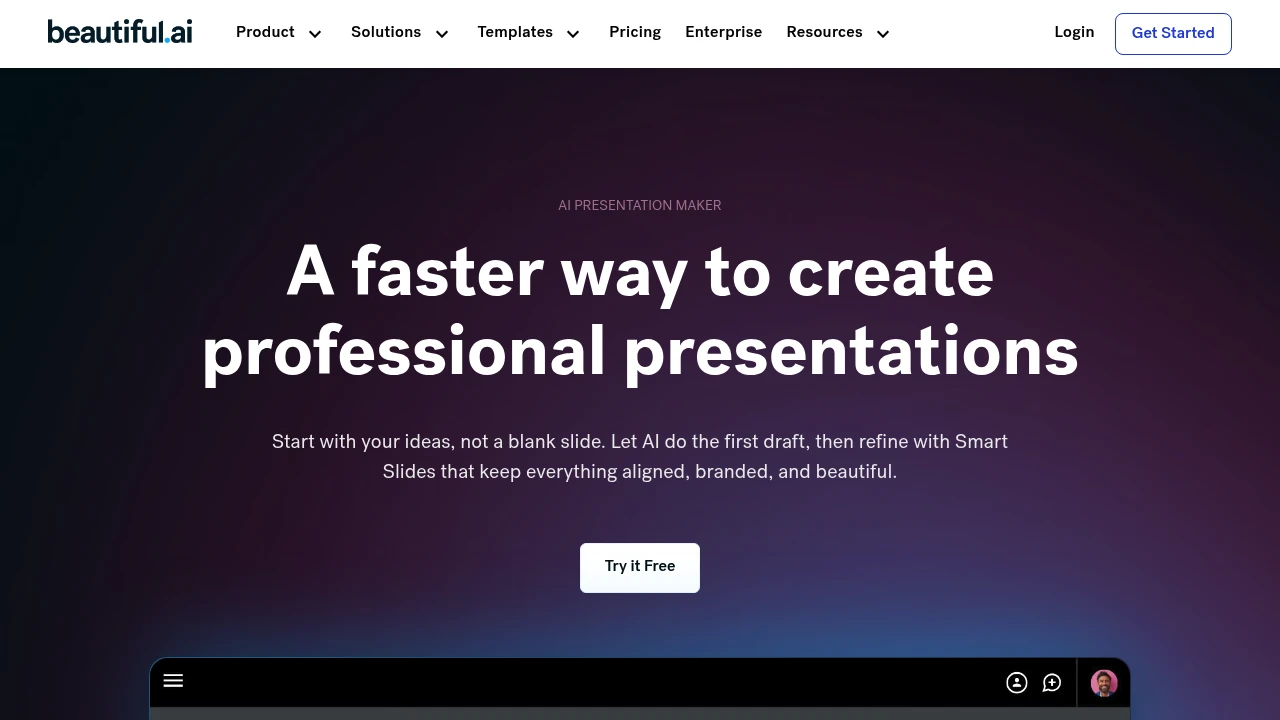
Beautiful.ai is a presentation builder for individuals and teams creating business decks. Its Smart Slides arrange and format content as you edit. You can begin with a prompt, an outline, or a template, then review the story and visual structure before sharing the presentation.
Key Highlights
- Smart Slides that resize and align content
- AI assistance for presentation outlines and content
- Themes with brand colors, fonts, and logos
- Charts, graphs, and other data slide layouts
- PowerPoint import and export on eligible plans
What Makes It Different
Smart Slides provide layout rules rather than leaving every element on a blank canvas. This makes repeated deck formatting more structured. Classic Slides offer a blank starting point when more manual control is needed, so choosing the slide type affects how much layout freedom you have.
Features & Capabilities
Begin with an idea or supplied material, refine the slide outline, and choose a theme. Edit the generated presentation and use layouts for comparisons, timelines, charts, or images. Review figures and claims before presenting them.
Team plans add shared templates, branded themes, and real-time editing. Sharing and analytics options help teams distribute decks and inspect audience engagement, with access depending on the subscription.
User Ratings and Testimonials
Beautiful.ai publishes selected customer accounts from CVENT, IDC, and Paciolan. Treat those experiences as examples of particular workflows. Test a real deck for layout control and export quality before using it for client work.
Pricing & Value
Pro and Team offer a 14-day trial requiring a credit card; it converts to a paid subscription unless canceled. Team costs $50/user/month or $40/user/month billed annually for 2 to 20 seats. Compare collaboration needs with the individual offer before choosing a plan.

Generate and edit images for logos, social posts, and other designs, using templates and shared model credits.
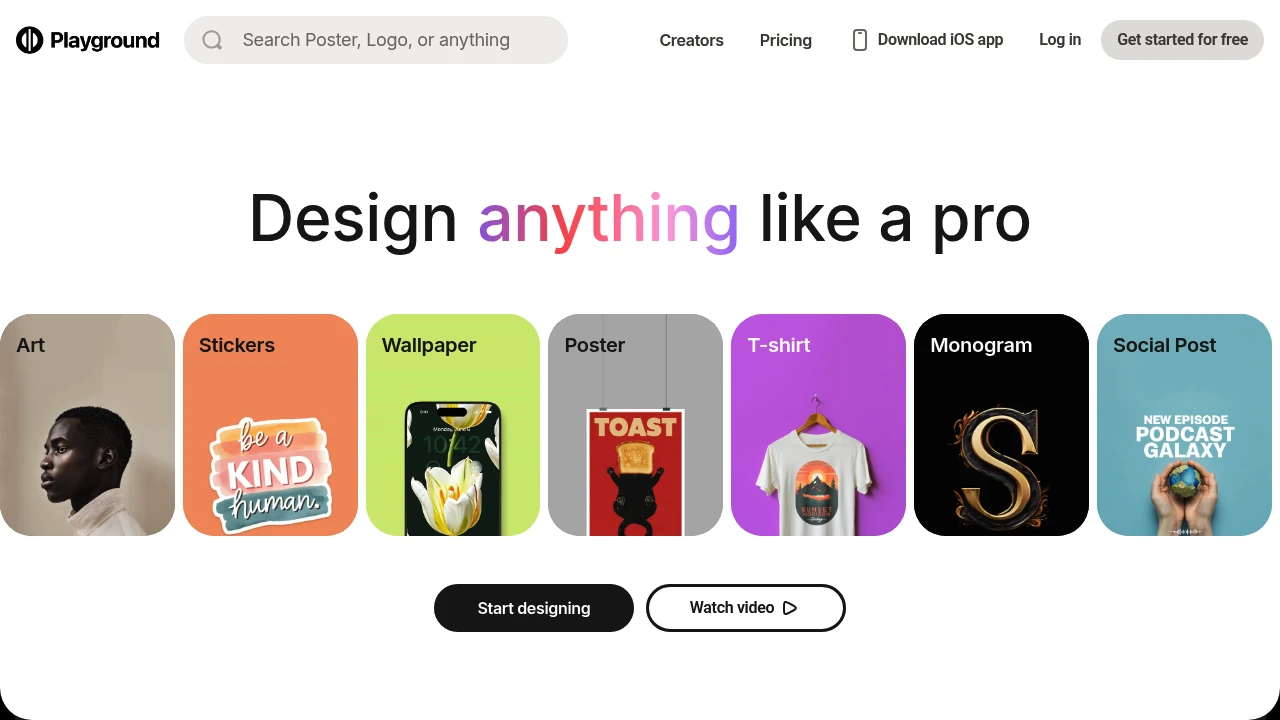
Playground transforms text prompts into high-quality images using advanced AI technology. This creative platform serves artists, designers, and content creators who need professional visuals without traditional design skills. The tool combines image generation with powerful editing features for complete creative control.
Key Highlights
- Generate images from text descriptions in seconds
- Built-in AI editing tools for fine-tuning results
- Commercial usage rights included
- User-friendly interface for all skill levels
- Multiple customization options available
- Free tier with generous image allowance
What Makes It Different
Playground combines image generation with advanced editing capabilities in one platform. Unlike basic AI image tools, it offers supported AI models powered editing features that let users refine and modify their creations. The platform balances accessibility for beginners with advanced options for experienced users.
Features & Capabilities
The platform generates images from text prompts using state-of-the-art AI models. Users can create artwork, marketing materials, social media content, and product mockups. The editing suite includes AI-powered tools for adjusting colors, styles, and compositions. The interface supports both quick generation and detailed customization workflows.
User Ratings and Testimonials
Evaluate representative designs and edits before choosing a plan. Check whether generated text, layout, and image changes meet your requirements. Advanced models share a monthly credit budget, and some models consume more credits per generation. Review both output quality and credit use during testing.
Pricing & Value
- Free: 3 monthly generations shared across the listed advanced models; rolling generation and download limits also apply
- Pro: $15/month, or $12/month billed annually ($144/year), with 150 shared monthly credits
- Pro Plus: $45/month, or $36/month billed annually ($432/year), with 1,000 shared monthly credits
Standard models consume one credit per generation; Nano Banana Pro consumes four. Model-specific tables show maximums if the entire shared budget is used on that model, not separate allowances.

Create editable UI mockups and interactive prototypes from prompts, screenshots, or hand-drawn wireframes.
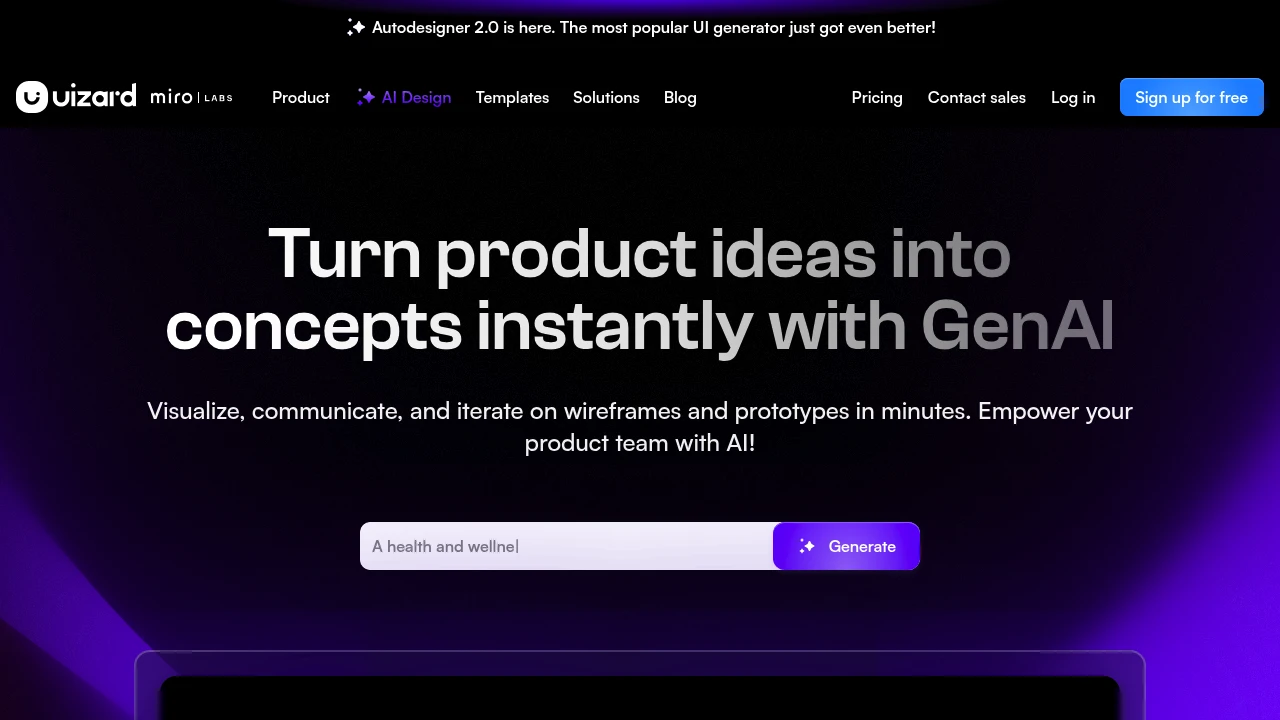
Uizard transforms sketches and ideas into interactive prototypes using AI-powered design tools. This platform helps designers, product managers, and developers create mockups and wireframes without extensive design experience. Teams can iterate on layouts and clickable interactions.
Key Highlights
- AI converts hand-drawn sketches into digital designs
- Drag-and-drop interface for quick prototyping
- Pre-built templates and design components
- Real-time collaboration features
- Export to developer-friendly formats
- Mobile and web app design support
What Makes It Different
Uizard stands out with its sketch-to-design AI technology that reads hand-drawn wireframes and converts them into clickable prototypes. The platform bridges the gap between initial concepts and functional designs, making prototyping accessible to non-designers while still offering professional-grade output.
Features & Capabilities
The platform offers AI-powered design generation, collaborative workspaces, and extensive template libraries. Users can create mockups of mobile apps, web interfaces, and desktop applications with built-in components like buttons, forms, and navigation elements. The tool supports team workflows with commenting, version control, and stakeholder sharing features.
User Ratings and Testimonials
Evaluate generated layouts, interactive links, and developer handoff with a representative interface. A clickable prototype is not a finished application. Check the edits needed for brand requirements and the behavior you want to demonstrate.
Pricing & Value
Uizard offers several pricing plans:
- Free: $0 for students and hobbyists with 3 AI generations per month, 2 projects, and 10 free templates
- Pro: $12 per creator/month billed annually with 500 AI generations per month, Autodesigner 2.0 AI engine, and developer handoff React CSS
- Business: $39 per creator/month billed annually with 5,000 AI generations per month, faster AI generation, and custom brand kit
- Enterprise: Custom pricing with unlimited AI generations, unlimited teams, and design system setup
Pro plan offers 40% savings when billed annually. Business and Enterprise plans are billed annually only.
The free plan gives users a good starting point to test the platform's AI design capabilities before upgrading to paid features.
Looking for alternatives to other popular tools? Check out other posts in the alternatives series and flowtools.co, a directory of best AI tools with filters for tags and categories for easy browsing and discovery.

Gamma creates presentations, documents, and simple web pages from prompts, with editing and sharing tools.
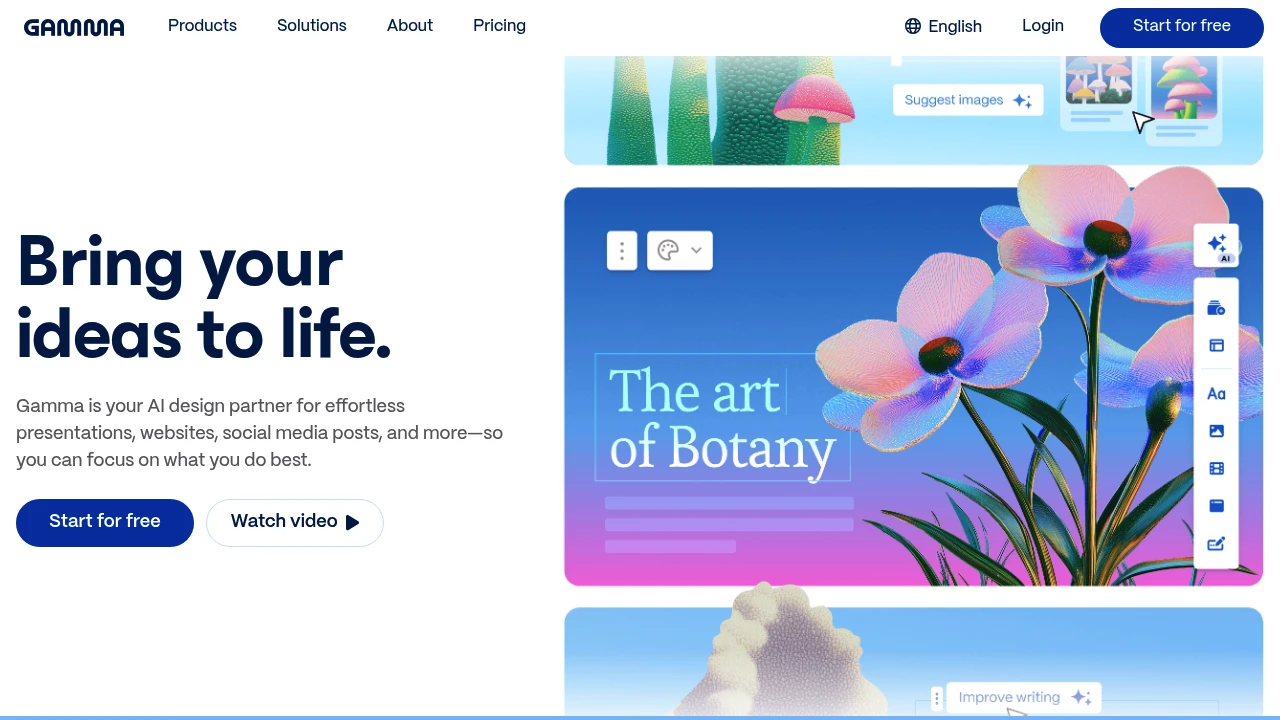
Gamma creates presentation, document, and web-page drafts from prompts or supplied material. Its card-based editor combines text and visual content, letting users revise the structure before presenting or sharing. It serves people preparing business, educational, or other visual communication.
Key Highlights
- AI generates complete presentations from text prompts
- No design experience needed - templates handle the visuals
- Flexible format blends documents and slides
- Real-time collaboration with team members
- Quick export options for sharing and presenting
- Free plan with limited AI usage
What Makes It Different
Gamma breaks the traditional slide-by-slide creation model. Instead of building presentations piece by piece, you describe what you want and the AI creates the entire deck. The platform treats content as flexible cards that work as slides, documents, or web pages depending on your needs.
Features & Capabilities
Gamma provides AI assistance for drafting content and layouts. You input your topic or outline, and it generates structured presentations with relevant visuals. The platform includes built-in templates, stock photos, and design elements that automatically match your content.
The card-based system lets you rearrange content easily. Each card can contain text, images, videos, or interactive elements. You can present in full-screen mode or share as a web link that viewers can scroll through like a document.
User Ratings and Testimonials
Test a deck with your own outline and data. Review generated facts, visual hierarchy, and exports before presenting. A useful draft can still need editing, and plan allowances affect how much iteration is available.
Pricing & Value
Free creates up to 10 slides per prompt and supports imports and exports. Plus raises the limit to 100 slides per prompt, removes Gamma branding, and adds advanced image models. Pro adds premium image models, API access, analytics, and custom branding. Ultra increases AI usage and access to advanced models.
AI usage remains subject to plan limits. Compare the selected billing offer and expected number of revisions before subscribing.
This month’s top products
Ranked by total paid bids this month.
Similar proprietary alternatives:

 bisibility — Free beta: Track your website’s keywords, Google rankings, Search Console insights, and share of voice.


