Prezi Alternatives
A curated collection of the 4 best alternatives to Prezi.
The best alternative to Prezi is Plus AI. If that doesn't suit you, we've compiled a ranked list of other Prezi alternatives to help you find a suitable replacement. Other interesting alternatives to Prezi are: beautiful.ai, Gamma and Canva AI.
Prezi alternatives are mainly AI Presentation Maker tools but may also be AI Design tools. Browse these if you want a narrower list of alternatives or looking for a specific functionality of Prezi.


Plus AI creates and edits slide decks inside Google Slides and PowerPoint for teams, consultants, and educators.
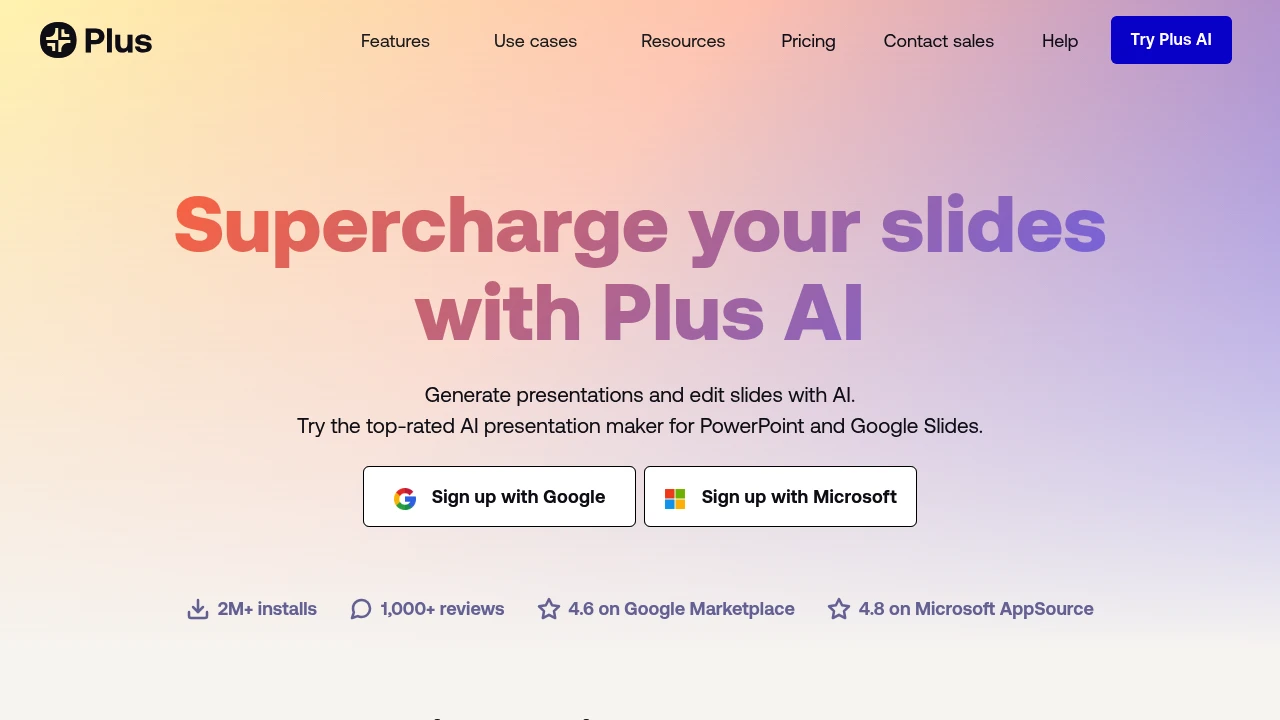
Plus AI is a presentation maker for Google Slides and PowerPoint. It creates, rewrites, and reformats decks without a separate app. Start from prompts or files.
Key Highlights
- Generates presentations from prompts, presets, or files
- Converts PDFs, Word, PowerPoint, and text into decks
- Works inside Google Slides and PowerPoint
- Rewrites, summarizes, and remixes existing slides
- Adds AI images, icons, charts, editable tables, branding, and team templates
What Makes It Different
Plus AI's main difference is where it works. Many AI presentation tools make you build in a separate editor and export later, while Plus AI creates native Google Slides presentations and PowerPoint files. Custom instructions, reusable presets, custom branding, imported templates, and enterprise slide libraries help teams keep decks on brand.
Features & Capabilities
The core workflow starts with a prompt, a preset, or an uploaded document. Plus AI can generate a deck, insert one slide, rewrite text, remix a rough slide into a chosen layout, and translate or draft in nearly any language.
For visual work, it can generate images, add icons, and turn data into charts or editable tables. Team adds logos, colors, fonts, shared presets, and custom instructions. Enterprise adds custom template conversion, asset libraries, SSO, user management, and onboarding. The pricing FAQ also mentions a PowerPoint API, Zapier, and an MCP server.
User Ratings and Testimonials
Plus AI cites 2M+ installs, 1,000+ reviews, a 4.6 rating on Google Marketplace, and a 4.8 rating on Microsoft AppSource. Testimonials praise the Google Slides and PowerPoint integrations, Remix, and turning outlines or detailed prompts into usable structure.
Plus AI does not publish a complaint summary. Limits include credit caps on Basic, Pro, and Team plans. The 7-day trial requires a credit card and bills automatically if not canceled.
Pricing & Value
- Basic: $10/user/month billed annually, or $15 monthly, with 1,500 AI credits, generation, single-slide insert, rewrite, and remix
- Pro: $20/user/month billed annually, or $25 monthly, with 3,000 AI credits, document uploads, 100K+ character prompts, AI images, and unlimited team members
- Team: $30/user/month billed annually, or $40 monthly, with 6,000 AI credits, custom branding, advanced image models, shared presets, and custom instructions
- Max: $200/user/month billed annually, or $240 monthly, with unlimited AI credits and priority email support
- Enterprise: custom pricing for custom templates, asset libraries, automated workflows, SSO, user management, and onboarding
All plans start with a 7-day free trial that includes 1,000 AI credits and access to both Google Slides and PowerPoint.
Looking for alternatives to other popular tools? Check out other posts in the alternatives series and flowtools.co, a directory of best AI tools with filters for tags and categories for easy browsing and discovery.

Start with your ideas, not a blank slide. Let AI do the first draft, then refine with Smart Slides that keep everything aligned, branded, and beautiful.
 Read more
Gamma is your AI design partner for effortless presentations, websites, social media posts, and more—so you can focus on what you do best.
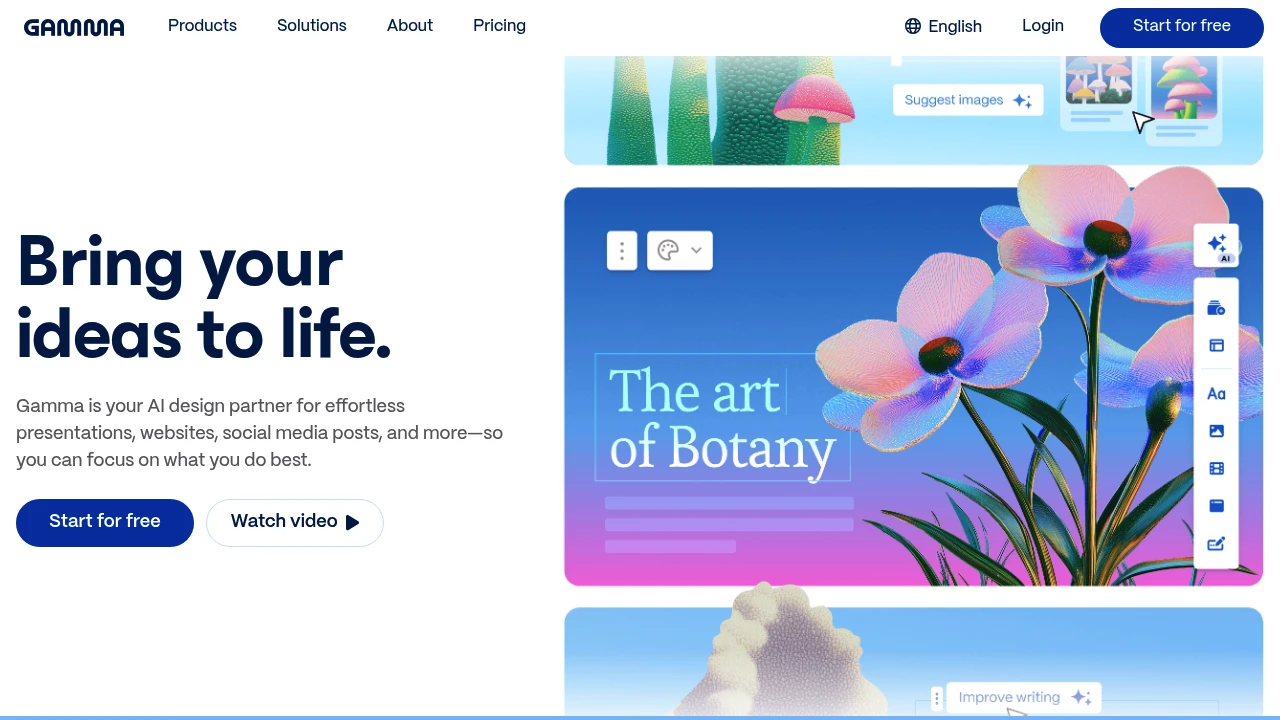
Gamma is the presentation tool that finally makes design skills optional. This AI-powered platform creates beautiful presentations, documents, and web pages from simple text prompts. It targets professionals who need polished content fast without wrestling with complex design software.
Key Highlights
- AI generates complete presentations from text prompts
- No design experience needed - templates handle the visuals
- Flexible format blends documents and slides seamlessly
- Real-time collaboration with team members
- Quick export options for sharing and presenting
- Free plan available with generous AI credits
What Makes It Different
Gamma breaks the traditional slide-by-slide creation model. Instead of building presentations piece by piece, you describe what you want and the AI creates the entire deck. The platform treats content as flexible cards that work as slides, documents, or web pages depending on your needs.
Features & Capabilities
Gamma's AI handles the heavy lifting of content creation and design. You input your topic or outline, and it generates structured presentations with relevant visuals. The platform includes built-in templates, stock photos, and design elements that automatically match your content.
The card-based system lets you rearrange content easily. Each card can contain text, images, videos, or interactive elements. You can present in full-screen mode or share as a web link that viewers can scroll through like a document.
User Ratings and Testimonials
Gamma has an average rating of 4.6 out of 5 stars from 172 reviews on Product Hunt.
Users praise the tool for saving time on presentation creation and making beautiful decks without design skills. They like the flexible format that blends documents and slides.
Many find it easy to use with great collaboration features. The AI-powered content generation gets positive feedback for creating outlines and adding visuals quickly.
Some users report serious customer support issues with refund requests being ignored. A few mention receiving only automated responses instead of human support. There are complaints about the company not honoring their stated refund policies.
Pricing & Value
Gamma offers several pricing plans:
- Free: Includes 400 AI credits at signup, basic AI image generation, and up to 10 cards with 50,000 AI token inputs.
- Plus: $10/month for unlimited AI creation, advanced AI image generation, and up to 20 cards with 100,000 AI token inputs.
- Pro: $20/month with premium AI image generation, advanced AI editing operations, and up to 60 cards plus API access and custom branding features.
Save up to 25% with yearly plans.
The Free plan offers no credit card required signup with unlimited users and basic export options.
Gamma stands out for AI-powered presentation creation with both no-code simplicity and API integration for developers.

With Canva you can design, generate, print, and work on anything.
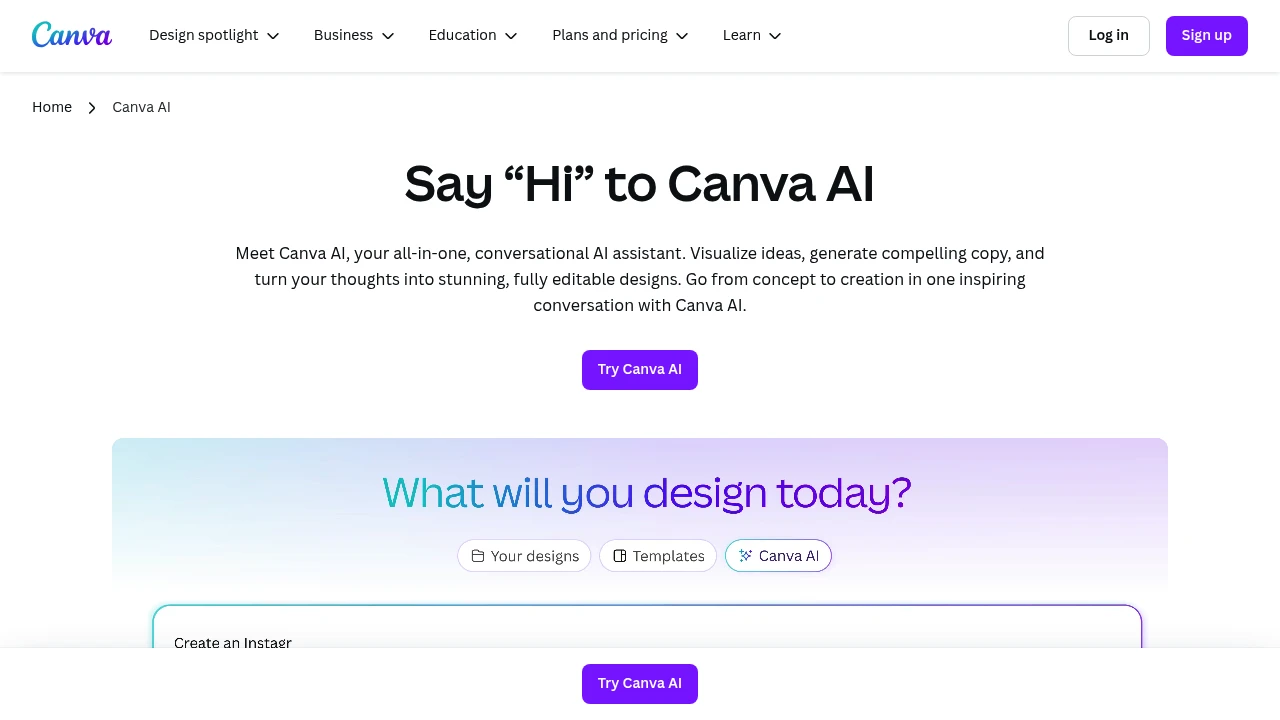
Canva AI combines smart design automation with an easy-to-use interface that anyone can master. This platform helps users create professional graphics, presentations, and marketing materials using AI assistance and thousands of templates.
Key Highlights
- AI-powered content creation - Generate text, images, and designs with simple prompts
- 2M+ professional templates - Ready-made designs for every business need
- Drag-and-drop simplicity - No design experience required
- Team collaboration tools - Share and edit projects in real-time
- Multi-format export - Create content for social media, print, and web
- 140M+ media assets - Huge library of photos, videos, and graphics
What Makes It Different
Canva AI stands out by making professional design accessible to everyone. Most design tools require technical skills or expensive software. Canva AI removes these barriers with its intuitive interface and smart automation. The platform combines design creation with AI content generation in one place, saving time and reducing the need for multiple tools.
Features & Capabilities
Canva AI offers comprehensive design and content creation tools. Users can generate custom graphics, write marketing copy, create presentations, and design social media posts.
The AI assistant helps with brainstorming, content suggestions, and automatic resizing for different platforms. The platform supports video editing, photo enhancement, and brand kit management.
Integration options include social media scheduling and team workflow management.
User Ratings and Testimonials
Canva AI has an average rating of 4.7 out of 5 stars from over 4,374 reviews on G2.
People love how easy Canva is to use. They can create professional designs quickly without design skills. The templates and drag-and-drop features make it simple. Many find the AI tools helpful for creating content fast. Team collaboration works well for sharing projects.
Some say the free version is limited. Premium features cost extra which can be expensive. The mobile app runs slow sometimes. Advanced users want more customization options. Files can get too large for social media use.
Pricing & Value
Canva AI offers several pricing plans:
- Free: $0/month with drag-and-drop editor, 2M+ templates, and basic AI features
- Pro: $15/month with unlimited premium templates, 140M+ media assets, and 25+ AI tools including video clips
- Teams: $10/month per person (minimum 3 people) with brand management, real-time collaboration, and team reports
- Enterprise: Custom pricing with advanced security, SSO, and dedicated support
Pro and Teams plans include free trials.
Canva offers 16% savings on yearly subscriptions and special education pricing.
The main value of Canva AI is its ability to combine design creation with AI-powered content generation in one simple platform.
Similar proprietary alternatives:

 bisibility — Free beta: Track your website’s keywords, Google rankings, Search Console insights, and share of voice.


