
Bluedot
Bluedot records online and in-person meetings, then creates transcripts, summaries, and CRM-ready notes for teams.
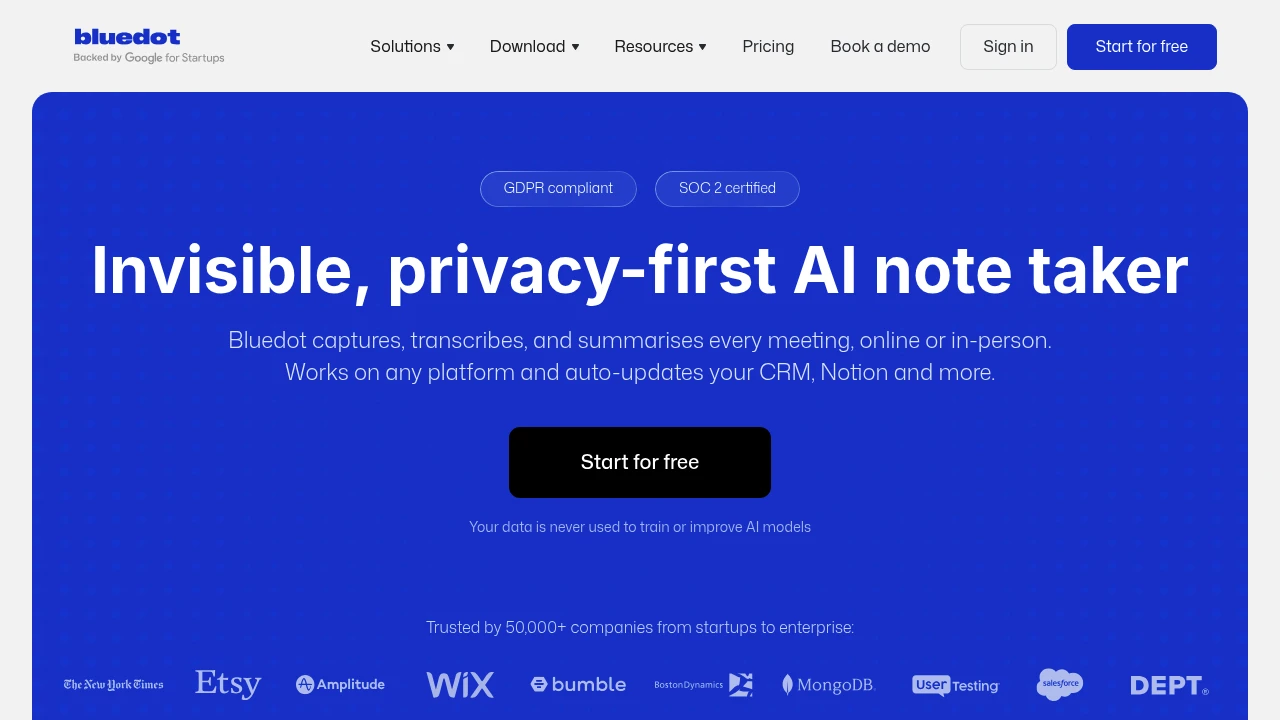
Bluedot is an AI meeting recorder for teams that need searchable records without adding a bot to the call. It records online meetings, phone calls, and in-person conversations, then creates transcripts, summaries, action items, and CRM or ATS-ready notes.
Key Highlights
- Bot-free capture for Zoom, Google Meet, Microsoft Teams, Webex, Slack huddles, phone calls, and in-person meetings
- Transcripts, summaries, action items, and notes in 100+ languages
- AI chat for answers across past meetings
- Chrome, web, Mac, Windows, mobile, tablet, and Apple Watch apps
- CRM, ATS, Notion, Slack, Zapier, Make, API, and MCP workflows
- GDPR compliant, SOC 2 certified, and customer data is not used for model training
What Makes It Different
Most AI note takers join as another meeting participant. Bluedot records from the Chrome extension, desktop app, or mobile device instead, without a visible bot or calendar access.
It also treats offline conversations as meetings. Phone calls, interviews, and on-site discussions get the same transcripts, summaries, clips, comments, and search.
Features & Capabilities
During a meeting, Bluedot records the conversation and produces a transcript, summary, action items, and notes for Q&A, sales calls, customer check-ins, and recruiting interviews. It is built to handle speaker identification, technical terms, to-dos, and abbreviations.
Afterward, teams can search recordings, ask AI chat for answers, share links, comment on key moments, and clip highlights. Notes and tasks can sync into CRMs, ATSs, Notion, Slack, Zapier, Make, and other tools through integrations, API, and MCP.
User Ratings and Testimonials
Bluedot cites 50,000+ companies and customer comments from recruiting, sales, engineering, and customer success teams. Users praise less manual note-taking, clearer follow-up, searchable decisions, and automatic CRM or ATS updates.
Key caveats: Free covers only 5 lifetime meetings, Basic is audio-only, and CRM/ATS integrations, SSO, SCIM, retention, and org-wide MCP or webhooks require Business.
Pricing & Value
- Free: $0/user/month, 5 lifetime meetings, 1 hour max per recording, Chrome extension, desktop/mobile apps, Slack, Notion, Zapier, and Make
- Basic: $18/user/month monthly, or $14/user/month annually, with unlimited audio-only meetings, storage, webhooks, and MCP
- Pro: $25/user/month monthly, or $20/user/month annually, with video, unlimited duration, templates, and Zoom or Google Drive imports
- Business: $39/user/month monthly, or $32/user/month annually, with CRM/ATS integrations, admin controls, SSO, SCIM, retention, org-wide MCP and webhooks, and unlimited imports
Bluedot charges only users who record meetings, bills added paid users prorated, and offers a flat-rate company plan.
FAQs
Yes. Bluedot has a free plan with 5 lifetime meetings and a 1 hour limit per recording. Paid plans unlock unlimited recording.
It records from a browser, desktop app, or mobile device, then turns audio into transcripts, summaries, action items, and searchable notes.
Bluedot says it is GDPR compliant, SOC 2 certified, and does not use customer data to train or improve AI models.
Yes. Bluedot lists phone calls, Zoom, Google Meet, Microsoft Teams, Slack huddles, browser calls, and in-person meetings.
Plans start with a $0 free plan. Paid monthly plans are Basic at $18/user/month, Pro at $25, and Business at $39.

You might also like
 bisibility — Free beta: Track your website’s keywords, Google rankings, Search Console insights, and share of voice.

