
Cua
Computer-use infrastructure lets developers run AI agents in shared desktops on their own machines or cloud VMs.
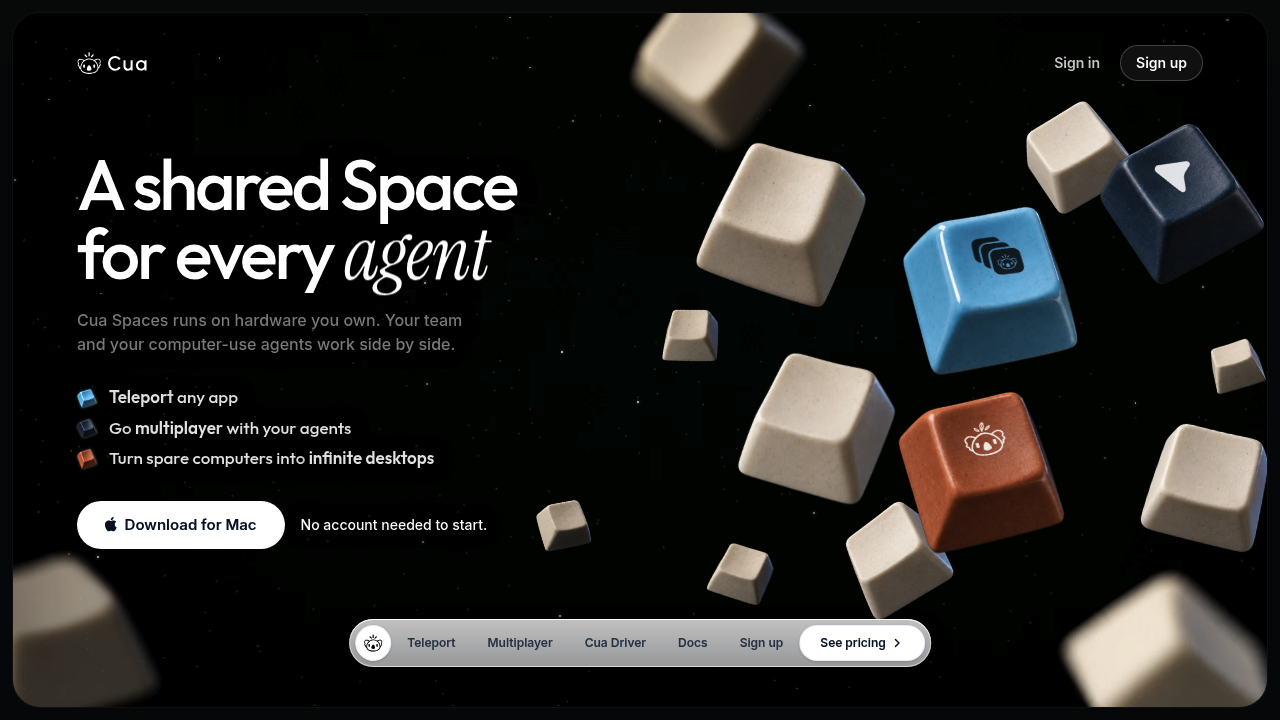
Cua provides computer-use infrastructure for developers and teams working with AI agents. Its Spaces are full desktops in virtual machines or containers on your machines or cloud account. People can watch agents use native apps and take over when needed.
Key Highlights
- Shared desktops with a cursor for each person and agent
- Agent connections through MCP
- Teleport moves approved app sessions into a Space
- Cua Driver controls macOS, Windows and Linux apps
- Lume runs local macOS virtual machines
What Makes It Different
Cua joins desktop environments, app control and human supervision. Spaces manages shared desktops, Driver handles computer interaction and works independently, and Lume supplies local macOS VMs. Spaces is source-available under FSL-1.1-MIT; Driver and Lume use MIT.
Features & Capabilities
Start a Space on a Mac, connect another machine, or use your own cloud. Connect Claude Code or Codex through Cua MCP, then watch the desktop and step in with your own cursor.
Teleport transfers an app's tabs, profile and sign-ins after consent. Sensitive items require Touch ID or a password. macOS Spaces require Apple silicon; Linux Spaces use Docker or Podman.
User Ratings and Testimonials
For a practical evaluation, try a native-app workflow and a human handoff on your target OS. The Windows app is in preview. Expiring share links and 90-day audit history are coming soon, so assess the current sharing tools against your needs.
Pricing & Value
- Free: $0, sharing and Teleport, with 2 live relay sessions and 20 relay hours/month.
- Pro: $12/month or $120/year for one person, with 5 live sessions and 200 relay hours/month.
- Teams: $30/seat/month or $300/seat/year, with a 2-seat minimum. Each seat adds 5 sessions and 200 relay hours/month to the team pool. Includes shared machines, roles and device approval.
These plans cover the app, sharing and relay access. Cloud machines are billed separately by your provider; direct connections do not use relay allowances. Start with Free to assess your workflow before paying for more relay capacity.

You might also like
 bisibility — Free beta: Track your website’s keywords, Google rankings, Search Console insights, and share of voice.

