
Elai
Elai helps training and business teams create AI avatar videos from scripts, links, slides, and screen recordings.
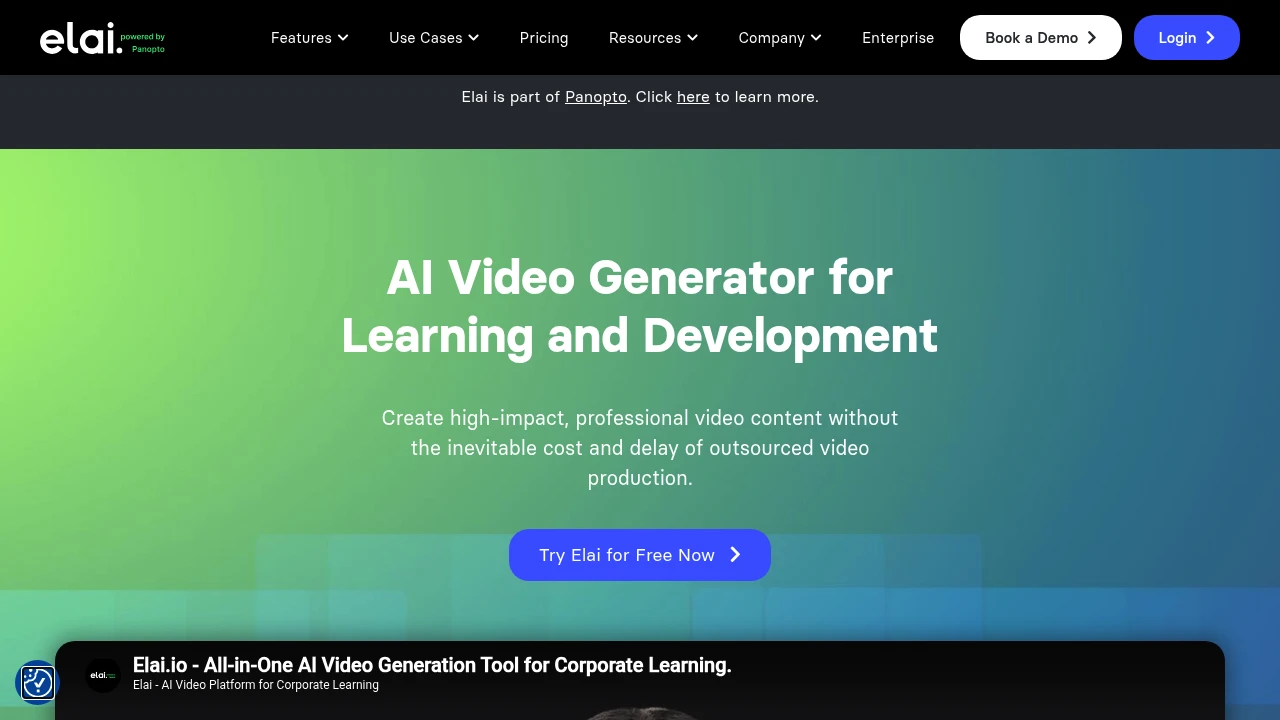
Elai is an AI video generator for learning and development teams making business, training, compliance, sales, how-to, and explainer videos. It turns scripts, articles, PPTX files, and screen recordings into narrated avatar videos, so teams can update training content without booking a studio.
Key Highlights
- 80+ AI avatars, plus custom avatar options
- Voice cloning in 28 languages
- Video translation across 75+ languages and 450+ accents
- PPTX-to-video, article-to-video, AI storyboard, and screen recording
- Branching, buttons, hotspots, quizzes, and analytics
- Public API on paid plans
What Makes It Different
Elai is more training-focused than a generic avatar clip maker. It fits teams that start with a policy doc, slide deck, course outline, or support article and need a narrated learning asset.
The interactive layer is the other differentiator. Branching, clickable elements, quizzes, and two-avatar dialogs support scenario-based lessons where viewers need to choose, answer, or follow a path.
Features & Capabilities
You can start with a script, URL, PPTX upload, AI storyboard, or screen recording. After choosing an avatar, voice, template, and layout, Elai renders a video with editable slides and avatar narration.
Localization is built into the workflow. Teams can clone a voice in 28 languages, translate videos in a few clicks, and use the avatar, voice, language, and template libraries. Higher plans add 4K video, premium voices, brand assets, custom fonts, SCORM export on Enterprise, and API access on paid plans.
User Ratings and Testimonials
Elai includes customer quotes but does not publish an independent average rating. Users praise browser-based editing, simple text-to-video creation, PPTX-to-video, and fast training video production. The pricing FAQ shows one practical constraint: minutes are deducted on every render, including rerenders, and deleted projects do not restore credits.
Pricing & Value
- Free: $0, with 1 user, 1 video minute, 80+ avatars, 75+ languages, and Creator features
- Creator: $29/month, or $23/month billed annually, with 1 user, 15 minutes per month, Full HD, and the avatar, voice, and language library
- Team: $125/month, or $100/month billed annually, with 50 minutes per month, 3 editors, 3 guests, custom assets, 4K, premium voices, and 1 selfie avatar plus 1 voice clone on annual billing
- Enterprise: custom pricing, with unlimited users, workspaces, SSO, premium avatars, brand kit, premium support, 3 voice clones, and 3 selfie avatars
Extra minutes cost $2 on paid subscriptions. The free plan is enough for a short test; recurring training production will usually need Creator or Team.

FAQs
Yes. Elai has a free plan with 1 user, 1 video minute, 80+ avatars, and 75+ languages. Paid plans add more monthly minutes.
You enter a script, link, or slide deck, choose an AI avatar and voice, then render a narrated video using your plan's minutes.
Synthesia and HeyGen are close alternatives for AI avatar videos, especially for business and training use cases.

You might also like
 bisibility — Free beta: Track your website’s keywords, Google rankings, Search Console insights, and share of voice.

