
quso.ai
quso.ai turns long videos into short clips, captions, social posts, and schedules for creators and teams.
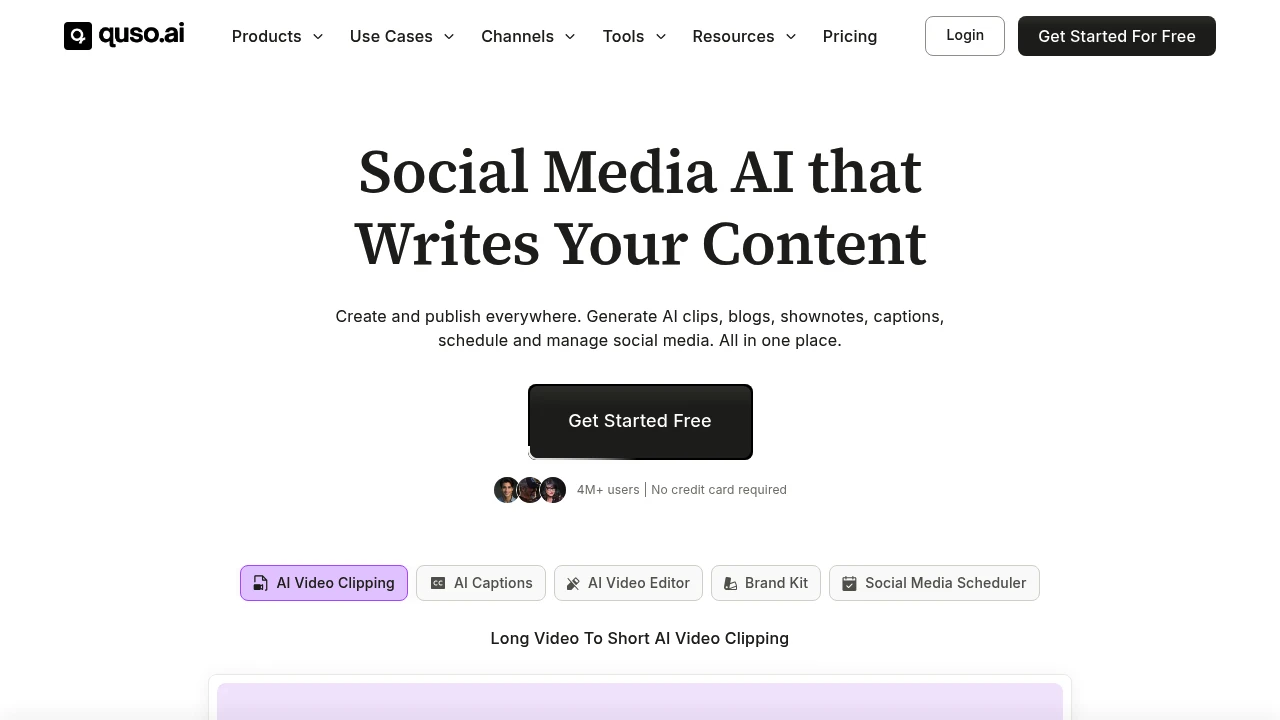
quso.ai is an AI video clipping, editing, and social media scheduling platform formerly known as vidyo.ai. It is built for coaches, podcasters, business owners, creators, and marketing teams that want to turn long videos into short clips, captions, posts, blogs, and shownotes.
Key Highlights
- Long video to short clip generation for Reels, TikTok, Shorts, and social posts
- AI captions and subtitles with animated styles in English, Spanish, German, and French
- Text-based video editing with logos, fonts, b-roll, music, templates, and brand assets
- Social media scheduling across 7 platforms
- AI writing tools for blogs, shownotes, social captions, hooks, hashtags, and video ideas
What Makes It Different
quso.ai is not only a clip generator. The site positions it as a broader Social Media AI suite that combines clipping, editing, captioning, content planning, analytics, and publishing.
The former vidyo.ai angle also matters. Its source says the product expanded from AI video editing and clipping into social media management, so the workflow covers creation and distribution.
Features & Capabilities
The main workflow starts with a long video upload or import. quso.ai can create clips and chapters, add captions, resize video, remove filler words and silence, generate transcripts, and create shownotes, blogs, metadata, captions, and hashtags.
For publishing, quso.ai connects to TikTok, YouTube, LinkedIn, Pinterest, Facebook, Instagram, and Twitter (X). Paid tiers add scheduling, bulk publishing, analytics, custom templates, brand kits, storage, stock media, and folder management.
User Ratings and Testimonials
quso.ai does not publish a third-party average rating. quso.ai claims 4M+ users and includes testimonials from coaches, podcasters, founders, and marketing teams who praise faster repurposing, clip selection, and posting output.
The practical limits are visible in the plan details. The free plan includes a watermark, 720p render quality, and 75 credits per month. Language support is listed as English, Spanish, German, and French.
Pricing & Value
- Free: $0/month hosted plan, 75 credits per month, 720p quality, AI clips and captions, YouTube chapters, TikTok publishing, and a watermark
- Lite: $24/month, with AI clips, captions, AI video generator, resizing, and unlimited 1080p exports
- Essential: $32/month, adding 10+ AI tools, filler and silence removal, AI Influencer, AI Writer, planner, and scheduling
- Growth: $40/month, adding unlimited social scheduling, bulk publishing, analytics, templates, brand kit, and priority support
- Custom: listed from $42 to $83/month when billed annually, with higher monthly minute limits and Growth features
The plan cards support a free hosted entry point and paid tiers for heavier clipping, branding, scheduling, and analytics.


FAQs
It turns long videos into short clips, adds captions, creates social copy, and schedules posts across major social platforms.
Its privacy policy lists account, payment, device, usage, support, location, and uploaded video data, with anonymized video shared for AI features.
Yes. The site says it is beginner-friendly, with an intuitive workflow for clipping, editing, captions, and scheduling.
Yes. It has a free plan with 75 credits per month, 720p exports, AI clips, captions, TikTok publishing, and a watermark.
Its site highlights 4M+ users and creator testimonials. The free hosted plan has credits, a watermark, and lower render quality.

You might also like
 bisibility — Free beta: Track your website’s keywords, Google rankings, Search Console insights, and share of voice.
