
Skyvern
Skyvern is an AI browser automation platform for teams that need reliable workflows across sites without APIs.
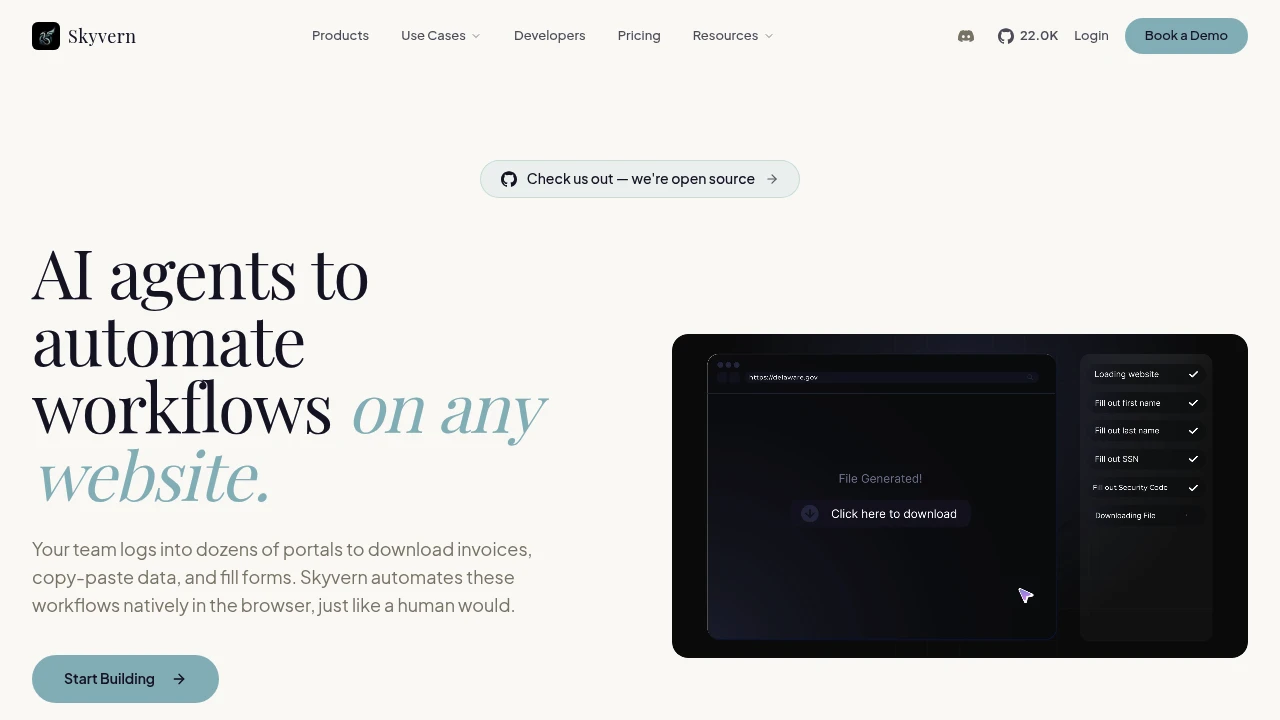
Skyvern is an AI browser automation platform for websites without reliable APIs. It helps operations teams and developers log into portals, fill forms, download documents, and extract structured data through repeatable workflows built for changing layouts, authentication, CAPTCHAs, and proxies.
Key Highlights
- Automates logins, forms, document downloads, data extraction, and browser QA
- Handles CAPTCHA, 2FA / TOTP, credentials, and proxy targeting on higher plans
- Offers Copilot Chat, SOP upload, browser recording, a visual builder, and SDKs
- Supports Python and TypeScript SDKs, webhooks, MCP readiness, and Docker self-hosting
- Integrates with tools such as Zapier, Make, Clay, n8n, and Workato
What Makes It Different
Skyvern is built for browser work that breaks selector-based automation. Instead of depending only on DOM selectors or XPath paths, it combines vision, LLM reasoning, and executable browser actions so workflows can adapt to UI changes.
It also bridges no-code workflow building and developer control. Users can describe, upload, or record workflows, while engineers can call SDKs, self-host, and connect events.
Features & Capabilities
You can build workflows with Copilot Chat, SOP upload, browser recording, or the visual builder. Skyvern can download and parse documents, classify files, extract JSON or CSV data, submit forms, pull product or pricing data, and run browser tests.
For production use, Skyvern adds CAPTCHA solving, 2FA / TOTP flows, residential and datacenter proxies, country or city-level geo-targeting, stored credentials, 1Password, Bitwarden, Azure Key Vault, webhooks, and event streaming. Teams that need control over hosting can run Docker containers.
User Ratings and Testimonials
Skyvern does not list a public third-party average rating. Its public proof points include customer logos and 20,500+ GitHub stars. The practical caveat is plan gating: advanced CAPTCHA, 2FA / TOTP, team workspaces, and residential proxies start on Pro, while HIPAA, SOC 2 reports, custom code blocks, and human-in-the-loop workflows are Enterprise.
Pricing & Value
- Free: $0/month, 5,000 credits/month, 1 concurrent run, webhooks, country geo-targeting, and community support
- Hobby: $29/month, 30,000 credits/month, 10 concurrent runs, basic CAPTCHA, stored credentials, and email support
- Pro: $149/month, 150,000 credits/month, 25 concurrent runs, advanced CAPTCHA, team workspaces, 2FA / TOTP, 1Password, residential proxy, city-level geo-targeting, and priority support
- Enterprise: Custom pricing, unlimited credits and runs, HIPAA support, SOC 2 reports, dedicated Slack, Azure Key Vault, Bitwarden, custom code blocks, and human-in-the-loop workflows
Free works for evaluation. Pro is the entry point for team, authentication, and proxy features.
FAQs
It automates browser tasks such as logins, form fills, document downloads, data extraction, and workflows on sites without APIs.
Skyvern is built for production workflows, with SDKs, webhooks, CAPTCHA handling, 2FA, proxies, and team plans.
Yes. Skyvern has an AGPL-licensed open-source project and a hosted cloud service with free and paid plans.
Use the Python or TypeScript SDKs, or run the self-hostable Docker containers for an on-premise setup.

You might also like
 bisibility — Free beta: Track your website’s keywords, Google rankings, Search Console insights, and share of voice.

