Flowise
Flowise is an open source visual builder for teams creating AI agents, chatbots, and LLM workflows.
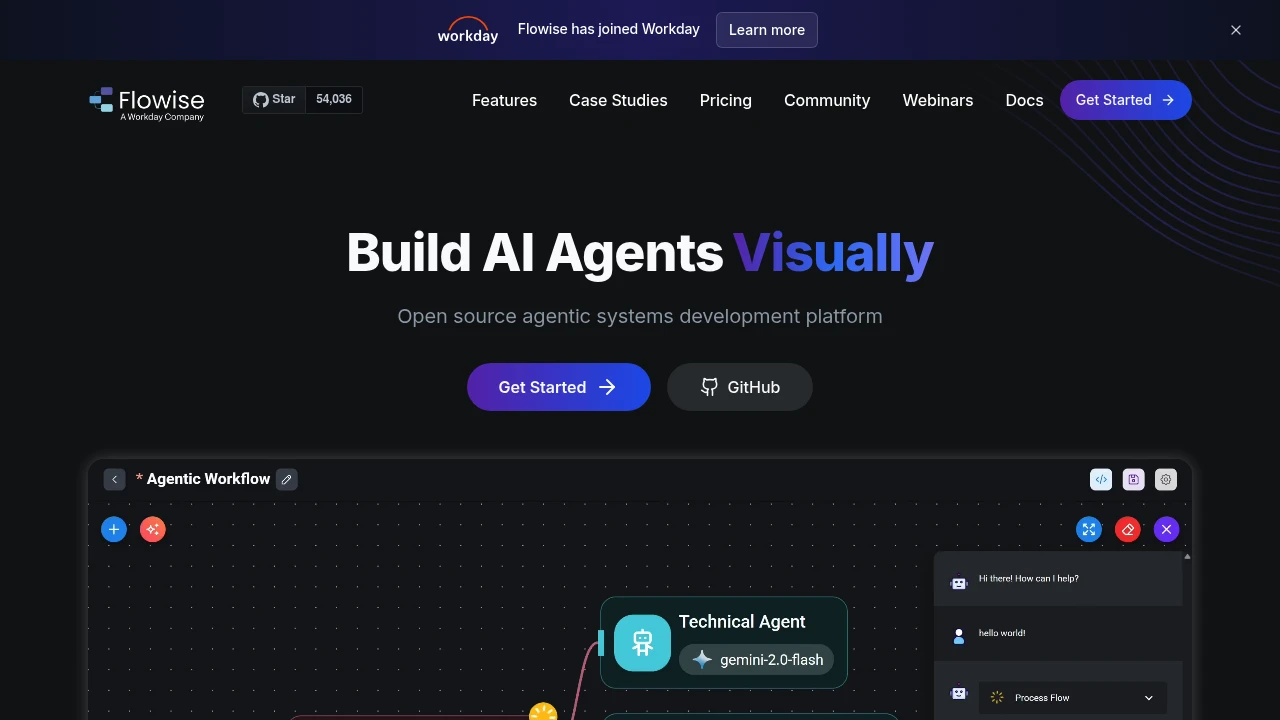
Flowise is an open source visual platform for building AI agents, LLM workflows, and chat assistants. It fits developers and AI teams that want a canvas for agents plus APIs, SDKs, embedded chat, and deployment control. Teams can start locally with npm, use hosted plans, or deploy in cloud and on-prem environments.
Key Highlights
- Agentflow for coordinated multi-agent workflows
- Chatflow for chat assistants with tool calling and RAG
- Human in the Loop review steps for tasks needing approval
- Execution Traces with Prometheus, OpenTelemetry, and other observability tools
- APIs, embedded chat, TypeScript and Python SDKs, 100+ LLM, embedding, and vector database integrations
What Makes It Different
Flowise sits between hosted chatbot tools and fully custom LLM application code. The visual canvas models agentic systems as modular blocks, while APIs and SDKs connect flows to products.
Flowise has joined Workday, but public positioning still centers on open source development, local npm startup, and cloud or on-prem deployment. That suits teams that want a visual builder without losing hosting choices.
Features & Capabilities
Teams build in Agentflow for multi-agent systems or Chatflow for single-agent assistants and chatbots. Chatflows support tool calling and RAG from different data sources, while review steps keep people in the loop before sensitive tasks finish.
For integrations, Flowise exposes prediction APIs, an embedded chatbot widget, and TypeScript and Python SDKs. Production setups can use many model, embedding, and vector database options, message queues and workers for scale, and execution traces for monitoring.
User Ratings and Testimonials
No public average rating is listed. Flowise highlights customer stories from embedded analytics, digital human, fleet copilot, internal assistant, healthcare, and developer experience teams. Users praise quick prototyping and LLM chain visualization. The hosted Free plan is limited to 2 flows and 100 predictions per month.
Pricing & Value
- Free: $0/month, 2 flows and assistants, 100 predictions/month, 5MB storage, evaluations and metrics, custom embedded chatbot branding, and community support
- Starter: $35/month, unlimited flows and assistants, 10,000 predictions/month, 1GB storage, and community support
- Pro: $65/month, 50,000 predictions/month, 10GB storage, unlimited workspaces, 5 users, extra users at $15/user/month, admin roles and permissions, and priority support
Free works for demos. Starter is the first practical hosted plan for regular use, while Pro adds team capacity and priority support.
FAQs
Yes. Flowise has a hosted Free plan at $0/month with 2 flows, 100 predictions/month, and 5MB storage. It is also open source.
Both are visual LLM builders. Flowise emphasizes Agentflow, Chatflow, APIs, SDKs, embedded chat, and cloud or on-prem deployment.
No. Flowise is not an MCP itself. It is an open source visual builder for AI agents and LLM workflows.
It is built for visual building, with modular blocks and npm startup commands. Production work still needs LLM and deployment setup.
Teams use it to build multi-agent workflows, RAG chatbots, tool-calling assistants, embedded chat, and production LLM apps.

You might also like
 bisibility — Free beta: Track your website’s keywords, Google rankings, Search Console insights, and share of voice.