
Google AI Studio
A browser workspace for developers to test Gemini prompts, tune model settings, and turn prototypes into API code.
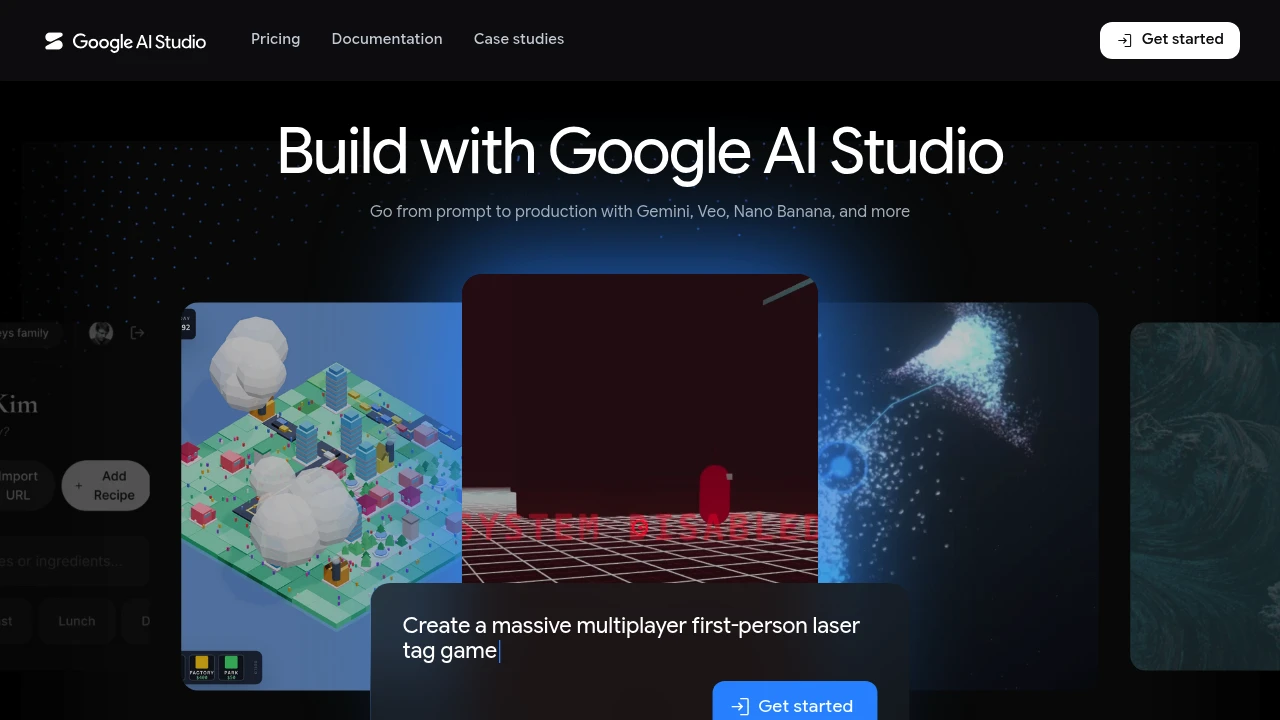
Google AI Studio is a browser workspace for developers and power users who want to prototype with Gemini models before writing an application. You can test prompts, tune how a model responds, add tools, and move a working prompt into Gemini API code. It is built for quick experiments as well as the first steps toward a production workflow.
Key Highlights
- Test chat prompts through multiple user and model turns
- Adjust model parameters and safety settings in the Run settings panel
- Enable structured output, function calling, code execution, and grounding
- Explore other prompt interfaces, including realtime streaming and video generation
- Export a tested prompt with Get code, or save and share it for later
What Makes It Different
The main difference is the direct path from browser-based prompt testing to Gemini API code. The same workspace combines model selection, prompt iteration, response settings, and optional tools, so developers can shape behavior before moving into an SDK or REST integration.
This also makes Google AI Studio different from a general Gemini chat experience. It focuses on prototyping and developer controls, while Gemini is the model family that runs the prompts.
Features & Capabilities
Start in the Playground with a chat prompt, add system instructions, run a conversation, and edit the instructions or responses as you learn what works. The Run settings panel lets you adjust model parameters and safety settings without changing application code.
Advanced tools include structured output, function calling, code execution, and grounding. When the prompt is ready, Get code lets you choose a programming language and continue with the Gemini API. You can also save the prompt or share it with collaborators.
User Ratings and Testimonials
No reliable aggregate rating is available for the browser workspace. In r/GoogleAIStudio discussions, users praise its fast browser-based app prototyping, while others report that small change requests can rewrite existing code or regress earlier work.
Pricing & Value
- Free Tier project: $0 for AI Studio and Gemini API usage within the available model and rate limits
- Paid Tier project: Usage-based model and tool charges for AI Studio requests made with a linked paid API key, plus higher rate limits, context caching, Batch API access, and advanced models
- Gemini API Enterprise: Custom pricing for dedicated support, security, compliance, provisioned throughput, and volume discounts
Choose a Free Tier project or key for no-charge testing. Switching to a key from a paid project makes those AI Studio requests billable at the selected model and tool rates.
FAQs
Use it to test Gemini prompts, tune model settings, enable tools, and export a working prompt as Gemini API code.
No. Gemini is Google's model family, while AI Studio is a browser workspace for testing those models and preparing API integrations.
Open the Playground, write a chat prompt, adjust Run settings, test the response, then use Get code when the prompt is ready.
Yes, with a Free Tier project or key. A linked paid API key makes AI Studio usage for that key billable at the selected model and tool rates.

You might also like
 bisibility — Free beta: Track your website’s keywords, Google rankings, Search Console insights, and share of voice.

