
Loom
Loom records screens and meetings, then adds AI summaries, chapters and editing tools for team video communication.
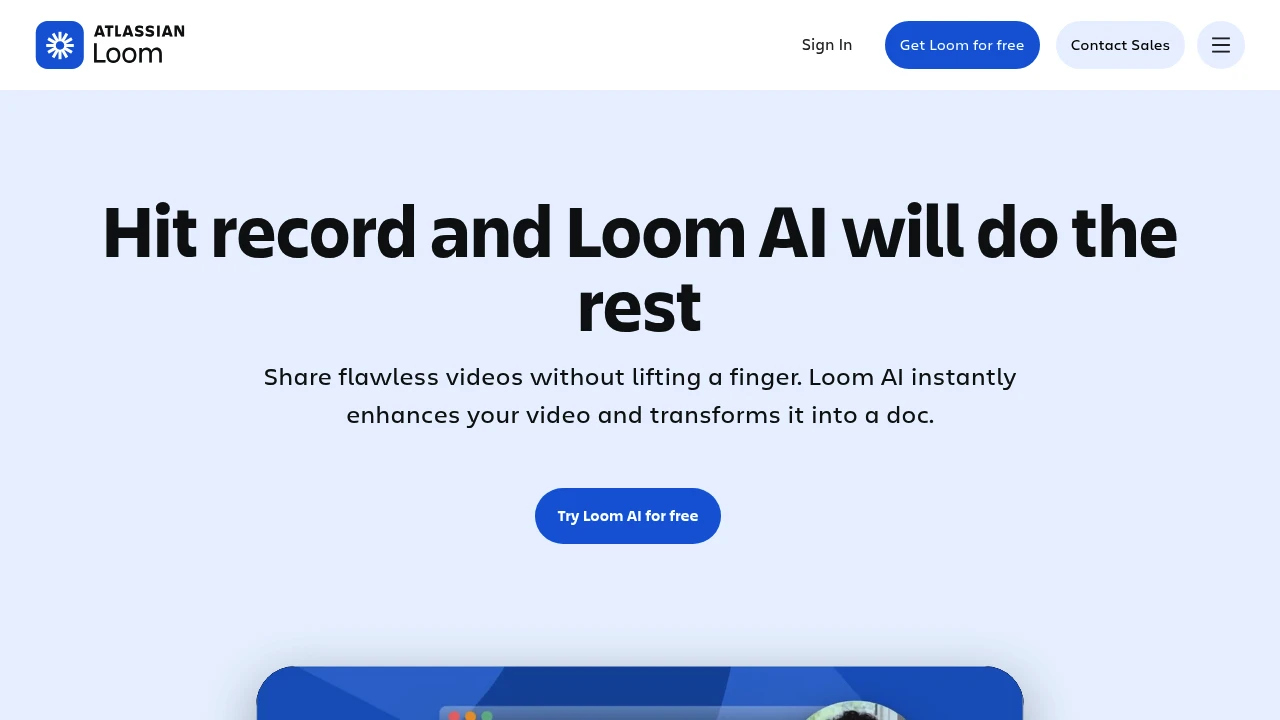
Loom combines screen and camera recording with meeting capture and AI video tools. It helps teams share explanations, updates and demonstrations through a video link. Loom AI adds summaries, chapters, titles and written workflows to reduce the work needed after recording.
Key Highlights
- Screen and camera recording with shareable videos
- Meeting capture and transcripts
- Viewer comments and emoji reactions
- AI titles, summaries and chapters on eligible plans
- AI editing and video-to-text workflows
What Makes It Different
Loom is built around asynchronous video communication rather than only a video-editing timeline. A recording can provide visual context, while transcripts and AI summaries give viewers another way to find the relevant part. Screen-recording limits and meeting-length limits are distinct.
Features & Capabilities
Record your screen, camera or both, then share the video with colleagues. Viewers can comment or react, and the transcript supports reviewing what was said. The free Starter plan limits the number of saved recordings per person and the length of screen recordings.
Business adds longer recordings, more editing and branding controls. Business + AI includes automatic video enhancements, filler-word and silence removal, meeting notes and video-to-text automation. Review generated summaries and workflows before treating them as complete instructions.
User Ratings and Testimonials
Loom offers examples of how teams communicate through recorded video. Fit depends on whether your viewers benefit from seeing a workflow and whether the recording is concise enough to review. Test the transcript and editing workflow with a representative explanation.
Pricing & Value
- Starter: free, 25 videos/person and five-minute screen recordings
- Business: unlimited videos and recording time, with basic editing
- Business + AI: broader AI editing, summaries and automation
- Enterprise: additional administration and access controls
Paid pricing is per user and depends on the billing option. Starter advertises unlimited meeting length, which differs from its screen-recording limit.
Product facts
- Pricing
- Not yet verified
- Access
- Not yet verified
- Product status
- Not yet verified

Analytics
Deep dive into AI Tool performance and audience insights.
Growth Trend
StableTraffic growth over last 30 days
Traffic & Engagement
Traffic Sources
Top Countries
FAQs
Loom AI creates titles, summaries, chapters and written workflows. Eligible paid plans also include AI editing and meeting recap tools.
Yes. Starter is free with 25 videos per person and a five-minute screen-recording limit. Paid plans expand recording and AI features.
It may help teams that often share recordings and need summaries or editing. Compare the AI features and per-user cost with your workflow.
Tags:

You might also like
 bisibility — Free beta: Track your website’s keywords, Google rankings, Search Console insights, and share of voice.
