Descript Alternatives
A curated collection of the 6 best alternatives to Descript.
The best alternative to Descript is OpusClip. If that doesn't suit you, we've compiled a ranked list of other Descript alternatives to help you find a suitable replacement. Other interesting alternatives to Descript are: InVideo, Captions, Loom and Runway.
Descript alternatives are mainly AI Video Tools tools but may also be AI Screen Recorders tools or AI Image Generation tools. Browse these if you want a narrower list of alternatives or looking for a specific functionality of Descript.


OpusClip helps creators and teams turn long videos into short clips with AI clipping, captions, reframing, and posting.
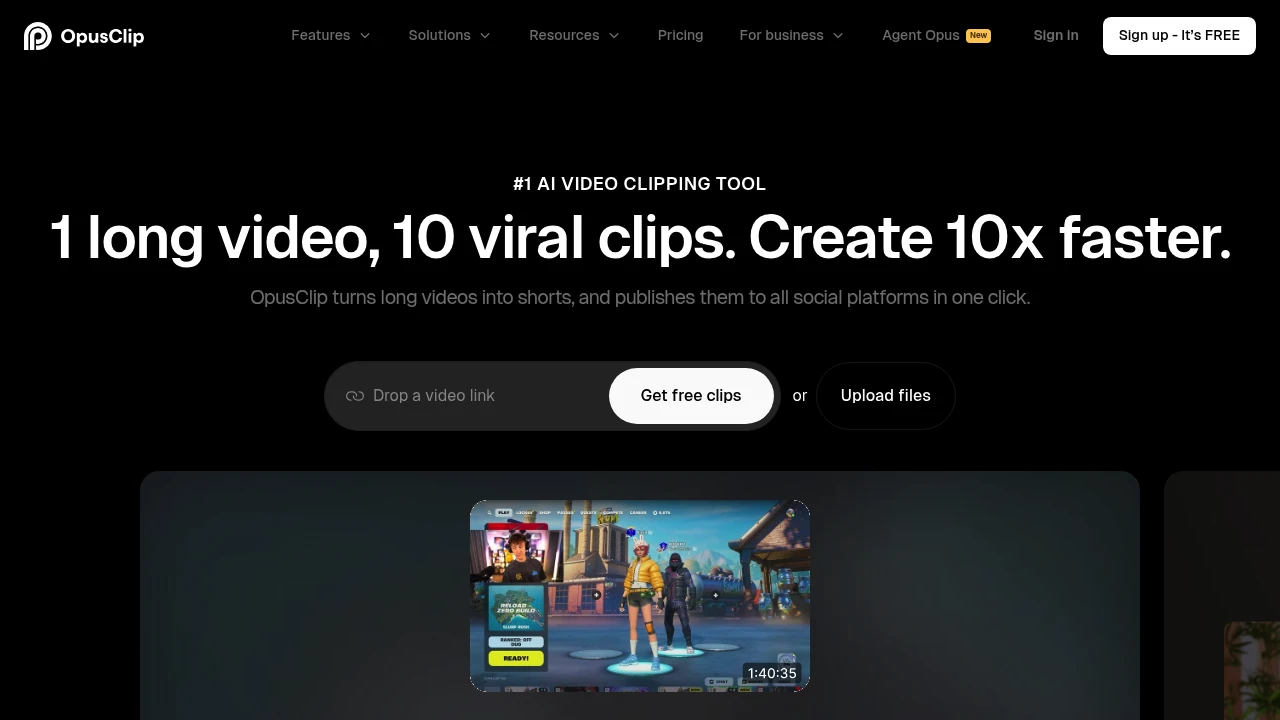
OpusClip is an AI video repurposing tool that turns long videos into short clips for platforms like TikTok, YouTube Shorts, and Instagram Reels. It is built for creators, podcasters, marketers, agencies, and teams that want clipping, captions, reframing, editing, and posting together.
Key Highlights
- AI clipping finds moments in long videos and adds a virality score.
- ClipAnything supports podcasts, interviews, vlogs, gaming, sports, and low-dialogue videos.
- AI captions add animated captions in 20+ languages.
- AI reframe resizes clips and can keep moving subjects centered.
- Publishing tools support downloads, auto posting, scheduling, and Pro exports.
What Makes It Different
OpusClip is focused on the full path from long-form source to publishable short. Its homepage highlights ClipAnything, which analyzes visual, audio, and sentiment cues across video genres, and ReframeAnything, which resizes video while tracking subjects. You can still edit the clip, but the product is built around finding moments, adding captions, reframing for social formats, and publishing the result.
Features & Capabilities
The core workflow starts with a video upload or link. The Pro plan supports imports from YouTube, Google Drive, Vimeo, Zoom, Twitch, Facebook, LinkedIn, Twitter, Loom, Riverside, StreamYard, and more. OpusClip can set clip length, add hooks, generate captions, remove filler words, and create social titles, descriptions, and hashtags.
The editor adds control when the first pass is not enough. Paid plans unlock watermark-free exports, brand templates, custom fonts, AI B-roll, voice-over, speech enhancement, multiple aspect ratios, social connections, team workspaces, and API access.
User Ratings and Testimonials
The saved product pages do not show an independent average rating. OpusClip publishes testimonials that focus on faster clipping, frequent posting, and short-form reach. Plan caveats: Free has a watermark and no editing; custom integrations, SSO, and priority support sit on Business.
Pricing & Value
- Free: $0/month, 60 credits/month, 1080p clips, auto reframe, AI captions, watermark, no editing, and a 3-day export window.
- Starter: $15/month, 150 credits/month, virality score, captions, auto posting or download, one brand template, filler and silence removal, and no watermark.
- Pro: $29/month, or $14.50/month yearly ($174/year), with 3,600 yearly credits, 2 seats, AI B-roll, 10+ input sources, multiple ratios, scheduler, custom fonts, speech enhancement, and limited API.
- Business: Custom pricing for priority processing, custom credits and seats, dedicated storage, API and custom integrations, MSA, enterprise security, and priority support.
Free is useful for testing clip quality; Starter and Pro are the practical entry points for watermark-free publishing and higher-volume workflows.
Looking for alternatives to other popular tools? Check out other posts in the alternatives series and flowtools.co, a directory of best AI tools with filters for tags and categories for easy browsing and discovery.

InVideo turns prompts, scripts, and edits into AI videos with agents, stock, voice tools, and timeline editing.
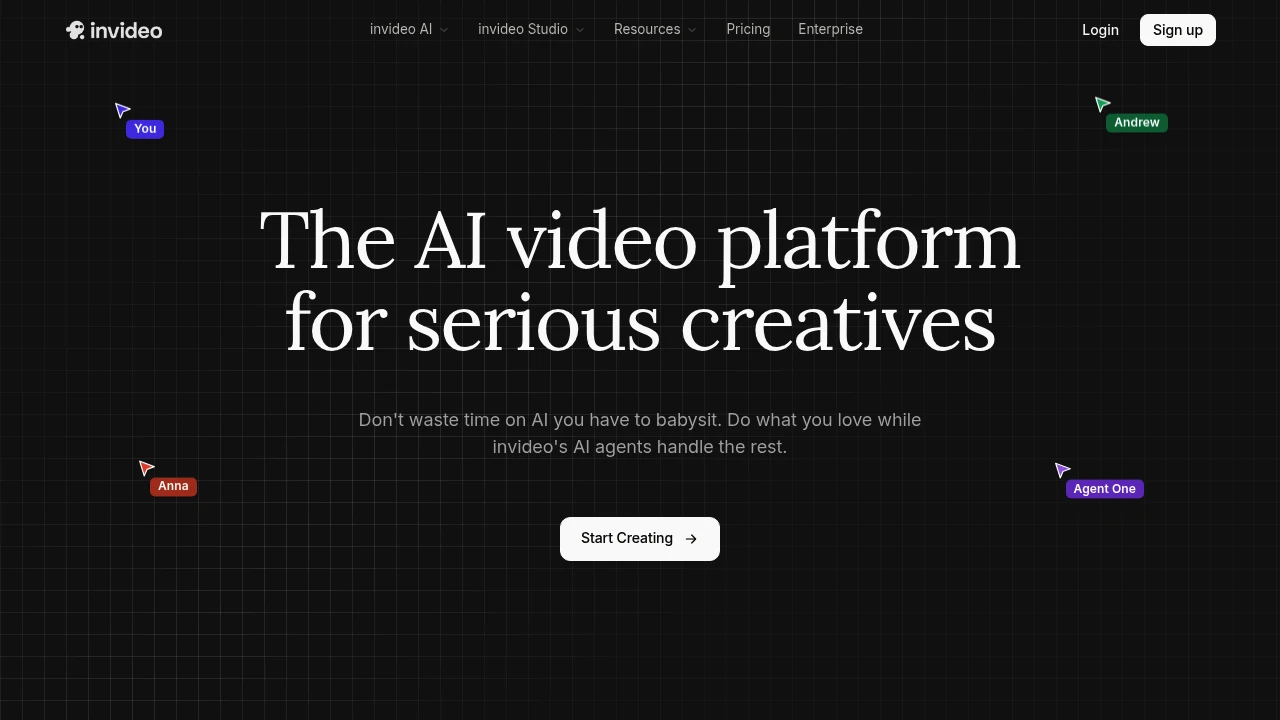
InVideo is an AI video platform for creators, marketers, and teams turning prompts, scripts, and briefs into finished videos. Agent One keeps project context, chooses models, drafts shot prompts, and moves work into scenes, clips, audio, and final edits.
Key Highlights
- Agent One creates and edits AI videos from prompts, scripts, and context
- Long-term memory keeps clips, characters, and shot direction consistent
- Batch edits update costumes, locations, characters, and backdrops across shots
- Storyboarding, script writing, multiplayer collaboration, and timeline editing
- Paid plans include 200+ AI models, iStock, Storyblocks, avatars, and voice clones
What Makes It Different
InVideo presents Agent One as a creative workspace, not just a prompt box. You can add context, lock composition, change backdrops, update shots, and continue in a timeline. Its edge is memory: repeated clips and characters can follow one project direction without rebuilding every prompt.
Features & Capabilities
The workflow starts with an idea, script, or brief. Agents can choose a model, write shot prompts, generate clips and images, and revise multiple shots. Use cases include film promos, performance ads, product ads, microdramas, and social cuts.
Production tools include storyboarding, script writing, multiplayer collaboration, AI avatars, voice cloning, and custom agents for scriptwriting, cinematography, sound, music, and color. Paid plans include the invideo v4 agent for videos up to 30 minutes from one prompt.
User Ratings and Testimonials
No verified average review score was available. Product strengths are context memory, batch shot editing, model choice support, and collaboration. Caveat: unused credits do not roll over, and model or agent prices can change.
Pricing & Value
- Plus: $17/month billed yearly, 75 credits/month, 4 avatars and voice clones, limited concurrency, 20 GB storage, and 100 iStock assets
- Max: $85/month billed yearly, 390 credits/month, 16 avatars and voice clones, 2x Plus concurrency, 100 GB storage, and 200 iStock assets
- Generative: $170/month billed yearly, 800 credits/month, 40 avatars and voice clones, 10x Plus concurrency, 2 TB storage, and 1000 iStock assets
- Elite: $900/month billed yearly, 4250 credits/month, 200 avatars and voice clones, 20x Plus concurrency, 10 TB storage, and 5000 iStock assets
Every paid plan includes unlimited exports without watermark, 200+ image, video, audio, and music models, top stock providers, and on-demand credit top-ups.

Captions is an AI video editor for creators who make talking videos, AI actors, captions, and translations.
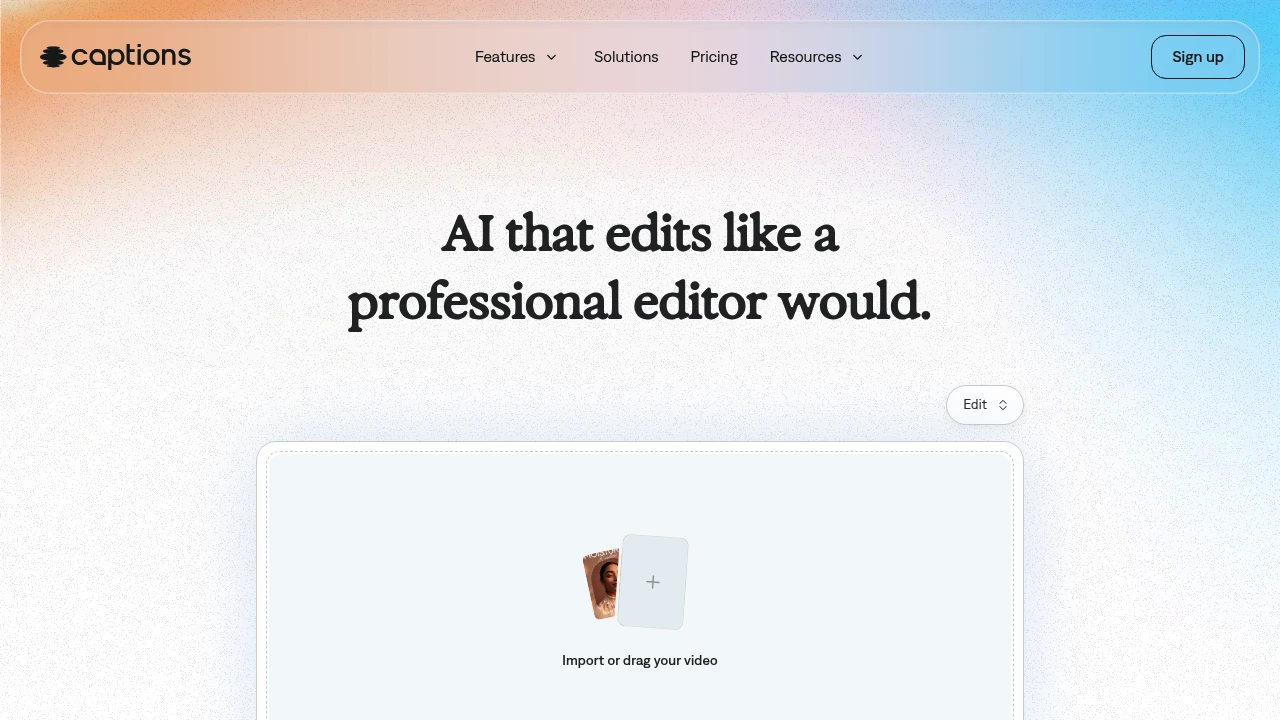
Captions is an AI video generator and editor for creators and teams making finished talking-head videos without a full edit timeline. Upload footage, choose a style, and the app can cut scenes, add B-roll, captions, and music. AI actors and custom avatars help produce new takes without recording every version.
Key Highlights
- Turns raw footage into a finished video with AI Edit
- Adds automatic captions
- Creates custom AI actors and digital twins
- Supports translation into 30+ languages
- Includes chat-based editing, eye contact correction, denoise, and pause trimming
What Makes It Different
Captions is built around one-tap production, not manual clip-by-clip editing. Its homepage says the AI reads the story in the footage, then tailors cuts and style choices.
The same workspace can edit uploaded footage, add captions and translations, create B-roll, generate music or sound effects, and reuse an AI actor across multiple videos.
Features & Capabilities
The main workflow starts with importing a video, choosing a style, and creating the edited version. AI Edit can cut scenes, overlay B-roll, and apply a style, while the chat-based editor handles plain-language change requests.
For talking-head content, Captions includes automatic captions, translation, eye contact correction, denoise, pause trimming, music, sound effects, and caption templates. Its avatar tools can generate talking videos from selfies, create custom AI actors, and change outfits, backgrounds, or product placement.
User Ratings and Testimonials
Captions does not publish third-party review scores or quoted customer testimonials. Captions does publish usage claims on its homepage: 100K+ daily users, 20M creators and businesses, and 3M+ monthly videos. Visible limits are that the free plan has no AI usage credits and only one caption template, while heavier generation work requires a paid tier.
Pricing & Value
- Free: $0, with limited tools, no AI usage credits, and one caption template
- Max: $24.99/mo, with 500 credits per month, AI Edit styles, AI actors, chat-based editing, and generative assets
- Scale: $69.99/mo, with 1,400 credits per month and Captions' most sophisticated generative AI models
- Scale 2x: $139.99/mo, with 2,800 credits per month for more output
- Scale 4x: $279.99/mo, with 5,600 credits per month for larger production volume
- Enterprise: Custom pricing, with bulk credit discounts, custom seats, account management, training data exclusion, onboarding, support, and early feature access
The pricing page says all listed prices are in USD and reflect iOS plans only, so buyers should confirm platform-specific billing before upgrading.

Share flawless videos without lifting a finger. Loom AI instantly enhances your video and transforms it into a doc.
 Read more
With Gen-4, you are now able to precisely generate consistent characters, locations and objects across scenes. Simply set your look and feel and the model will maintain coherent world environments while preserving the distinctive style, mood and cinematographic elements of each frame. Then, regenerate those elements from multiple perspectives and positions within your scenes.
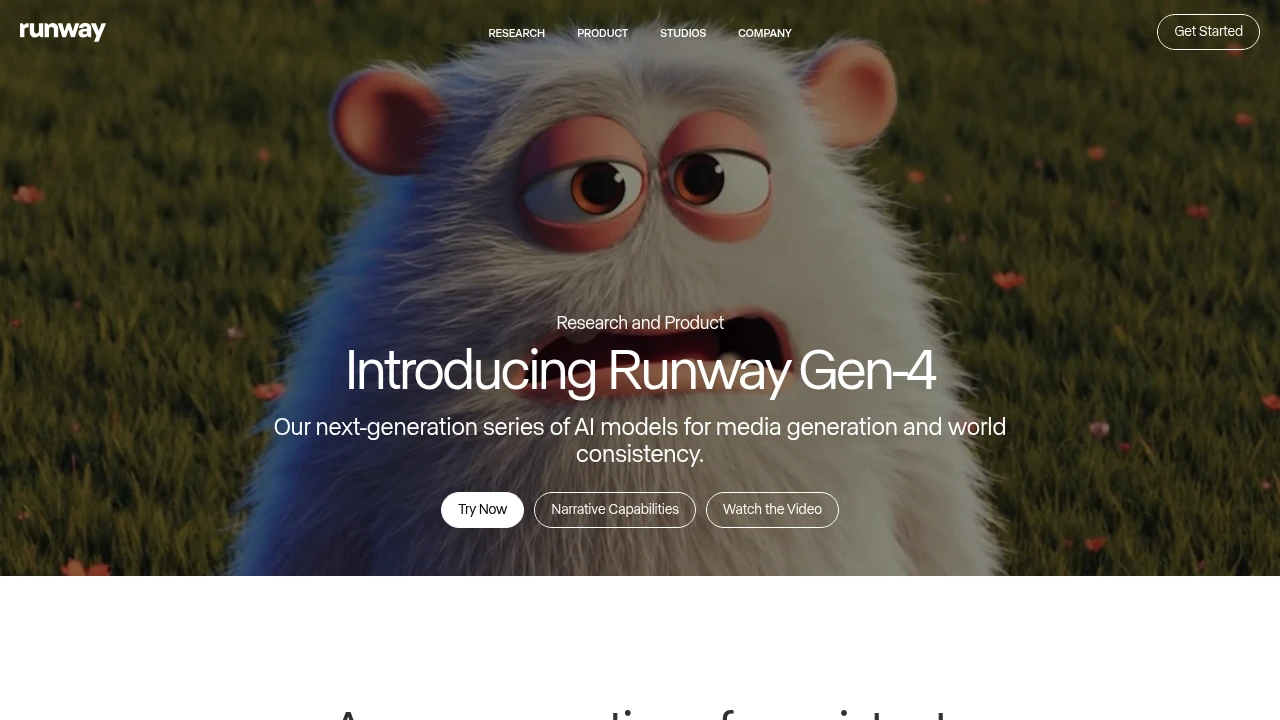
Runway is an AI video tool for creators, marketers, and teams.
Gen-4 brings higher quality and more coherent motion.
Runway Aleph adds a new way to edit, transform, and generate video from a single input clip.
Key Highlights
- Gen-4 quality and coherence improvements
- Aleph in-context edits: add, remove, and transform objects; change style and lighting; create new angles from one video
- Gen-4 Turbo image-to-video
- Generative image tools
- Custom voices on Pro plan
- Watermark removal on paid plans
- Unlimited generations in Explore mode on the Unlimited plan
- Service access limits for non-paying users during high demand
What Makes It Different
Runway blends generation and precise video editing in one place. Aleph works from a single input video and can reshape scenes, objects, and style, even switch angles.
Features & Capabilities
Create short videos from images with Gen-4 Turbo. Transform existing footage with Aleph to add or remove objects and restyle lighting and look. Utilize generative image tools and custom voices to refine your edits. Paid plans remove watermarks and increase storage.
User Ratings and Testimonials
Runway has an average rating of 3.8 out of 5 stars, based on 35 reviews, on Product Hunt.
Users praise the coherence and quality gains in Gen-4. Many say it offers a better experience than earlier versions and would recommend it. Some users are excited to try the new features.
Pricing & Value
- Free: Includes 125 one-time credits, Gen-4 Turbo image-to-video, and generative image tools.
- Standard: $15/month for 625 monthly credits, all video models, and watermark removal.
- Pro: $35/month for 2250 monthly credits, custom voices, and 500GB storage.
- Unlimited: $95/month with 2250 credits plus unlimited generations in Explore mode.
- Enterprise: Custom pricing with single sign-on, advanced security, and priority support.
Credits refresh monthly on paid plans. You can purchase extra credits.
The free tier offers 125 credits (equivalent to 25 seconds of Gen-4 Turbo) to test Runway's video generation capabilities before committing to a paid plan.

Tella is the screen recorder that edits videos for you.
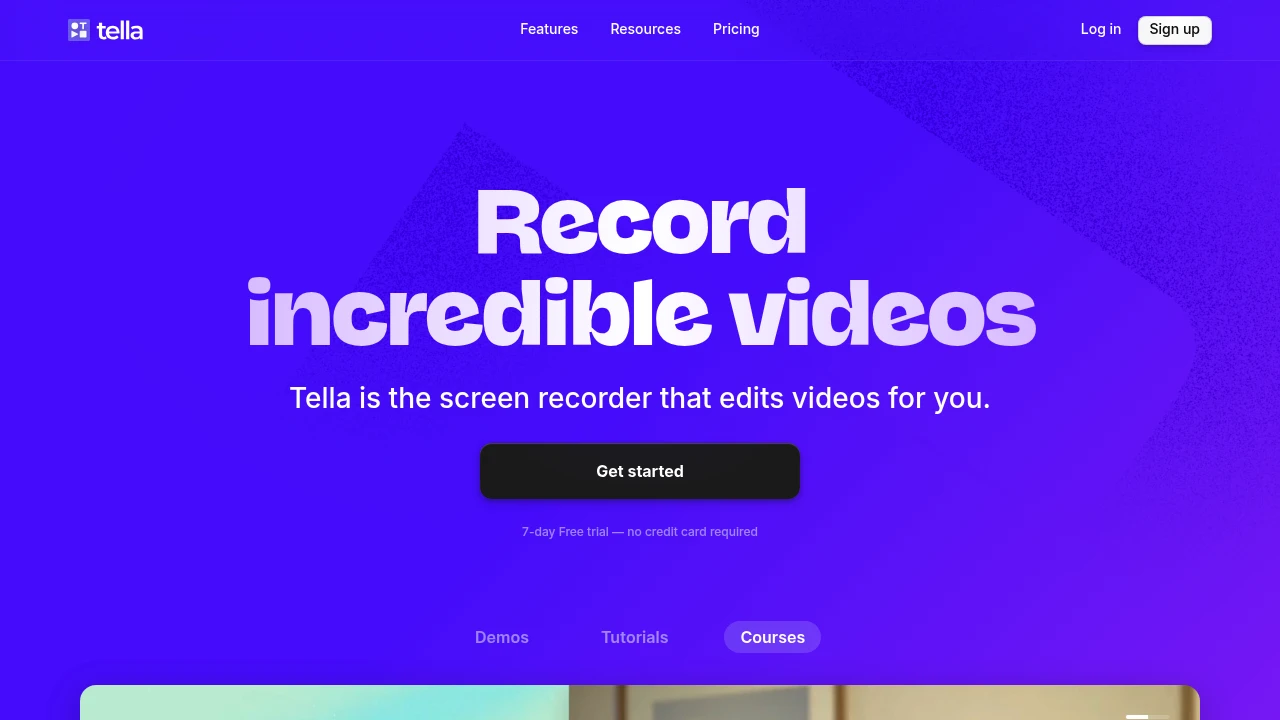
Tella is a screen recording tool that creates professional videos with AI-powered editing features. It helps content creators, marketers, and educators make high-quality tutorials and explainers without complex video editing skills. The platform focuses on simplicity while delivering professional results.
Key Highlights
- AI-powered video editing that automates post-production work
- Multi-clip recording feature for efficient content creation
- Selective screen capture for specific windows or areas
- Clean, intuitive interface that requires minimal learning curve
- Unlimited recording duration on paid plans
- Custom branding options for business users
What Makes It Different
Tella combines screen recording with AI editing automation. While most tools focus on just capturing screens, Tella handles the editing process automatically. This saves hours of manual work that creators typically spend in post-production. The multi-clip feature lets users record separate segments and merge them seamlessly.
Features & Capabilities
The platform offers comprehensive screen recording with flexible capture options. Users can record full screens, specific windows, or custom areas. The AI editing engine handles transitions, cuts, and basic enhancements automatically. Multi-clip recording allows creators to build complex videos from separate recording sessions. Export options include various formats and quality settings. Integration capabilities support popular platforms for direct publishing.
User Ratings and Testimonials
Tella has an average rating of 4.7 out of 5 stars from 151 reviews on Product Hunt.
Users praise Tella's simplicity and ease of use. Many find it excellent for product tutorials, marketing videos, and quick explainers. Several users switched from Loom and prefer Tella's clean interface and smooth performance. The multi-clip recording feature saves significant time. Users appreciate the ability to select specific areas or windows for recording. Some find it perfect for YouTube vlogs and report productivity improvements. Users mention solid pricing and appreciate the team's continuous feature additions.
Pricing & Value
Tella offers several pricing plans:
- Pro: $19/month per user with unlimited videos, unlimited recording duration, and AI video editing
- Premium: $49/month per user with all Pro features plus custom branding and custom domain
- Free trial: 7 days with no credit card required
The main value of Tella is its ability to create professional screen recordings with AI-powered editing features.
Similar proprietary alternatives:

 bisibility — Free beta: Track your website’s keywords, Google rankings, Search Console insights, and share of voice.


