
Roo Code
Roo Code was an open-source VS Code AI coding agent for file edits, terminal work, and repo answers.
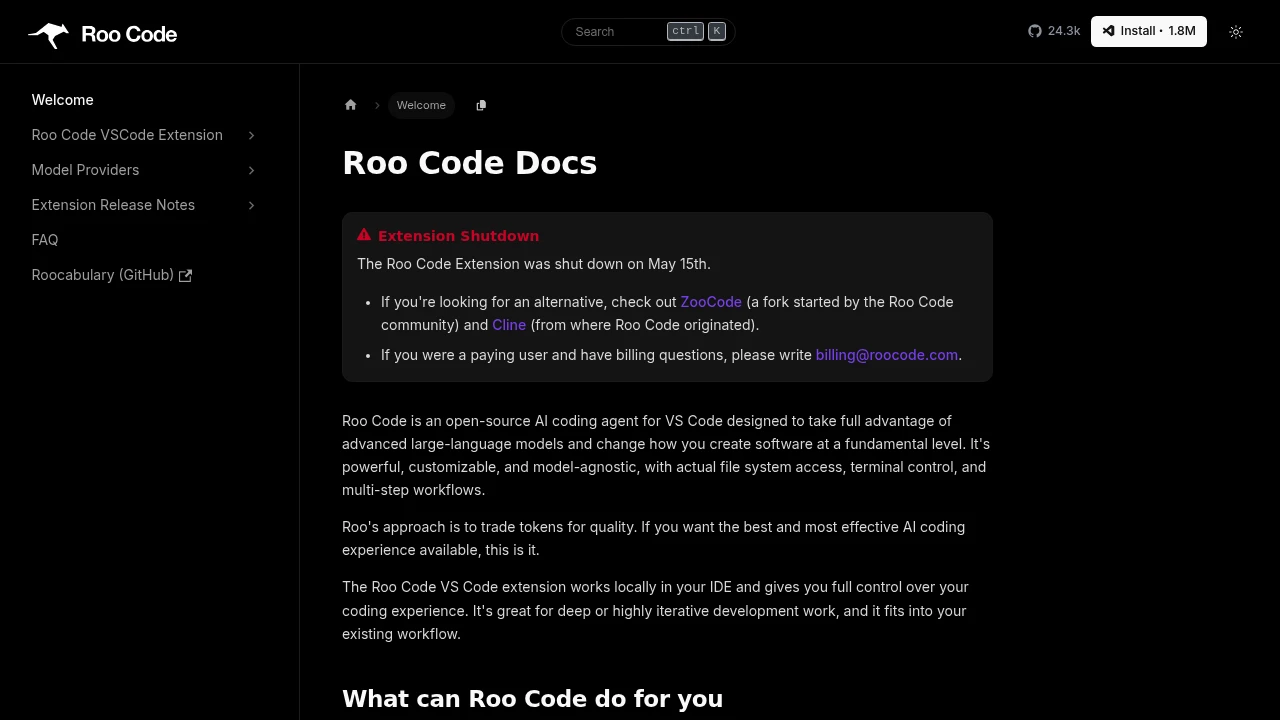
Roo Code was an open-source AI coding agent for VS Code. It was built for developers who wanted an editor-native agent that could read and change files, use the terminal, answer repo questions, and run multi-step coding workflows. The extension shut down on May 15, 2026.
Key Highlights
- Open-source VS Code extension for AI-assisted coding
- Model-agnostic setup that connects to external LLM providers
- Actual file system access and terminal control inside the IDE
- Modes for coding, architecture, questions, debugging, and custom workflows
- Support for MCP servers and repetitive task automation
- No longer active after the May 15, 2026 extension shutdown
What Makes It Different
Roo Code was designed as more than a chat panel. It worked locally in VS Code and gave the agent practical access to the workspace, including file operations, terminal commands, and longer task flows. That made it a fit for iterative coding sessions where the agent needed to inspect the repo, plan work, make edits, and explain the result.
Its strongest difference was control over the coding setup. Roo Code was model-agnostic, so users could connect an LLM provider instead of being locked to one model vendor. The tradeoff was cost and configuration: the extension was not itself an LLM, and token usage depended on the provider and model selected.
Features & Capabilities
Developers could use Roo Code to generate code from natural language, refactor and debug existing code, update documentation, answer questions about a codebase, and automate repeat tasks. It also supported MCP servers, which let the agent work with external context and tools beyond the base editor.
Roo Code organized work through Modes such as Code, Architect, Ask, Debug, and custom modes. Those roles helped keep tasks scoped, while features such as Auto-Approve and Orchestrator were aimed at longer autonomous sessions once a user trusted the setup.
User Ratings and Testimonials
Roo Code had a large developer audience before shutdown. The main caveat is status: the extension is shut down and the GitHub repository is read-only. For new projects, active forks or related tools are more practical than the original extension.
Pricing & Value
- Open-source extension: public code and documentation, with no current Roo Code subscription price published for the shut down extension
- Model provider usage: bring an external LLM provider, with costs depending on the provider, model, and token use
- Former paid accounts: billing questions were directed separately for previous paying users after the shutdown
The value case now depends on project-history research, existing setup maintenance, or comparison with active successors.
FAQs
It was an open-source VS Code AI agent for code generation, refactoring, debugging, documentation, repo questions, automation, and MCP use.
Roo Code suited VS Code users who wanted open-source, model-agnostic control. Cline is the active upstream alternative now.
Yes. It was an autonomous AI coding agent for VS Code with file access, terminal control, and multi-step workflows.
The extension was open-source, not a normal free plan. It still needed an LLM provider, and the service shut down on May 15, 2026.
It was worth considering for deep VS Code automation, but the shutdown makes active forks or Cline safer choices for new setups.
Roo Code shut down on May 15, 2026. No public reason is stated.
Tags:

You might also like
 bisibility — Free beta: Track your website’s keywords, Google rankings, Search Console insights, and share of voice.

