
Codeflash
Propose code optimizations, check behavior with tests, and benchmark performance before review.
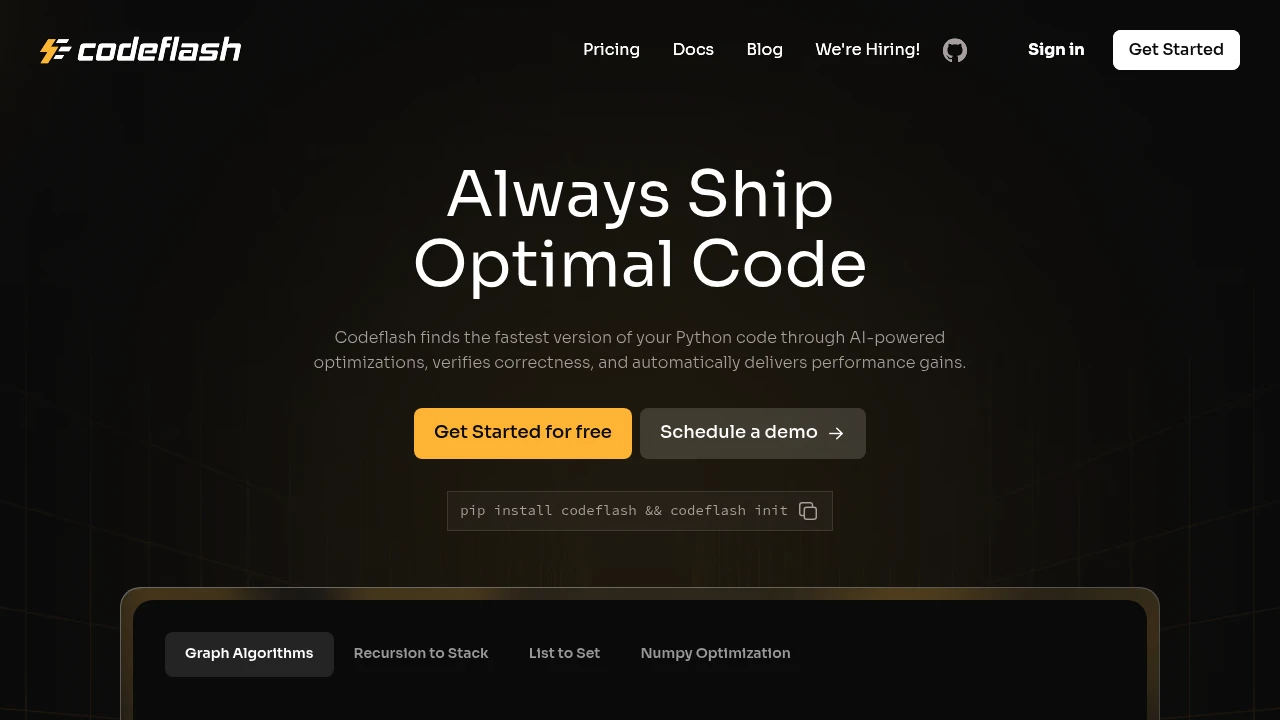
Codeflash proposes performance improvements to existing code and measures the result. Developers can target a function, process a codebase, or integrate optimization into GitHub pull requests. It suits teams that want to evaluate faster implementations while keeping their existing application architecture.
Key Highlights
- Support for Python, JavaScript, TypeScript, and Java
- Existing tests and generated regression tests
- Performance benchmarks for proposed changes
- Command-line use and GitHub Actions integration
What Makes It Different
The workflow focuses on performance rather than general code generation. Codeflash compares behavior and runtime before presenting a change for review. Tests offer confidence within their coverage; a successful benchmark does not establish that an implementation is the fastest possible for every workload.
Features & Capabilities
Use the CLI to select a file and function or optimize the codebase. The GitHub Action can examine new code in pull requests and provide an explanation of suggested changes and measured speed improvements. Developers review the proposal before accepting it.
JavaScript and TypeScript projects can use Jest, Vitest, or Mocha. Java support includes Maven and Gradle projects with JUnit or TestNG. Representative tests and benchmarks matter: performance results should be assessed against the inputs the application actually handles.
User Ratings and Testimonials
When evaluating the tool, compare its proposed changes with your own regression suite and production workload. Pay attention to behavior, readability, and repeatable speed measurements. A benchmark improvement is useful evidence for that test, rather than a universal performance guarantee.
Pricing & Value
The website offers a Start Free entry point and a contact route for enterprise engagements. Confirm access terms, optimization allowances, and costs before adopting it across a team. Its value depends on measurable improvements to the code you run, alongside the time needed to test and review each proposal.
Product facts
- Pricing
- Not yet verified
- Access
- Not yet verified
- Product status
- Not yet verified
Analytics
Deep dive into AI Tool performance and audience insights.
Growth Trend
GrowingTraffic growth over last 30 days
Traffic & Engagement
Traffic Sources
Top Countries
FAQs
Profile representative workloads, test proposed changes, and benchmark them. Codeflash automates optimization proposals and these checks.
Tags:
You might also like

 bisibility — Free beta: Track your website’s keywords, Google rankings, Search Console insights, and share of voice.


