
tl;dv
tl;dv records, transcribes, and summarizes Zoom, Google Meet, and Teams calls for sales and customer teams.
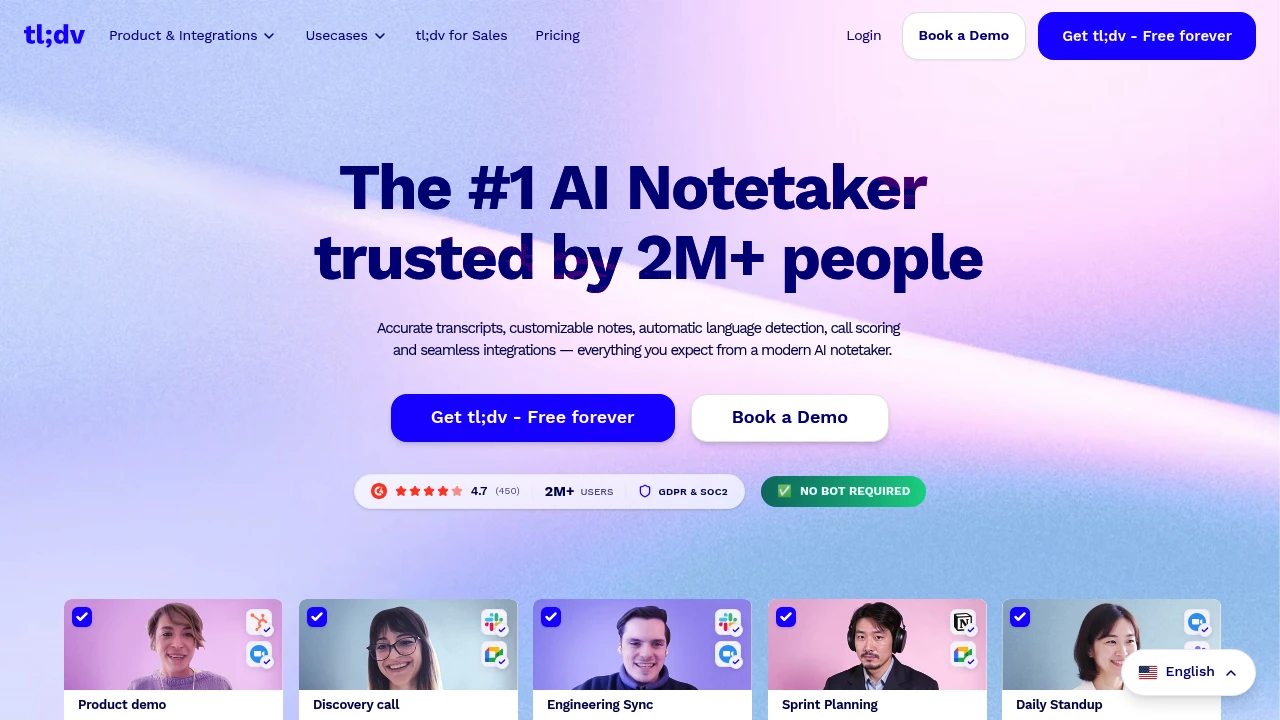
tl;dv is an AI meeting notetaker for teams that need recordings, transcripts, summaries, and follow-up work from Zoom, Google Meet, and Microsoft Teams calls. It is built for sales, customer success, product, and leadership teams that want searchable meeting evidence.
Key Highlights
- Records and transcribes Zoom, Google Meet, and Microsoft Teams calls
- Creates AI notes, summaries, action items, and follow-up drafts
- Supports transcription in 30+ languages
- Connects to Slack, email, calendars, CRMs, Zapier, API, webhooks, and MCP
- Builds multi-meeting insights for objections, feature requests, and coaching
- Includes GDPR and SOC 2 positioning, EU hosting, and private AI options
What Makes It Different
tl;dv is not only a single-call recorder. Its stronger angle is team-wide meeting intelligence: managers can ask across calls, schedule AI reports, monitor playbooks, and find repeated objections or customer feedback.
It also leans into sales workflow. The product pages describe CRM outcome logging, follow-up email drafting, action item assignment, transcript search, and 5000+ integrations.
Features & Capabilities
After a call ends, tl;dv can generate a video recording, transcript, shareable summary, and translated notes. Teams can customize note formats, use templates such as MEDDIC, search transcripts, share clips, label speakers, and upload recordings.
For larger teams, Business adds premium transcription, unlimited multi-meeting AI insights, scheduled reports, playbook monitoring, objection handling, and team automations. Enterprise adds SCIM, custom SSO, activity logs, private AI, and organization controls.
User Ratings and Testimonials
The homepage displays a vendor-selected review badge and says tl;dv is used by more than 2 million users. A Zapier product leader testimonial highlights meeting evidence from sales, customer, and research calls.
The trade-offs are plan limits. Free limits AI notes and Ask AI usage, Pro still limits multi-meeting Ask AI, and advanced admin controls sit on Enterprise.
Pricing & Value
- Free: $0, no credit card required, with unlimited recordings and transcription, mobile meetings through automatic recording, with plan-dependent AI-note usage
- Pro: paid plan with unlimited AI-note meetings, single-meeting Ask AI, follow-up drafting, transcript search, uploads, storage, API, webhooks, and MCP
- Business: paid plan with premium transcription, unlimited multi-meeting insights, scheduled reports, playbooks, objection handling, and team automations
- Enterprise: Custom pricing, with organization management, SCIM, custom SSO, privately hosted AI, activity logs, usage-based pricing options, and a dedicated account manager
tl;dv has no native mobile app; automatic recording can capture supported mobile meetings. Free covers the recorder workflow, while Business is the first plan that fully matches tl;dv's multi-meeting insights pitch.
Product facts
- Pricing
- Not yet verified
- Access
- Not yet verified
- Product status
- Not yet verified


FAQs
Free is $0. Pro and Business are paid plans; Enterprise uses custom pricing. Check the current account offer and billing period.
It records Zoom, Google Meet, and Teams calls, creates transcripts and AI notes, and can push summaries and action items to work tools.
Yes. The Free plan includes unlimited video recordings and transcription, with limits on AI notes and Ask AI usage.
tl;dv focuses on recordings, transcripts, CRM updates, and team insights. Check Granola separately before choosing.
tl;dv states it is GDPR and SOC 2 compliant, uses encryption, and does not use customer recordings or transcripts to train AI.
This month’s top products
Ranked by total paid bids this month.
You might also like

 bisibility — Free beta: Track your website’s keywords, Google rankings, Search Console insights, and share of voice.

