
Browse AI
Browse AI builds no-code robots that watch websites for changes and pull structured data into spreadsheets and workflows.
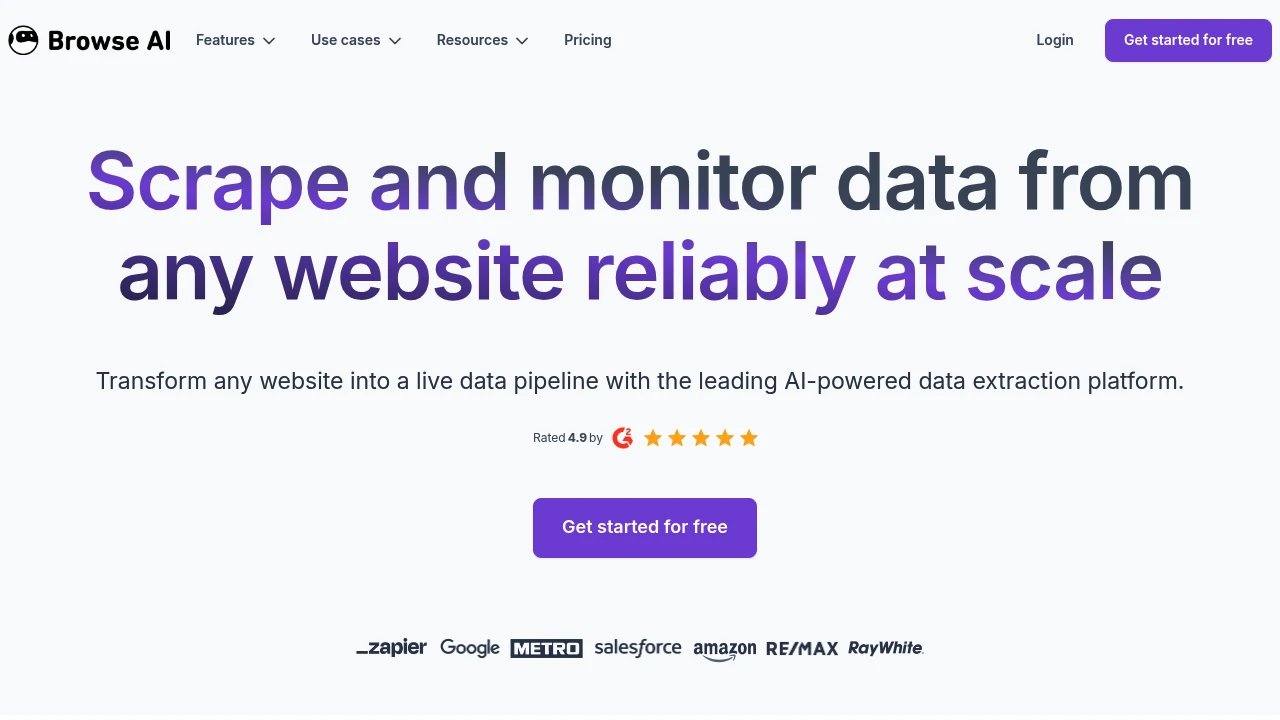
Browse AI is a no-code automation platform that builds robots to watch websites for changes and extract structured data on a schedule. It is built for sales, marketing, e-commerce, and operations teams who need fresh data without writing or maintaining code. You point and click to teach a robot what to capture, then let it run hourly, daily, or weekly and push the results into your tools.
Key Highlights
- Point-and-click robots that extract data with no coding required
- Website monitoring with alerts when a page changes
- AI change detection that adapts robots when a site's layout shifts
- 200+ prebuilt robots for common sources you can run in two clicks
- Native connections to Google Sheets, Airtable, Zapier, Make, and Pabbly
- REST API and webhooks to feed data into your own systems
What Makes It Different
The differentiator is reliability over time. Browse AI provides change detection intended to adapt robots when a site layout changes. Test the actual pages and review extracted data after a change; adaptation is not a guarantee that every website will continue working. Pair that with built-in monitoring, and a single robot becomes a live feed that both refreshes your dataset and alerts you when something on the page actually moves.
Features & Capabilities
You train a robot by recording your own clicks: open a page, log in, fill a form, expand a dropdown, paginate, then select the fields you want. Robots handle dynamic content, infinite scroll, and geo-specific results, and you can chain them into workflows to walk a site's pages and subpages into one unified table.
Output goes almost anywhere. Sync rows to Google Sheets or Airtable so a spreadsheet updates itself, trigger Zapier or Make automations on a change, or call the REST API and webhooks directly. Exports to CSV, JSON, and Amazon S3 are also built in.
User Ratings and Testimonials
Test a robot against the pages and changes you need to monitor. Site layout, sign-in requirements, extracted rows, and run frequency affect the workflow and credit use. A robot that handles one page does not establish reliability across every website.
Pricing & Value
- Free: $0, 50 credits/month, 2 websites, 3 users, unlimited robots, and platform access; runs consume credits
- Personal: $19/month billed annually, 5 websites, 12,000 credits/year
- Professional: $69/month billed annually, 10 websites, 10 users, 60,000 credits/year
- Premium: from $500/month billed annually, with managed onboarding, custom limits, and a dedicated account manager
The free plan is enough to test real monitoring, and annual billing adds a 20% discount across paid tiers.
Product facts
- Pricing
- Not yet verified
- Access
- Not yet verified
- Product status
- Not yet verified
FAQs
It builds no-code robots that monitor websites for changes and extract structured data into spreadsheets, APIs, and automation workflows.
Free covers 2 websites with 50 credits/month. Paid plans start at $19/month annually; Premium starts at $500/month annually.
Browse AI offers a trust center and security documentation. Review its data handling and the permissions of any recorded account.

You might also like
 bisibility — Free beta: Track your website’s keywords, Google rankings, Search Console insights, and share of voice.

