
CapCut
CapCut is an AI photo and video editor for creators making social clips, captions, voiceovers, templates, and product visuals.
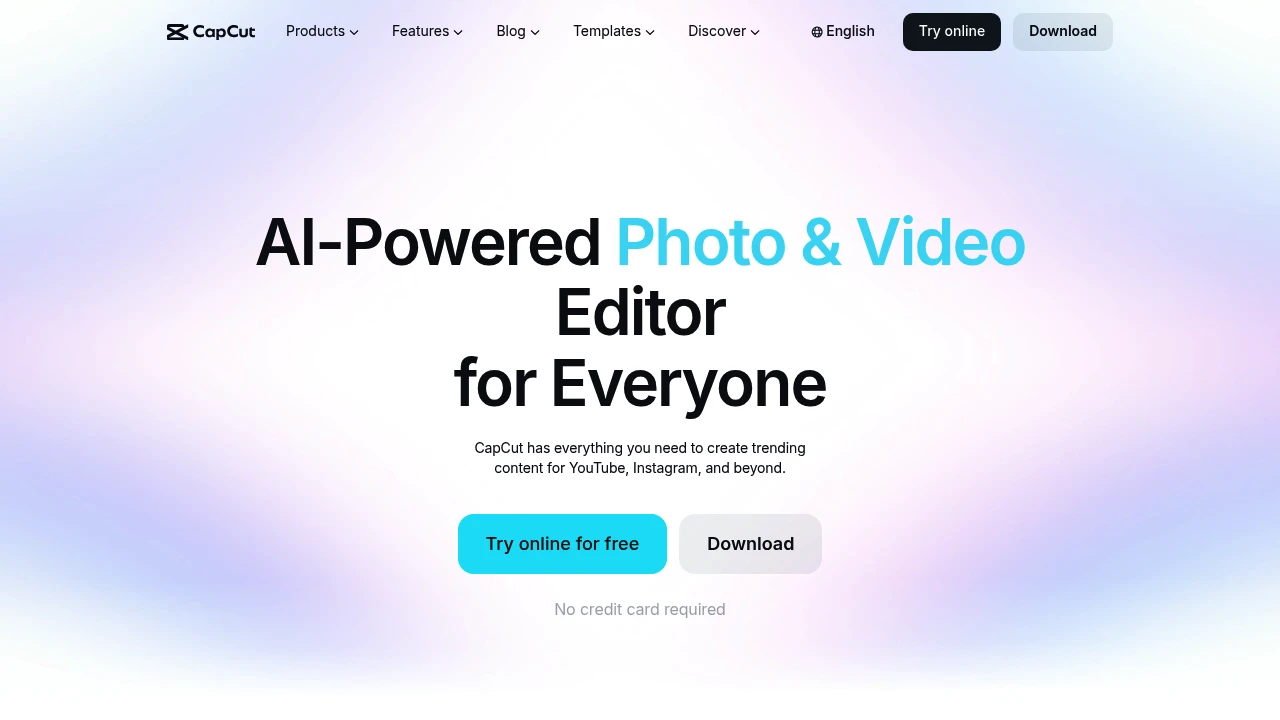
CapCut is an AI-powered photo and video editor for creators who need quick social clips, captions, product visuals, and voice tools without starting from a blank timeline. It works online and is positioned for desktop and mobile editing.
Key Highlights
- AI video editing for cutting, trimming, transitions, subtitles, and HD exports
- Auto captions and subtitle tools for adding accurate text to videos
- Image tools for background removal, enhancement, resizing, and browser-based photo edits
- Text and audio tools for text to speech, audio extraction, noise removal, and voice enhancement
- Templates for Reels, TikTok, social media, AI effects, and business videos
What Makes It Different
CapCut combines a social video editor with AI utilities in the same product surface. CapCut presents itself as a fast creation hub for templates, captions, background removal, voice work, image cleanup, and ready-to-post social formats.
That matters for creators who need repeatable short-form output more than deep manual control. A marketer can resize images, remove a video background, generate captions, clean audio, and pick a social template in one workflow.
Features & Capabilities
The core workflow starts with a video or image, then layers in AI editing tools. For video, CapCut lists an online editor, video background removal, video conversion, and subtitle generation. For images, it lists background remover, image enhancer, image resizer, and a browser photo editor.
The text and audio set covers text to speech, audio extraction, noise removal, and voice enhancement. Template categories cover Reels, TikTok, social media, AI effects, and business videos.
User Ratings and Testimonials
CapCut reports a 4.7 App Store rating and includes selected user comments praising auto editing, templates, stability, basic trimming controls, and AI image generation. Treat those testimonials as product-side proof points, not independent review coverage.
Pricing & Value
- Free access: $0 to start. The homepage says no credit card is required and describes several editing, caption, image, and audio tools as free.
- In-app purchases and Pro: Paid upgrades are available through CapCut Pro and in-app purchases. CapCut Pro is sold through paid upgrades and in-app purchases; the affiliate materials use a $89.99 yearly Pro subscriber example.
CapCut is best value for creators who want fast AI-assisted social editing, templates, captions, and lightweight image or audio cleanup in one place.


FAQs
Yes. It includes AI video editing for trimming, transitions, subtitles, background removal, templates, and AI generation tools.
It was affected by the 2025 US law targeting ByteDance apps, which caused a temporary shutdown and app store disruption.
It is strong for fast social edits: auto captions, templates, background removal, voice tools, and AI image or video generation.
There is no single replacement. Alternatives depend on the job: Instagram Edits, Adobe Express, Canva, InVideo, or desktop editors.
CapCut's privacy policy says it collects usage, device, location, cookie, and user content data to run and improve its services.

You might also like
 bisibility — Free beta: Track your website’s keywords, Google rankings, Search Console insights, and share of voice.

