
Jules

Jules is Google's async coding agent for developers who want background fixes, tests, version bumps, and PRs on GitHub repos.
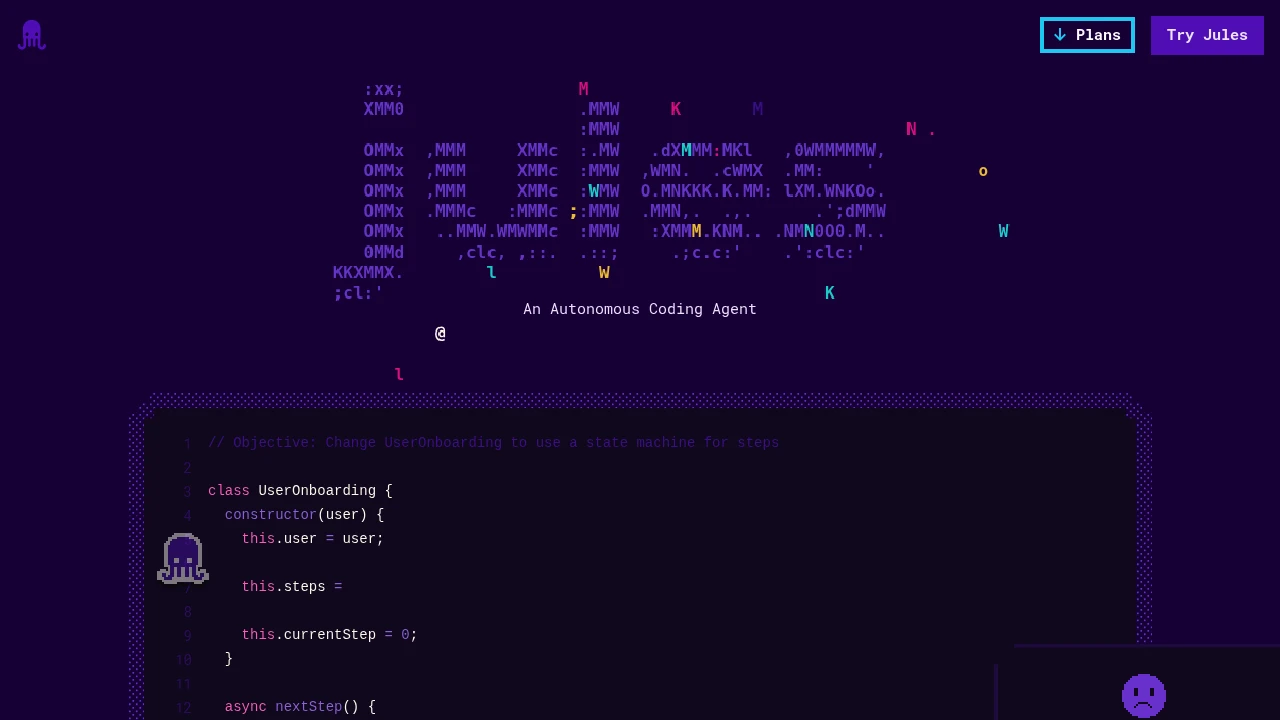
Jules is an asynchronous coding agent from Google that works on GitHub repositories in the background. It is built for developers who want to hand off contained coding tasks without losing review control. Jules fetches the repo, makes a plan, edits code in a Cloud VM, then shows a diff and can create a PR.
Key Highlights
- Assign tasks from the web UI or by adding the
juleslabel to a GitHub issue - Select a GitHub repository and branch, then describe the work in a prompt
- Runs coding work in a Cloud VM instead of directly editing your local machine
- Shows a plan before continuing and a diff before publishing code
- Can create a branch or PR on GitHub after review
- Free tier includes 15 tasks per day and 3 concurrent tasks
What Makes It Different
Jules is closer to a background coding teammate than an autocomplete tool. You give it a repo, branch, and task, then it works asynchronously while you stay in your normal flow. The control point is the plan and diff review.
The GitHub issue label workflow is also practical for teams. A maintainer can tag an issue with jules, let the agent prepare a change, then inspect the resulting branch or PR before anything is merged.
Features & Capabilities
The workflow starts by selecting a GitHub repository and branch, then writing a detailed prompt. Jules clones the repo into a Google Cloud VM, drafts a plan, and waits for approval. After editing, it presents a diff.
The homepage examples focus on bug fixing, version bumps, test fixing, and feature building. Paid tiers raise the number of daily and concurrent tasks, which matters if you want Jules running several independent threads while you continue coding elsewhere.
User Ratings and Testimonials
The supplied source does not include a verified public rating or customer testimonial. The useful trust signal is the review flow: Jules shows a plan, exposes the diff, and creates a PR for human approval. The main caveat is that it still needs a developer to write a clear task and review the branch before merge.
Pricing & Value
- Jules: $0, with 15 tasks per day, 3 concurrent tasks, and Gemini 2.5 Pro
- Jules in Pro: $19.99/month through Google AI Pro, with 100 tasks per day, 15 concurrent tasks, and higher access to newer Gemini models
- Jules in Ultra: From $100/month through Google AI Ultra, with 300 tasks per day, 60 concurrent tasks, and priority access to newer Gemini models
The free plan is enough to test whether Jules fits your repository workflow. Pro is the practical tier for daily use, while Ultra is aimed at builders running many coding-agent tasks in parallel.

FAQs
It handles GitHub coding tasks such as bug fixes, version bumps, tests, feature work, diffs, and PRs.
No. It has a free tier with 15 tasks per day and 3 concurrent tasks. Higher limits are in Google AI Pro and Ultra.
Jules is a coding agent that works on GitHub repos and opens PRs. Gemini is the Google AI model family behind its coding work.
Connect a GitHub repo, choose a branch, write a prompt, review the plan and diff, then let Jules publish a branch or PR.
The free tier is $0. Google AI Pro is $19.99/month, and Google AI Ultra starts at $100/month in the US.

You might also like
 bisibility — Free beta: Track your website’s keywords, Google rankings, Search Console insights, and share of voice.

