

Jan is a desktop AI assistant for running open models locally or connecting to cloud models when needed.
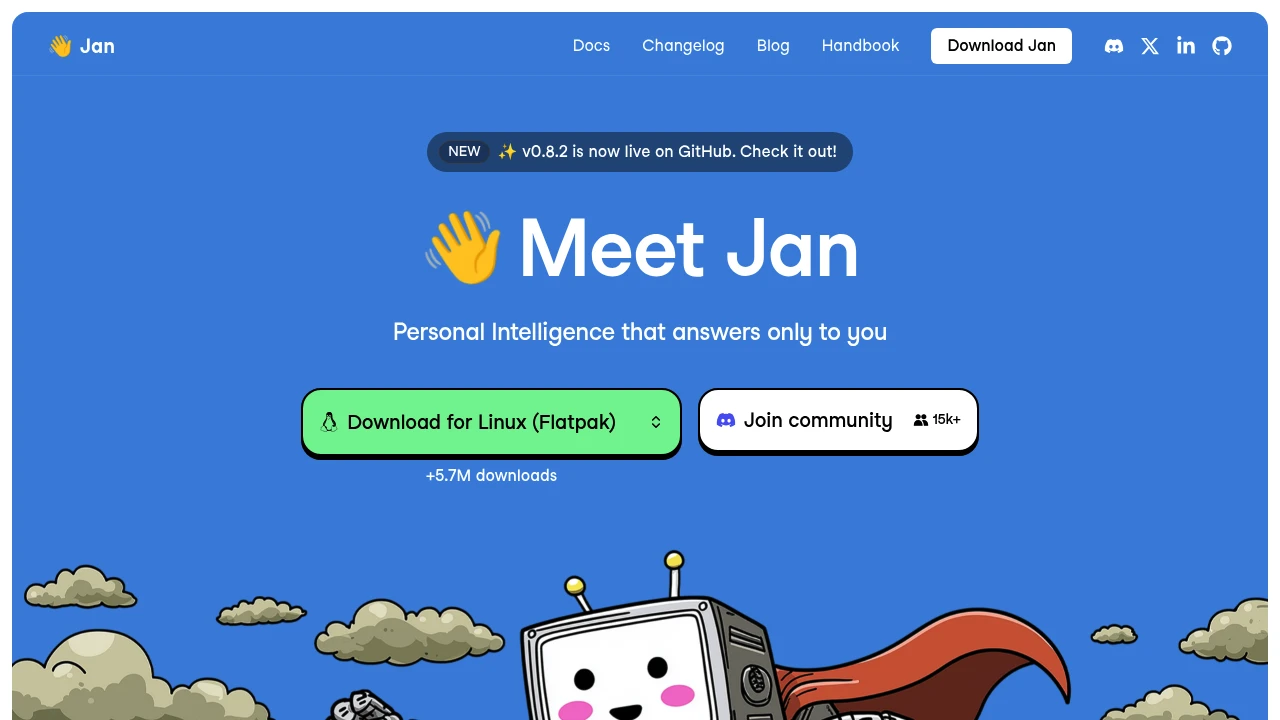
Jan is an open-source desktop AI assistant for people who want a ChatGPT-style interface that can run open models locally. It is built for privacy-minded users, developers, and AI tinkerers who want local model control without giving up the option to connect cloud models.
Key Highlights
- Runs open-source AI models locally on the desktop
- Connects to online models from OpenAI, Anthropic, Google, Meta, Mistral, Alibaba, DeepSeek, Moonshot AI, and others
- Free and open source, with the site reporting more than 5.7 million downloads
- Online retrieval and MCP options are mentioned in user quotes on the homepage
- Memory is listed as a coming soon feature for keeping context and preferences
What Makes It Different
Jan focuses on local control first. Instead of making a hosted chatbot the default place for every conversation, it gives you a desktop app for open models that can run on your own machine, while still letting you plug in cloud providers when you want them.
That mix makes it different from tools that are either only local runtimes or only cloud chat apps. The homepage also emphasizes that Jan is built in public, which fits users who want an open-source assistant they can inspect and follow.
Features & Capabilities
The core workflow is simple: choose an open model, run it locally, and chat from a desktop interface. Jan names GPT, Claude, Gemini, Llama, Mistral, Qwen, DeepSeek, Gemma, and Kimi as model families or providers users can work with.
Jan also supports connected online models, so the same app can act as a local model workspace and a front end for cloud providers. The homepage previews a future memory feature that would carry user context and preferences across chats.
User Ratings and Testimonials
Jan does not publish an average rating. It does include user quotes praising its privacy angle, local model support, clean interface, online retrieval, MCP options, and open-source direction.
The source is mostly promotional, so it does not provide a balanced list of criticisms. The clearest caveat from the page is that memory is marked as coming soon rather than available today.
Pricing & Value
- Free and open source: $0, with the desktop app positioned for local open models and optional cloud model connections
Jan is best value for users who want a free local AI assistant first, then the flexibility to connect external model providers when needed.


FAQs
Jan runs open models locally on desktop and can also connect to cloud models such as GPT, Claude, Gemini, Llama, Mistral, and others.
AI is the broad technology. Jan is a desktop app for chatting with local open models or connected cloud models.
The Jan homepage describes it as free and open source.
Jan focuses on running models on your own machine, so local chats can stay on your desktop instead of a hosted chatbot.
User quotes on Jan's site praise its clean local interface, privacy focus, and open-source approach, but catalog ratings are not listed.

You might also like
 bisibility — Free beta: Track your website’s keywords, Google rankings, Search Console insights, and share of voice.

