
LM Studio
Download and run local language models on your computer, with optional cloud inference; permitted use depends on each model’s license.
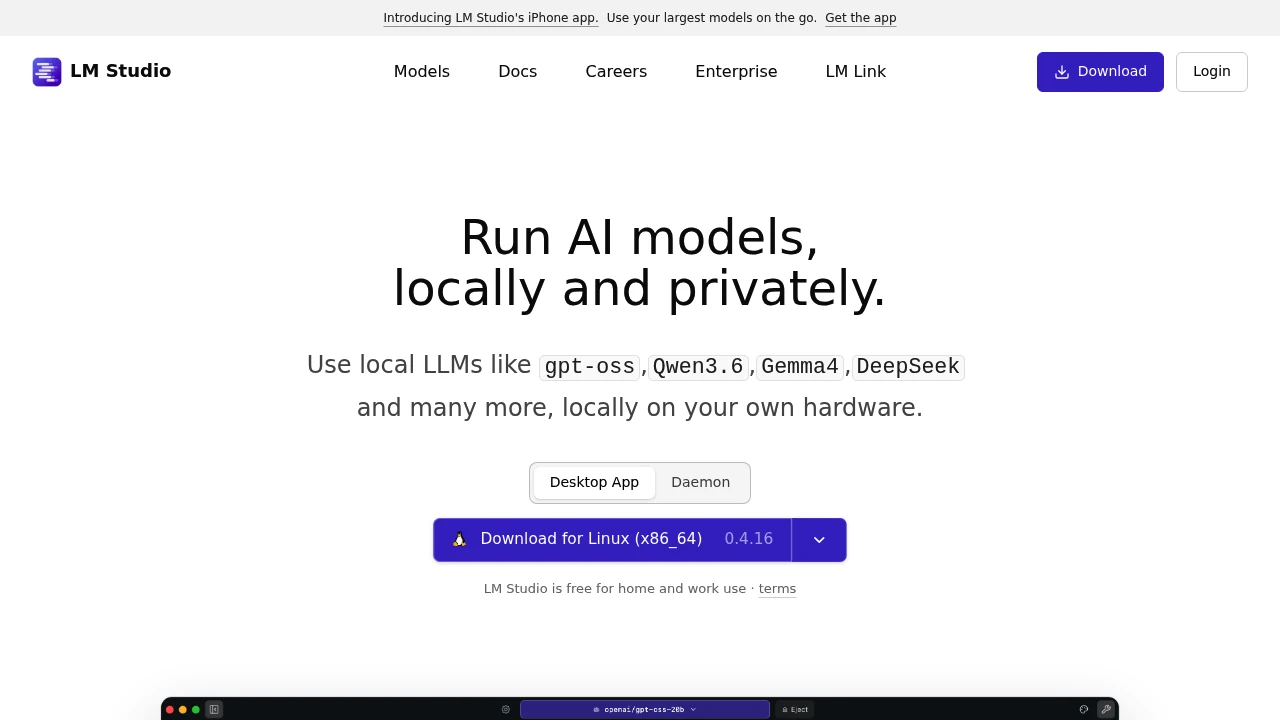
LM Studio is a desktop app for running downloadable large language models directly on your own computer. It is built for developers and privacy-conscious users who want models like gpt-oss, Llama, Gemma, Qwen, and DeepSeek without sending data to the cloud. Downloaded local models can work offline; optional Bionic cloud models use hosted inference.
Key Highlights
- Runs local LLMs on Mac, Windows, and Linux from one app
- Built-in chat interface and a Hugging Face model browser for one-click downloads
- OpenAI-compatible API server on localhost so existing code points at a local model
- Document chat (RAG): attach a PDF, DOCX, or code file and ask questions about it
- JavaScript and Python SDKs, an lms command-line tool, and MCP support
- llmster, a headless build for servers, cloud boxes, and CI without a GUI
What Makes It Different
LM Studio combines a graphical app with real developer tooling. Most ways to run local models are command-line only, while LM Studio gives you a point-and-click model browser, a chat window, and a server you start with one toggle. On Apple Silicon it runs both GGUF models (via llama.cpp) and MLX models, which use Apple's framework and GPU cores; performance depends on the model and hardware.
Features & Capabilities
You search for a model inside the app, download it from Hugging Face, and start chatting in seconds. The same model can be exposed through a local, OpenAI-compatible API server, so you swap the endpoint in your existing SDK calls and run against a model that never leaves your machine.
For automation, LM Studio ships JavaScript (@lmstudio/sdk) and Python (lmstudio) SDKs, an lms CLI, and Model Context Protocol support. The headless llmster build runs the same core without a desktop interface, for Linux servers, cloud instances, and CI.
User Ratings and Testimonials
Evaluate the selected model on your own hardware. Check RAM, GPU support, latency, and output quality with representative prompts. Local and cloud inference have different data paths, so choose the execution mode and model license that fit the project.
Pricing & Value
- Free: $0, full app for home and work use, with all local inference, the API server, SDKs, and llmster
- Team billing: centralized billing for inference credits through organizations; team subscription plans are coming soon
- Bionic+: $20/month for optional hosted inference
- Pro: $100/month with higher included usage
The core app is free for personal and commercial use, so most individuals and developers pay nothing; optional cloud inference is paid, with Bionic+ at $20/month and Pro at $100/month; local model use remains free.
Product facts
- Pricing
- Not yet verified
- Access
- Not yet verified
- Product status
- Not yet verified



You might also like
 bisibility — Free beta: Track your website’s keywords, Google rankings, Search Console insights, and share of voice.
