
Plus AI

Plus AI creates and edits slide decks inside Google Slides and PowerPoint for teams, consultants, and educators.
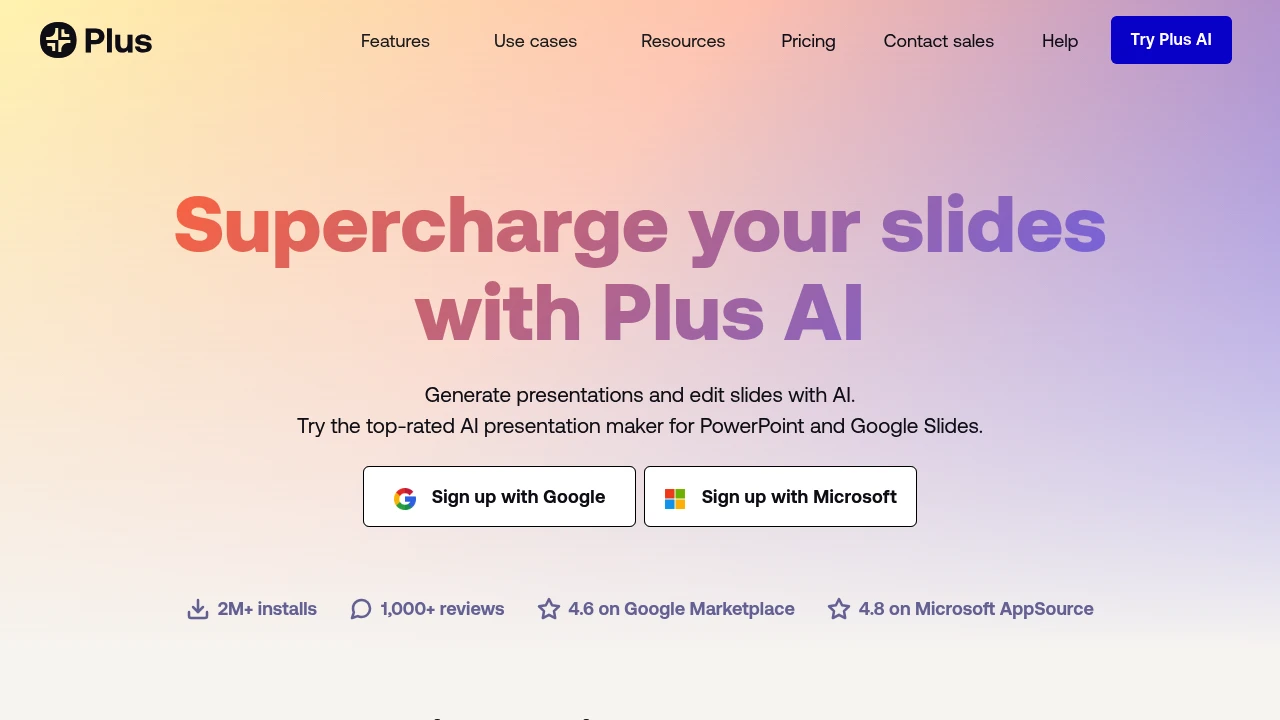
Plus AI is a presentation maker for Google Slides and PowerPoint. It creates, rewrites, and reformats decks without a separate app. Start from prompts or files.
Key Highlights
- Generates presentations from prompts, presets, or files
- Converts PDFs, Word, PowerPoint, and text into decks
- Works inside Google Slides and PowerPoint
- Rewrites, summarizes, and remixes existing slides
- Adds AI images, icons, charts, editable tables, branding, and team templates
What Makes It Different
Plus AI's main difference is where it works. Many AI presentation tools make you build in a separate editor and export later, while Plus AI creates native Google Slides presentations and PowerPoint files. Custom instructions, reusable presets, custom branding, imported templates, and enterprise slide libraries help teams keep decks on brand.
Features & Capabilities
The core workflow starts with a prompt, a preset, or an uploaded document. Plus AI can generate a deck, insert one slide, rewrite text, remix a rough slide into a chosen layout, and translate or draft in nearly any language.
For visual work, it can generate images, add icons, and turn data into charts or editable tables. Team adds logos, colors, fonts, shared presets, and custom instructions. Enterprise adds custom template conversion, asset libraries, SSO, user management, and onboarding. The pricing FAQ also mentions a PowerPoint API, Zapier, and an MCP server.
User Ratings and Testimonials
Plus AI cites 2M+ installs, 1,000+ reviews, a 4.6 rating on Google Marketplace, and a 4.8 rating on Microsoft AppSource. Testimonials praise the Google Slides and PowerPoint integrations, Remix, and turning outlines or detailed prompts into usable structure.
Plus AI does not publish a complaint summary. Limits include credit caps on Basic, Pro, and Team plans. The 7-day trial requires a credit card and bills automatically if not canceled.
Pricing & Value
- Basic: $10/user/month billed annually, or $15 monthly, with 1,500 AI credits, generation, single-slide insert, rewrite, and remix
- Pro: $20/user/month billed annually, or $25 monthly, with 3,000 AI credits, document uploads, 100K+ character prompts, AI images, and unlimited team members
- Team: $30/user/month billed annually, or $40 monthly, with 6,000 AI credits, custom branding, advanced image models, shared presets, and custom instructions
- Max: $200/user/month billed annually, or $240 monthly, with unlimited AI credits and priority email support
- Enterprise: custom pricing for custom templates, asset libraries, automated workflows, SSO, user management, and onboarding
All plans start with a 7-day free trial that includes 1,000 AI credits and access to both Google Slides and PowerPoint.


FAQs
It creates and edits presentations with AI inside Google Slides and PowerPoint, from prompts, documents, or existing slides.
New customers can start a 7-day free trial with 1,000 AI credits. After that, paid plans start at $10/user/month billed yearly.
Yes. The pricing page says you can cancel during the 7-day trial from account settings before automatic billing starts.
Paid plans start at $10/user/month billed yearly. Monthly billing starts at $15/user/month for Basic.
Plus AI says it encrypts sensitive data before sending it, encrypts data in transit and at rest, and has SOC 2 Type II compliance.
Tags:

You might also like
 bisibility — Free beta: Track your website’s keywords, Google rankings, Search Console insights, and share of voice.

