
Qwen Chat

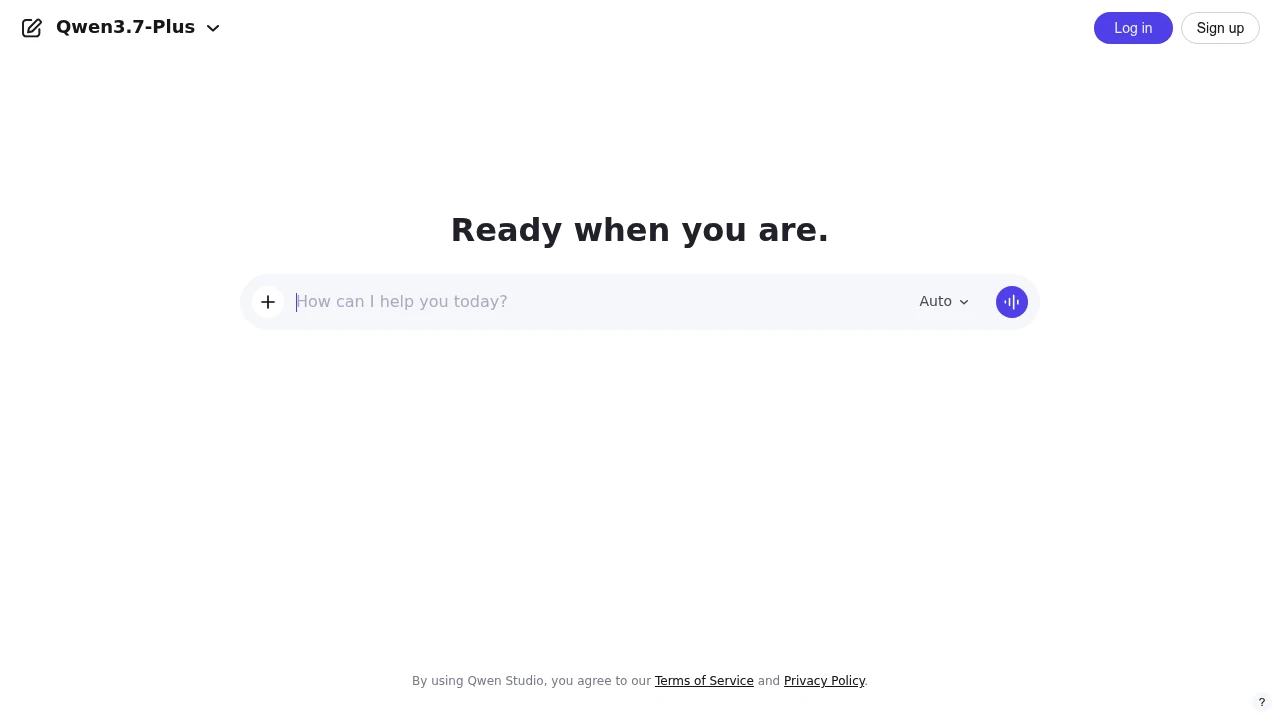
Qwen Chat gives users and developers a web chat for Qwen models, files, images, voice, video, and artifacts.
AI Chat Disclaimer
When using chat models in web-ui, do not share private, sensitive, or personal information. Unlike in real-life situations with professionals (such as doctors or lawyers), there is no guarantee of confidentiality or privacy. Always protect your data.
Qwen Chat is the official Qwen chat platform for users and developers who want direct access to Qwen's model family in a browser. It combines chatbots, multimodal understanding, image generation and editing, document processing, tool use, voice and video chat, and artifacts.
Key Highlights
- Unified access to open-source and proprietary Qwen models
- Chat interface with sign-up and login from the web app
- Image and video understanding for multimodal prompts
- Image generation and editing from the same product surface
- Document processing, tool use, voice and video chat, and artifacts
- Mobile app prompt for users who want the native experience
What Makes It Different
Qwen Chat's main difference is that it is tied directly to Qwen's own model family. Instead of routing between many third-party providers, the product presents Qwen models and related tools in one official interface.
The product is also positioned for both casual users and developers. That matters if you want to test how Qwen handles normal chat, files, images, video, voice, and tool-style tasks before deciding whether to build around the broader Qwen ecosystem.
Features & Capabilities
The basic workflow is familiar: open the web app, sign up or log in, choose the available mode, and prompt the assistant. The page covers image and video understanding, image creation and editing, document processing, tool use, voice and video chat, and artifacts.
Qwen also pushes users toward a mobile app. The public page does not detail file limits, model quotas, or workspace administration, so those should be checked inside the live account flow.
User Ratings and Testimonials
Qwen's public page does not include review scores, customer quotes, or testimonial claims. For now, the safest evaluation is hands-on testing with your own prompts, especially for document work, image and video understanding, and any task where model behavior matters.
The main caveat is transparency: the pages checked show the product surface and capability areas, but they do not explain usage limits, paid tiers, or how different Qwen models are metered in the chat product.
Pricing & Value
- Self-serve access: no public USD price was confirmed on the pages checked. The web app shows sign-up, login, model access, and a mobile app prompt.
Qwen Chat is a low-friction way to try Qwen models, but teams should verify account limits, data terms, and paid options before regular use.


FAQs
They are different products. Compare both on your own prompts, especially for coding, multilingual work, files, and visual tasks.
The site lists chat, image and video understanding, image generation and editing, document processing, tools, voice, video, and artifacts.
The sources do not confirm a free plan, free trial, or free credits. Check chat.qwen.ai after sign-up for current limits.
Treat outputs like any AI assistant: verify important facts. The source identifies it as Qwen's official platform for Qwen models.
Tags:

You might also like
 bisibility — Free beta: Track your website’s keywords, Google rankings, Search Console insights, and share of voice.
