
Udio
Udio turns a text description into a full song with vocals, plus editing tools for musicians who want to refine the result.
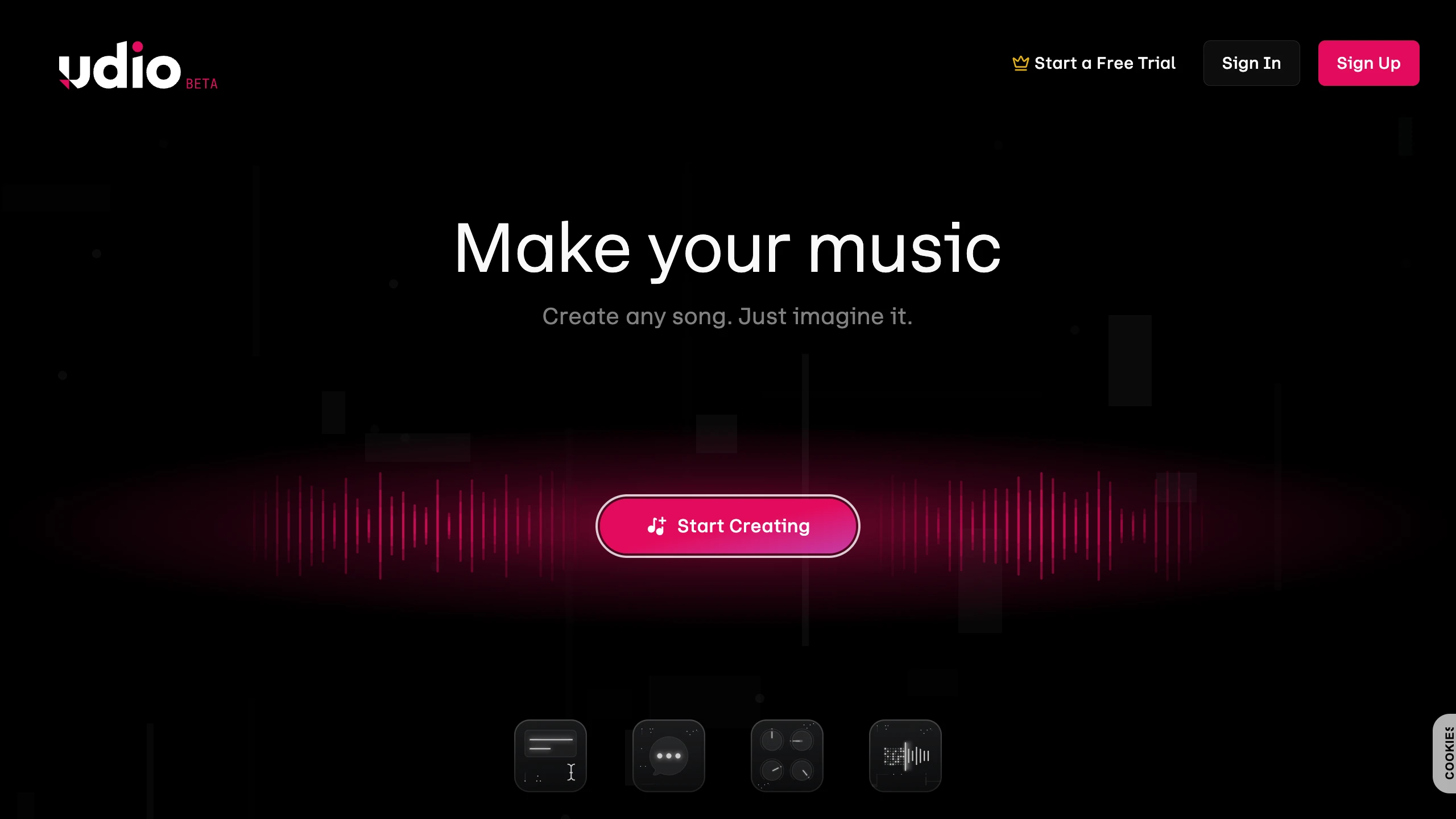
Udio is an AI music generator for developing songs with vocals and instrumentation. Musicians and hobbyists can describe a track, generate a draft, and revise it through editing tools. Account limits, eligible input material, and publication restrictions affect the workflow available.
Key Highlights
- Generate songs from text prompts
- Extend, remix, inpaint, and edit tracks
- Paid audio uploads for eligible material
- Voices library and eligible native Udio songs
- In-service sharing with upload-derived publication restrictions
What Makes It Different
Udio combines generation with editing and reference-based workflows. Styles can guide a new song from eligible reference material. Voices provides another control for the generated singer. These features have different input and access rules; an audio upload does not make a personal voice available for reuse.
Features & Capabilities
Describe a genre, mood, or scene and review the generated songs. Use extension or editing tools to refine the draft. Paid subscribers can upload audio for supported workflows if they have the necessary rights.
Subscribers can use advanced Voices options with eligible songs they created natively in Udio. Uploaded voices and songs associated with uploaded audio are ineligible, including upload-derived remixes or extensions. Voices is available on the web, including mobile web, rather than the iOS app.
Tracks created from uploaded audio cannot be published on Udio.com. This also applies when using Styles based on upload-derived songs. Audio, video, and stem downloads are currently disabled.
User Ratings and Testimonials
Test a short brief and compare vocals, structure, and revision effort. Check which input and sharing restrictions apply before planning a production project. Selected demonstrations do not establish that every generation will fit the intended style.
Pricing & Value
Free includes 10 daily credits plus an additional monthly pool of 100 credits. Free accounts and subscription trials are limited to three 130-second songs per day. Allowance credits do not roll over.
Standard costs $10/month with 2,400 monthly credits; Pro costs $30/month with 6,000. Purchased credits are separate and do not expire. Compare the selected billing offer and permitted workflow before subscribing.
Product facts
- Pricing
- Not yet verified
- Access
- Not yet verified
- Product status
- Not yet verified

FAQs
Compare generated vocals, structure, editing controls, and the intended workflow. Udio currently disables audio, video, and stem downloads.
Standard is $10/month with 2,400 credits; Pro is $30/month with 6,000 credits. Free access has separate daily and monthly allowances.
Yes. Free access includes 10 daily credits plus a 100-credit monthly allowance, with three 130-second songs per day. Subscription trials share these limits.

You might also like
 bisibility — Free beta: Track your website’s keywords, Google rankings, Search Console insights, and share of voice.
