base44 Alternatives
A curated collection of the 5 best alternatives to base44.
How to choose a replacement
Choose an app builder around the application you need to maintain, not just its first generated screen. Prompt-based builders vary in how they provide authentication, data, backend logic, and deployment. A portable interface is not the same as a portable backend.
Compare by
- Database, authentication, and backend ownership
- Source access and version-control workflow
- Integration and execution limits
- Deployment options and ongoing maintenance
Which alternative fits your workflow?
- Lovable: Prompt-driven app building with a path to editing the generated project.
- Bolt: Browser-based app development from prompts and code.
- Replit: An integrated development environment with AI-assisted app creation and deployment.
- v0: Interface and application generation within a development workflow.
- Anything: AI app building with managed services and integrations.
What to test before switching
Build a small end-to-end task with sign-in, saved data, and one external integration. Then change a business rule and inspect how the app is maintained. Check code export, service dependencies, and usage charges before relying on any builder for a production workflow.

Build websites and applications using a simple chat interface. Describe your product, and an AI will create it for you.
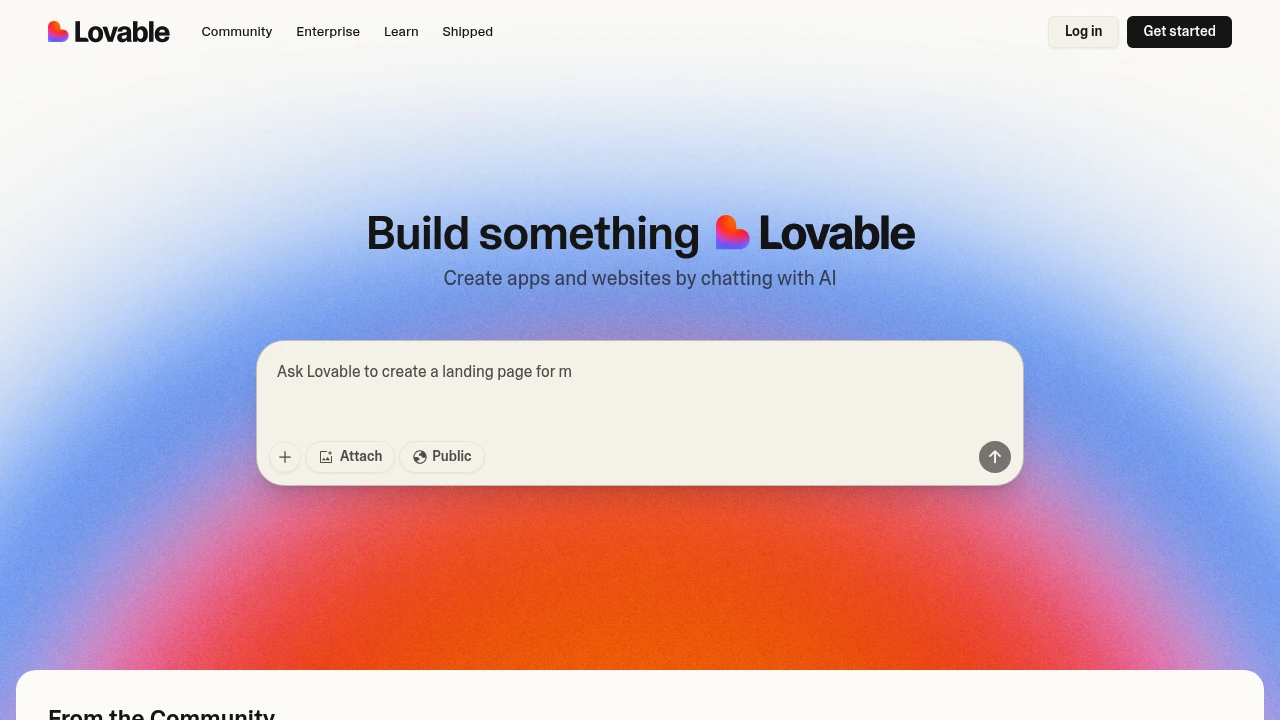
Lovable is an AI platform for building websites and web applications through natural-language instructions. You can generate and refine a project, preview changes, and publish it. The platform offers browser and desktop access, with optional connections for code collaboration and backend services.
Key Highlights
- Generate websites and web apps from prompts
- Preview and refine project changes
- Use managed Cloud or a Supabase integration
- Optional two-way GitHub sync
- Desktop apps for Mac and Windows
- Shared workspace credit balance
What Makes It Different
Lovable combines AI app building with project management and deployment features. GitHub is optional: projects can stay within Lovable, or a connected repository can support code review, local editing, and deployment elsewhere. Connecting a repository starts the sync; it is not automatically enabled for every account.
Features & Capabilities
Describe an initial app, then refine its pages and behavior through the project chat. Backend options include Lovable Cloud and Supabase. Check app permissions, authentication, and data handling before launch.
When GitHub is connected, Lovable changes sync to the repository and changes on the active GitHub branch sync back. One branch is edited and synced at a time. Workspace members share credits, and admin controls can limit individual consumption.
User Ratings and Testimonials
Lovable publishes selected customer examples. App generation still requires testing: a successful preview does not establish that every business rule or integration behaves as intended. Evaluate the cost of building and running your own project.
Pricing & Value
- Free: 5 daily build credits, capped at 30/month, plus separate Cloud and AI grants
- Pro: 100-credit tier at $25/month, or $250/year
- Business: 100-credit tier at $50/month, or $500/year
- Enterprise: custom pricing
Higher credit tiers are available. Plans are per workspace, with unlimited members. The paid balance covers building, Cloud, and app AI; included grants and credit expiry also affect available usage.
Looking for alternatives to other popular tools? Check out other posts in the alternatives series and flowtools.co, a directory of best AI tools with filters for tags and categories for easy browsing and discovery.

Create and edit web apps with AI in the browser, using integrated hosting, databases, and paid token allowances.
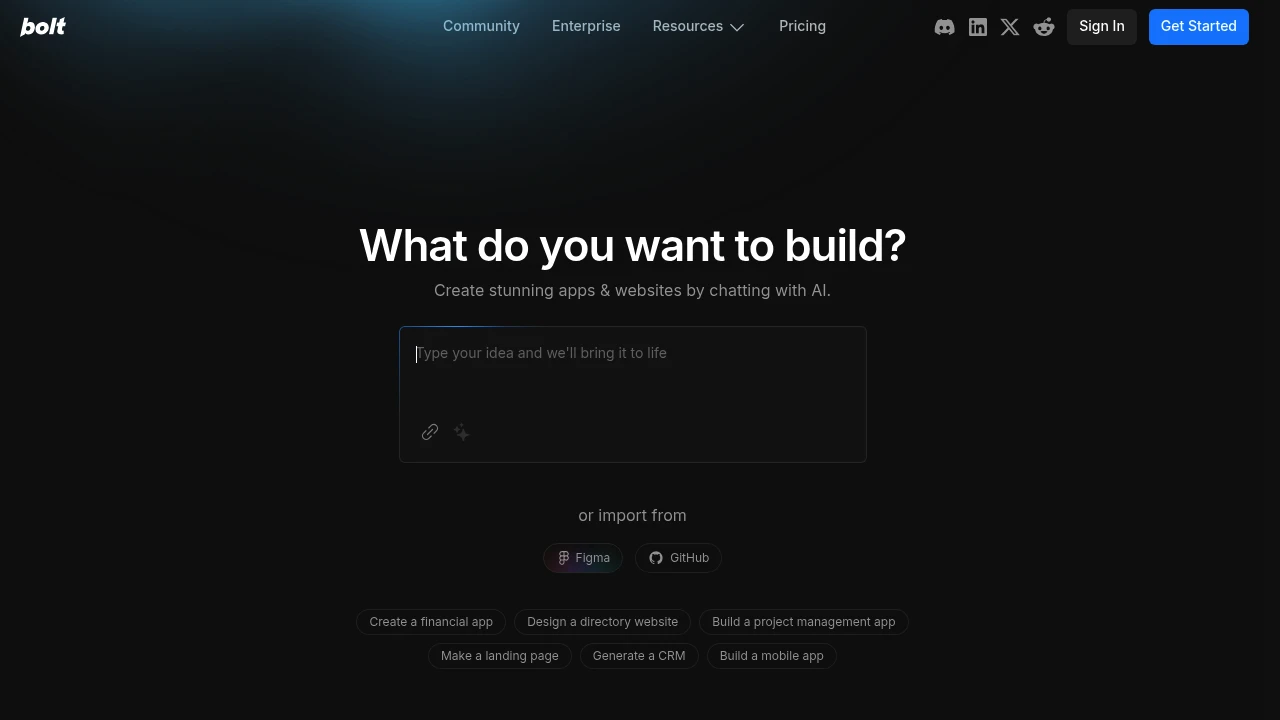
Bolt is an AI builder for websites and web applications. You describe what you want, refine the generated project, and publish it through supported hosting workflows. The hosted Bolt service is provided by StackBlitz; bolt.diy is a separate open-source project for managing your own setup.
Key Highlights
- Build and edit projects through AI prompts
- Browser-based development workflow
- Website hosting and database options
- Custom domains on paid plans
- Token allowances that scale with the selected tier
What Makes It Different
Bolt combines app generation with an environment for editing and running the project. A builder can work through prompts while inspecting the result in the browser. The hosted subscription and the self-managed bolt.diy project have different setup and billing requirements.
Features & Capabilities
Use a prompt to create an initial website or app, then refine its behavior and design. Hosting and databases are included within plan allowances. The available capacity, upload size, and domain options depend on the plan.
Review generated code, permissions, and app behavior before relying on a deployment. Token usage also depends on project size because working with project files is part of the AI workload. A short prompt does not necessarily have a fixed token cost.
User Ratings and Testimonials
Bolt publishes product examples and selected customer feedback. Their outcomes do not guarantee that a generated app meets every production requirement. Try a representative workflow and monitor the token cost of revisions before selecting a tier.
Pricing & Value
- Free: 1M tokens/month with a 300K daily limit and Bolt branding
- Pro: from $25/month billed monthly, starting at 10M tokens/month with no daily token limit
- Teams: from $30/member/month billed monthly; token allowances are not shared
- Enterprise: custom pricing
Paid subscription tokens roll over for one additional month. An active paid subscription is required to access them.

Create and edit apps through AI prompts, with databases, publishing, and paid options for domains and branding.
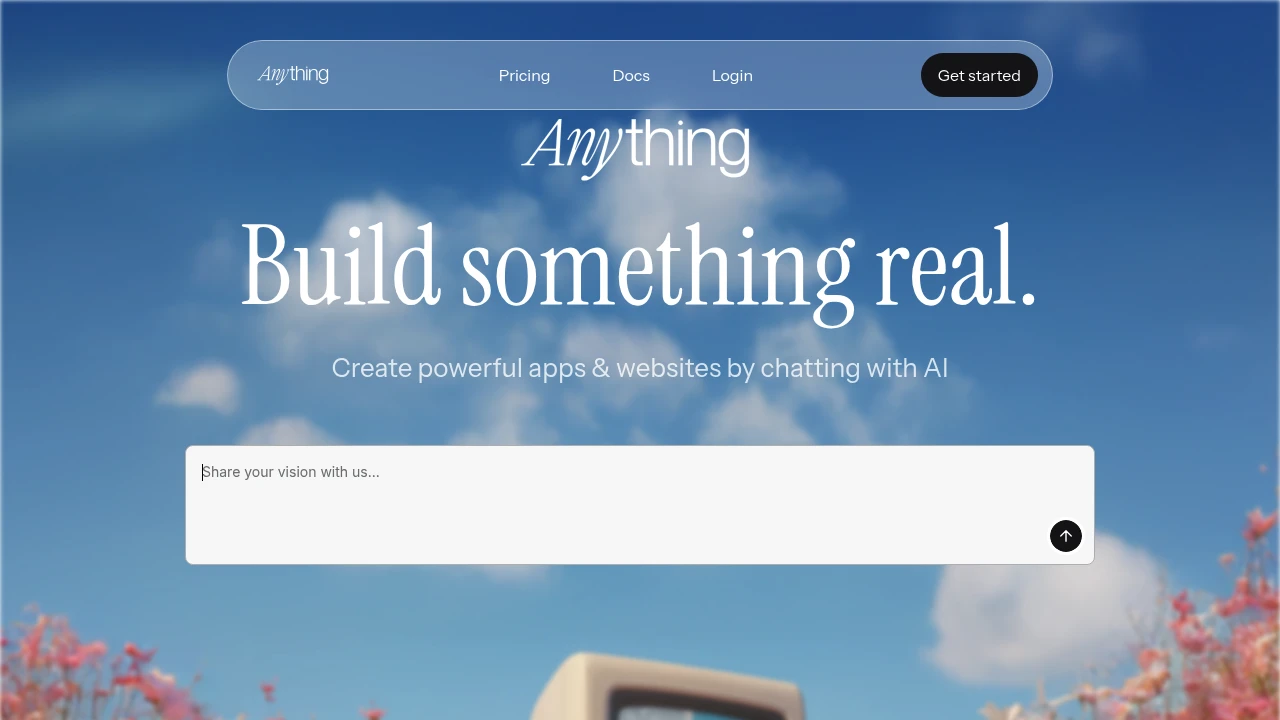
Anything transforms your ideas into initial apps without writing a single line of code. This AI-powered platform lets anyone build web applications through simple text prompts. Perfect for entrepreneurs, small business owners, and creators who need custom apps fast.
Key Highlights
- Build complete apps using only text descriptions
- No coding knowledge required
- AI generates an initial application from your instructions
- Deploy apps with custom domains
- Code export and publishing options
- Database and file-storage options
What Makes It Different
Anything stands out by making app development accessible to everyone. Anything uses AI to interpret text instructions and build an initial application, which users can test and revise. The platform focuses on simplicity without sacrificing functionality.
Features & Capabilities
The platform offers comprehensive app building through AI prompts. Users describe their app requirements in plain English, and the system generates working applications with databases, user interfaces, and core functionality. Features include project management tools, AI integrations, custom branding options, and publishing capabilities. The system handles both frontend design and backend logic automatically.
User Ratings and Testimonials
Evaluate a representative app before choosing a subscription. Review generated screens, database behavior, and access rules against your requirements. An AI-generated first version can still need testing and revisions.
Pricing & Value
- Pro 20k: advertised from $19/month, with 20,000 monthly credits, private projects, custom domains, and removal of Anything branding
- Higher credit configurations are available
- Teams: custom pricing
Credits and message counts are separate: unlimited messages do not mean unlimited AI generation. Monthly and yearly options have different checkout totals. Additional credits can be purchased on Pro plans.

v0 by Vercel turns plain-English prompts into working full-stack web apps you can edit, sync to GitHub, and deploy.
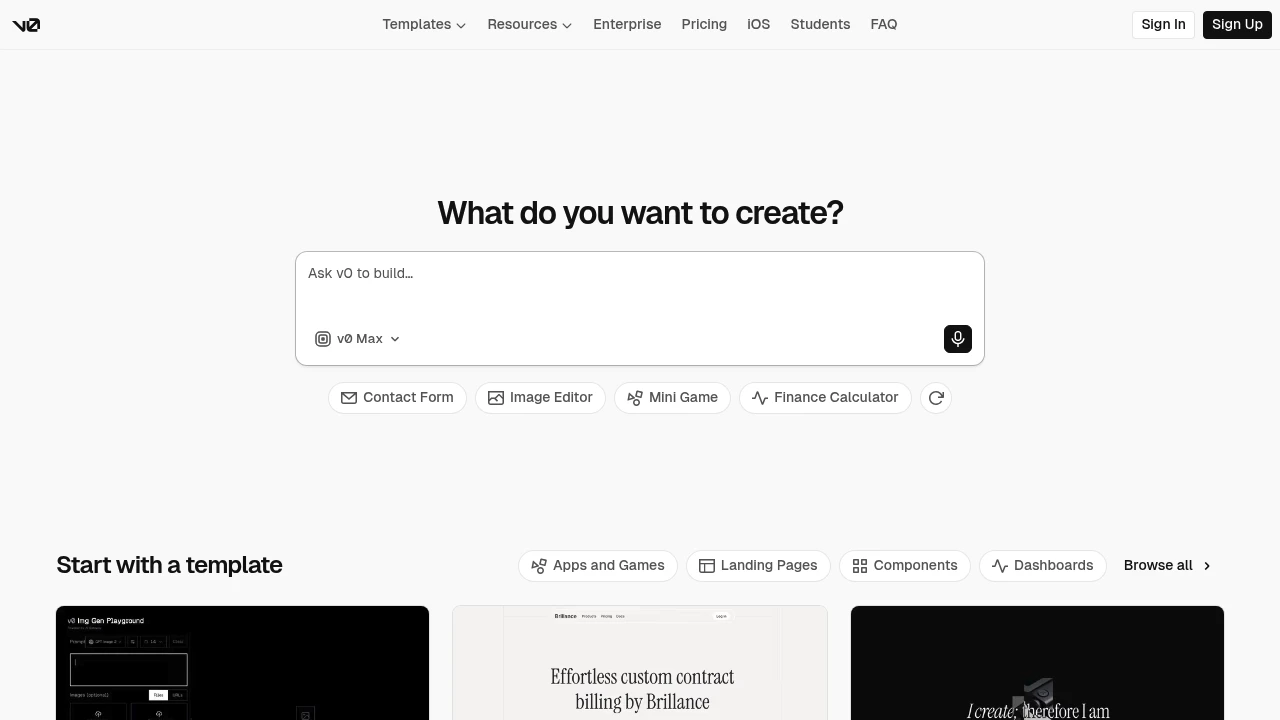
v0 is an AI app builder from Vercel that generates working full-stack web applications from natural-language prompts. It is built for developers, designers, and product teams who want to go from idea to a live, deployable app in minutes without scaffolding everything by hand. You describe what you want, v0 plans the work, writes the code, and can ship it to production.
Key Highlights
- Generate full-stack web apps from a text prompt, then iterate conversationally
- Visual design mode to fine-tune layout, styling, and components with live preview
- GitHub sync to push generated code straight to your repository
- One-click deploy to Vercel for instant production hosting
- Integrations with supported tools and APIs; authorization and provider billing may be required
- Reusable design systems (colors, typography, styles) shared across projects
- Build on the go with the v0 iOS app
What Makes It Different
v0 is agentic by default: rather than returning a single snippet, it plans tasks, generates the frontend, and can connect a database and APIs as it builds. Because it comes from Vercel, the path from generated code to a deployed site is unusually short, since the same platform handles the build, hosting, and integrations.
Features & Capabilities
You start from a prompt or a template and refine the result through chat or the visual design mode, watching changes in a live preview. v0 produces real, editable code rather than a locked black box, so you can take ownership in GitHub and keep building in a normal workflow.
Beyond single screens, v0 can assemble multi-page applications, define a shared design system, and wire up data and API integrations. When the app is ready, deployment to Vercel is a one-click step, and the iOS app lets you prototype away from your desk.
User Ratings and Testimonials
Evaluate v0 on a small app with a clear user path and expected behavior. Inspect the generated code and test the result before deployment. GitHub sync and Vercel deployment can help continue the project in an existing development workflow. Revisions consume usage credits, and complex requirements may need further implementation work.
Pricing & Value
v0 uses a credit/usage-based model:
- Free: 7 daily messages; new eligible accounts receive $5 in one-time credits, while existing accounts retain their monthly offer
- Premium: legacy $20/month plan being sunsetted, unavailable to new users
- Plus: $30/user/month with $30 monthly included credits and team collaboration
- Business: $100/user/month with training opt-out by default
- Enterprise: custom plans with advanced security and support
The free tier is enough to evaluate v0 on a real project, and its tight integration with GitHub and Vercel makes it strong value for teams already in that ecosystem.

Build, edit, and deploy applications with a browser workspace, AI agents, and integrated hosting options.
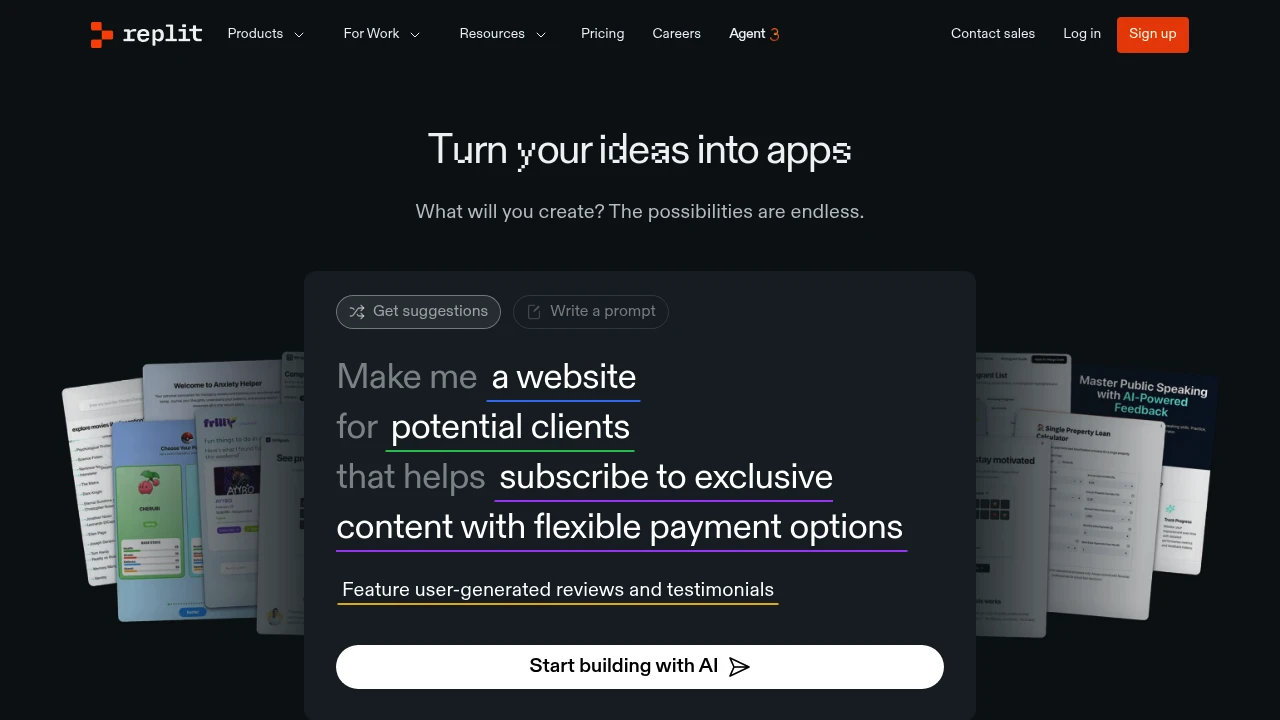
Replit is a browser-based coding platform for building, collaborating on, and shipping apps quickly. It suits makers, students, and small teams who want code, AI help, and hosting in one place. Start in seconds with no setup.
Key Highlights
- Code in the browser with instant start and sharing.
- Built-in AI agent for scaffolding, fixing, and refactoring.
- Real-time collaboration with comments and multiplayer editing.
- One-click live hosting for public or private apps.
- Templates and quick starts for standard stacks.
- Team workspaces with roles and centralized billing.
- Enterprise options with SSO/SAML and SCIM.
What Makes It Different
Replit brings coding, AI assistance, and deployment under one roof. You can go from idea to live app without switching tools. Paid-plan credits cover eligible usage; costs can rise when work exceeds the allowance.
Features & Capabilities
- Browser IDE with multi-language support and package management.
- Replit Agent for code suggestions, tests, and task automation.
- Deployments with live links, logs, and scaling options.
- Collaboration: sharing, reviews, and viewer seats for stakeholders.
- Security and admin controls for teams and enterprise.
- Common use cases: prototypes, internal tools, student projects, and small production apps.
User Ratings and Testimonials
Evaluate Replit with a small application that has clear acceptance criteria. Test the generated code, error handling, and deployment before publishing. Agent work and hosting can consume usage credits, so monitor spending throughout revisions. Team capacity, security controls, and available resources depend on the plan.
Pricing & Value
Replit offers several pricing plans:
- Starter: Free plan includes daily Agent credits up to a monthly cap, Lite build, and one published app whose link expires after 30 days.
- Replit Core: paid Agent modes, monthly usage credits, up to 5 builders, and unlimited published apps; pricing depends on the current offer.
- Pro: tiered pooled credits, up to 15 builders and 10 parallel Agent tasks, with no per-seat fees. Prices and included credits depend on the selected tier.
- Enterprise: Custom pricing offers SSO/SAML integration, SCIM support, and advanced privacy controls with dedicated support.
The free Starter plan allows you to explore app development with basic features and includes limited Agent credits.
Replit stands out by combining AI-assisted development with integrated hosting and deployment on a single platform.
Similar proprietary alternatives:

 bisibility — Free beta: Track your website’s keywords, Google rankings, Search Console insights, and share of voice.


