Adobe Illustrator Alternatives
A curated collection of the 5 best alternatives to Adobe Illustrator.
The best alternative to Adobe Illustrator is Ideogram. If that doesn't suit you, we've compiled a ranked list of other Adobe Illustrator alternatives to help you find a suitable replacement. Other interesting alternatives to Adobe Illustrator are: Recraft, Adobe Express, Playground and Canva AI.
Adobe Illustrator alternatives are mainly AI Design tools but may also be AI Image Generation tools or AI Presentation Maker tools. Browse these if you want a narrower list of alternatives or looking for a specific functionality of Adobe Illustrator.


Ideogram (pronounced "eye-dee-oh-gram") is a free-to-use AI tool that turns your ideas into stunning images, in a matter of seconds.
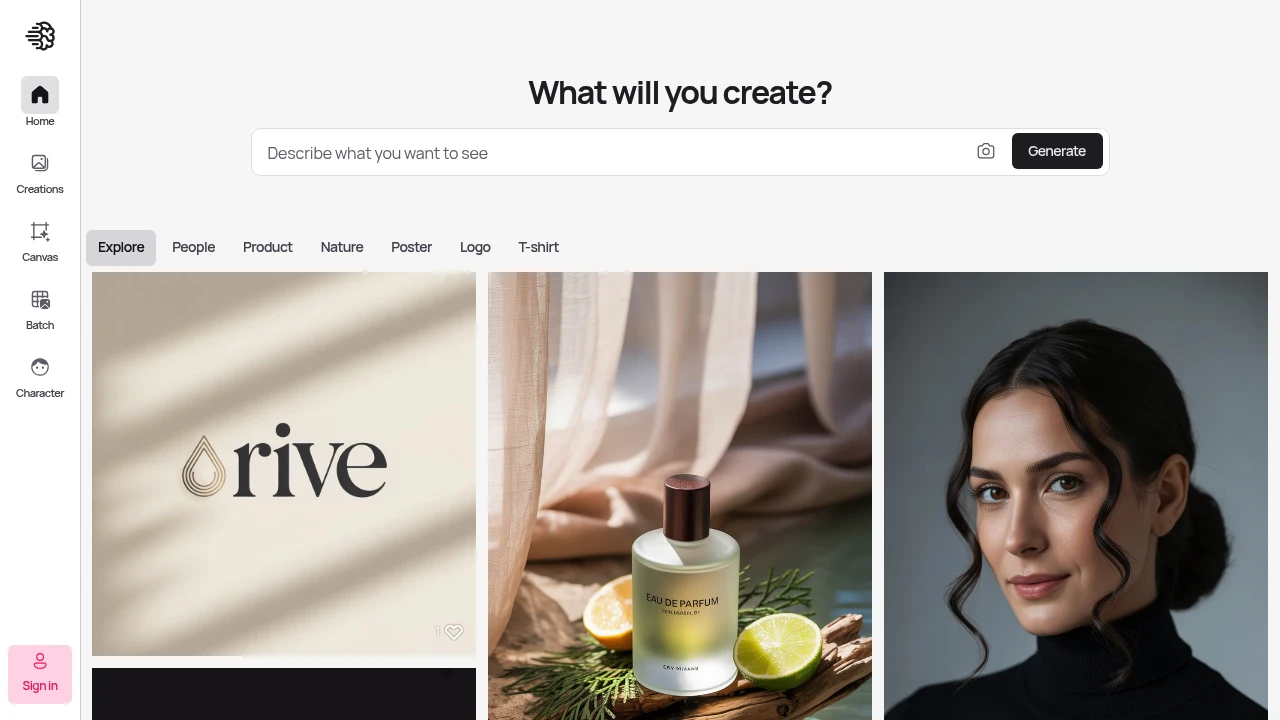
Ideogram creates high-quality visuals with sharp, clean results that match what you're thinking. This platform helps designers and creators make professional images faster than traditional methods.
Key Highlights
- Superior prompt understanding compared to other AI image tools
- Canvas editing feature for post-generation modifications
- Character consistency tools for brand work
- High-quality, sharp visual output
- Fast generation speeds with priority credits
- Team collaboration features available
What Makes It Different
Ideogram sets itself apart with its Canvas editing system. You can modify generated images directly within the platform. The tool also excels at character consistency - keeping the same people or objects looking identical across multiple images. This makes it perfect for brand work and storytelling projects.
Features & Capabilities
Ideogram generates images from text prompts with strong accuracy. The Canvas feature lets you edit images after creation without starting over. You can upload reference images for style matching.
The platform handles various image types including vectors, photos, and illustrations. Batch generation saves time for large projects. Team workspaces allow multiple users to collaborate on visual projects.
User Ratings and Testimonials
Ideogram has an average rating of 5.0 out of 5 stars from 4 reviews on Product Hunt.
Users praise the high image quality and sharp, clean visuals. They find the platform understands prompts better than other AI image tools. Many users report increased creativity and faster development times. Some mention it helps create unique vectors and improves their creative workflow.
Pricing & Value
Ideogram offers several pricing plans:
- Free: $0 - Limited slow credits and basic Canvas access
- Basic: $8/month - 400 priority credits monthly, 100 slow credits daily, and Canvas editing without image upload
- Plus: $20/month - 1,000 priority credits monthly, unlimited slow credits, and image upload for editing
- Pro: $60/month - 3,500 priority credits monthly, batch generation, and best cost per credit
- Team: $30 per user/month (minimum 2 users) - 1,500 priority credits per user and team collaboration features
- Enterprise: Custom pricing with private models, custom credit amounts, and API volume discounts
All paid plans offer 12-20% savings with annual billing.
The free plan provides basic access to test the platform.
Ideogram stands out with its Canvas editing feature and character consistency tools, making it valuable for designers who need reliable AI image generation with editing capabilities.
Looking for alternatives to other popular tools? Check out other posts in the alternatives series and flowtools.co, a directory of best AI tools with filters for tags and categories for easy browsing and discovery.

Recraft is a text-to-image and design platform for photorealistic images, editable vector art, custom styles, and mockups.
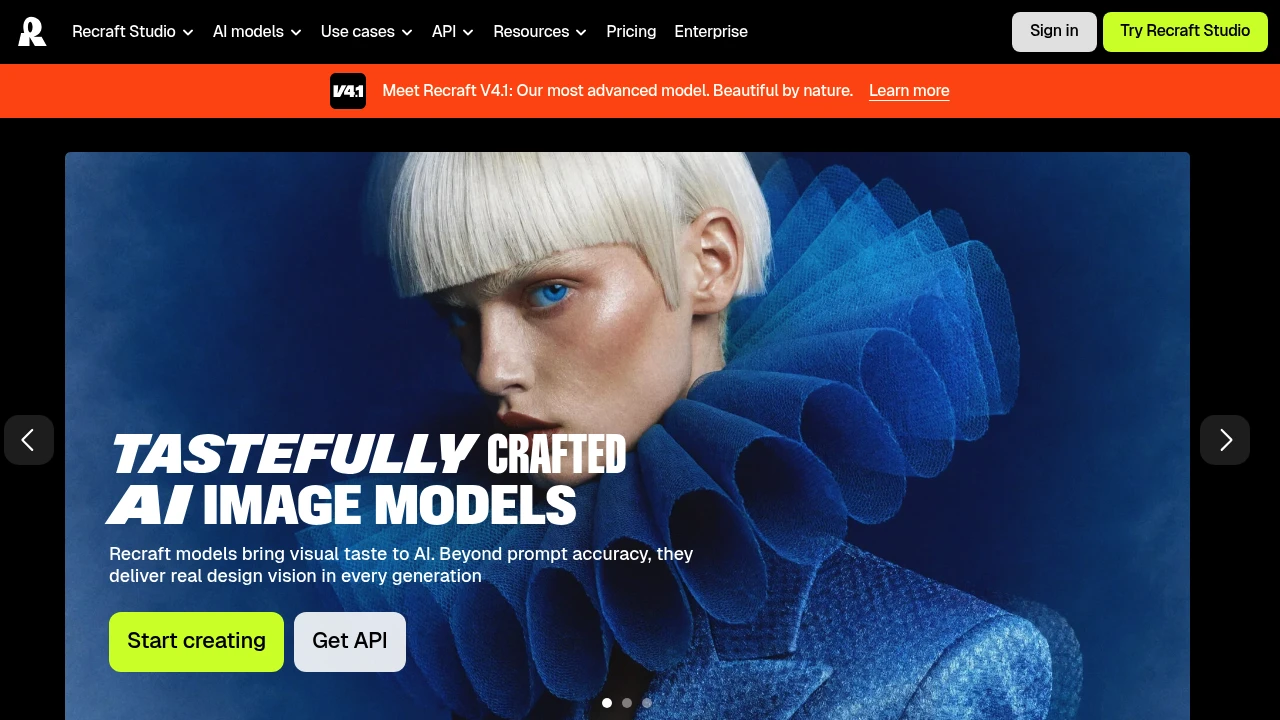
Recraft is an AI image and design platform that generates photorealistic images, editable vector graphics, and product mockups from a text prompt. It is built for designers, marketers, sellers, and teams who need brand-consistent visuals rather than one-off art. You can create a reusable custom style from your own reference images, so every generation stays on-brand.
Key Highlights
- Generates photoreal raster images and fully editable vector graphics
- Recraft V4.1, the platform's most advanced in-house model
- Create reusable custom styles from your own reference images, no model training required
- Built-in editing tools, mockups, and design-ready typography
- Recraft's own models plus frontier models like Nano Banana, Seedream, GPT Image, and Flux
- Video generation on higher tiers through Kling, Veo, Sora, Seedance, and Grok Imagine
- API access for generating images programmatically
What Makes It Different
Recraft's main differentiator is native vector output. Most AI generators produce only raster images, while Recraft can generate complex, editable vector graphics with consistent styles and clean typography, which matters for logos, icons, and print work. Its second edge is custom styles: upload a few reference images and Recraft turns them into a reusable style, keeping a brand look without training a model.
Features & Capabilities
In Recraft Studio you generate and edit images, vectors, and mockups, then refine them with custom color palettes, a magic wand, creative upscale, and prompt extraction. It pairs Recraft's own models with other top models, so you switch engines in one workspace.
Paid tiers add video generation, parallel generations for faster batches, and unlimited custom style usage. Teams plans add a shared workspace, shared styles, SSO, and 24/7 support. Developers can call Recraft through its API using a key from the profile section.
User Ratings and Testimonials
Recraft is well regarded by professional designers, who praise how customizable it is compared with tools like Midjourney and the rare ability to generate directly in vector format. The common trade-offs: the Free plan makes all images public with no commercial use, and subscription credits do not roll over month to month.
Pricing & Value
- Free: $0, 30 credits per day, Recraft models only, all images public, no commercial use
- Basic: $10/month billed annually ($120/year), 1,000 credits/month, commercial rights, private generations, and additional models
- Pro: $16/month billed annually ($192/year), 2,000 credits/month, video generation, priority and parallel image generation
- Teams: $18/month per seat billed annually ($211/year), 2,000 credits per seat, shared workspace, SSO, and centralized billing
An image generation or edit uses 1 to 2 credits. The Free tier is enough to test quality, while Basic is the entry point for commercial rights and private images.

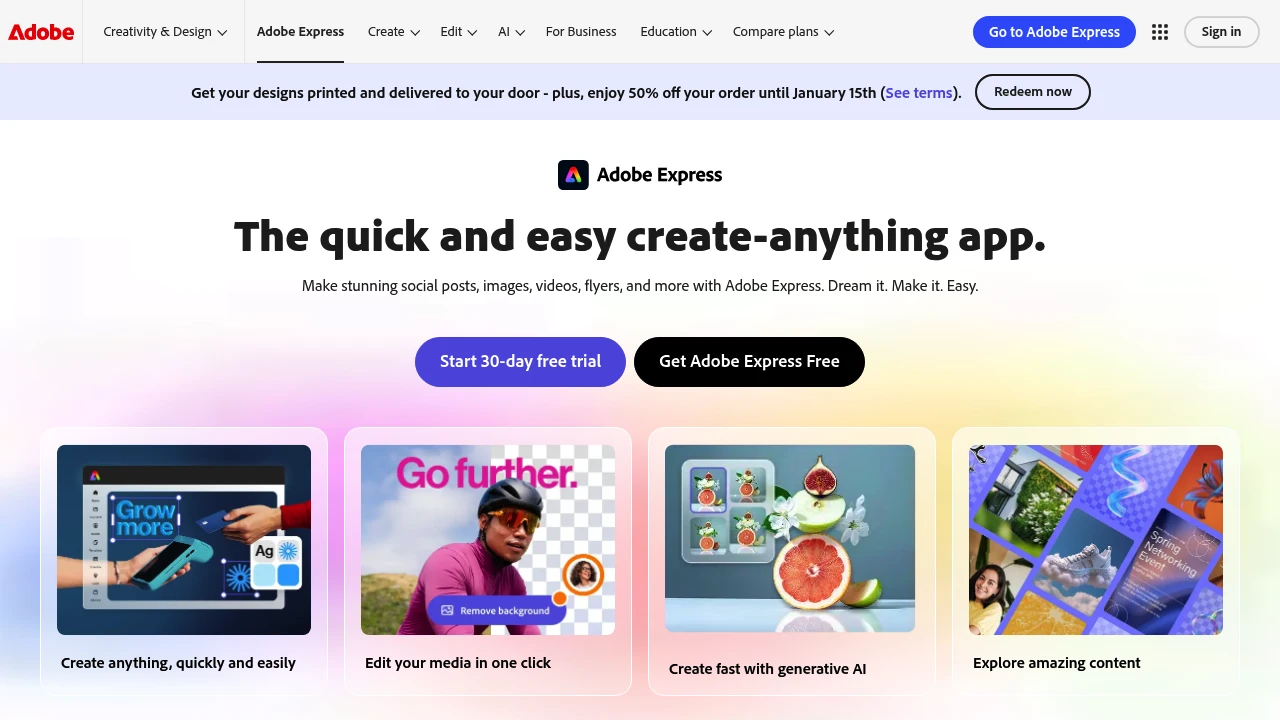
Make stunning social posts, images, videos, flyers, and more with Adobe Express. Dream it. Make it. Easy.
 Read more
Hello to Playground v3. Our new AI model focused on graphic design.
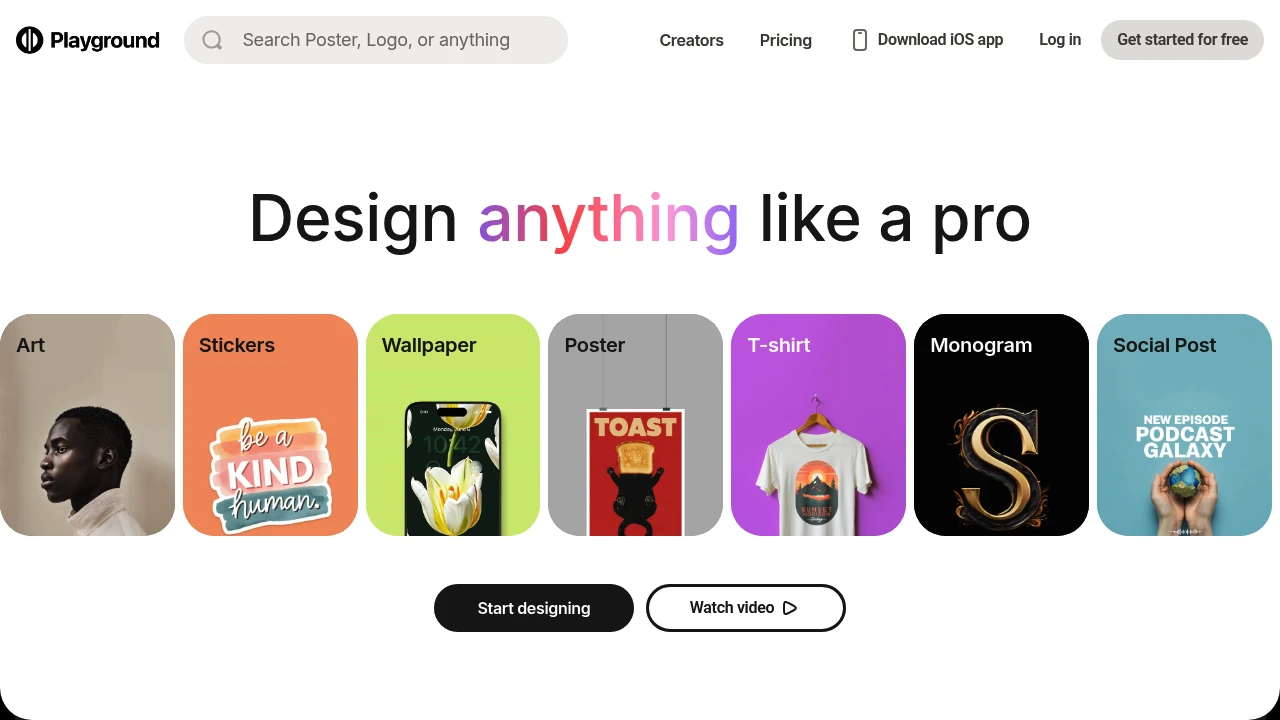
Playground transforms text prompts into high-quality images using advanced AI technology. This creative platform serves artists, designers, and content creators who need professional visuals without traditional design skills. The tool combines image generation with powerful editing features for complete creative control.
Key Highlights
- Generate images from text descriptions in seconds
- Built-in AI editing tools for fine-tuning results
- Commercial usage rights included
- User-friendly interface for all skill levels
- Multiple customization options available
- Free tier with generous image allowance
What Makes It Different
Playground combines image generation with advanced editing capabilities in one platform. Unlike basic AI image tools, it offers GPT-4o powered editing features that let users refine and modify their creations. The platform balances accessibility for beginners with advanced options for experienced users.
Features & Capabilities
The platform generates images from text prompts using state-of-the-art AI models. Users can create artwork, marketing materials, social media content, and product mockups. The editing suite includes AI-powered tools for adjusting colors, styles, and compositions. The interface supports both quick generation and detailed customization workflows.
User Ratings and Testimonials
Playground has an average rating of 4.7 out of 5 stars from 3 reviews on Product Hunt.
Users praise the user-friendly interface and variety of customization options. They find the platform exciting for AI-driven creativity and experimentation. The tool is seen as accessible for both beginners and experienced users. Some users note that achieving specific results requires effort and that design elements can change unexpectedly when making modifications.
Pricing & Value
Playground offers several pricing plans:
- Free: Create 10 images every 3 hours with 3 GPT-4o edits per month
- Pro: $15/month for 75 images every 3 hours and 150 GPT-4o edits per month
- Team: $30/month for 2 seats with shared workspace and unified billing
The Free plan includes commercial usage rights but has wait times during peak hours.
The main value of Playground is its ability to generate high-quality images quickly with AI-powered editing features.

With Canva you can design, generate, print, and work on anything.
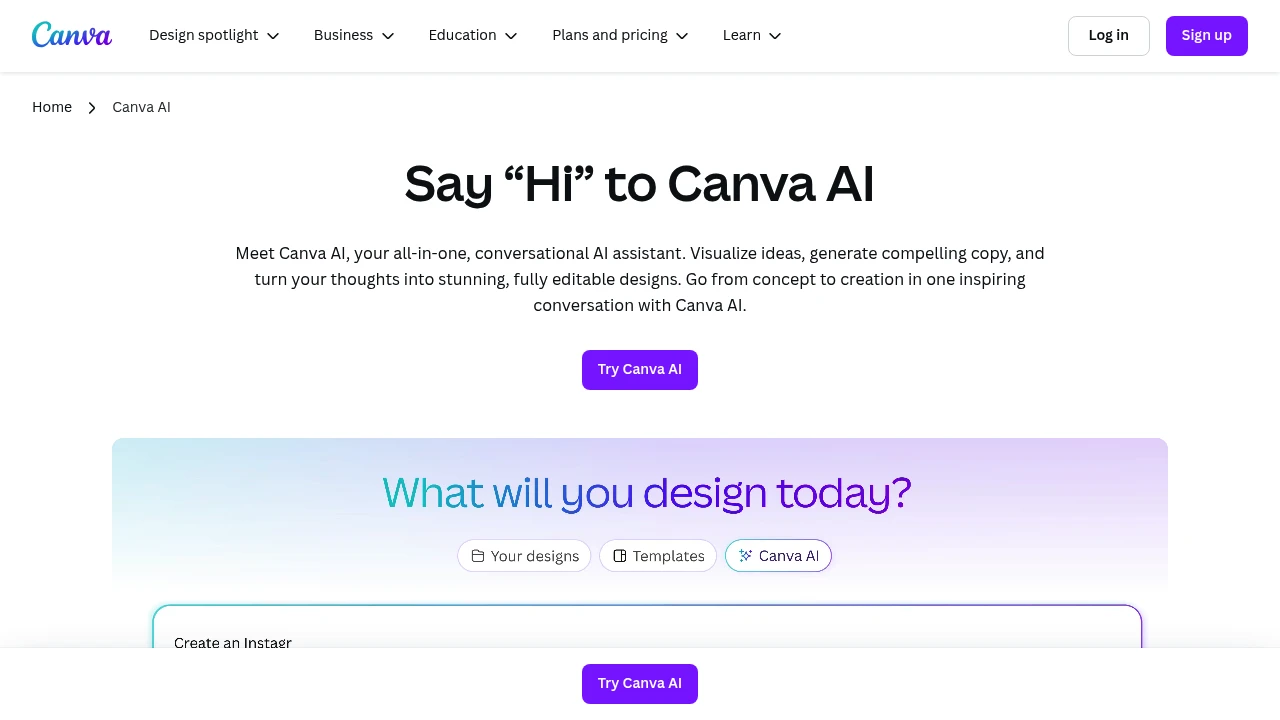
Canva AI combines smart design automation with an easy-to-use interface that anyone can master. This platform helps users create professional graphics, presentations, and marketing materials using AI assistance and thousands of templates.
Key Highlights
- AI-powered content creation - Generate text, images, and designs with simple prompts
- 2M+ professional templates - Ready-made designs for every business need
- Drag-and-drop simplicity - No design experience required
- Team collaboration tools - Share and edit projects in real-time
- Multi-format export - Create content for social media, print, and web
- 140M+ media assets - Huge library of photos, videos, and graphics
What Makes It Different
Canva AI stands out by making professional design accessible to everyone. Most design tools require technical skills or expensive software. Canva AI removes these barriers with its intuitive interface and smart automation. The platform combines design creation with AI content generation in one place, saving time and reducing the need for multiple tools.
Features & Capabilities
Canva AI offers comprehensive design and content creation tools. Users can generate custom graphics, write marketing copy, create presentations, and design social media posts.
The AI assistant helps with brainstorming, content suggestions, and automatic resizing for different platforms. The platform supports video editing, photo enhancement, and brand kit management.
Integration options include social media scheduling and team workflow management.
User Ratings and Testimonials
Canva AI has an average rating of 4.7 out of 5 stars from over 4,374 reviews on G2.
People love how easy Canva is to use. They can create professional designs quickly without design skills. The templates and drag-and-drop features make it simple. Many find the AI tools helpful for creating content fast. Team collaboration works well for sharing projects.
Some say the free version is limited. Premium features cost extra which can be expensive. The mobile app runs slow sometimes. Advanced users want more customization options. Files can get too large for social media use.
Pricing & Value
Canva AI offers several pricing plans:
- Free: $0/month with drag-and-drop editor, 2M+ templates, and basic AI features
- Pro: $15/month with unlimited premium templates, 140M+ media assets, and 25+ AI tools including video clips
- Teams: $10/month per person (minimum 3 people) with brand management, real-time collaboration, and team reports
- Enterprise: Custom pricing with advanced security, SSO, and dedicated support
Pro and Teams plans include free trials.
Canva offers 16% savings on yearly subscriptions and special education pricing.
The main value of Canva AI is its ability to combine design creation with AI-powered content generation in one simple platform.
Similar proprietary alternatives:

 bisibility — Free beta: Track your website’s keywords, Google rankings, Search Console insights, and share of voice.


