Airtable Alternatives
A curated collection of the 5 best alternatives to Airtable.
The best alternative to Airtable is Softr. If that doesn't suit you, we've compiled a ranked list of other Airtable alternatives to help you find a suitable replacement. Other interesting alternatives to Airtable are: Bubble, AppSheet, Glide and Rows.
Airtable alternatives are mainly AI App Builders tools but may also be AI Data Insights tools. Browse these if you want a narrower list of alternatives or looking for a specific functionality of Airtable.

Turn your siloed data and workflows into powerful custom apps for your business. Easy. Fast. No code required.
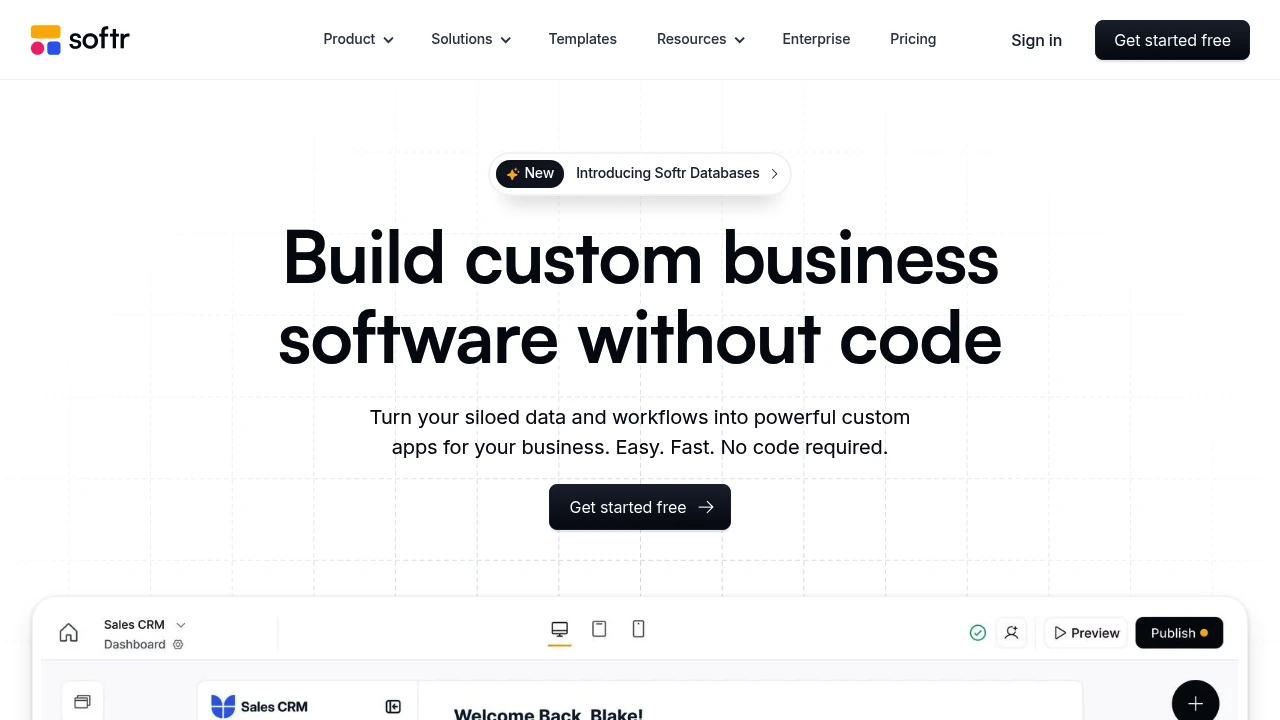
Softr is a no-code platform. It lets you build websites, client portals, and internal tools. You can use your Airtable or Google Sheets data for this. It’s for businesses and people who want to create custom web apps without coding.
Key Highlights
- Data-Powered Apps: Turn your Airtable or Google Sheets data into a fully functional web app.
- No-Code Builder: Create and customize your app with a drag-and-drop interface and pre-built blocks.
- User Authentication: Easily set up user logins, roles, and permissions.
- Connected Integration: Real-time, two-way sync with your data sources.
What Makes It Different
Softr's key differentiator is its connected integration with Airtable and Google Sheets. This lets users use their existing data and workflows to create strong web applications. The platform is easy to use and quick to develop. This makes it a great choice for creating MVPs, client portals, and internal tools.
Features & Capabilities
With Softr, you can create different web apps. This includes marketplaces, online courses, and internal dashboards. The platform provides many pre-built blocks. You can find lists, tables, charts, and forms. You can also customize these blocks to meet your needs. Softr also provides features for user management, payments, and integrations with other tools.
User Ratings and Testimonials
Evaluate a representative portal or internal tool with your intended data source. Test permissions, user roles, editing, and data updates before rollout. Compare the included Team and Client users with your expected audience; higher user counts and builder seats can affect the subscription cost.
Pricing & Value
Softr offers a free plan with basic features for up to five users. You can bill paid plans monthly or annually.
With annual billing selected, Basic is $19/month (5 Team and 5 Client users), Pro $99/month (10 Team and 50 Client users), and Business $329/month (30 Team and 100 Client users). Monthly billing is separate. Builder seats and additional users have separate limits and charges.
Softr offers great value. It lets users build custom web apps quickly and easily, without needing a development team.
Looking for alternatives to other popular tools? Check out other posts in the alternatives series and flowtools.co, a directory of best AI tools with filters for tags and categories for easy browsing and discovery.

A no-code platform that builds full-stack web and mobile apps from AI prompts, for founders and teams without developers.
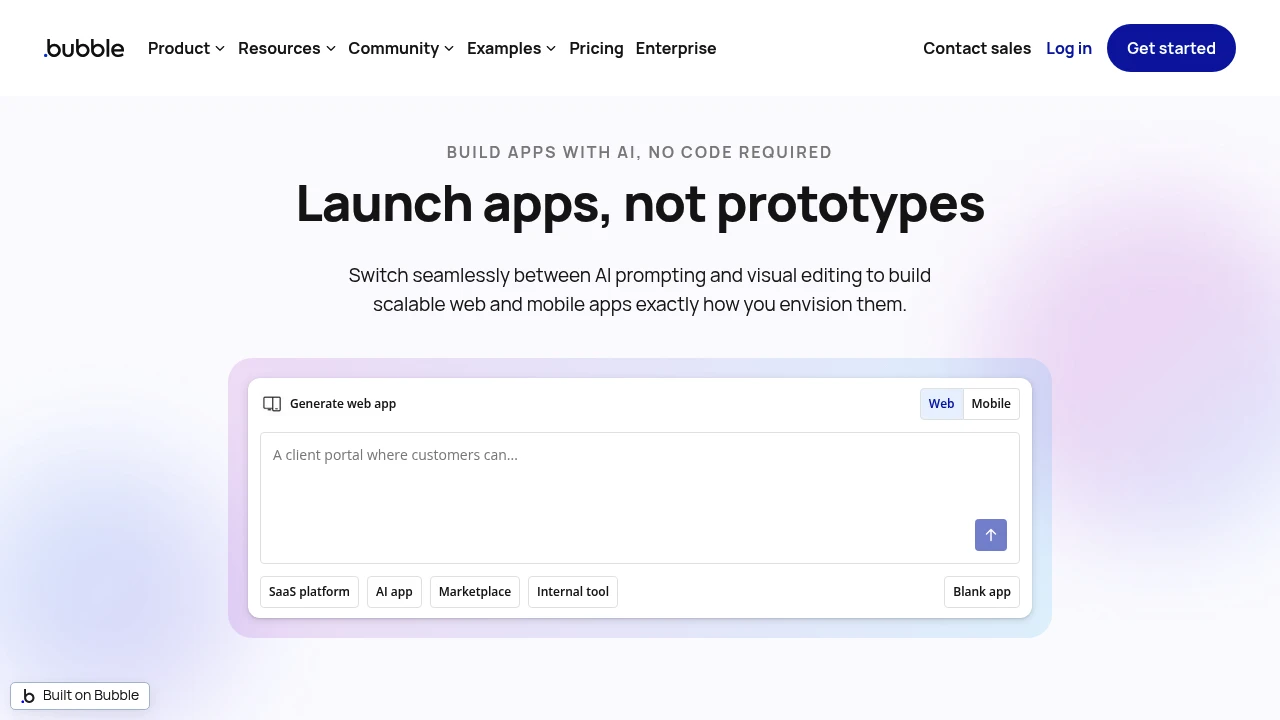
Bubble is a no-code platform for building web and native mobile apps with AI prompts and a visual editor. Founders and teams can generate an initial app, then configure its design, data, and logic. Web and mobile experiences within a project can share a backend.
Key Highlights
- AI generation followed by visual editing
- Web, iOS, and Android app workflows
- Shared database and backend within a project
- API connector and plugin marketplace
- Development-only free plan and paid launch plans
What Makes It Different
Bubble combines AI generation with visual controls for layout, workflows, and privacy rules. Builders can edit the application directly after generation rather than express every change through a prompt. Native mobile apps use React Native, while web apps run in browsers.
Features & Capabilities
Design pages, organize data, and define actions through the visual editor. External services connect through plugins or the API connector. Native mobile workflows include on-device testing and submissions to the Apple App Store and Google Play.
Plans are purchased per project. A project can contain Web & Mobile, Web only, or Mobile only. Web and mobile activity share the workload allowance, so usage across both experiences contributes to the same total.
User Ratings and Testimonials
Bubble publishes examples of apps and businesses built on the platform. A project's fit depends on the required design, integrations, and workload. Review privacy rules and monitor resource consumption with a representative app before launch.
Pricing & Value
The following paid prices apply to Web & Mobile projects and are billed annually:
- Free: development version, 1 editor, 50K workload units/month
- Starter: $59/month, live website, custom domain, 175K workload units/month
- Growth: $209/month, 2 editors, 250K workload units/month
- Team: $549/month, 5 editors, 500K workload units/month
- Enterprise: custom pricing
Web-only and Mobile-only plans have separate prices. Extra workload, file storage, and plugin subscriptions can add cost.

Create business apps and automations from spreadsheets and connected data, with plan-specific deployment and controls.
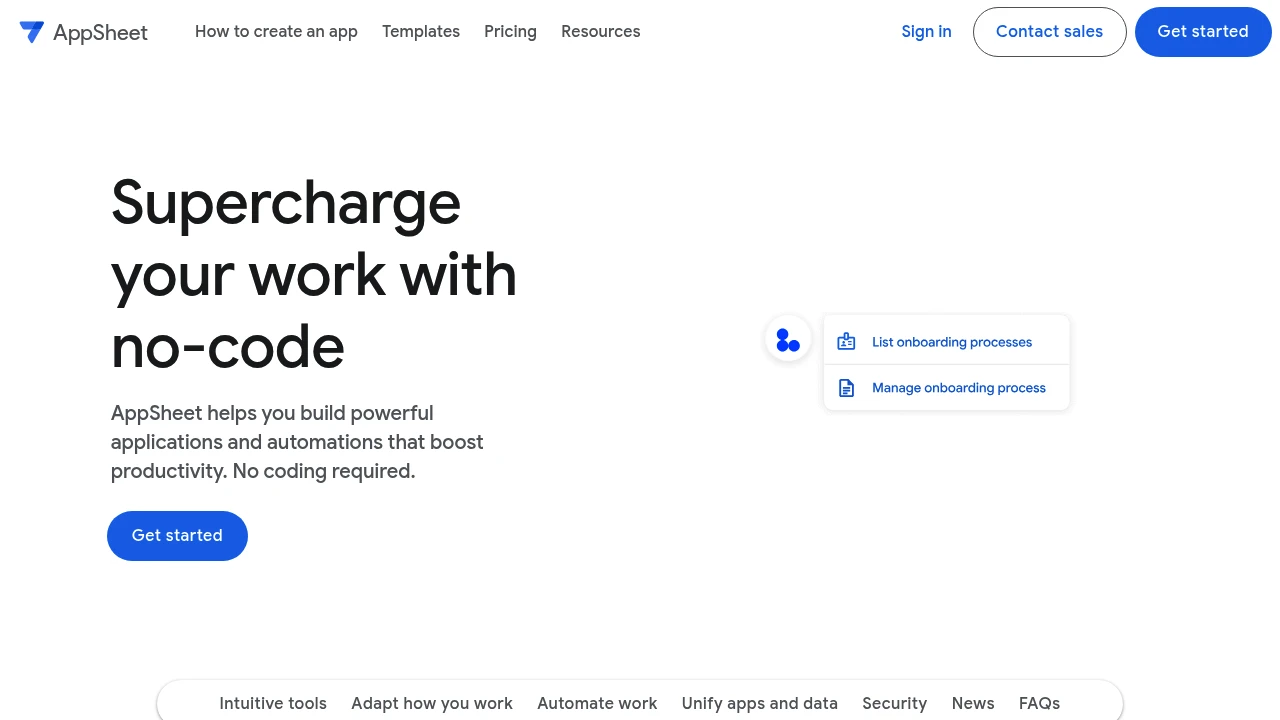
AppSheet is a no-code platform for building business applications and automations from existing data. Teams can create mobile and web workflows for collecting information, managing records, and carrying out recurring tasks. The platform connects to spreadsheets and other services according to the selected plan.
Key Highlights
- No-code apps with configurable data views
- Forms, tables, galleries, charts, maps, and dashboards
- Automation for business processes
- Spreadsheet and cloud-storage connections
- Offline app operation with background synchronization
What Makes It Different
AppSheet turns a data source into an application workflow rather than requiring a custom application from scratch. A team can configure views and forms around its own records. It separates free building and prototype testing from deploying applications to a wider group of users.
Features & Capabilities
Build an app, organize its data, and configure the actions or processes it needs. Forms can capture information such as photos, signatures, and locations. Branding, themes, and localization help adapt the interface to the intended workflow.
Starter and Core connect to spreadsheets and file storage. Enterprise Plus adds broader connections, including databases, APIs, SaaS, and enterprise data services. Security, governance, and team controls vary by plan.
User Ratings and Testimonials
Test a prototype with the people who will use it. Check the forms, permissions, offline behavior, and synchronization against a realistic data set. A no-code setup still requires careful configuration and review before a business relies on the app.
Pricing & Value
- Prototype testing: no cost, with up to 10 test users
- Starter: $5/user/month
- Core: $10/user/month, included in many paid Google Workspace subscriptions
- Enterprise Plus: $20/user/month
Building and testing can continue as long as needed. Production deployment and user licensing depend on the subscription; free prototype testing is not an unrestricted production plan.

Create business apps from data with a visual builder, generated interfaces, AI transformations, and workflows.
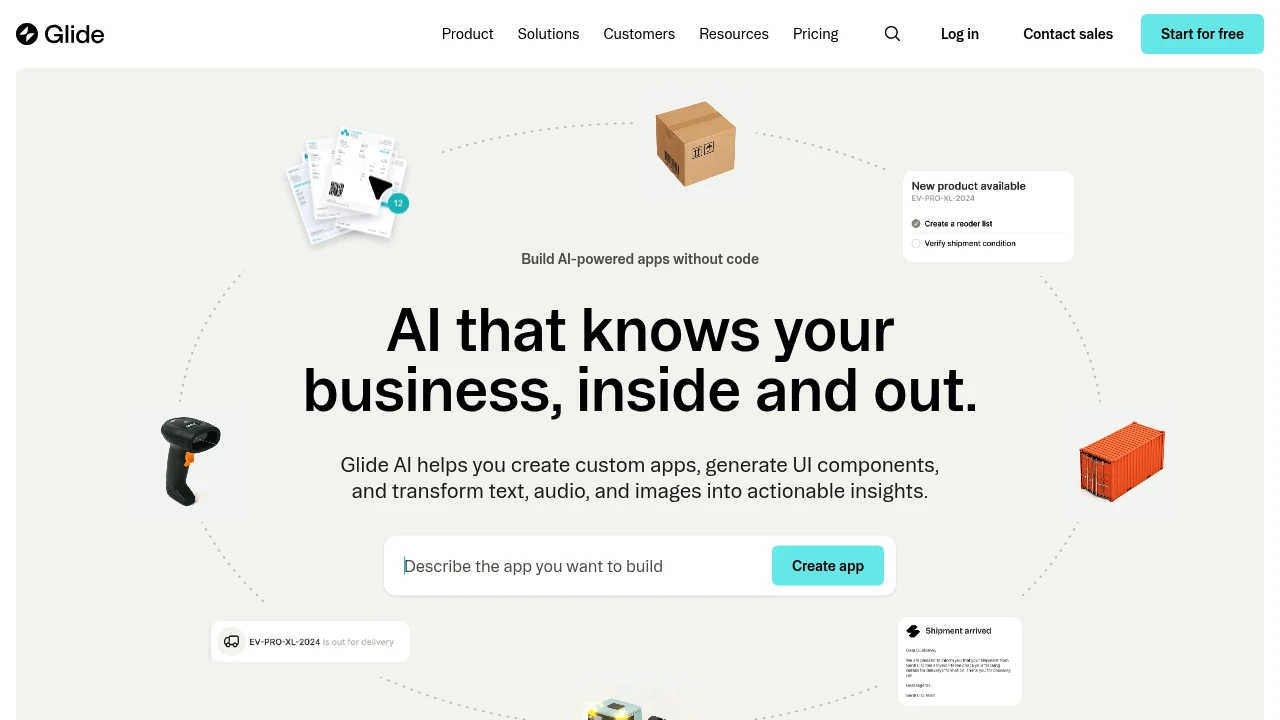
Glide Classic is a visual app builder for teams turning shared data into business software. It combines configurable interfaces, workflows, and AI tools for text, images, and audio. Glide Agent can help create an app from a description, while Glide AI adds transformations to data inside apps.
Key Highlights
- Visual app building around supported data sources
- Glide Agent for prompt-based app creation
- Generated UI components
- AI transformations for text, images, and audio
- Workflows and supported third-party integrations
What Makes It Different
Glide centers the application on data and configurable components. A team can turn a spreadsheet-style process into screens and actions for its users. Its AI features cover both creating an app and working with data after the app exists; Agent and Glide AI are separate features.
Features & Capabilities
Connect or import data, configure the layout, and add actions and workflows. Glide AI columns can summarize, transform, or process information in supported data sources. The visual builder remains useful for editing what the agent creates.
Published apps, users, updates, and storage have plan-specific limits. Business supports sources such as Airtable and Excel sync, along with additional workflow and API options. Older teams may have different access to Agent, so check feature availability in the workspace before planning a migration.
User Ratings and Testimonials
For evaluation, build one representative process and test it with the people who will use it. Check permissions, data sync, and the number of updates the workflow consumes. A visually complete app still needs testing against the real records and actions it will handle.
Pricing & Value
- Free: draft app building with limited resources
- Paid plans: Explorer, Maker, Business, and Enterprise have different app, user, and update allowances
- Business: starts at $199/month billed yearly, with 30 users and 5,000 updates
- Trial: 14-day Business trial
Additional users and updates can add cost.

Former connected spreadsheet and AI analysis product that announced a May 31, 2026 wind-down.
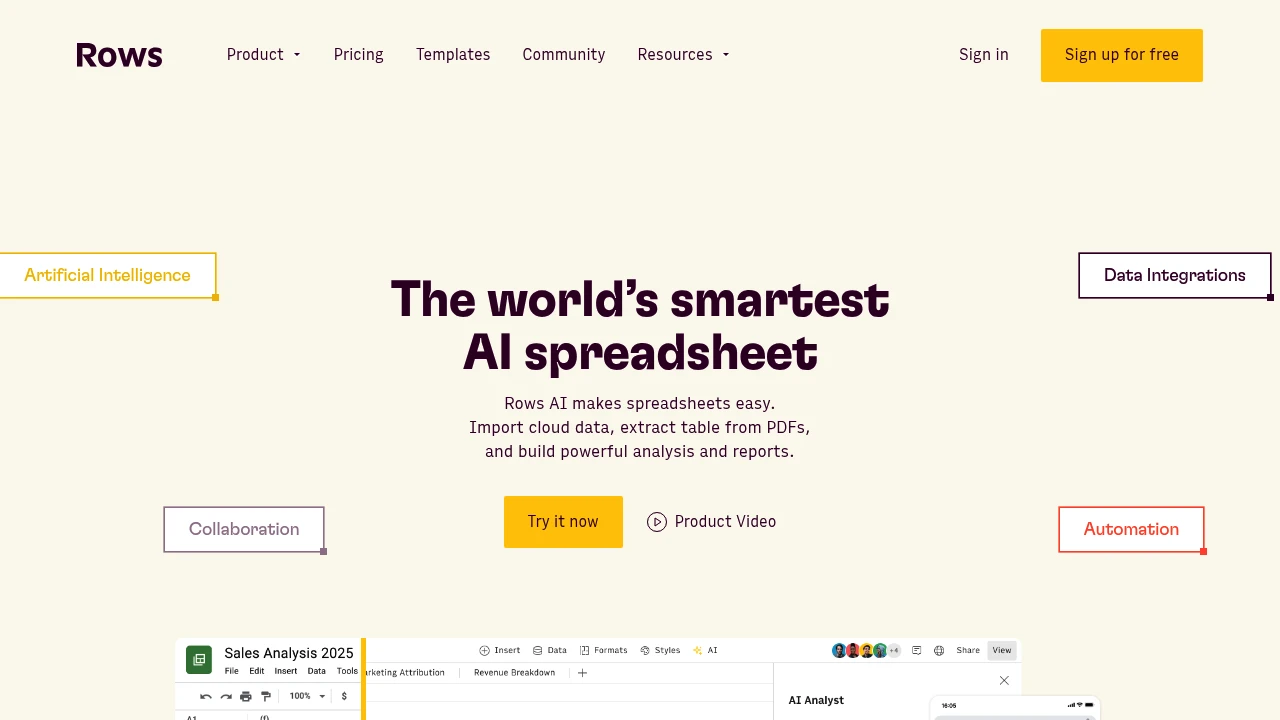
Rows was a connected spreadsheet and AI data-analysis product. Its February 2026 announcement set May 31, 2026 as the date for winding down the service. The Rows website now directs visitors to Superhuman Docs rather than offering Rows as a new spreadsheet workspace.
Key Highlights
- Product transition: Rows joined Superhuman
- Announced wind-down date: May 31, 2026
- Former focus: importing, analyzing, and sharing business data
- The website directs visitors to Superhuman Docs
- Previous Rows plans are historical
What Makes It Different
Rows combined spreadsheet work with connected business data and AI analysis. That product history explains its place in the spreadsheet category, but does not make it an available alternative for a new deployment. The team described its next work as strengthening Coda within the Superhuman platform.
Features & Capabilities
Before the wind-down, Rows helped users bring business data into spreadsheets, analyze it, and share the results. Those former capabilities should be read in the context of the product transition. Existing website pages and tutorials may still describe the earlier service.
For new work, assess the current destination product independently. Check data import formats, formulas, integration coverage, automation behavior, and collaboration controls before moving a spreadsheet workflow. A link to Superhuman Docs does not guarantee that every former Rows feature, integration, or subscription entitlement has transferred.
User Ratings and Testimonials
Past reviews concern the former Rows product. They should not be presented as a current rating for Superhuman Docs or used to promise equivalent functionality. Evaluate a replacement with representative data and the calculations your team depends on.
Pricing & Value
The announced wind-down means historical Free, Plus, Pro, and Enterprise prices are not a current Rows purchase offer. Pricing and limits for Superhuman products are separate. Account-specific transition questions can be directed to the support contact on the Rows website.
This month’s top products
Ranked by total paid bids this month.
Similar proprietary alternatives:

 bisibility — Free beta: Track your website’s keywords, Google rankings, Search Console insights, and share of voice.


