Higgsfield Alternatives
A curated collection of the 5 best alternatives to Higgsfield.
How to choose a replacement
Higgsfield combines several creative workflows. A replacement for generating a clip may be different from a replacement for editing, visual exploration, or assembling a finished video. Match the product to the part of the process you actually want to change.
Compare by
- Text, image, and reference-led generation
- Motion and character consistency controls
- Editing and iteration after generation
- Output formats, usage allowances, and commercial terms
Which alternative fits your workflow?
- Runway: Video generation and creative editing workflows.
- Kling AI: Image and video generation for reference-led creative work.
- Krea: Visual exploration across AI image and video workflows.
- Luma: Generative video and image-to-video production.
- Pika: AI video creation and transformation effects.
What to test before switching
Try the same reference and brief across services, then compare usable results after several revisions. Check identity continuity and artifacts across the whole clip. Confirm export and commercial-use terms for the exact plan and generation model you choose.


Krea is a creative AI studio for generating, editing, and upscaling images, video, and 3D, with real-time tools for creators.
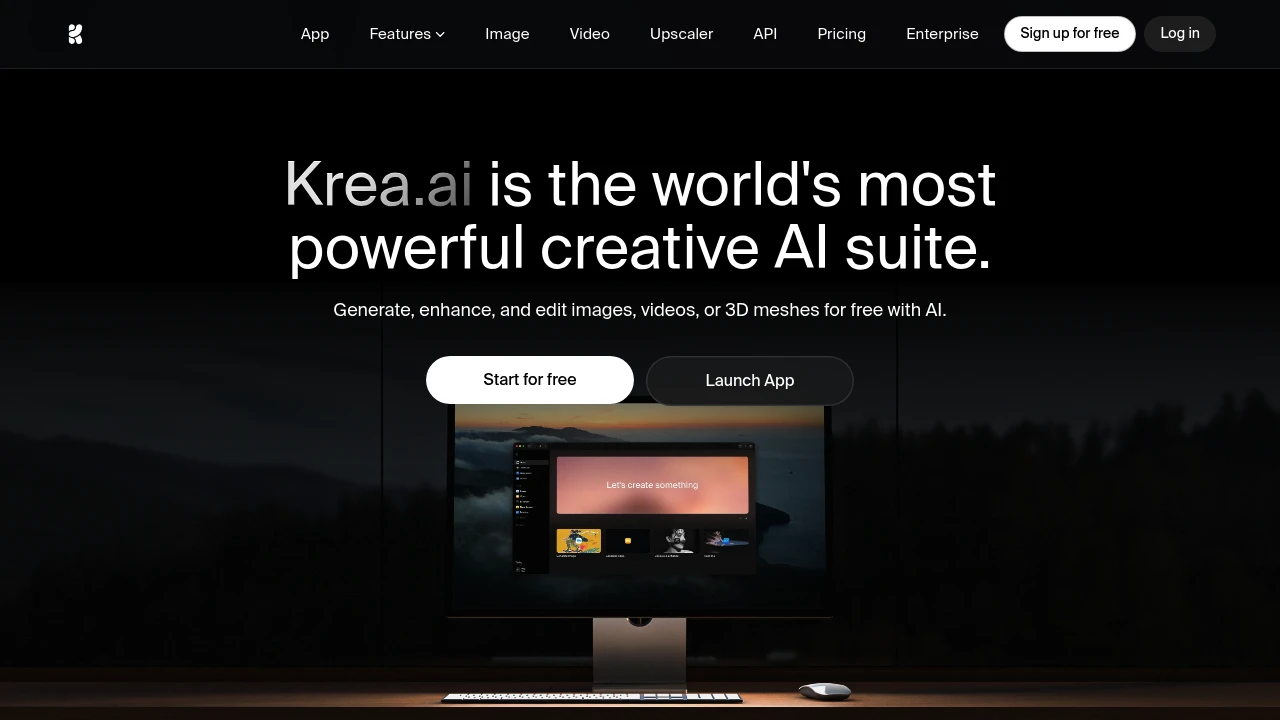
Krea is a creative AI studio that brings image, video, and 3D generation into one workspace. It is built for designers, marketers, and creators who want to generate, edit, upscale, and fine-tune visuals without juggling separate tools. The standout is real-time generation: you draw or type and Krea renders a result almost instantly.
Key Highlights
- Real-time image generation while typing or drawing
- Multiple image and video models, with access depending on the plan
- Native 4K generation and image upscaling up to 22K
- LoRA fine-tuning on your own face, product, or style
- AI video generation, video upscaling, and generative editing (Nano Banana, Flux Kontext, Qwen)
What Makes It Different
Krea provides multiple image, video, and 3D models through one interface, with plan-dependent access, so you can compare Flux, Ideogram, Veo, and others without separate accounts. The real-time canvas is the other differentiator: you manipulate primitives and watch a photorealistic result form live.
Features & Capabilities
The workflow covers four areas: generate (images, video, 3D, lipsync), edit (add or remove objects, change lighting, merge images), enhance (upscale and restore photos or footage with Topaz upscalers), and customize (train LoRA models from a few reference images). Style and reference inputs can guide the composition.
For advanced users, Krea adds Nodes and Apps for workflow automation, plus an AI-powered Nodes Agent that builds workflows from natural language. Plan-specific model access and compute limits affect which tools a workspace can use.
User Ratings and Testimonials
Test the models, editing, and upscaling needed for your project. Image and video work use different compute amounts, and concurrency limits affect how many jobs can run together. Compare generated details and unwanted artifacts before relying on output for a final asset.
Pricing & Value
- Free: $0, 100 compute units per day, real-time models, limited image, video, 3D, and upscaling, no card
- Basic: 5,000 compute units, full image and 3D models, LoRA training, and paid image upscalers with output up to 22K
- Pro: 20,000 compute units, all video models, Nodes automation, and upscaling tools
- Max: 60,000 compute units, unlimited image concurrency, 8 concurrent video jobs, and image upscaling up to 22K
- Business: shared workspace compute, up to 50 seats, and team controls
Annual billing lowers the effective monthly cost, and one-time compute packs (valid for 90 days) cover overflow. Review the output-use terms for the selected plan and any uploaded material.
Looking for alternatives to other popular tools? Check out other posts in the alternatives series and flowtools.co, a directory of best AI tools with filters for tags and categories for easy browsing and discovery.

Luma is an AI platform for creative teams that generates and edits video, image, and audio from a prompt using agents.
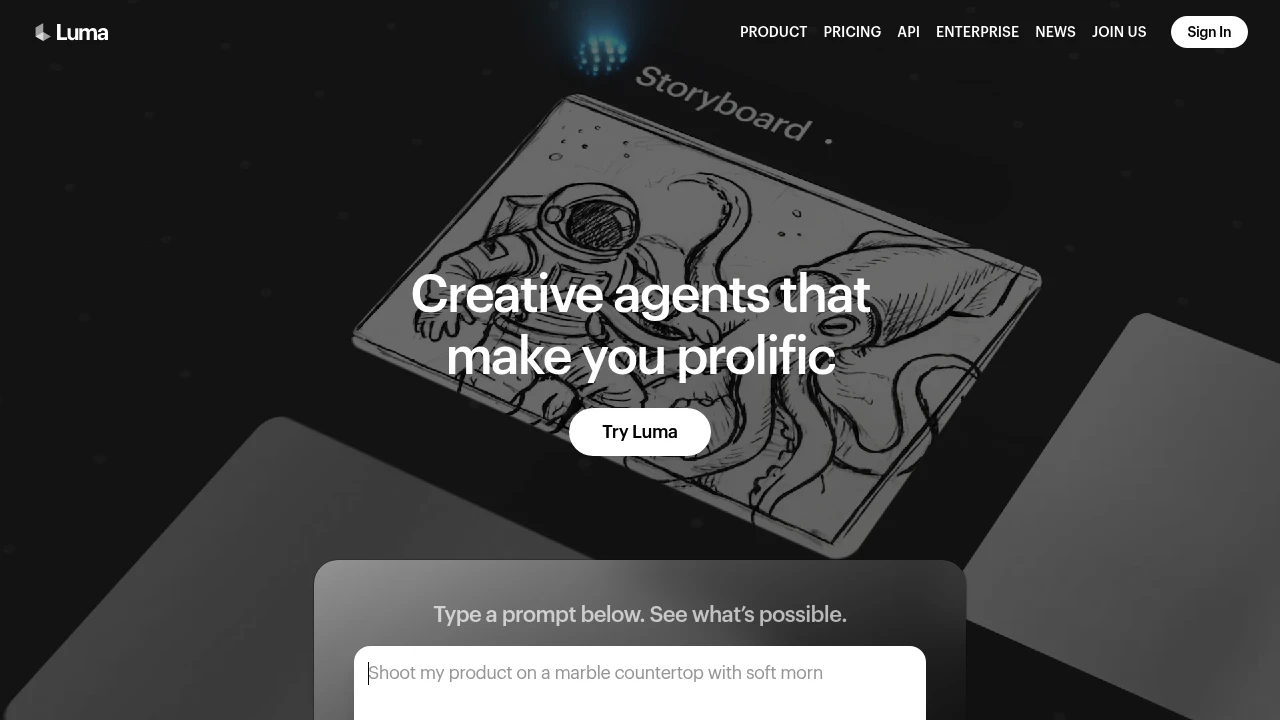
Luma is an AI platform for creative work that generates and transforms media across video, image, audio, and text from a prompt. It is built for creative teams, filmmakers, and marketers who want to move from concept to delivery in one tool. Agents coordinate the work, while the Dream Machine app and Ray video models handle generation.
Key Highlights
- Generate video, image, audio, and text from a single prompt
- Ray 3.2 video model with frame-level direction and cinematic control
- Agents that coordinate multi-step creative tasks across media
- Many third-party models (Veo, Kling, Seedance, Nano Banana) alongside Luma's own
- Image-to-video, video-to-video, and reframe workflows
- Commercial use rights on paid plans
What Makes It Different
Luma frames itself around agents rather than single-shot generation. Instead of asking one model for one clip, you describe a goal (a pitch deck, hero product shots, a cinematic cut) and agents generate and coordinate the media to deliver it. The Ray 3.2 model adds control over continuity and lets you direct individual frames, which matters for longer sequences.
Features & Capabilities
The core workflow runs through Dream Machine: type a prompt, generate, then refine with image-to-video, video-to-video, or reframe actions. Luma also exposes a wide model catalog, so you can route a job to its own Ray models or to third-party options like Veo 3.1, Kling, Seedance, and Nano Banana, each priced per generation in credits.
Beyond video, it covers image generation (Uni-1, GPT Image, Seedream) and audio via ElevenLabs models for speech, sound effects, and music. Background removal and reframing keep a project inside one tool.
User Ratings and Testimonials
Luma's Dream Machine is widely regarded as one of the stronger AI video generators for cinematic motion and image-to-video quality. Users praise the realism and the speed of iterating on shots. Common criticisms: the credit system burns through quickly at higher resolutions, the free tier is tight (daily credits, 720p, watermarked, no audio), and fine control over longer scenes still takes effort.
Pricing & Value
- Free: $0, with a small pool of daily credits, 720p output, and a watermark
- Plus: $30/month ($300 billed yearly) for Luma and third-party models, guest edit access, and commercial use
- Pro: $90/month ($900 billed yearly) for everything in Plus plus 4x usage with Luma Agents
- Ultra: $300/month ($3,000 billed yearly) for everything in Pro plus 15x usage with Luma Agents
- Team and Enterprise: custom pricing with shared credits, SSO, analytics, and fine-tuning
The free tier is enough to judge quality, while Plus is the entry point for commercial work. Heavy video output is metered in credits, so cost scales with resolution and model choice.

Pika Create combines AI video, image, and audio tools with multiple models and plan-specific credit and licensing terms.
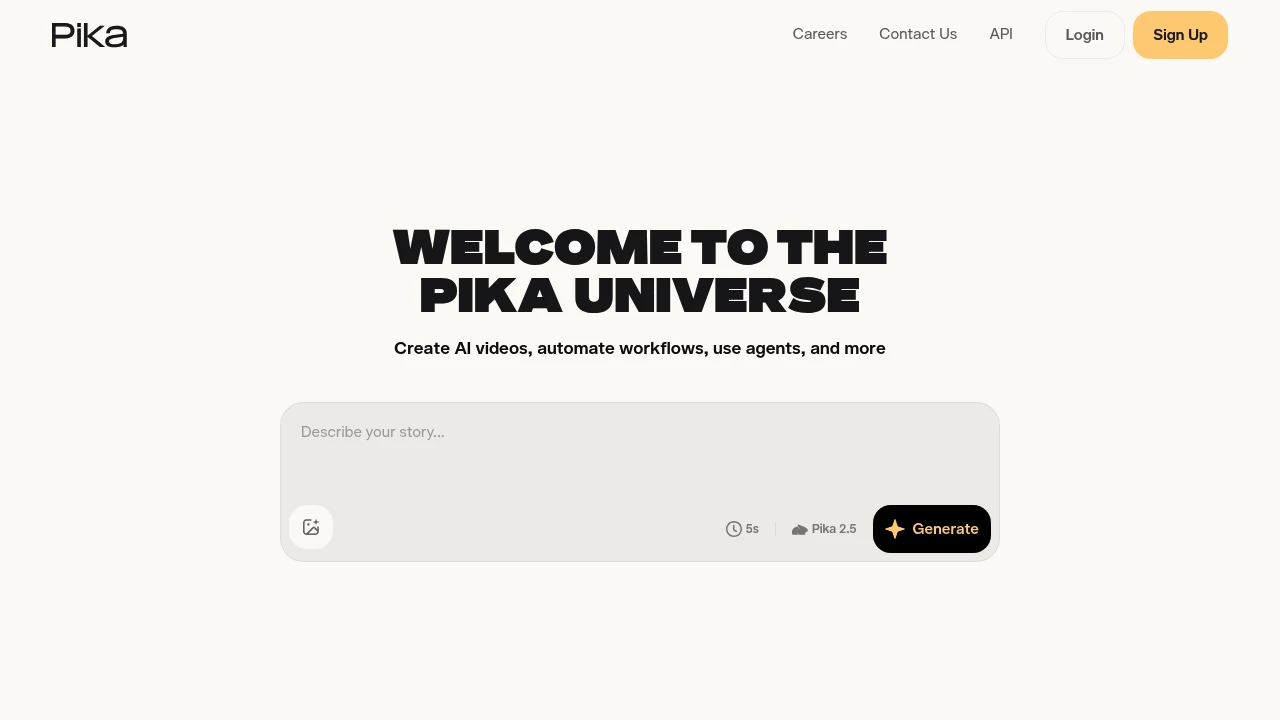
Pika offers AI tools for creating and editing video, images, and audio. Its Pika Create web platform brings several models and creative apps into one workspace. Creators can generate a first result, change visual material, and choose settings suited to the intended project.
Key Highlights
- Video, image, and audio generation tools
- Text and image inputs for creative workflows
- Video extension, restyling, and motion tools
- Multiple models with different credit costs
- Plan-specific parallel generation and licensing
What Makes It Different
Pika Create groups model access and creative apps in one subscription workflow. It is broader than the earlier Pika-only video experience. The current Create plan and credit packs apply to pika.art; they should not be assumed to cover old.pika.art, the iOS app, API, or MCP products.
Features & Capabilities
Choose a creative app and model, supply the input, and review the generated result. Different settings and output types use different amounts of credits. Plans also set the number of video, image, or audio generations that can run in parallel.
Creators can buy top-up packs separately from a subscription. Subscription credits refresh each billing period and do not roll over. Top-ups carry over and expire 365 days after purchase, according to the current Create billing FAQ.
User Ratings and Testimonials
Evaluate output for subject consistency, movement, artifacts, and the edits needed for the intended use. A watermark-free download is separate from commercial licensing. Check the selected plan and applicable terms before using generated material commercially.
Pricing & Value
- Free: no monthly credits; optional purchased packs, with no commercial license included
- Starter: $10/month or $8/month billed annually, 900 monthly credits, no commercial license included
- Creator: $35/month or $28/month billed annually, 3,150 monthly credits, commercial license included subject to terms
- Fancy: configurable higher credit tiers
These prices apply to Pika Create. Other Pika products and developer usage have separate terms.

Create and edit videos, images, and audio with AI models, reference inputs, and credit-based creative tools.
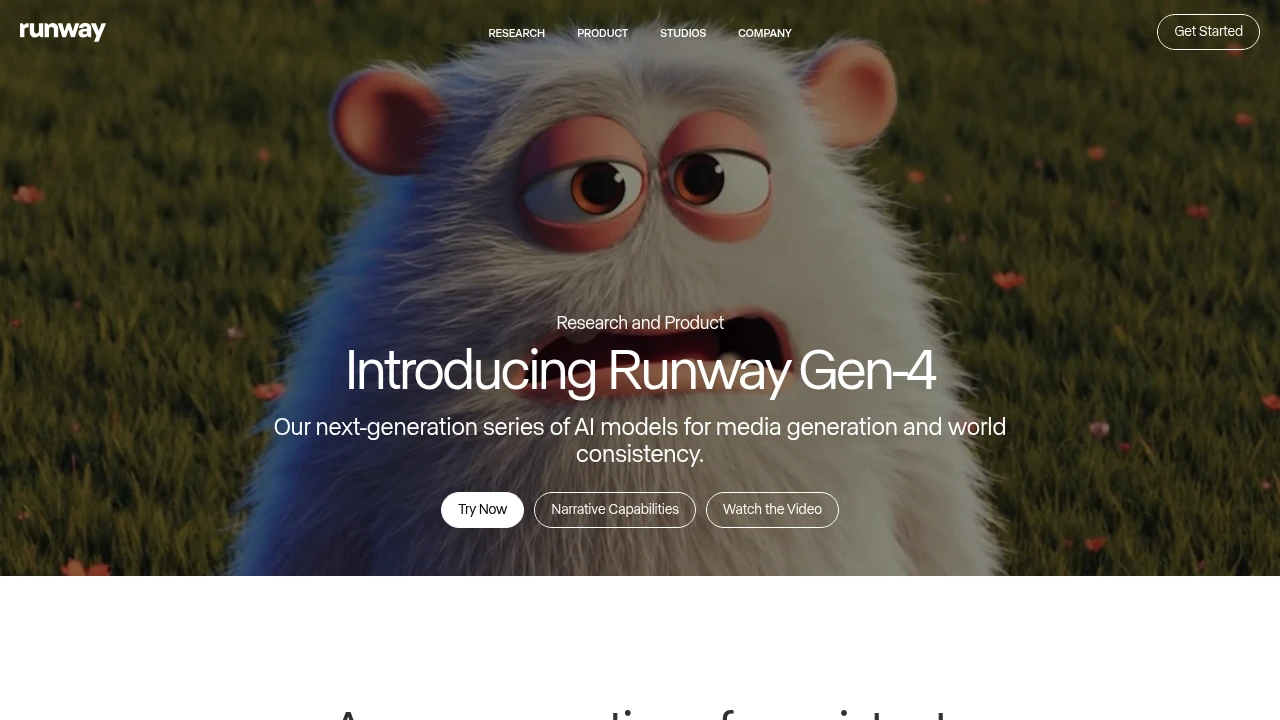
Runway is an AI video tool for creators, marketers, and teams.
Gen-4 brings higher quality and more coherent motion.
Runway Aleph adds a new way to edit, transform, and generate video from a single input clip.
Key Highlights
- Gen-4 quality and coherence improvements
- Aleph in-context edits: add, remove, and transform objects; change style and lighting; create new angles from one video
- Gen-4 Turbo image-to-video
- Generative image tools
- One custom voice clone on Pro; up to three on Max
- Watermark removal on paid plans
- Max plan with 9,500 monthly credits and up to one month of rollover
- Service access limits for non-paying users during high demand
What Makes It Different
Runway blends generation and precise video editing in one place. Aleph works from a single input video and can reshape scenes, objects, and style, even switch angles.
Features & Capabilities
Create short videos from images with Gen-4 Turbo. Transform existing footage with Aleph to add or remove objects and restyle lighting and look. Utilize generative image tools and custom voices to refine your edits. Paid plans remove watermarks and increase storage.
User Ratings and Testimonials
Evaluate generation quality on your own subject and motion requirements. Inspect the result for visual continuity and unwanted details before using it in a finished video. Revisions and different model choices consume different numbers of credits, so test the full workflow rather than budgeting only for the first generation.
Pricing & Value
- Free: Includes 125 one-time credits, Gen-4 Turbo image-to-video, and generative image tools.
- Standard: $15/month for 625 monthly credits, all video models, and watermark removal.
- Pro: $35/month for 2250 monthly credits, custom voice cloning, and 100GB storage.
- Max: $95/month or $76/month billed annually, with 9,500 monthly credits, 500GB storage, and up to one month of unused-credit rollover.
- Enterprise: Custom pricing with single sign-on, advanced security, and priority support.
Credits refresh monthly on paid plans. You can purchase extra credits.
The free tier offers 125 one-time credits; available duration depends on the model and credit rate. Test a representative workflow before committing to a paid plan.

Streamlined workflow for storytelling from start to finish
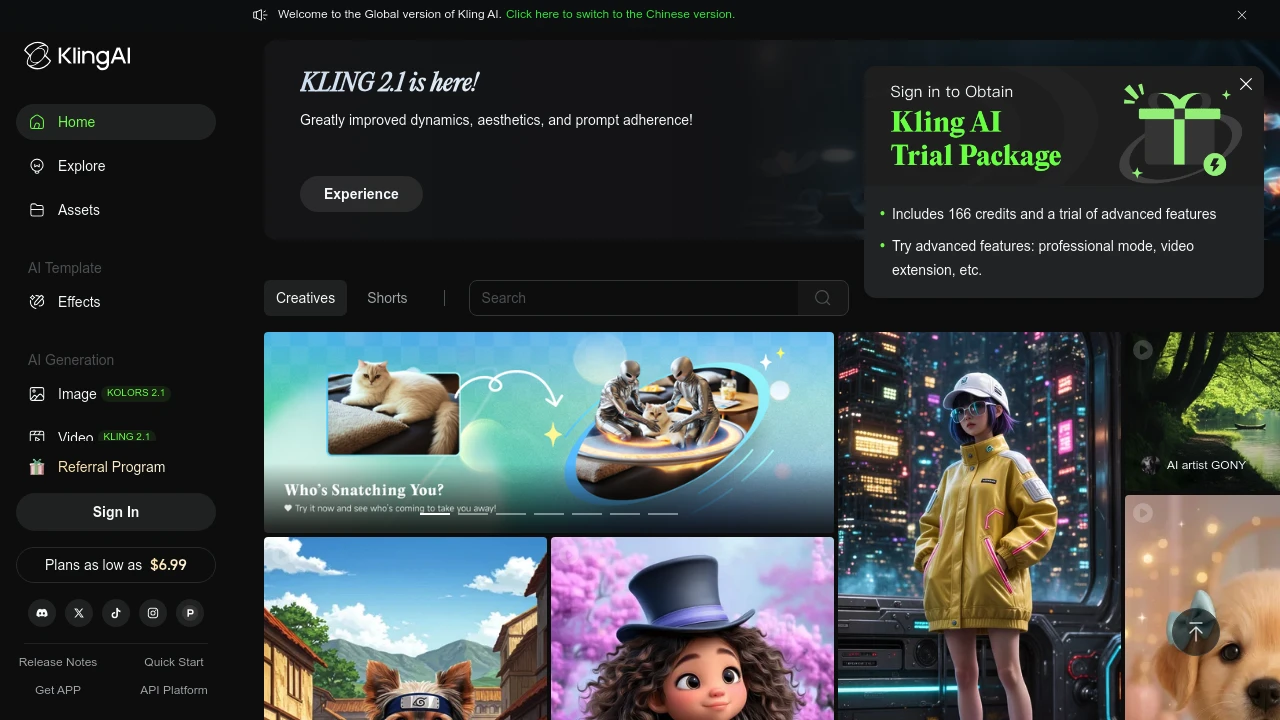
Kling AI is a video generation platform that turns your ideas into high-quality visual content in minutes. It serves content creators, marketers, and businesses who need quick video production without technical skills.
Key Highlights
- High-quality video generation with realistic output
- Fast processing speeds for quick content creation
- Image-to-video conversion with smooth transitions
- User-friendly interface for beginners
- Professional video modes for advanced users
- Watermark removal on paid plans
What Makes It Different
Kling AI focuses on video quality over quantity. While many AI video tools produce basic content, Kling AI creates professional-grade videos that look realistic. The platform balances ease of use with advanced features, making it suitable for both beginners and professionals.
Features & Capabilities
Kling AI offers text-to-video and image-to-video generation. Users can create marketing videos, social media content, and promotional materials. The platform includes professional video modes, fast-track generation for paid users, and member-exclusive features. Technical capabilities include smooth motion transitions and high-resolution output.
User Ratings and Testimonials
KLING AI has an average rating of 4.2 out of 5 stars from 29 reviews on Product Hunt.
Users praise the high-quality video generation and realistic output. Many find the image-to-video feature works well with smooth transitions. The platform is seen as user-friendly and fast for content creation.
Some users report technical issues with the free version not working properly. Others mention the service can be slow or "busy" during peak times. A few users experienced errors that prevented content generation.
Pricing & Value
Kling AI offers several pricing plans:
- Basic: Free with monthly login credits and access to member features
- Standard: $6.99/month for 660 credits, fast-track generation, and watermark removal
- Pro: $25.99/month for 3,000 credits, professional video mode, and priority feature access
- Premier: $64.99/month for 8,000 credits with all features and highest priority
New users get 166 trial credits to test the platform.
The main value of Kling AI is its ability to create professional-quality videos and images with fast processing speeds and no watermarks on paid plans.
Similar proprietary alternatives:

 bisibility — Free beta: Track your website’s keywords, Google rankings, Search Console insights, and share of voice.


