OpenAI Dots Alternatives
A curated collection of the 5 best alternatives to OpenAI Dots.
The best alternative to OpenAI Dots is Hermes Agent. If that doesn't suit you, we've compiled a ranked list of other OpenAI Dots alternatives to help you find a suitable replacement. Other interesting alternatives to OpenAI Dots are: OpenClaw, Grok Bot, Meta Muse and Manus.
OpenAI Dots alternatives are mainly AI Agents tools but may also be AI Automation tools or Local and Self-Hosted AI tools. Browse these if you want a narrower list of alternatives or looking for a specific functionality of OpenAI Dots.


Nous Research's open-source agent uses persistent memory, reusable skills, messaging integrations, and scheduled automation.
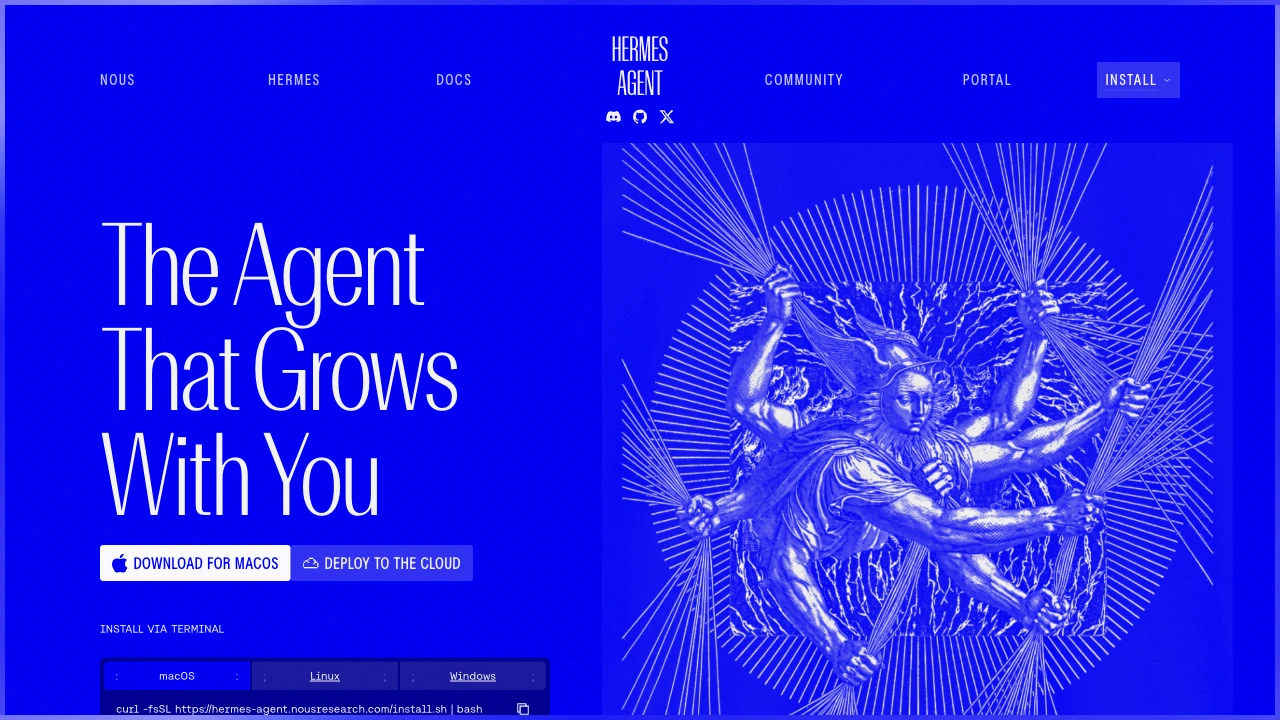
Hermes Agent is an open-source personal agent from Nous Research. It combines persistent memory, tools, and reusable skills to continue work across conversations. Use the terminal or connect messaging services to an agent running on your computer or server. It is distinct from the Hermes language-model family.
Key Highlights
- Persistent memory retains context between sessions.
- Reusable skills capture procedures developed during tasks.
- Messaging gateway connects Telegram, Discord, Slack, and other services.
- Scheduled automation supports recurring reports and briefings.
- Subagents handle separate workstreams.
- Model choice includes Nous Portal and other supported providers.
What Makes It Different
Hermes emphasizes a learning loop around saved knowledge and procedures. It can create skills after complex tasks and revise them during later use. This is agent memory and workflow improvement, rather than a promise that your conversations retrain the underlying model's weights.
Features & Capabilities
Install the agent, choose a model provider, and configure the tools you want enabled. Its terminal interface supports conversation history, slash commands, and streaming tool output. The gateway exposes the same agent through connected messaging platforms, with saved context available across sessions.
Scheduled tasks run through the gateway. Terminal execution can use local or remote backends, including Docker and SSH. An unattended workflow needs its agent process and dependencies available. Stopping a local agent preserves saved conversations, memory, and skills, but prevents tasks requiring that process from running.
User Ratings and Testimonials
Test whether a saved skill helps with a second, similar task and whether the agent recalls the right context. Review tool output and scheduled deliveries before relying on unattended runs. The ability to generate a skill does not guarantee that the procedure is correct or useful for every task.
Pricing & Value
- Hermes Agent software: Free to use and self-host under the MIT license.
- Models and services: Provider usage, optional hosted services, and cloud infrastructure have separate pricing.
- Nous Portal: An optional account for model and tool credits; it is not required to use your own supported provider.
Choose the software and execution setup separately from the budget for models, tools, and hosting.
Looking for alternatives to other popular tools? Check out other posts in the alternatives series and flowtools.co, a directory of best AI tools with filters for tags and categories for easy browsing and discovery.

A self-hosted AI assistant that connects messaging channels, models, and tools to carry out personal or team tasks.
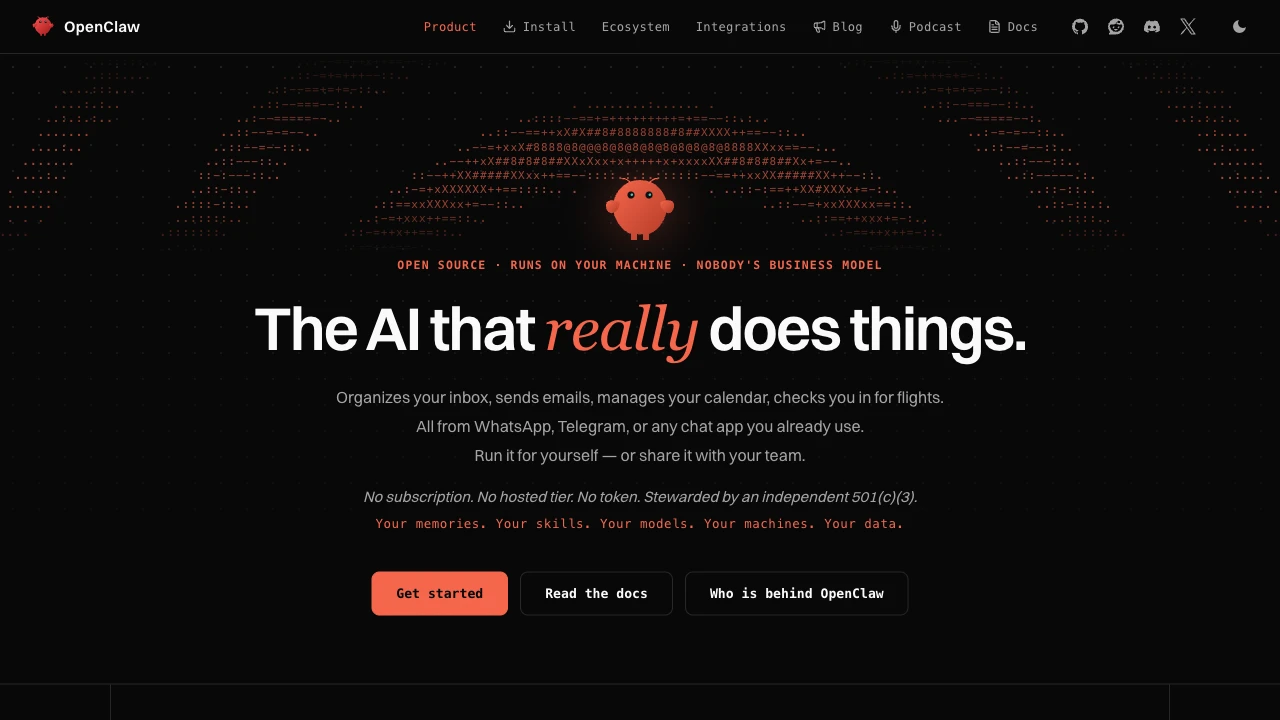
OpenClaw is an open-source AI assistant you run on your own computer or server. It connects chat channels to models and tools, so conversations can lead to actions rather than text alone. It supports personal use and shared team deployments through its Gateway.
Key Highlights
- Messaging channels include WhatsApp, Telegram, Discord, and Slack.
- Gateway manages sessions, tools, and channel connections.
- Control UI and terminal interfaces provide direct access.
- Hosted and local models can be configured as providers.
- Skills and plugins extend the assistant's capabilities.
What Makes It Different
OpenClaw separates the assistant's workspace and channel connections from the model that powers it. You can change providers while keeping a locally managed setup. Memory and credentials live on your hardware, but prompts still reach the model providers and chat platforms you choose. Self-hosting does not make every connected service local.
Features & Capabilities
Onboarding sets up model access, a workspace, and the Gateway. Open the Control UI to try a conversation, then connect a messaging channel. Companion apps and device nodes add capabilities on supported platforms; availability depends on the platform and configuration.
Tools, skills, and plugins expand what the assistant can do. Configure access around the tasks you actually need. Main-session tools run on the host unless sandboxing is configured, so review that setup before allowing other users to interact with it.
User Ratings and Testimonials
The product website publishes community testimonials, rather than a standardized independent review score. Evaluate a small real task first: check channel reliability, tool permissions, result quality, and the amount of setup and maintenance your workflow needs.
Pricing & Value
- Open-source software: Free under the MIT license, with no OpenClaw software subscription or hosted tier.
- Model access and operation: Your chosen model provider, connected services, and hosting can have separate charges. Local models require suitable hardware.
The software license covers the assistant, not an unlimited allowance for paid models or external services.

Delegate app, browser and file tasks to AI teammates that keep working in the cloud and coordinate with each other.
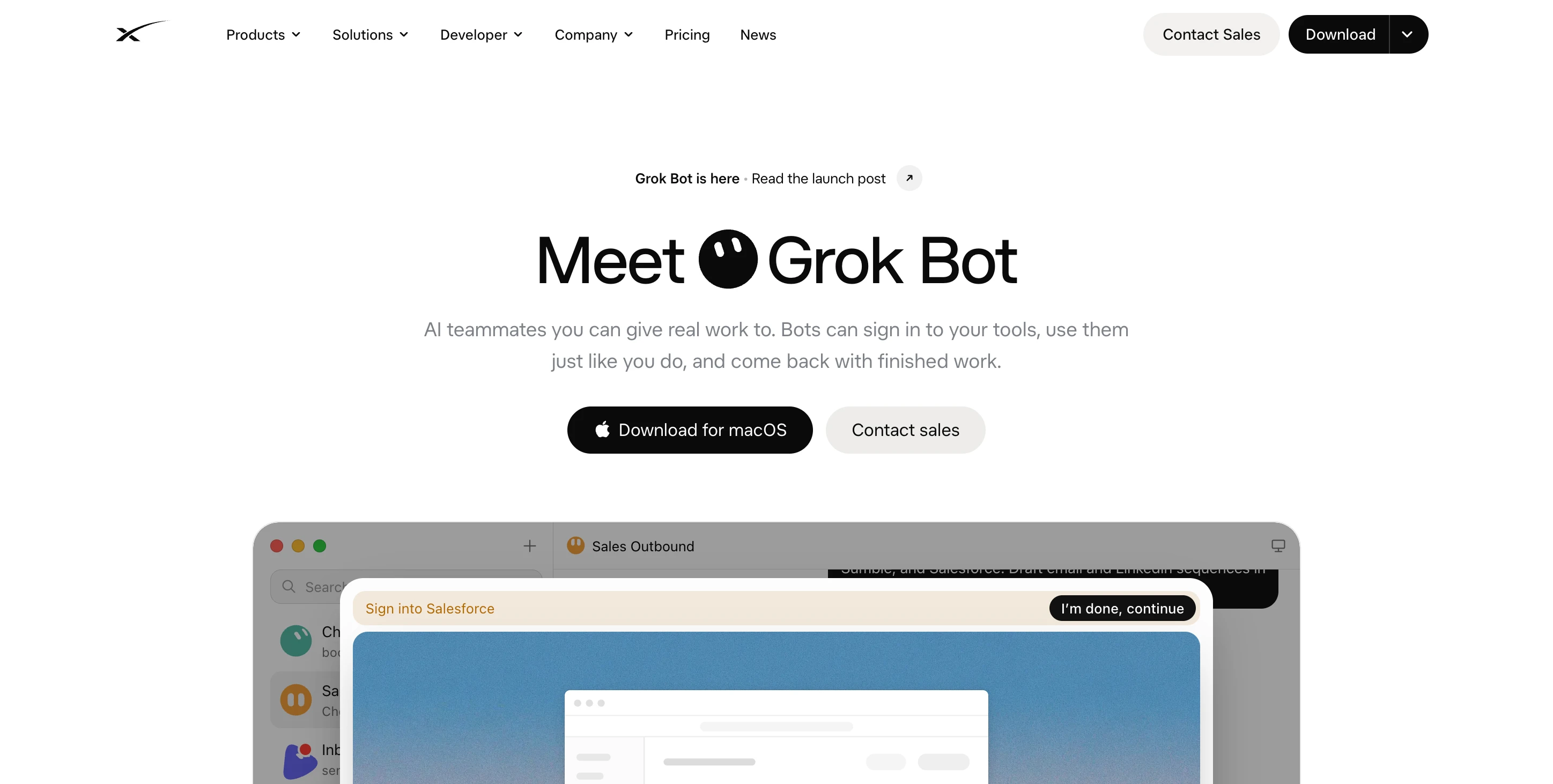
Grok Bot is an AI teammate app for delegating work across websites, connected services and files. Give Bots roles and tasks, then review results or requests for approval. This is the computer-using agent product, separate from the general Grok chatbot.
Key Highlights
- Persistent cloud computer that keeps working when your laptop closes
- Multiple Bots working in parallel and handing off tasks
- Shared files, browser sessions and app sign-ins
- Saved routines for recurring work
- Desktop and mobile conversations
What Makes It Different
Bots act inside the tools where work needs to end up, rather than only returning a chat answer. They can coordinate in threads and retain role context. All Bots on an account share the same computer, so creating another Bot does not create a separate security boundary.
Features & Capabilities
Connect a supported app or sign in through the cloud browser, then delegate tasks such as account research, CRM updates or report preparation. Watch the computer preview, inspect results and take over for authentication steps when needed.
Use skills to describe a repeatable method and routines to assign recurring work. Browser sessions persist between tasks, but websites can still expire logins or block automation. Connectors provide a structured route when a supported integration is available.
User Ratings and Testimonials
The launch article includes employee accounts of sales, operations and engineering workflows. These are vendor testimonials rather than independent ratings. Evaluate a representative task with clear approval rules, especially when Bots share sensitive files or signed-in accounts.
Pricing & Value
- Premium: $30/month, including the cloud computer, scheduled routines and weekly usage.
- Super: $100/month, with 3.5 times Premium usage and priority model access at peak times.
- Ultra: $200/month, with 12 times Premium usage and earlier product and model access.
Eligible existing plans include Grok Bot. Additional usage is billed by token cost; enterprise customers should contact sales. Compare the included allowance with the frequency and complexity of your delegated tasks.

A personal AI agent that works across connected services, manages goals, and completes browser tasks with your approval.
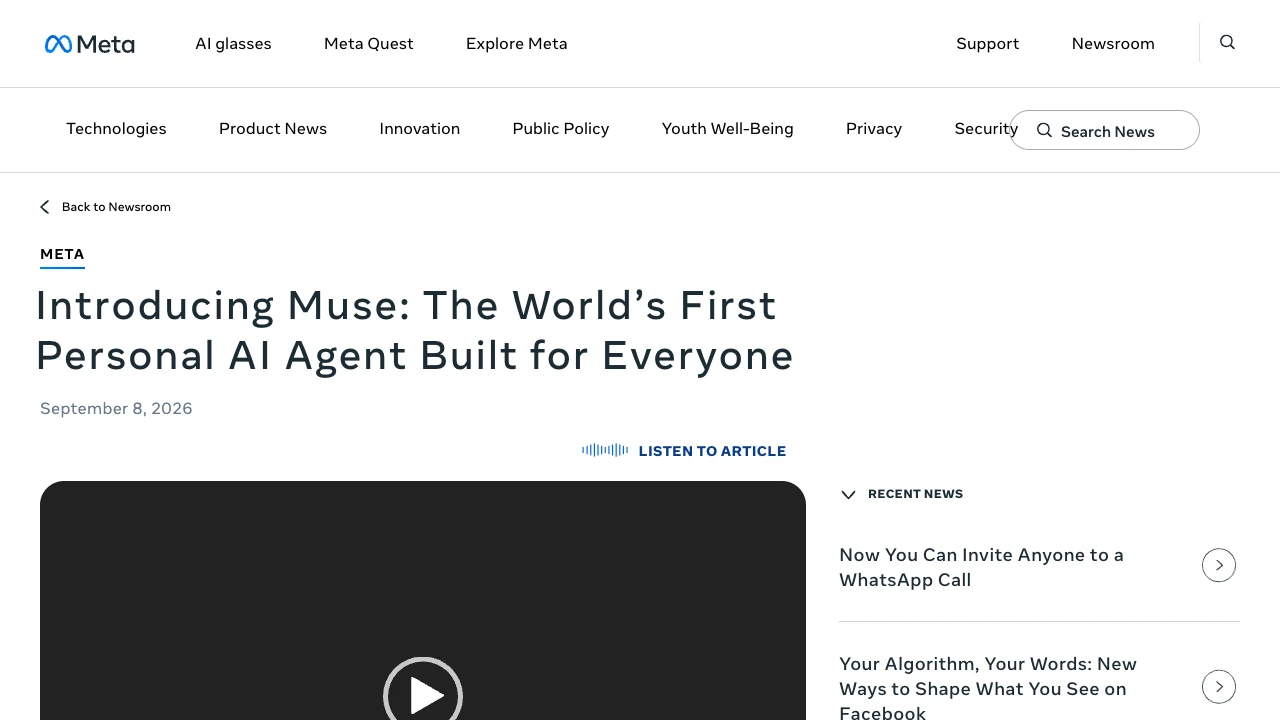
Meta Muse is a personal AI agent that turns goals into plans and carries out work across connected services. It can manage tasks in the background after you close the app. You interact through the Muse app, the web, or WhatsApp, and decide which services it can access.
Key Highlights
- Work toward goals across multiple tasks
- Browse websites and fill out forms
- Create documents, PDFs, and interactive pages
- Remember preferences and suggest next steps
- Review activity and approve sensitive actions
What Makes It Different
Muse runs in a dedicated Muse Secure VM with a browser, file system, and terminal. It can build tools for a task instead of relying only on preset actions. Its main conversation supports ongoing context, while side chats provide separate spaces for specific topics.
Features & Capabilities
The Goals tab tracks plans and progress. Muse can respond to schedules and relevant events, create interactive artifacts such as trackers or dashboards, and notify you when a result needs attention. You can inspect activity, approved permissions, and editable memory files.
A separate Sentinel controls connector actions and network requests. Credentials are stored outside the agent's runtime, and sensitive actions such as purchases require approval. Current Secure VM protections do not prevent all Meta access needed to operate the service; the stronger Confidential VM is a future capability, not a default feature.
User Ratings and Testimonials
Meta's design team describes using Muse for school emails, family schedules, and shopping preparation. These are first-party examples rather than independent ratings. Meta acknowledges that Muse can make mistakes and remains exposed to prompt-injection attempts, so review its permissions and results before delegating consequential work.
Pricing & Value
- Free usage: Meta offers Muse free for most everyday needs.
- Subscriptions: Paid plans are available for people who need more; check the current offer for limits and prices.
The launch rollout covers the US on iOS, Android, and the web. AI glasses support is announced for later. Choose it for ongoing personal tasks when its region, connectors, and approval workflow fit your needs.
Use an AI agent for research, websites, slides, design, video, and browser-based work.
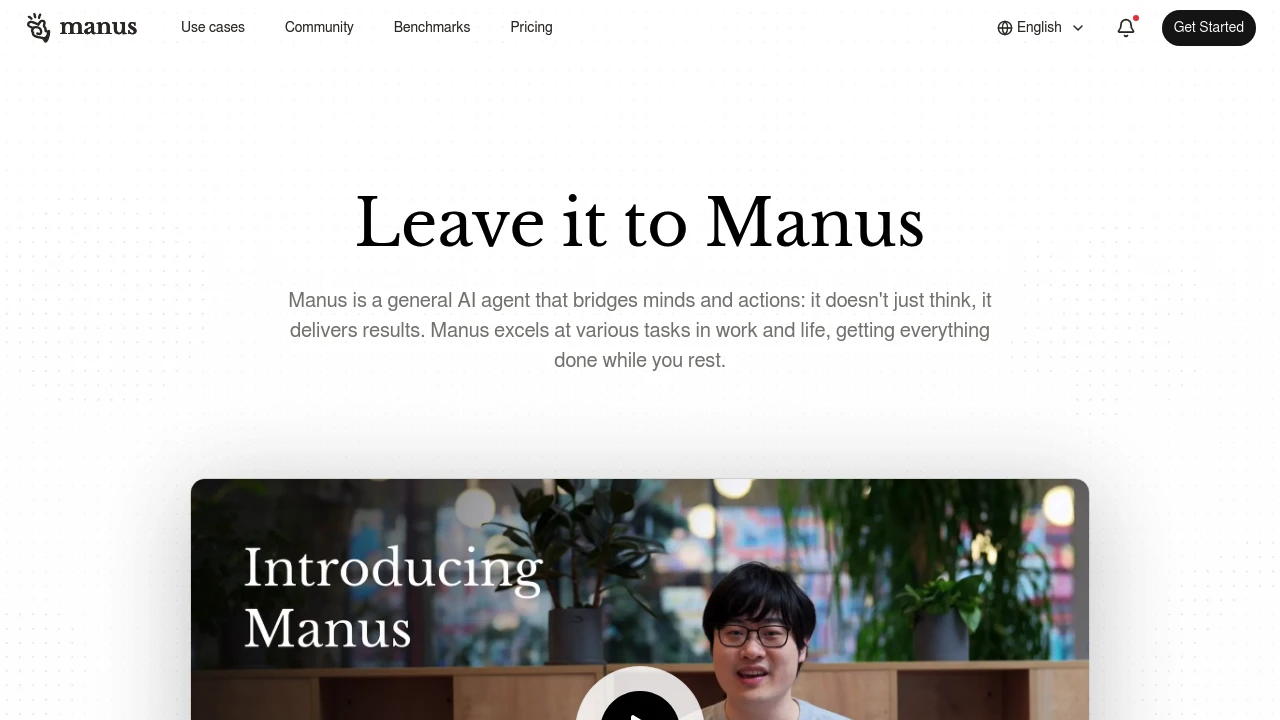
Manus is a general AI agent service for research, content creation, and work in a browser. Its current product catalog includes website building, slides, design, games, images, music, and video. Users can start a task by describing the result they want.
Key Highlights
- Wide Research for research tasks
- Website and slide creation
- Image, design, music, and video workflows
- Browser Operator for browser-based tasks
- Team options and supported app connections
What Makes It Different
Manus presents an agent that works toward a task rather than only returns a chat response. Its tools cover several kinds of output, from a slide deck to a website or browser workflow. The available catalog does not establish that every requested task can be completed without user review.
Features & Capabilities
Users choose a task or describe an intended output. The service provides separate workflows for creating slides, websites, design work, and video. Wide Research and Browser Operator address research and browser interaction.
Desktop and mobile access are listed alongside the web app. Mail and Slack connections provide additional ways to use the service. Check the permissions and account access involved before allowing an agent to act in a connected application.
User Ratings and Testimonials
Evaluate Manus with a representative task and inspect the resulting files or actions. A useful result still needs review for factual accuracy, working links, and correct behavior. Broad productivity claims or app-store ratings do not guarantee the result of an individual task.
Pricing & Value
- Individual use: compare the available plan and task allowances
- Team use: organizational options with shared work requirements
- API access: developer offering with its own usage requirements
Check the selected offer for billing cycle, usage balance, and access to the tools needed by your project. Review generated websites and other assets before sharing them publicly.
Similar proprietary alternatives:

 bisibility — Free beta: Track your website’s keywords, Google rankings, Search Console insights, and share of voice.


