
Framer
Framer is a no-code website builder that turns AI prompts and visual design into fast, live sites, built for designers and teams.
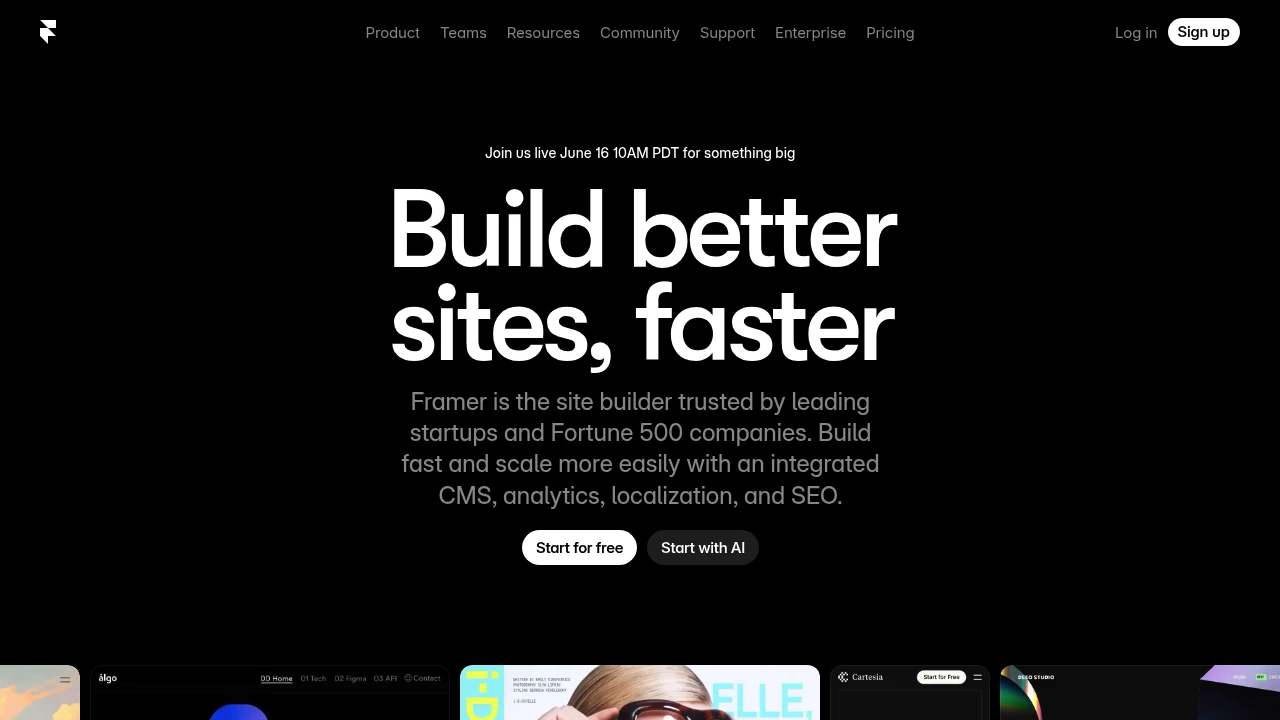
Framer is a no-code website builder that lets you design and publish professional sites from a visual canvas instead of writing code. It is built for designers, freelancers, and marketing teams who want control over layout and animation without a developer in the loop. Generate a starting layout with AI, refine it visually, and push it live on fast global hosting.
Key Highlights
- Visual, no-code canvas for responsive layouts, effects, and animations
- AI generation of page layouts and components to skip the blank canvas
- Built-in CMS for managing content without touching code
- Built-in SEO settings, metadata, and fast global hosting
- Analytics, A/B testing, and funnels to track and improve conversions
- Real-time collaboration with on-page editing and auto-save
What Makes It Different
Framer combines a design tool and a publishing platform, so the canvas you design on is the site you ship. The workflow feels close to Figma, which makes it fast for designers who already think in frames and components. Instead of handing a static mockup to a developer, you publish the real, responsive site directly, with CMS, SEO, and hosting already wired in.
Features & Capabilities
You start from an AI-generated layout or a blank canvas, then craft responsive pages with smooth interactions and animations. A built-in CMS handles structured content like blog posts and collections, AI localization translates pages into more languages, and analytics tracks pageviews, visitors, and traffic sources.
Collaboration is built in: the workspace owner and viewers are free, while editors design, edit content, and publish together with live, auto-saved changes. Add-ons extend the platform with A/B testing and funnels (Convert), extra translation locales, and advanced hosting.
User Ratings and Testimonials
Framer offers website examples that demonstrate its visual design and publishing workflow. Test a representative responsive page, CMS collection and animation before choosing a plan. Consider the editing roles, content capacity and add-ons needed for the complete site.
Pricing & Value
- Free: $0, design and explore with 10 CMS collections and up to three editors, but no custom domain
- Basic: $10/month in the yearly billing view, a free custom domain on yearly billing, AI design tools, hosting, and built-in SEO
- Pro: $30/month in the yearly billing view, adds staging and instant rollback, roles and permissions, a relational CMS, and redirects
- Pro add-ons: selected page, CMS, bandwidth and analytics limits can expand at extra cost
- Enterprise: Custom pricing for custom limits, enterprise security, and dedicated support
Additional editor charges depend on the role and plan; viewers are free, so the Free plan is a genuine way to test the builder before paying.
Product facts
- Pricing
- Not yet verified
- Access
- Not yet verified
- Product status
- Not yet verified


FAQs
They do different jobs. Figma is for design and prototyping, while Framer designs and publishes a live site. Many teams use both.
Free supports design and publishing without a custom domain. Basic starts at $10/month in the yearly view, with a yearly domain offer.
Framer is a no-code builder that turns visual design and AI prompts into responsive websites, with built-in CMS, SEO, analytics, and hosting.
No. The canvas feels Figma-like, but Framer actually publishes the real, live website with hosting, CMS, and SEO included, not just a mockup.
Paid editor seats and selected Pro add-ons increase cost. Check CMS, page, bandwidth and collaboration limits against the site you need.
Paid plans bundle site features and hosting. Basic and Pro have different limits; extra editors and Pro add-ons can increase cost.

You might also like
 bisibility — Free beta: Track your website’s keywords, Google rankings, Search Console insights, and share of voice.

