
Kapwing
Kapwing is an online AI video editor for creators and teams making social, training, and marketing videos.
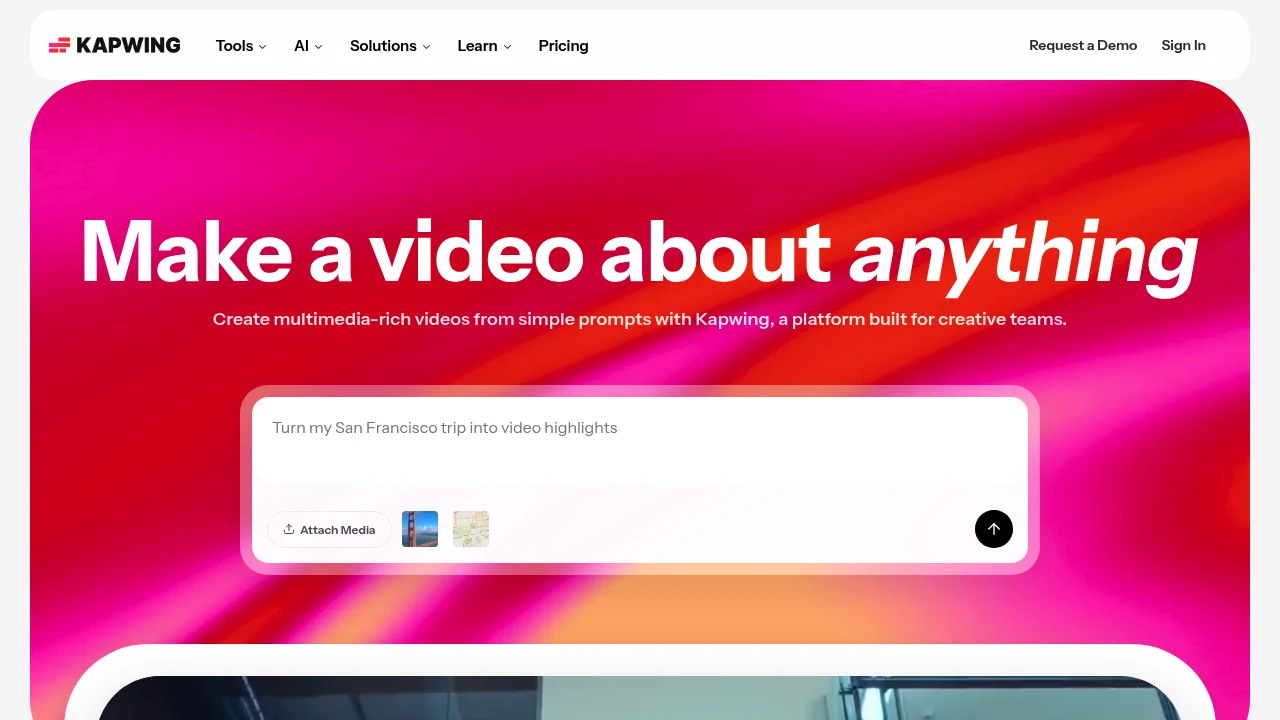
Kapwing is an online video creation and editing platform for creators, marketers, educators, and internal teams. It combines a browser editor with AI tools that turn a prompt into a layered video project.
Key Highlights
- Prompt-to-video with script, visuals, voiceover, subtitles, and music
- Drag-and-drop editor for clips, media, overlays, and timelines
- AI subtitle, translation, dubbing, clean audio, and text-to-speech tools
- Smart Cut and repurposing tools for faster social clips and short-form edits
- Shared workspaces, comments, brand kits, fonts, and collaboration
What Makes It Different
Kapwing is built around browser-based team video production rather than desktop editing. The homepage positions the product as a way to move from a rough idea to a first draft and keep editing in the same project.
Its strongest fit is lightweight production for teams that publish often. The editor includes templates and timeline controls, while AI tools handle subtitles, translation, audio cleanup, and silence removal.
Features & Capabilities
You can attach media or write a prompt, then edit generated or uploaded video in a shared timeline. Kapwing supports video, image, audio, and GIF exports, link imports, recording, transitions, stock assets, chroma key, resizing, subtitles, and transcripts.
Paid workspaces add higher upload limits, 4K exports, longer videos, unlimited projects, brand kits, fonts, shared workspaces, and folders. Business and Enterprise add credits, voice clones, lip sync, SAML SSO, onboarding, and account support.
User Ratings and Testimonials
Kapwing does not publish a third-party average rating. Its testimonials praise the editor for being easy to learn, useful for subtitles, and practical for social video work.
The free hosted plan keeps Kapwing's watermark, limits finished videos to 1 minute, exports at 720p, and stores projects for 3 days. The pricing FAQ says paid plans have no free trial and subscriptions recur.
Pricing & Value
- Free: $0 hosted plan, with 10 credits, 2GB storage, watermarked exports, 1-minute videos, 720p quality, and limited AI usage
- Pro: $16 per member/month billed annually or $24 billed monthly, with 1,000 credits/month, 100GB storage, no watermark, 4K exports, and 2-hour projects
- Business: $50 per member/month billed annually or $64 billed monthly, with 4,000 credits/month, 500GB storage, voice clones, lip sync, and extra credits
- Enterprise: Custom pricing, with custom credits and storage, custom billing, account support, onboarding, and SAML SSO
The free hosted plan tests short watermarked exports. Pro is the first serious plan for watermark-free 4K video, while Business is aimed at heavier AI and voice use.


FAQs
Kapwing is a hosted web editor used by teams. Enterprise adds SAML SSO, custom billing, priority support, and onboarding.
Yes. It has a free hosted plan with watermarked 720p exports. Pro is $16/member/month yearly or $24 monthly.
Yes. Its web editor uses a drag-and-drop timeline, templates, auto subtitles, and prompt-to-video tools.

You might also like
 bisibility — Free beta: Track your website’s keywords, Google rankings, Search Console insights, and share of voice.

