Loom Alternatives
A curated collection of the 4 best alternatives to Loom.
The best alternative to Loom is Kapwing. If that doesn't suit you, we've compiled a ranked list of other Loom alternatives to help you find a suitable replacement. Other interesting alternatives to Loom are: VEED, Tella and Descript.
Loom alternatives are mainly AI Video Tools tools but may also be AI Screen Recorders tools. Browse these if you want a narrower list of alternatives or looking for a specific functionality of Loom.


Kapwing is an online AI video editor for creators and teams making social, training, and marketing videos.
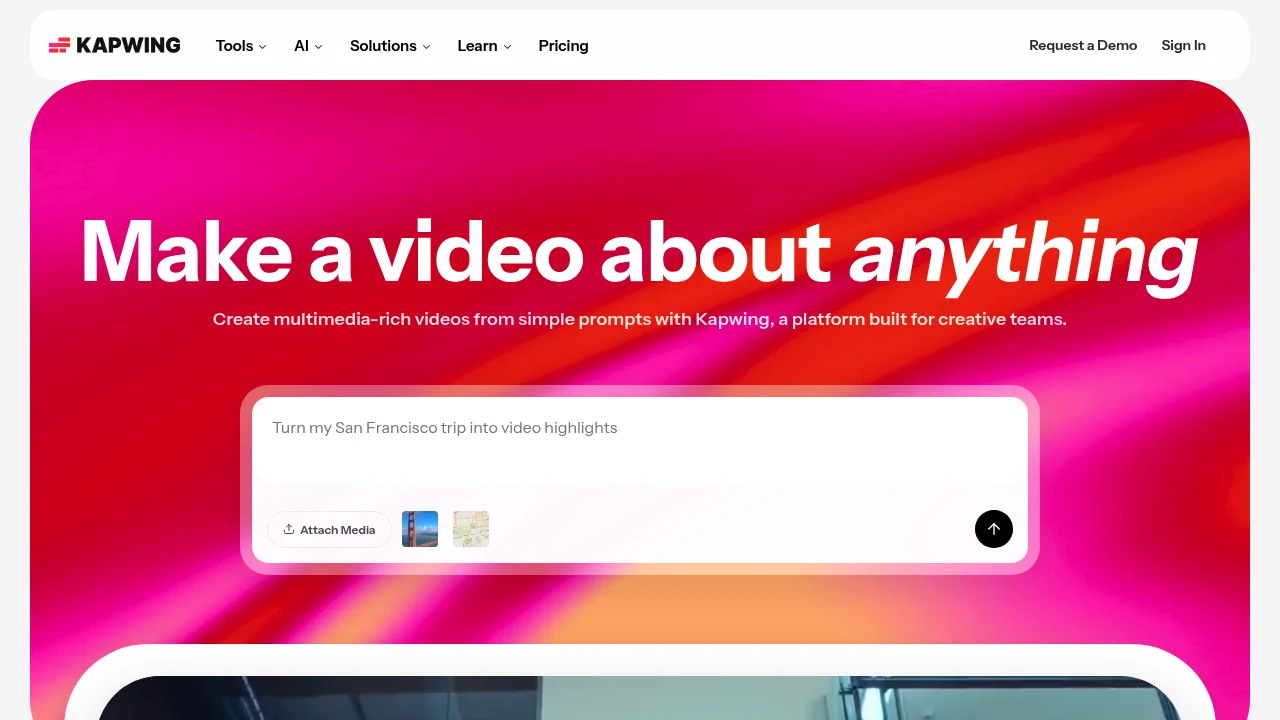
Kapwing is an online video creation and editing platform for creators, marketers, educators, and internal teams. It combines a browser editor with AI tools that turn a prompt into a layered video project.
Key Highlights
- Prompt-to-video with script, visuals, voiceover, subtitles, and music
- Drag-and-drop editor for clips, media, overlays, and timelines
- AI subtitle, translation, dubbing, clean audio, and text-to-speech tools
- Smart Cut and repurposing tools for faster social clips and short-form edits
- Shared workspaces, comments, brand kits, fonts, and collaboration
What Makes It Different
Kapwing is built around browser-based team video production rather than desktop editing. The homepage positions the product as a way to move from a rough idea to a first draft and keep editing in the same project.
Its strongest fit is lightweight production for teams that publish often. The editor includes templates and timeline controls, while AI tools handle subtitles, translation, audio cleanup, and silence removal.
Features & Capabilities
You can attach media or write a prompt, then edit generated or uploaded video in a shared timeline. Kapwing supports video, image, audio, and GIF exports, link imports, recording, transitions, stock assets, chroma key, resizing, subtitles, and transcripts.
Paid workspaces add higher upload limits, 4K exports, longer videos, unlimited projects, brand kits, fonts, shared workspaces, and folders. Business and Enterprise add credits, voice clones, lip sync, SAML SSO, onboarding, and account support.
User Ratings and Testimonials
Kapwing does not publish a third-party average rating. Its testimonials praise the editor for being easy to learn, useful for subtitles, and practical for social video work.
The free hosted plan keeps Kapwing's watermark, limits finished videos to 1 minute, exports at 720p, and stores projects for 3 days. The pricing FAQ says paid plans have no free trial and subscriptions recur.
Pricing & Value
- Free: $0 hosted plan, with 10 credits, 2GB storage, watermarked exports, 1-minute videos, 720p quality, and limited AI usage
- Pro: $16 per member/month billed annually or $24 billed monthly, with 1,000 credits/month, 100GB storage, no watermark, 4K exports, and 2-hour projects
- Business: $50 per member/month billed annually or $64 billed monthly, with 4,000 credits/month, 500GB storage, voice clones, lip sync, and extra credits
- Enterprise: Custom pricing, with custom credits and storage, custom billing, account support, onboarding, and SAML SSO
The free hosted plan tests short watermarked exports. Pro is the first serious plan for watermark-free 4K video, while Business is aimed at heavier AI and voice use.
Looking for alternatives to other popular tools? Check out other posts in the alternatives series and flowtools.co, a directory of best AI tools with filters for tags and categories for easy browsing and discovery.

VEED is an online video suite for marketers and teams to generate, edit, brand, dub, and subtitle social videos.
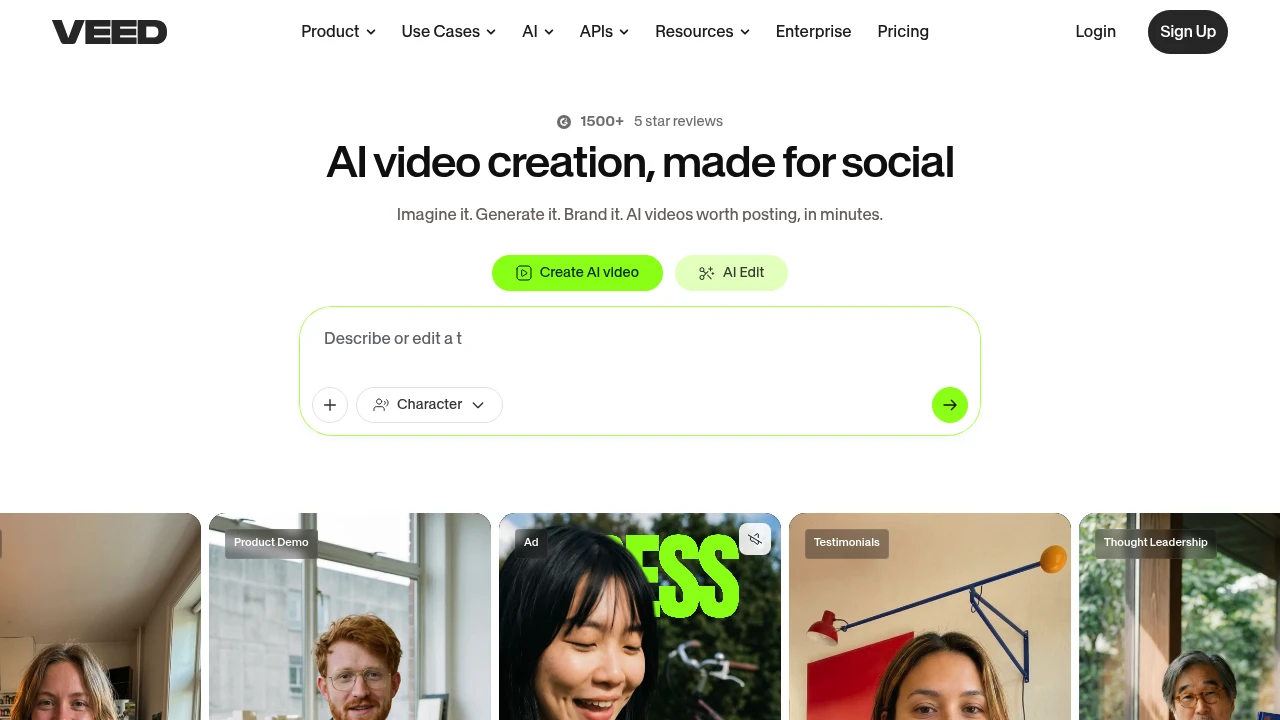
VEED is an AI video creation platform for marketers, solopreneurs, and teams making social videos. It brings generation, editing, branding, dubbing, translation, subtitles, and review tools into one browser workflow.
Key Highlights
- Generates characters, explainers, product demos, ads, and testimonial clips
- Built around social-ready video, with branding and feed-ready output
- Combines AI video creation with editing, dubbing, subtitles, translation, and brand controls
- Paid plans include watermark-free exports, subtitles, media catalog access, and Gen-AI Studio credits
- Team tiers add brand kits, templates, review mode, privacy controls, and larger AI voice allowances
What Makes It Different
VEED's pitch is not just video generation. The homepage frames the product around a social video workflow: start with an idea, generate a video, brand it, and polish it.
The pricing tiers reinforce that positioning. Creator removes the watermark and adds subtitles. Pro adds brand kits, translation, and more AI voice time. Studio adds templates and larger voice allowances.
Features & Capabilities
The main workflow starts with AI video creation and editing. VEED's homepage highlights prompt ideas for characters, explainers, demos, ads, testimonials, and thought leadership. It also calls out talking heads, dubbing, and subtitles.
For production work, paid plans add no-watermark exports, subtitles, a media catalog, 15+ AI tools, and Gen-AI Studio credits. Higher plans add brand kits, translation, voice hours, templates, review mode, privacy controls, and team management.
User Ratings and Testimonials
VEED's homepage cites 1500+ 5-star reviews and a G2 Best AI software company 2026 mention, but VEED does not publish a third-party average rating. Vendor testimonials focus on onboarding, edit quality, LinkedIn performance, Eye Contact Correction, and Noise Reduction.
Treat those quotes as vendor-selected proof. Buyers should test export quality, subtitle accuracy, and AI generation limits against their own workflow before committing.
Pricing & Value
- Creator: $12/user/month, billed yearly as $147, for no watermark, subtitles, media catalog, 15+ AI tools, and Gen-AI Studio credits
- Pro: $22/user/month, billed yearly as $265, adding brand kits, translation, up to 144 hr/yr of AI voice, and 5x more Gen-AI Studio videos
- Studio: $39/user/month, billed yearly as $465, adding templates, translation hours, up to 960 hr/yr of AI voice, and 6x more Gen-AI Studio videos
- Enterprise: Custom pricing, with custom AI credits, team management, review mode, privacy controls, and customer success
Creator starts watermark-free social videos. Pro and Studio fit brand kits, translation, and higher voice limits.

Tella is the screen recorder that edits videos for you.
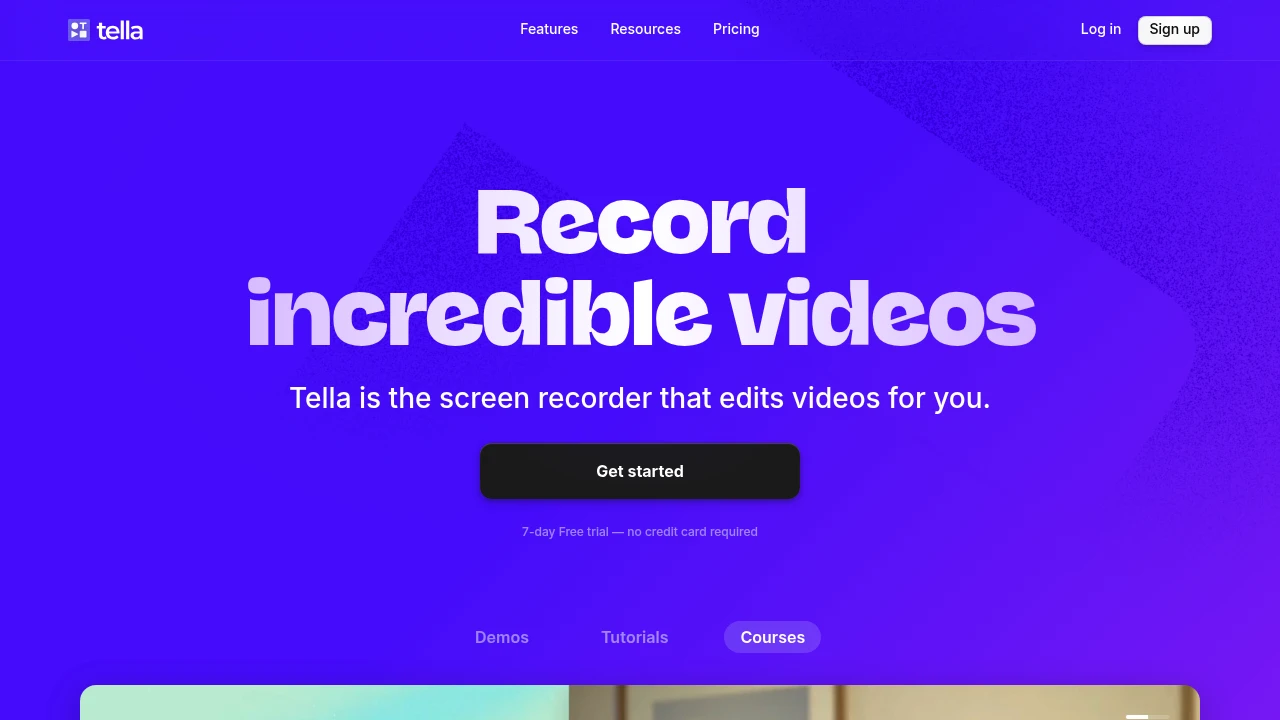
Tella is a screen recording tool that creates professional videos with AI-powered editing features. It helps content creators, marketers, and educators make high-quality tutorials and explainers without complex video editing skills. The platform focuses on simplicity while delivering professional results.
Key Highlights
- AI-powered video editing that automates post-production work
- Multi-clip recording feature for efficient content creation
- Selective screen capture for specific windows or areas
- Clean, intuitive interface that requires minimal learning curve
- Unlimited recording duration on paid plans
- Custom branding options for business users
What Makes It Different
Tella combines screen recording with AI editing automation. While most tools focus on just capturing screens, Tella handles the editing process automatically. This saves hours of manual work that creators typically spend in post-production. The multi-clip feature lets users record separate segments and merge them seamlessly.
Features & Capabilities
The platform offers comprehensive screen recording with flexible capture options. Users can record full screens, specific windows, or custom areas. The AI editing engine handles transitions, cuts, and basic enhancements automatically. Multi-clip recording allows creators to build complex videos from separate recording sessions. Export options include various formats and quality settings. Integration capabilities support popular platforms for direct publishing.
User Ratings and Testimonials
Tella has an average rating of 4.7 out of 5 stars from 151 reviews on Product Hunt.
Users praise Tella's simplicity and ease of use. Many find it excellent for product tutorials, marketing videos, and quick explainers. Several users switched from Loom and prefer Tella's clean interface and smooth performance. The multi-clip recording feature saves significant time. Users appreciate the ability to select specific areas or windows for recording. Some find it perfect for YouTube vlogs and report productivity improvements. Users mention solid pricing and appreciate the team's continuous feature additions.
Pricing & Value
Tella offers several pricing plans:
- Pro: $19/month per user with unlimited videos, unlimited recording duration, and AI video editing
- Premium: $49/month per user with all Pro features plus custom branding and custom domain
- Free trial: 7 days with no credit card required
The main value of Tella is its ability to create professional screen recordings with AI-powered editing features.

Direct your AI co-editor to turn your vision into video, or do it yourself with intuitive editing tools. With Descript, making video is as easy as typing.
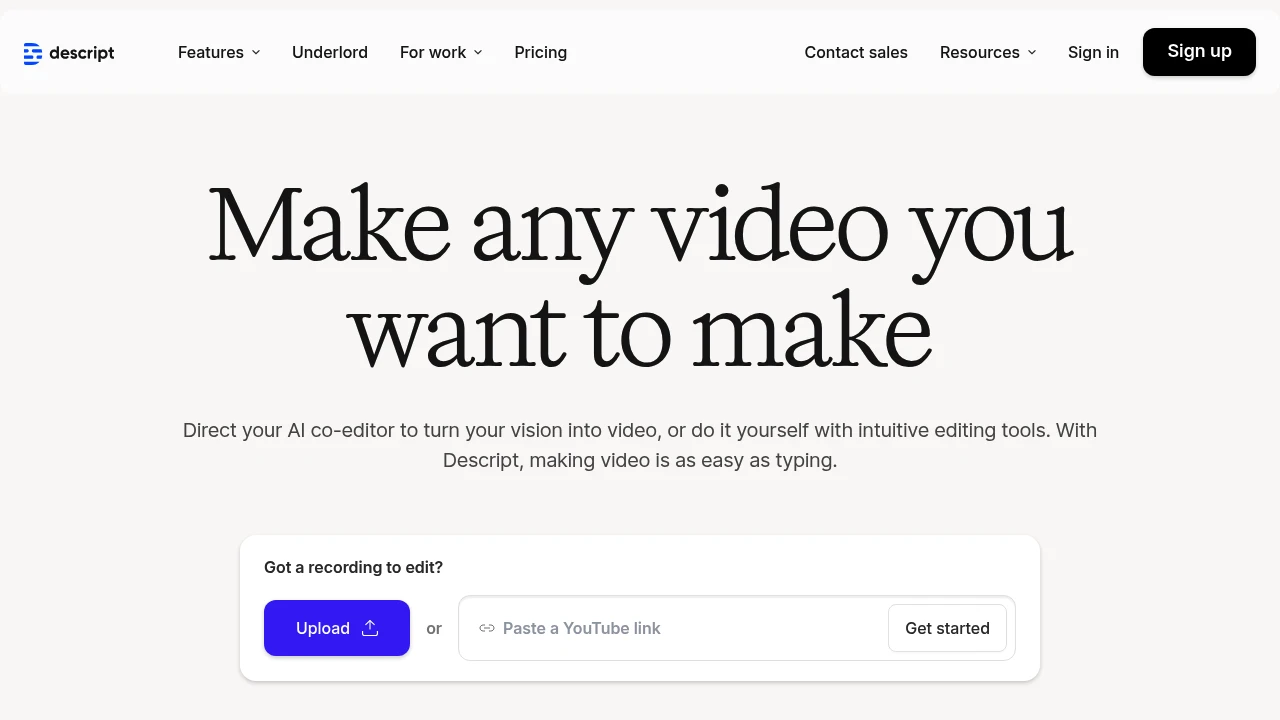
Descript transforms video and podcast editing by letting you edit media files like text documents. This AI-powered platform combines transcription, editing, and collaboration tools in one workspace. Content creators and podcasters use it to cut editing time by up to 90%.
Key Highlights
- Text-based video editing - edit by cutting and pasting transcript text
- Automatic filler word removal for cleaner audio
- AI voice cloning and overdub features
- Real-time collaboration tools for teams
- 4K video export capabilities
- Multi-track audio editing
- Screen recording built-in
- Automatic transcription in 22+ languages
What Makes It Different
Descript breaks the traditional video editing model. Instead of timeline-based editing, you edit videos by editing the transcript text. Cut a sentence from the transcript and the video cuts automatically. This approach makes video editing accessible to non-editors and speeds up the process for professionals.
Features & Capabilities
The platform handles the full content creation workflow. Record or upload your media, and Descript generates accurate transcripts. Edit by deleting text, rearranging sentences, or adding new content. The AI voice feature lets you create new audio by typing text.
Teams can collaborate in real-time with comments and suggestions. The platform exports to all major formats and integrates with popular tools like Slack and Zapier. Advanced features include green screen removal, automatic scene detection, and batch processing.
User Ratings and Testimonials
Descript has an average rating of 4.4 out of 5 stars from 137 reviews on Product Hunt.
Users praise the text-based editing feature for saving hours of work. Podcast creators highlight the filler word removal as a standout feature. Many report editing speeds 10 times faster than traditional tools. The transcript accuracy and AI voice quality receive positive feedback for sounding natural.
Some users report occasional slowness and bugs. Price concerns exist for smaller creators. Linux support remains limited, and some Mac users experience performance issues.
Pricing & Value
Descript offers several pricing plans:
- Hobbyist: $24/month for 10 transcription hours, 1080p watermark-free export, and 20 basic AI actions per month
- Creator: $35/month for 30 transcription hours, 4K export, unlimited AI actions, and 2 hours of AI speech
- Business: $65/month for 40 transcription hours, team collaboration features, and 5 hours of AI speech
Save up to 35% with annual billing.
The main value of Descript is its all-in-one video and podcast editing platform that lets you edit media files like text documents.
Similar proprietary alternatives:

 bisibility — Free beta: Track your website’s keywords, Google rankings, Search Console insights, and share of voice.


