
OpusClip

OpusClip helps creators and teams turn long videos into short clips with AI clipping, captions, reframing, and posting.
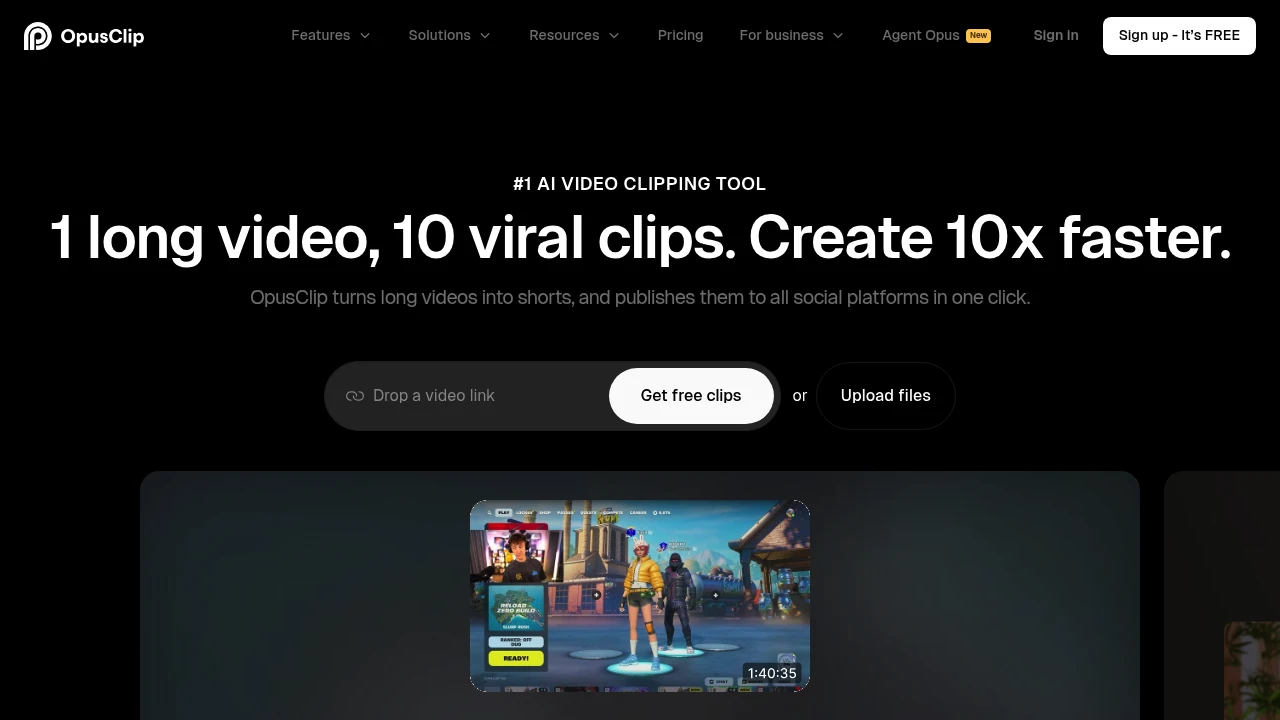
OpusClip is an AI video repurposing tool that turns long videos into short clips for platforms like TikTok, YouTube Shorts, and Instagram Reels. It is built for creators, podcasters, marketers, agencies, and teams that want clipping, captions, reframing, editing, and posting together.
Key Highlights
- AI clipping finds moments in long videos and adds a virality score.
- ClipAnything supports podcasts, interviews, vlogs, gaming, sports, and low-dialogue videos.
- AI captions add animated captions in 20+ languages.
- AI reframe resizes clips and can keep moving subjects centered.
- Publishing tools support downloads, auto posting, scheduling, and Pro exports.
What Makes It Different
OpusClip is focused on the full path from long-form source to publishable short. Its homepage highlights ClipAnything, which analyzes visual, audio, and sentiment cues across video genres, and ReframeAnything, which resizes video while tracking subjects. You can still edit the clip, but the product is built around finding moments, adding captions, reframing for social formats, and publishing the result.
Features & Capabilities
The core workflow starts with a video upload or link. The Pro plan supports imports from YouTube, Google Drive, Vimeo, Zoom, Twitch, Facebook, LinkedIn, Twitter, Loom, Riverside, StreamYard, and more. OpusClip can set clip length, add hooks, generate captions, remove filler words, and create social titles, descriptions, and hashtags.
The editor adds control when the first pass is not enough. Paid plans unlock watermark-free exports, brand templates, custom fonts, AI B-roll, voice-over, speech enhancement, multiple aspect ratios, social connections, team workspaces, and API access.
User Ratings and Testimonials
The saved product pages do not show an independent average rating. OpusClip publishes testimonials that focus on faster clipping, frequent posting, and short-form reach. Plan caveats: Free has a watermark and no editing; custom integrations, SSO, and priority support sit on Business.
Pricing & Value
- Free: $0/month, 60 credits/month, 1080p clips, auto reframe, AI captions, watermark, no editing, and a 3-day export window.
- Starter: $15/month, 150 credits/month, virality score, captions, auto posting or download, one brand template, filler and silence removal, and no watermark.
- Pro: $29/month, or $14.50/month yearly ($174/year), with 3,600 yearly credits, 2 seats, AI B-roll, 10+ input sources, multiple ratios, scheduler, custom fonts, speech enhancement, and limited API.
- Business: Custom pricing for priority processing, custom credits and seats, dedicated storage, API and custom integrations, MSA, enterprise security, and priority support.
Free is useful for testing clip quality; Starter and Pro are the practical entry points for watermark-free publishing and higher-volume workflows.


FAQs
OpusClip has a free plan. Paid plans start at $15/month for Starter; Pro is $29/month or $14.50/month when billed yearly.
Yes. It is a real Opusclip Inc. product with a free plan, paid SaaS plans, public pricing, and customer testimonials on opus.pro.
Use a paid plan. The pricing page says the free plan has a watermark, while Starter includes Remove Watermark.
No. It has a free-forever plan with 60 credits/month, but paid plans add watermark removal, editing, more credits, and team features.
It is worth testing if you turn long videos into shorts often. The free plan lets you check clip quality before paying for watermark-free export.

You might also like
 bisibility — Free beta: Track your website’s keywords, Google rankings, Search Console insights, and share of voice.

