Buffer Alternatives
A curated collection of the 4 best alternatives to Buffer.
The best alternative to Buffer is quso.ai. If that doesn't suit you, we've compiled a ranked list of other Buffer alternatives to help you find a suitable replacement. Other interesting alternatives to Buffer are: Munch, Flick and FeedHive.
Buffer alternatives are mainly AI Marketing Tools tools but may also be AI Video Tools tools or AI Social Media Management tools. Browse these if you want a narrower list of alternatives or looking for a specific functionality of Buffer.


quso.ai turns long videos into short clips, captions, social posts, and schedules for creators and teams.
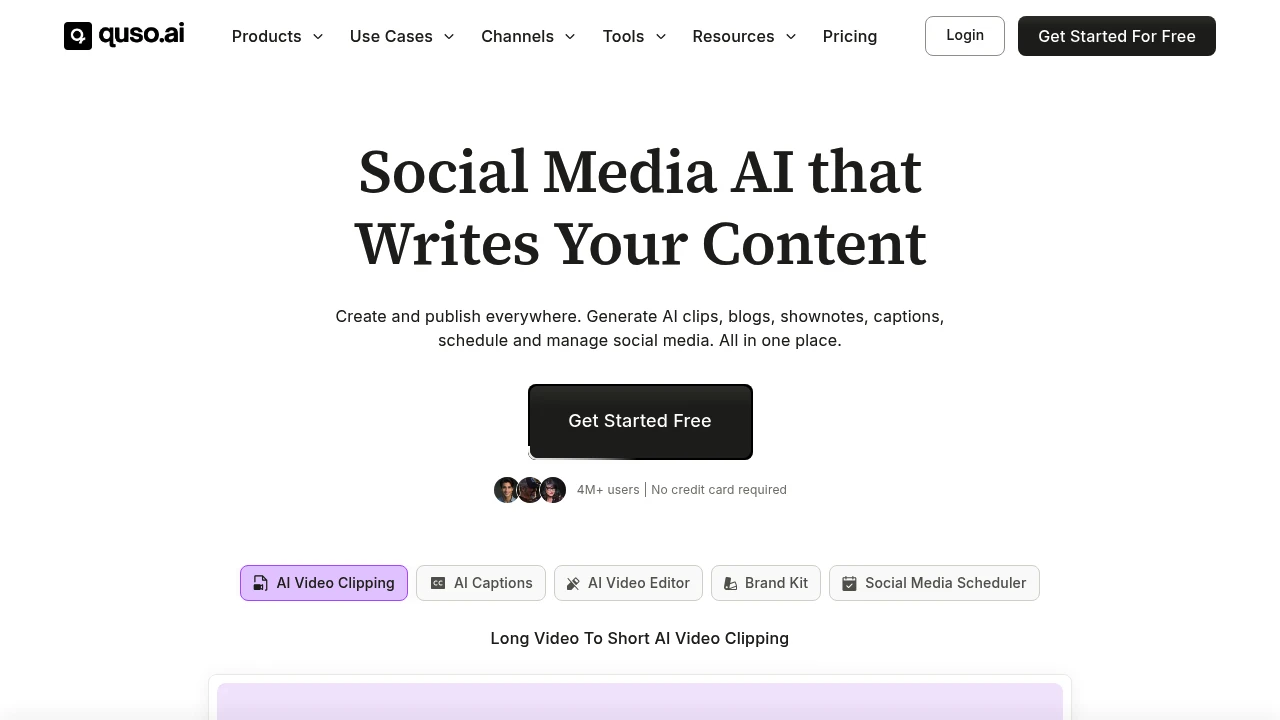
quso.ai is an AI video clipping, editing, and social media scheduling platform formerly known as vidyo.ai. It is built for coaches, podcasters, business owners, creators, and marketing teams that want to turn long videos into short clips, captions, posts, blogs, and shownotes.
Key Highlights
- Long video to short clip generation for Reels, TikTok, Shorts, and social posts
- AI captions and subtitles with animated styles in English, Spanish, German, and French
- Text-based video editing with logos, fonts, b-roll, music, templates, and brand assets
- Social media scheduling across 7 platforms
- AI writing tools for blogs, shownotes, social captions, hooks, hashtags, and video ideas
What Makes It Different
quso.ai is not only a clip generator. The site positions it as a broader Social Media AI suite that combines clipping, editing, captioning, content planning, analytics, and publishing.
The former vidyo.ai angle also matters. Its source says the product expanded from AI video editing and clipping into social media management, so the workflow covers creation and distribution.
Features & Capabilities
The main workflow starts with a long video upload or import. quso.ai can create clips and chapters, add captions, resize video, remove filler words and silence, generate transcripts, and create shownotes, blogs, metadata, captions, and hashtags.
For publishing, quso.ai connects to TikTok, YouTube, LinkedIn, Pinterest, Facebook, Instagram, and Twitter (X). Paid tiers add scheduling, bulk publishing, analytics, custom templates, brand kits, storage, stock media, and folder management.
User Ratings and Testimonials
quso.ai does not publish a third-party average rating. quso.ai claims 4M+ users and includes testimonials from coaches, podcasters, founders, and marketing teams who praise faster repurposing, clip selection, and posting output.
The practical limits are visible in the plan details. The free plan includes a watermark, 720p render quality, and 75 credits per month. Language support is listed as English, Spanish, German, and French.
Pricing & Value
- Free: $0/month hosted plan, 75 credits per month, 720p quality, AI clips and captions, YouTube chapters, TikTok publishing, and a watermark
- Lite: $24/month, with AI clips, captions, AI video generator, resizing, and unlimited 1080p exports
- Essential: $32/month, adding 10+ AI tools, filler and silence removal, AI Influencer, AI Writer, planner, and scheduling
- Growth: $40/month, adding unlimited social scheduling, bulk publishing, analytics, templates, brand kit, and priority support
- Custom: listed from $42 to $83/month when billed annually, with higher monthly minute limits and Growth features
The plan cards support a free hosted entry point and paid tiers for heavier clipping, branding, scheduling, and analytics.
Looking for alternatives to other popular tools? Check out other posts in the alternatives series and flowtools.co, a directory of best AI tools with filters for tags and categories for easy browsing and discovery.

Munch is an AI social media platform for businesses that turns brand assets into posts, videos, calendars, and dashboards.
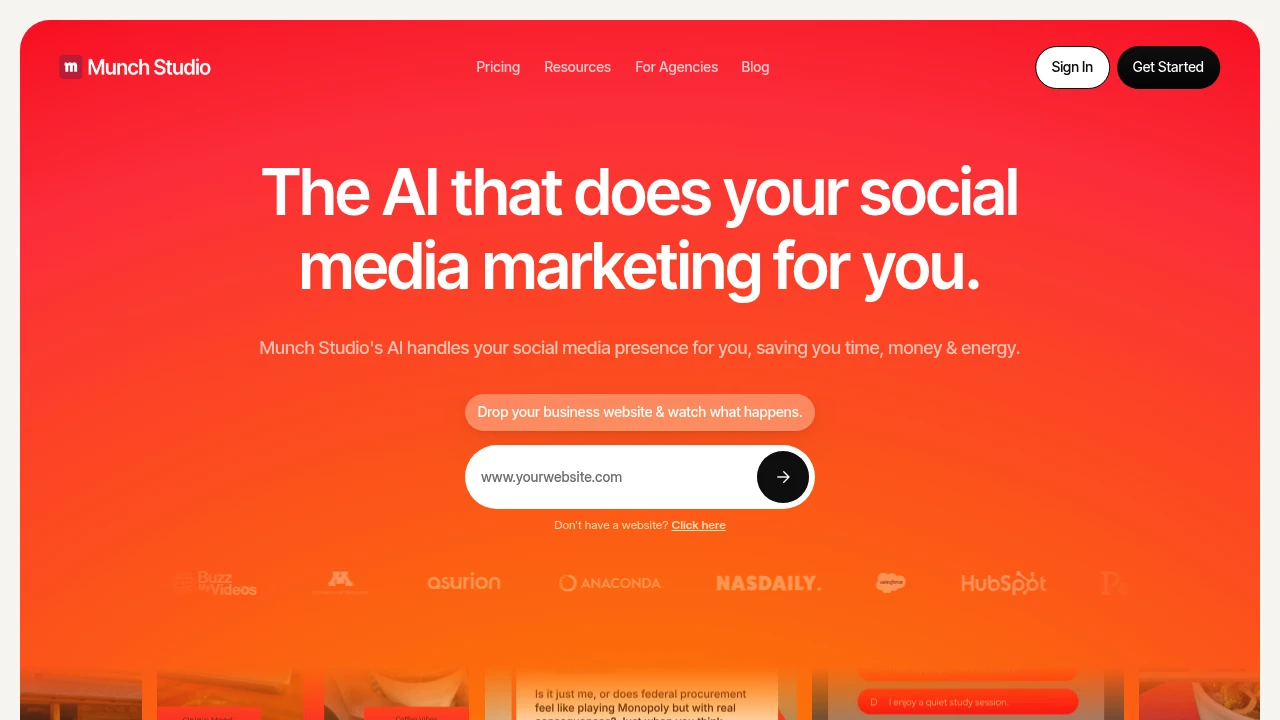
Munch is an AI social media platform for businesses and agencies that want regular posts without building a full content team. It learns from a website, uploaded videos, photos, and Zoom recordings, then creates a content strategy, post ideas, video scripts, generated videos, and a posting calendar.
Key Highlights
- Builds a brand-specific content strategy from your website and assets
- Turns videos, photos, and calls into social posts, scripts, posters, carousels, and generated videos
- Publishes to Instagram, Facebook, LinkedIn, YouTube, and TikTok
- Includes a smart content planner for weekly or quarterly scheduling
- Tracks post performance across platforms in one dashboard
What Makes It Different
Munch is positioned less like a clip editor and more like a managed social media workspace. The starting point is not only a video file. You can give it a website, brand materials, video assets, photos, and recordings so the content plan reflects the business.
That makes it a fit for founders, local businesses, and agencies that need a steady social calendar. Multi-brand plans keep each client in a separate workspace.
Features & Capabilities
The core flow starts with business learning, then moves into content generation and approval. Munch can create video scripts, generated videos, posters, carousels, and ready-to-post social content, while still letting users edit output before publishing.
Every plan includes business learning, tailored strategy, generated posters and carousels, publishing, a smart planner, and a performance dashboard. Higher plans raise limits for minutes, videos, storage, seats, brands, and support.
User Ratings and Testimonials
Munch publishes case studies and customer commentary, but does not list a third-party rating average. Treat vendor-side performance claims as directional until you test your own channels. The main practical limit is quota planning.
Pricing & Value
- Essential: $48/month for 1 brand, 500 repurposing minutes, 5 scripts per week, 10 generated videos, 100 GB storage, and Pro support
- Premium: $75/month for 1 brand, 1,000 minutes, unlimited scripts, 30 generated videos, 1 TB storage, unlimited team members, and Ultimate support
- Studio: $148/month for up to 5 brands, 2,500 minutes, unlimited scripts, 50 generated videos, 400 GB storage, and Ultimate support
- Scale: $398/month for up to 15 brands, 7,500 minutes, unlimited scripts, 150 generated videos, 1 TB storage, and Ultimate support
The value is strongest when one team needs strategy, creation, scheduling, and reporting together instead of only a video clipping tool.

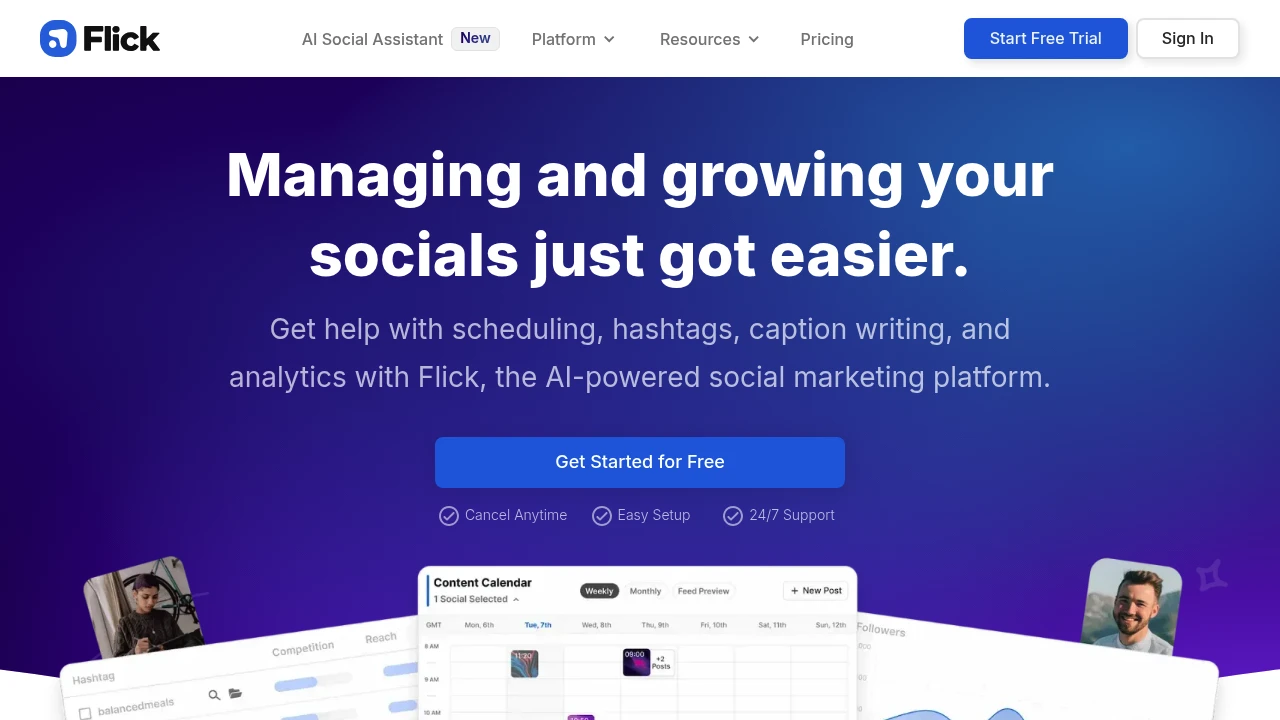
Get help with scheduling, hashtags, caption writing, and analytics with Flick, the AI-powered social marketing platform.
 Read more
Similar proprietary alternatives:

 bisibility — Free beta: Track your website’s keywords, Google rankings, Search Console insights, and share of voice.


