Otter.ai Alternatives
A curated collection of the 6 best alternatives to Otter.ai.
The best alternative to Otter.ai is Read.ai. If that doesn't suit you, we've compiled a ranked list of other Otter.ai alternatives to help you find a suitable replacement. Other interesting alternatives to Otter.ai are: tl;dv, Fathom, AVOMA and fireflies.
Otter.ai alternatives are mainly AI Note-taking tools. Browse these if you want a narrower list of alternatives or looking for a specific functionality of Otter.ai.


Read.ai turns meetings, email, and messages into AI summaries, transcripts, search, and coaching for teams.
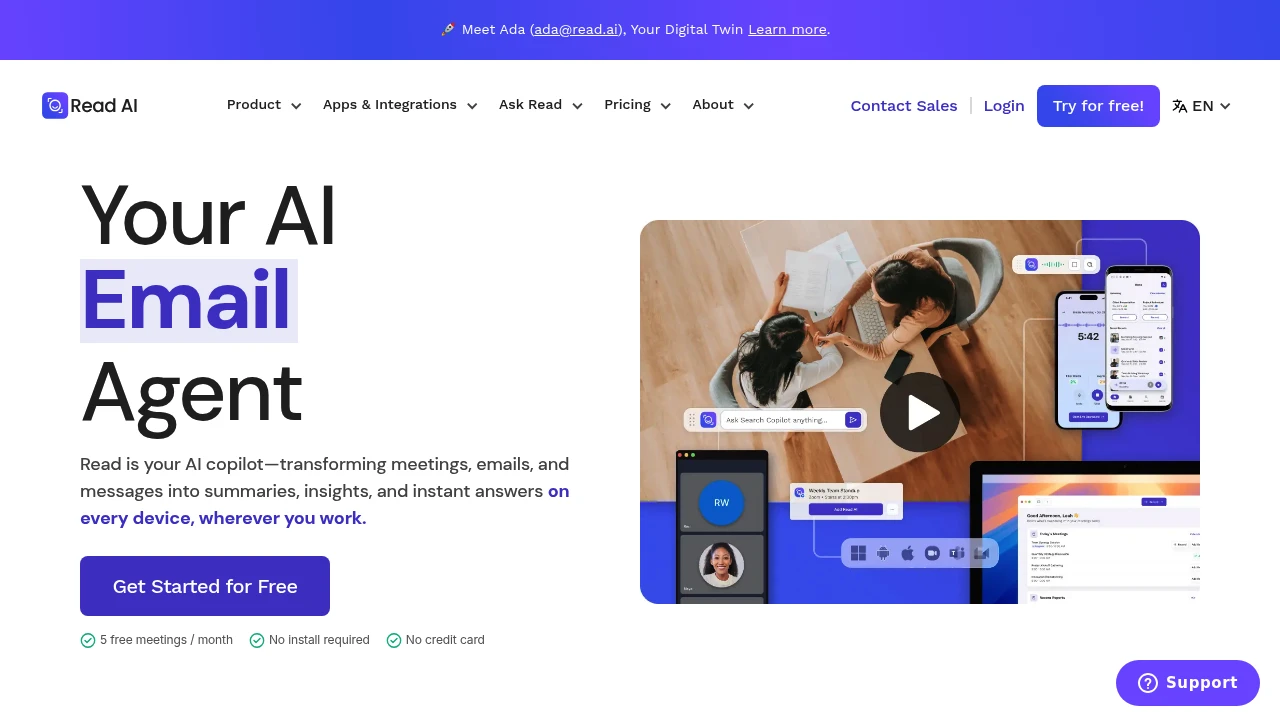
Read.ai is an AI meeting assistant for cleaner records across calls, email, and chat. It transcribes meetings, writes summaries and action items, adds coaching metrics, and searches meetings, messages, CRM, documents, and notes.
Key Highlights
- Meeting recaps, transcripts, action items, highlights, and questions
- Ask Read search with citations across meetings, email, chat, docs, and notes
- Works with Google Meet, Zoom, and Microsoft Teams
- Coaching metrics for speed, filler words, bias, and charisma
- Web, iOS, Android, Windows, and MacOS apps, plus Slack, Notion, Salesforce, HubSpot, Jira, Confluence, Zapier, and webhooks
What Makes It Different
Read.ai's main difference is breadth. Meeting reports, email, messages, CRM, documents, and notes feed Ask Read, with citations back to the source.
It also tracks behavior, not just notes. Paid workspaces add coaching recommendations, sharing rules, report distribution, license controls, and meeting join rules.
Features & Capabilities
Read.ai joins Meet, Zoom, or Teams calls, captures live notes and metrics, then creates a report with summary, transcript, topics, actions, questions, and coaching. Free meetings are capped at 1 hour and 5 transcripts per month. Paid plans add unlimited meeting transcripts and longer durations.
Beyond live calls, it supports enterprise search, file uploads, and sharing through email or Slack. Read.ai lists SOC 2 Type 2 certification, GDPR compliance, HIPAA compliance support, SAML, SCIM, domain capture, and custom data retention on higher-tier plans.
User Ratings and Testimonials
Read.ai does not publish an average user rating. Read.ai includes testimonials from the U.S. Chamber of Commerce, Fortune Magazine, and other customers.
The main tradeoffs are plan limits and meeting-bot governance. Playback starts on Enterprise, workspaces require paid licenses on one plan, and Read.ai says it does not offer refunds after renewal.
Pricing & Value
- Free: $0, with 5 meeting transcripts per month, enterprise search, summaries, coaching, basic integrations, and apps
- Pro: $19.75/user/month, or $15/user/month billed annually, with unlimited transcripts, priority processing, 100 file upload credits per month, premium integrations, reports, storage, and workspace access
- Enterprise: $29.75/user/month, or $22.50/user/month billed annually, with playback, video highlights, 200 file upload credits per month, and premium support
- Enterprise+: $39.75/user/month, or $29.75/user/month billed annually, with HIPAA support, SAML, SCIM, domain capture, custom retention, 300 file upload credits per month, and onboarding
Free is for light testing. Pro fits regular transcription, while Enterprise tiers add playback, support, and admin controls.
Looking for alternatives to other popular tools? Check out other posts in the alternatives series and flowtools.co, a directory of best AI tools with filters for tags and categories for easy browsing and discovery.

tl;dv records, transcribes, and summarizes Zoom, Google Meet, and Teams calls for sales and customer teams.
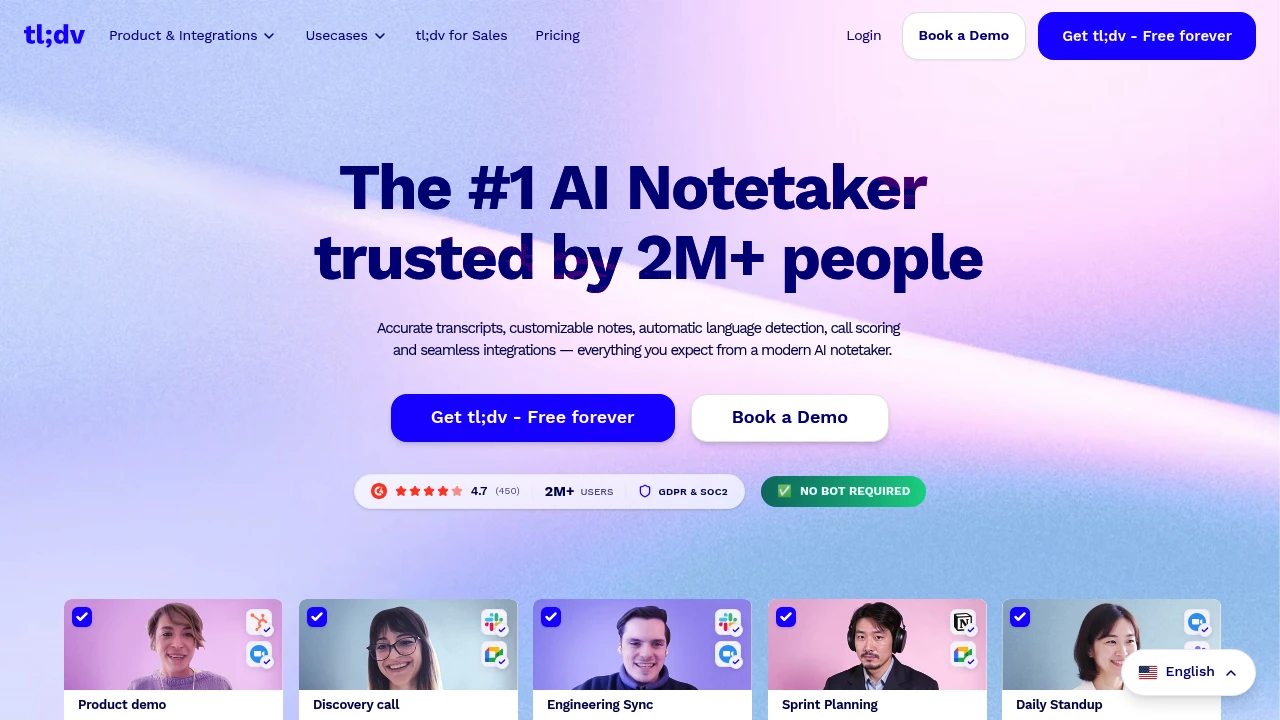
tl;dv is an AI meeting notetaker for teams that need recordings, transcripts, summaries, and follow-up work from Zoom, Google Meet, and Microsoft Teams calls. It is built for sales, customer success, product, and leadership teams that want searchable meeting evidence.
Key Highlights
- Records and transcribes Zoom, Google Meet, and Microsoft Teams calls
- Creates AI notes, summaries, action items, and follow-up drafts
- Supports transcription in 30+ languages
- Connects to Slack, email, calendars, CRMs, Zapier, API, webhooks, and MCP
- Builds multi-meeting insights for objections, feature requests, and coaching
- Includes GDPR and SOC 2 positioning, EU hosting, and private AI options
What Makes It Different
tl;dv is not only a single-call recorder. Its stronger angle is team-wide meeting intelligence: managers can ask across calls, schedule AI reports, monitor playbooks, and find repeated objections or customer feedback.
It also leans into sales workflow. The product pages describe CRM outcome logging, follow-up email drafting, action item assignment, transcript search, and 5000+ integrations.
Features & Capabilities
After a call ends, tl;dv can generate a video recording, transcript, shareable summary, and translated notes. Teams can customize note formats, use templates such as MEDDIC, search transcripts, share clips, label speakers, and upload recordings.
For larger teams, Business adds premium transcription, unlimited multi-meeting AI insights, scheduled reports, playbook monitoring, objection handling, and team automations. Enterprise adds SCIM, custom SSO, activity logs, private AI, and organization controls.
User Ratings and Testimonials
The pricing page lists a 4.7 rating from 400+ reviews, and the homepage says tl;dv is used by more than 2 million users. A Zapier product leader testimonial highlights meeting evidence from sales, customer, and research calls.
The trade-offs are plan limits. Free limits AI notes and Ask AI usage, Pro still limits multi-meeting Ask AI, and advanced admin controls sit on Enterprise.
Pricing & Value
- Free: $0, no credit card required, with unlimited recordings and transcription, mobile apps, 10 AI-note meetings, and 10 Ask AI queries
- Pro: $18 per seat/month, billed annually, with unlimited AI-note meetings, single-meeting Ask AI, follow-up drafting, transcript search, uploads, storage, API, webhooks, and MCP
- Business: $29 per seat/month, billed annually, with premium transcription, unlimited multi-meeting insights, scheduled reports, playbooks, objection handling, and team automations
- Enterprise: Custom pricing, with organization management, SCIM, custom SSO, privately hosted AI, activity logs, usage-based pricing options, and a dedicated account manager
Free covers the recorder workflow, while Business is the first plan that fully matches tl;dv's multi-meeting insights pitch.

Fathom records, transcribes, and summarizes your video meetings automatically, so you can stay present instead of taking notes.
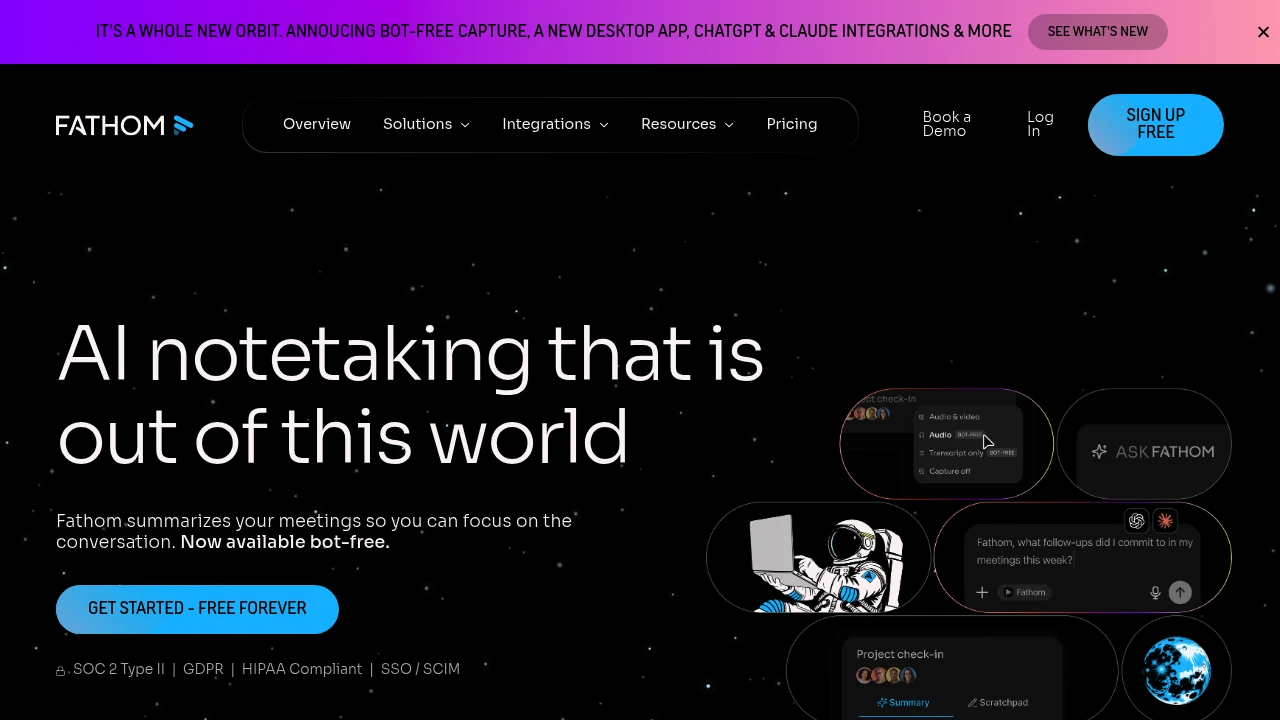
Fathom is an AI meeting notetaker that records, transcribes, and summarizes your video calls automatically. It is built for sales teams, customer success, founders, and anyone in back-to-back meetings who wants to stay present instead of taking notes. After each call it delivers a summary, searchable transcript, and action items, free with no caps on recordings.
Key Highlights
- Unlimited recordings and transcriptions on every plan, including the free tier
- Choice of bot-free capture or a meeting bot, so you control how calls are recorded
- Instant AI summaries delivered right after the call ends
- AI-generated action items and follow-up emails
- Ask Fathom, a ChatGPT-style assistant for searching across your meetings
- Automatic sync to Slack, Salesforce, HubSpot, Notion, and Asana
What Makes It Different
Most meeting tools put their best features behind a paywall. Fathom does the opposite: the free plan includes unlimited recording and transcription with no minute caps, and summaries arrive within seconds of a call ending. Bot-free capture (in beta on Mac) records without sending a visible bot into the call. Recent additions include native ChatGPT and Claude integrations plus a public API and MCP server.
Features & Capabilities
The core workflow is hands-off. Fathom captures your Google Meet, Zoom, or Microsoft Teams call, then produces a transcript, a structured summary, and action items you can edit and share. Paid tiers add advanced summaries from over 15 meeting templates (such as BANT and Sandler), AI follow-up emails, and coaching metrics.
For teams, it adds global search across shared calls, keyword and AI search alerts, deal and customer views, and CRM field sync into Salesforce or HubSpot, plus Zapier and Make automations.
User Ratings and Testimonials
Fathom is one of the highest-rated tools in its category, holding a near-perfect score on G2 across thousands of reviews. Users praise the speed and accuracy of summaries, the genuinely useful free tier, and the Ask Fathom assistant for pulling insights from past calls. The main criticism is occasional transcription errors on noisy or accented audio.
Pricing & Value
- Free: $0 forever, unlimited recordings and transcriptions, bot or bot-free capture, instant AI summaries, and search across calls
- Premium: $20/month per user ($16 billed annually), adds advanced summaries, AI action items, the conversational assistant, and a custom bot
- Team: $19/month per user ($15 annually, 2 user minimum), adds global team search, highlight playlists, keyword alerts, and SSO
- Business: $34/month per user ($25 annually, 2 user minimum), adds CRM field sync, deal view, coaching scorecards, and custom data retention
The free plan is unusually generous and enough for most solo users, while Team and Business unlock shared search and CRM workflows for sales teams.

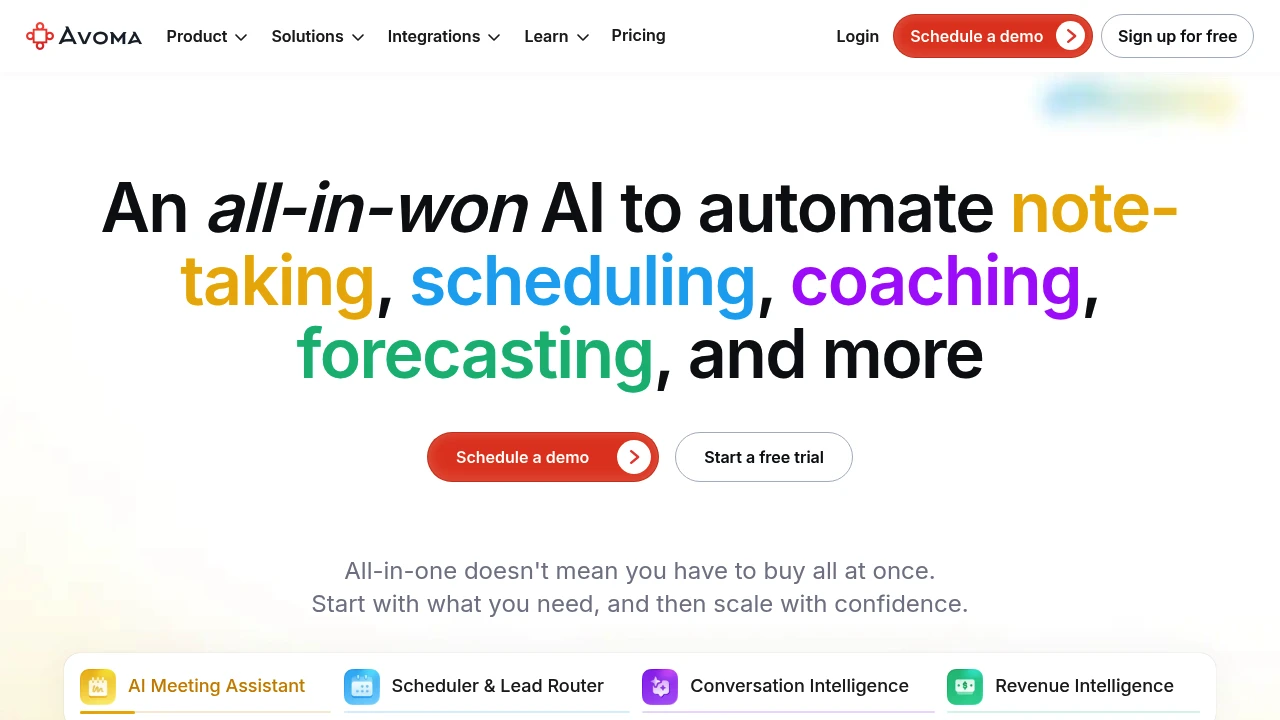
All-in-one doesn't mean you have to buy all at once. Start with what you need, and then scale with confidence.
 Read more

Granola takes your raw meeting notes and makes them awesome
Granola transforms meeting recordings into smart, actionable notes that fit your workflow. This AI-powered tool captures key points and lets you chat with your meeting content later. Perfect for professionals who want better meeting outcomes without changing how they work.
Key Highlights
- Works with existing meeting platforms like Zoom, Teams, and Google Meet
- AI chat feature for asking questions about past meetings
- Custom note templates that match your style
- Clean, simple interface that's easy to use
- Zapier integration for workflow automation
- 25 free meetings to get started
What Makes It Different
Granola focuses on natural note-taking rather than basic transcription. It creates structured notes that feel like human-written summaries. The AI chat feature lets you search and ask questions about meeting content weeks later. This approach makes it more useful than standard recording tools.
Features & Capabilities
Granola records meetings and creates organized notes automatically. You can set custom templates for different meeting types. The AI understands context and pulls out action items, decisions, and key points.
Team features include shared folders and consolidated billing for businesses. Integration with Zapier connects your notes to other tools you use daily.
User Ratings and Testimonials
Granola has an average rating of 4.8 out of 5 stars from 40 reviews on Product Hunt.
People love how easy it is to use and how clean the interface looks. They find the note-taking accurate and helpful for staying focused during meetings. Many say it works better than other meeting tools like Zoom AI or Otter.ai. The AI chat feature lets them ask questions about their meetings later.
Some users had trouble setting it up on Mac. Others mention it drains laptop battery during long meeting days. The tool doesn't work well with Chinese language yet. A few people note that detailed manual notes still work better than the summaries.
Pricing & Value
Granola offers several pricing plans:
- Free: 25 free meetings with AI chat and custom note templates
- Individual: $18/month for unlimited meetings, AI chat, custom templates, and Zapier integration
- Business: $14 per user/month with team folders, consolidated billing, and all Individual features
Free trial includes 25 meetings at no cost.
Granola stands out for its AI-powered meeting notes that work with your existing workflow, making it more natural than traditional transcription tools.
Similar proprietary alternatives:

 bisibility — Free beta: Track your website’s keywords, Google rankings, Search Console insights, and share of voice.


