Cloudflare Computer Alternatives
A curated collection of the 3 best alternatives to Cloudflare Computer.
Read the Cloudflare Computer overview
The best alternative to Cloudflare Computer is Cua. If that doesn't suit you, we've compiled a ranked list of other Cloudflare Computer alternatives to help you find a suitable replacement. Other interesting alternatives to Cloudflare Computer are: Steel and Browserbase.
Cloudflare Computer alternatives are mainly AI Infrastructure tools but may also be AI Browsers tools or Browser Agents tools. Browse these if you want a narrower list of alternatives or looking for a specific functionality of Cloudflare Computer.


Computer-use infrastructure lets developers run AI agents in shared desktops on their own machines or cloud VMs.
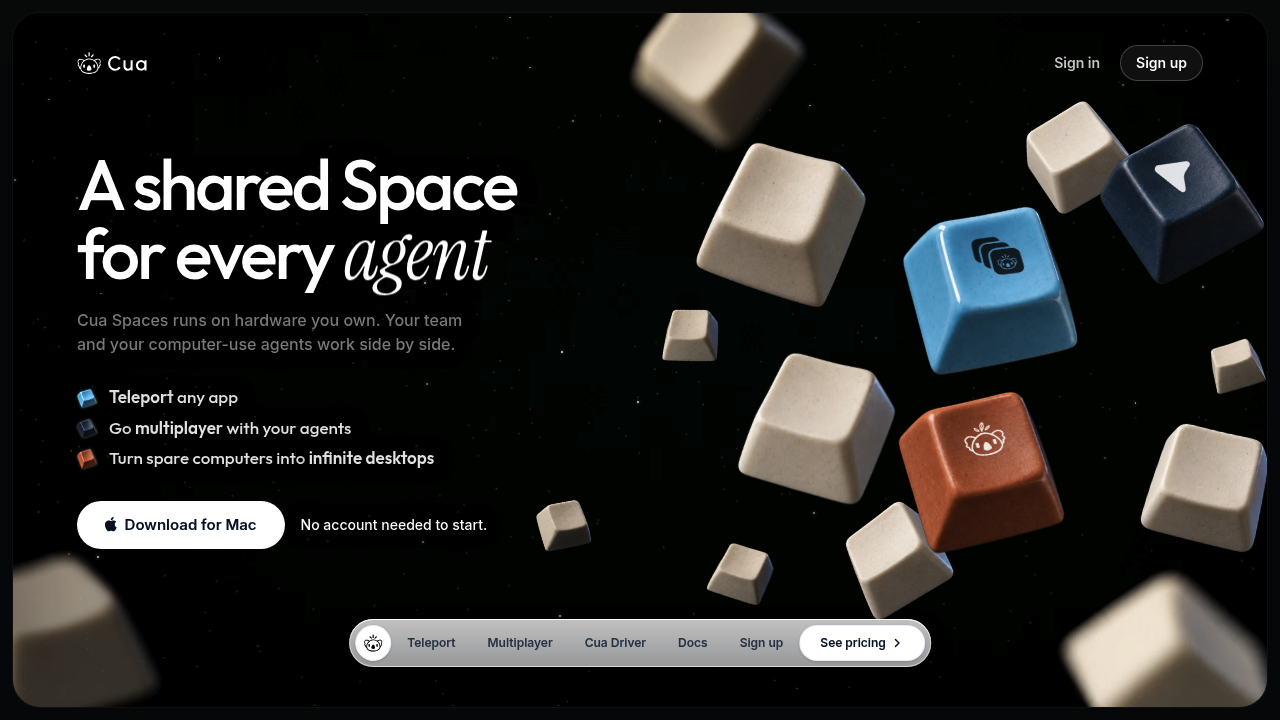
Cua provides computer-use infrastructure for developers and teams working with AI agents. Its Spaces are full desktops in virtual machines or containers on your machines or cloud account. People can watch agents use native apps and take over when needed.
Key Highlights
- Shared desktops with a cursor for each person and agent
- Agent connections through MCP
- Teleport moves approved app sessions into a Space
- Cua Driver controls macOS, Windows and Linux apps
- Lume runs local macOS virtual machines
What Makes It Different
Cua joins desktop environments, app control and human supervision. Spaces manages shared desktops, Driver handles computer interaction and works independently, and Lume supplies local macOS VMs. Spaces is source-available under FSL-1.1-MIT; Driver and Lume use MIT.
Features & Capabilities
Start a Space on a Mac, connect another machine, or use your own cloud. Connect Claude Code or Codex through Cua MCP, then watch the desktop and step in with your own cursor.
Teleport transfers an app's tabs, profile and sign-ins after consent. Sensitive items require Touch ID or a password. macOS Spaces require Apple silicon; Linux Spaces use Docker or Podman.
User Ratings and Testimonials
For a practical evaluation, try a native-app workflow and a human handoff on your target OS. The Windows app is in preview. Expiring share links and 90-day audit history are coming soon, so assess the current sharing tools against your needs.
Pricing & Value
- Free: $0, sharing and Teleport, with 2 live relay sessions and 20 relay hours/month.
- Pro: $12/month or $120/year for one person, with 5 live sessions and 200 relay hours/month.
- Teams: $30/seat/month or $300/seat/year, with a 2-seat minimum. Each seat adds 5 sessions and 200 relay hours/month to the team pool. Includes shared machines, roles and device approval.
These plans cover the app, sharing and relay access. Cloud machines are billed separately by your provider; direct connections do not use relay allowances. Start with Free to assess your workflow before paying for more relay capacity.
Looking for alternatives to other popular tools? Check out other posts in the alternatives series and flowtools.co, a directory of best AI tools with filters for tags and categories for easy browsing and discovery.

Cloud browser infrastructure with persistent sessions, live debugging, proxies, and an open-source server.
Steel provides browser infrastructure for developers whose AI agents need to navigate websites, fill forms, and collect data. Its API creates cloud browser sessions that existing automation libraries can control. Steel Browser is the open-source server; Steel Cloud supplies a managed service with additional capacity and operational features.
Key Highlights
- Browser sessions connected through a CDP WebSocket
- Playwright, Puppeteer, and Selenium compatibility
- Persistent profiles for cookies and signed-in workflows
- Live session viewing, recordings, and readable traces
- Managed proxies and paid CAPTCHA solving
What Makes It Different
Open-source deployment and managed cloud operation serve different needs. Teams can inspect or host Steel Browser themselves, while the cloud plans meter browser time, proxy bandwidth, and other services. Self-hosting the server does not imply that every managed-cloud feature is included or that infrastructure costs disappear.
Features & Capabilities
Create a session with the API, connect a browser controller, and run the navigation your application requires. Reusing session context lets a later run pick up cookies and state instead of starting from a fresh login. Python and Node.js SDKs support integration into existing agents.
Use the live viewer and recordings to investigate failed clicks or unexpected pages. Proxy and CAPTCHA options support difficult browsing workflows, but session duration and concurrency still depend on the chosen plan. The dedicated Stealth Browser feature is listed on Enterprise.
User Ratings and Testimonials
Steel presents use cases including web scraping, research, and browser-based testing. Assess it with sites your application actually needs: check login persistence, error recovery, recording quality, and costs across repeated runs. An isolated successful session is insufficient evidence of production reliability.
Pricing & Value
- Launch: $0 monthly platform fee plus usage, with $30 in one-time credits.
- Scale: $250/month plus usage, with $100 monthly credits and 100 concurrent sessions.
- Enterprise: custom pricing and capacity.
Launch browser time is $0.10/hour and proxy bandwidth $10/GB; Scale rates are $0.08/hour and $6/GB. CAPTCHA solves are metered separately. The one-time Launch credit expires after 90 days.

Browserbase gives developers cloud browser sessions, Search, and Fetch APIs for AI agents that use real websites.
Browserbase is browser agent infrastructure for AI systems that need real websites. It provides cloud browser sessions, Search and Fetch APIs, and Stagehand so agents can browse, extract, log in, and finish multi-step tasks.
Key Highlights
- Browser-as-a-Service for agents that need real browser sessions
- Search API and Fetch API for turning queries and URLs into agent context
- Stagehand SDK for AI browser workflows with Playwright-level control
- Handles auth flows, dynamic content, forms, downloads, and changing UI
- Supports high concurrency, proxies, data retention, and CAPTCHA solving
- Open source pieces include the Browser CLI and Stagehand SDK
What Makes It Different
Browserbase is built around the idea that the browser is the web's native interface. Instead of a static scrape, agents get managed browser sessions, Search API context, page fetching, model access, and runtime infrastructure.
Stagehand adds agent-friendly primitives such as act, extract, and observe, while Browserbase supplies the cloud browser sessions underneath. That pairing is useful for login walls, dynamic pages, vendor portals, forms, or UI that changes often.
Features & Capabilities
Teams create a browser session, connect a model, and run a task end to end. Browserbase works with Playwright, Puppeteer, Selenium, Stagehand, CrewAI, LangChain, and any language that can make HTTP requests.
For production use, Browserbase adds recordings, observability, Functions runtime, proxy support, model gateway billing, stealth modes, and configurable retention. Common use cases include research, QA flow checks, business verification, data extraction, form filling, and portal workflows without APIs.
User Ratings and Testimonials
Browserbase highlights customer quotes rather than an average star rating. Those quotes focus on avoiding browser infrastructure work, debugging browser fleets, and handling sites without APIs. The tradeoff is cost planning: teams need to track browser hours, Search calls, Fetch calls, proxy bandwidth, and model usage.
Pricing & Value
- Free: $0/month with 3 concurrent browsers, 1 browser hour, 1,000 Search calls, 1,000 Fetch calls, 15-minute sessions, and 7 days of retention
- Developer: $20/month with 25 concurrent browsers, 100 browser hours then $0.12/browser hour, 1,000 Search and Fetch calls, 1 GB of proxies, and auto CAPTCHA solving
- Startup: $99/month with 100 concurrent browsers, 500 browser hours then $0.10/browser hour, 10,000 Fetch calls, 5 GB of proxies, and 30 days of retention
- Scale: Custom pricing for 250+ concurrent browsers, usage-based browser hours, Search, Fetch, proxies, 30+ days of retention, verified agents, enterprise agreements, and SSO
The free plan is enough for prototypes. Developer and Startup fit production workflows that need more browser hours, API volume, proxies, or CAPTCHA handling.
Similar proprietary alternatives:

 bisibility — Free beta: Track your website’s keywords, Google rankings, Search Console insights, and share of voice.


