Consensus Alternatives
A curated collection of the 6 best alternatives to Consensus.
The best alternative to Consensus is Elicit. If that doesn't suit you, we've compiled a ranked list of other Consensus alternatives to help you find a suitable replacement. Other interesting alternatives to Consensus are: Scite, ResearchRabbit, SciSpace and Gemini Notebook.
Consensus alternatives are mainly AI Research Assistants tools but may also be Academic Research Assistants tools or AI Chats tools. Browse these if you want a narrower list of alternatives or looking for a specific functionality of Consensus.


Automate time-consuming research tasks like summarizing papers, extracting data, and synthesizing your findings.
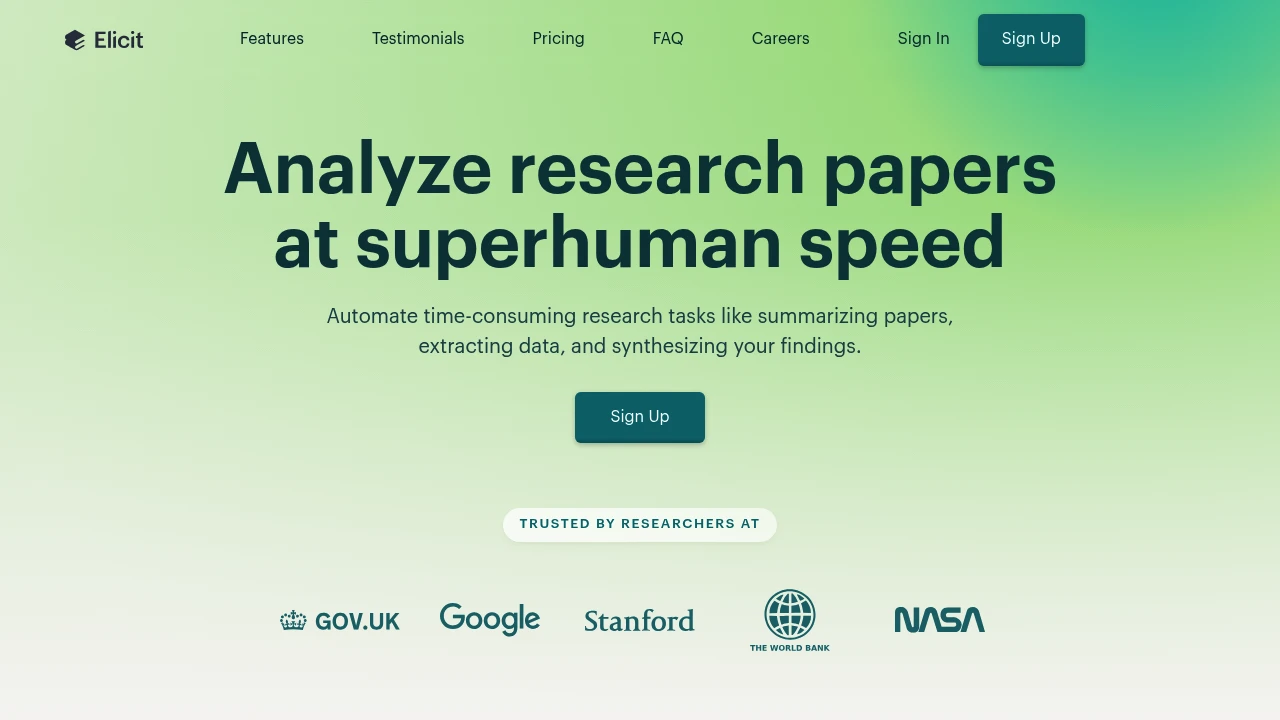
Elicit is an AI research assistant for finding papers, reviewing literature, and extracting information into tables. Researchers can work from a question or uploaded papers, inspect summaries, and return to the underlying evidence. It supports exploration as well as structured review workflows.
Key Highlights
- Paper search with summaries and cited answers
- Chat with papers that have full-text access
- Tables for extracting research information
- Research Agent and Research Reports
- Structured literature review workflows on paid plans
What Makes It Different
Elicit organizes research around papers and extracted evidence rather than general conversation alone. A researcher can compare information across studies in a table, then inspect the paper behind an answer. This can support review work, but it does not replace judging study quality or checking whether evidence answers the question.
Features & Capabilities
Search for relevant studies, review their summaries, and organize findings in a table. Research Agent and Research Reports support broader tasks with plan-specific allowances. Zotero import connects an existing paper collection to the workflow.
Paid options add exports and larger research or extraction allowances. Teams can choose collaboration and administrative features. Match the selected plan to the number of papers, extraction columns, and shared users in the actual project.
User Ratings and Testimonials
Evaluate Elicit with papers you know: check study methods, reported findings, missing data, and the traceability of answers. A useful summary should preserve uncertainty and differences between studies. Review the original article before citing an extracted result in a report or decision.
Pricing & Value
Basic is free, with unlimited paper search and summaries, chat with papers that have full-text access, and limited Research Agent and Research Report usage.
Paid plans add usage, exports, structured reviews, and collaboration. Check the selected plan and billing option for its price and extraction allowances. Enterprise terms are custom.
Looking for alternatives to other popular tools? Check out other posts in the alternatives series and flowtools.co, a directory of best AI tools with filters for tags and categories for easy browsing and discovery.

Scite helps researchers search papers and evaluate citation context, with an AI Assistant, reports and research collections.
Scite is a research platform that helps academics and professionals discover and evaluate scientific literature. Its Smart Citations show how a paper is cited in context, including whether a citation supports, contrasts with or mentions the earlier work. An AI Assistant helps explore research questions.
Key Highlights
- Smart Citation reports with citation context
- Assistant and full-text research search
- Collections for organizing papers
- Citation alerts and dashboards
- MCP credits, with API access on selected plans
What Makes It Different
Scite adds context to citation counts. A frequently cited paper may be cited for several different reasons, so the surrounding citation statement helps a reader understand the discussion. This supports literature review without replacing a researcher's assessment of methods and evidence.
Features & Capabilities
Find a paper or topic, inspect citation reports and use search to explore related literature. The Assistant can help navigate questions and supporting material. Collections organize papers for ongoing projects, while alerts help track later citations.
MCP access connects Scite to compatible AI agents, with a monthly credit allowance. Pro adds API access and larger collections; Team adds shared collections and administration. Check the cited papers and the context of each claim before relying on an AI-generated research answer.
User Ratings and Testimonials
Scite presents selected researcher feedback and institutional examples. They show particular uses of the platform rather than guaranteeing the reliability of every answer. Assess its coverage of your field and read the relevant papers when a decision depends on their conclusions.
Pricing & Value
- Basic: Assistant, Search, Smart Citation reports and 250 MCP credits/month
- Pro: API access, larger collections and 2,500 MCP credits/month
- Team: includes eight seats and shared collections
- Enterprise: custom pricing and access controls
Compare the selected billing option before buying. A seven-day trial converts to the chosen subscription unless cancelled before it ends.

ResearchRabbit helps researchers find related papers, map citations, and organize literature reviews.
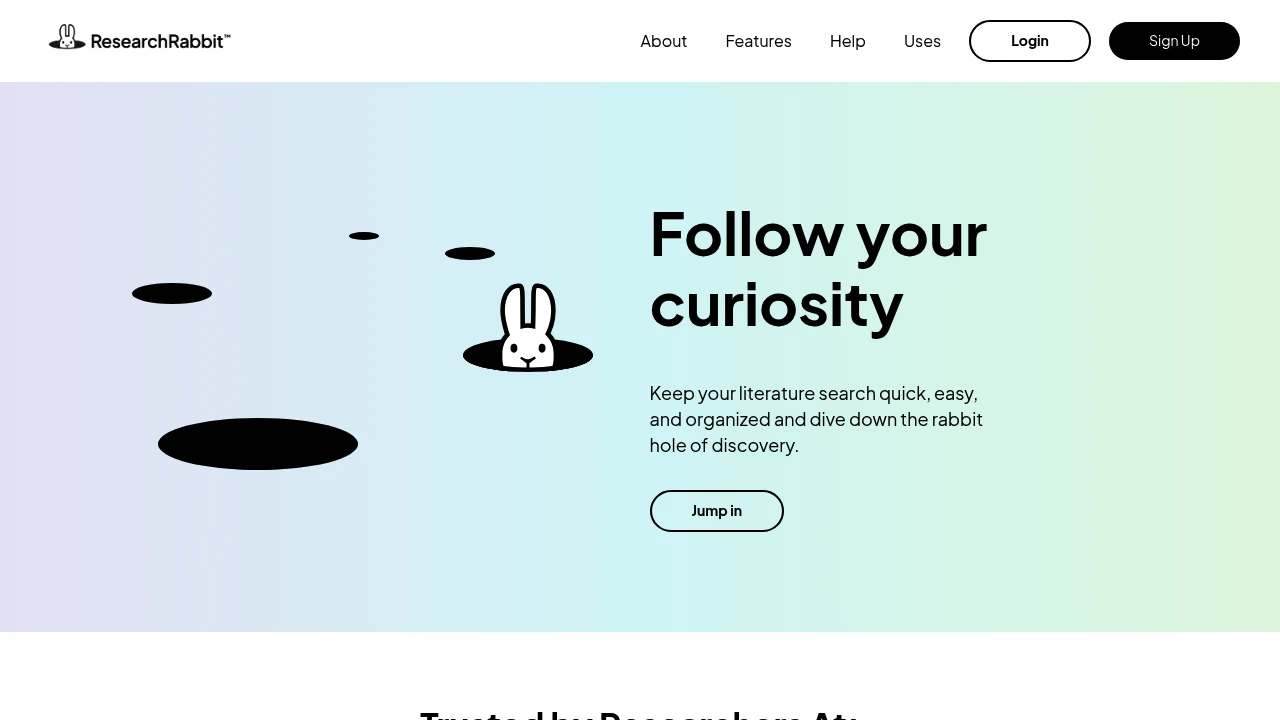
ResearchRabbit is an AI research assistant for academic literature discovery. It helps students, researchers, and research groups start from one paper, find related work, follow authors, and keep review collections organized.
Key Highlights
- Start from one paper and expand into related works, authors, and topics
- Visualizations show how papers, authors, and topics connect
- Collections keep papers, notes, and ideas organized
- Free Forever plan includes unlimited searches, collections, and sharing
- ResearchRabbit+ adds higher seed limits, advanced controls, projects, and faster support
What Makes It Different
ResearchRabbit is built around discovery paths, not only keyword search. You begin with a paper, then branch into connected articles, authors, and topics as the map grows. That helps when a literature review is still forming and you need to see clusters instead of checking a static list one result at a time.
Features & Capabilities
The main workflow is collection-based. You gather papers, add related works and authors, keep notes with your materials, and use visual maps to understand the field. ResearchRabbit says its index covers more than 310 million academic articles on the pricing page.
For collaboration, the free tier includes shared collections. Larger projects can move to ResearchRabbit+ for up to 300 seed articles, advanced search controls, multiple projects, and faster support. Institutions can contact the company for LibKey integration, user management, usage statistics, and dedicated support.
User Ratings and Testimonials
The homepage includes researcher testimonials that praise citation maps, visual sorting by year, Zotero-connected workflows, and clear paper clusters.
The main limitation is also clear from pricing: the free plan uses up to 50 seed articles and core search settings. Large-scale reviews, multiple projects, and advanced controls sit behind ResearchRabbit+.
Pricing & Value
- Free: $0 forever, with unlimited searches across 310+ million articles, unlimited libraries and collections, sharing, up to 50 seed articles, and core search settings
- ResearchRabbit+: $10/month billed annually or $12.50/month billed monthly, before eligible country discounts, with country-based discounts in 100+ countries, up to 300 seed articles, advanced controls, projects, and faster support
- Institution: Contact sales, with volume discounts, LibKey integration, user management, usage statistics, and dedicated support
The free plan is enough for focused literature reviews, while ResearchRabbit+ is aimed at researchers handling larger discovery projects.

SciSpace helps academics review literature, chat with PDFs, paraphrase text, and write papers with cited sources.
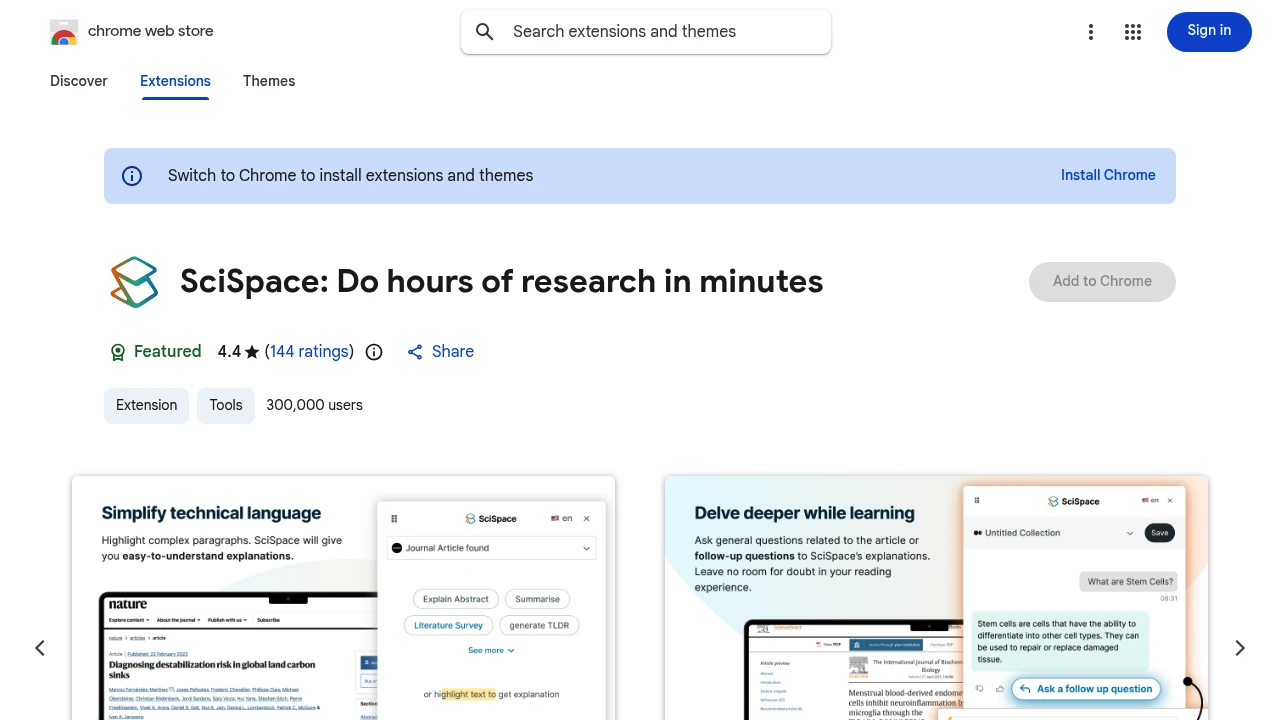
SciSpace is an AI research workspace for students, PhDs, and researchers who need to find, read, and write from academic sources. It combines literature review, PDF chat, paraphrasing, citation generation, and paper drafting in one web app, with results tied back to cited sources.
Key Highlights
- Search a large academic paper library for literature review work
- Chat with PDFs and ask questions about research papers
- Draft papers, diagrams, presentations, and cited research outputs
- Use paraphrasing, AI detection, and citation generation tools
- Paid plans add credits, stronger models, and more parallel queries
What Makes It Different
SciSpace is not just a general chatbot pointed at academic work. Its site positions the product as a research agent for citation-backed results, with specific workflows for paper search, literature review, PDF analysis, writing, diagrams, and presentations. That matters when the user needs a clear path from question to source.
Features & Capabilities
The main workflow starts with a research question or paper. You can search papers, run a literature review, chat with PDFs, and turn findings into drafts, citations, diagrams, or presentations.
The pricing FAQ lists Literature Review, Chat with PDF, Paraphraser, AI Detector, and Citation Generator as platform tools. Paid plans increase monthly agent credits, model access, and parallel agent queries.
User Ratings and Testimonials
SciSpace says it is trusted by more than 1M students, PhDs, and researchers. SciSpace includes testimonials, but does not publish a third-party rating or full review quote. The visible caveat is that serious use is credit-based, and published paid prices are annual billing rates.
Pricing & Value
- Premium: $12/month billed annually, with 1,200 monthly credits, unlimited Literature Review search, Pro Model Access, 4 parallel agent queries, unlimited exports, and Biomedical Agent Access
- Advanced: $70/month billed annually, with 10,000 monthly credits, everything in Premium, Expert Model Access, and 8 parallel agent queries
- Max: $160/month billed annually, with 40,000 monthly credits, everything in Advanced, priority support, 16 parallel agent queries, and priority access to new features
- Enterprise: custom pricing, with Advanced features plus admin-managed access, shared credit pools, SSO/SCIM, consolidated billing, dedicated support, and customizable integrations and limits
The pricing page says users can cancel anytime and that all plans have a 24-hour money-back guarantee. SciSpace offers free signup, but does not list detailed free-plan limits.

Gemini Notebook, formerly NotebookLM, grounds AI answers in notebook sources and creates summaries, mind maps, and Audio Overviews.
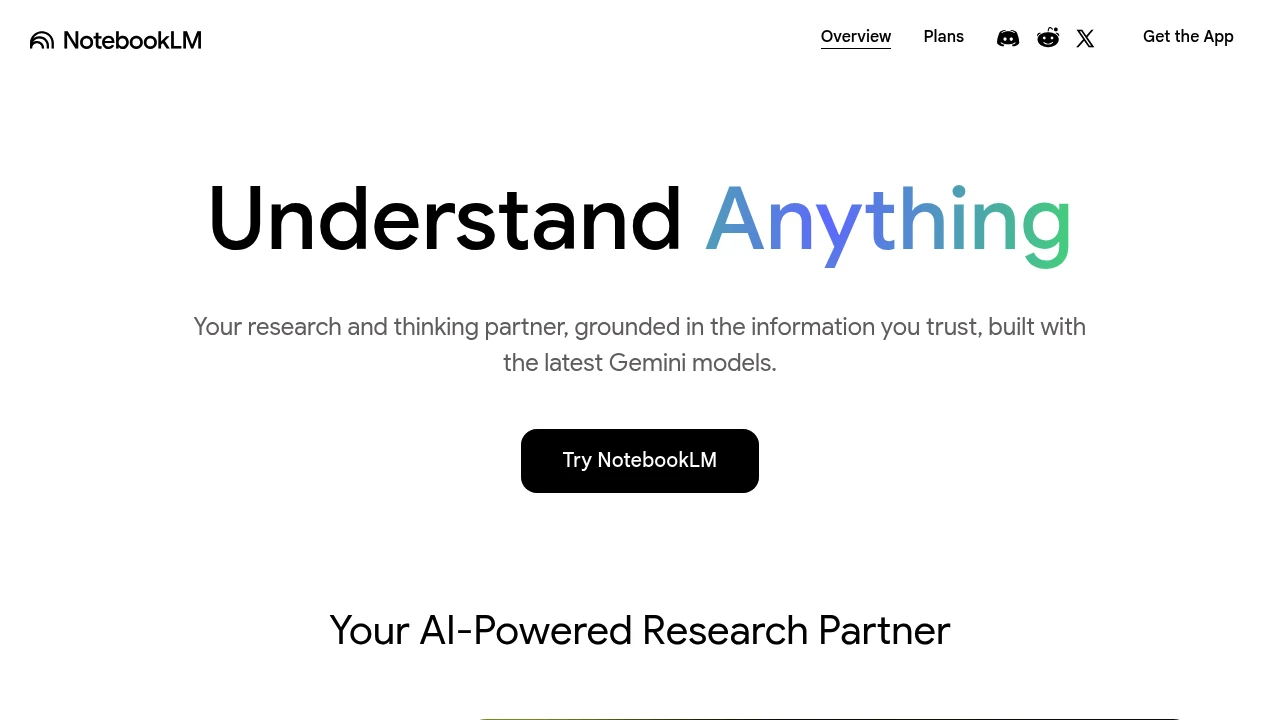
Gemini Notebook, formerly NotebookLM, is Google's AI research tool and thinking partner, with answers grounded in notebook sources. It is built for students, researchers, and professionals who want grounded, citable answers about their own material. You can upload material or discover sources from the web and Google Drive. The app helps you explore that content using Google's Gemini models.
Key Highlights
- Source-grounded chat with citations to notebook material
- Fast Research and Deep Research to discover and import sources
- Accepts PDFs, Google Docs/Slides, websites, YouTube videos, and audio
- Audio Overviews that turn your sources into a podcast-style discussion
- Mind maps and summaries that surface connections across documents
- Notebooks you can organize and share
- Built on the latest Gemini multimodal models
What Makes It Different
Unlike a general chatbot, Gemini Notebook grounds answers in your notebook sources, which makes citations traceable back to the original text. Answers still need review. Audio Overviews turn notebook material into spoken discussions for hands-free review.
Features & Capabilities
You create a notebook, upload sources, and then ask questions, request summaries, or generate study guides, and answers can cite the passages they use. Mind maps help you see how ideas across documents relate.
Audio Overviews convert a notebook into a listenable discussion, and you can steer or interact with them, which is useful for reviewing material hands-free.
User Ratings and Testimonials
Evaluate citations against the original material and review generated Audio Overviews for accuracy. Source quality, notebook limits, and the material selected for a question affect how useful the results are.
Pricing & Value
- Free: full core features with standard source and notebook limits
- Upgraded access: higher limits or premium features through eligible Google AI, Google Workspace, or Google Cloud plans
Compare the standard limits with your notebook sizes and research workload before choosing upgraded access.
Research online information with AI answers, linked sources, follow-up questions, and file analysis subject to plan limits.
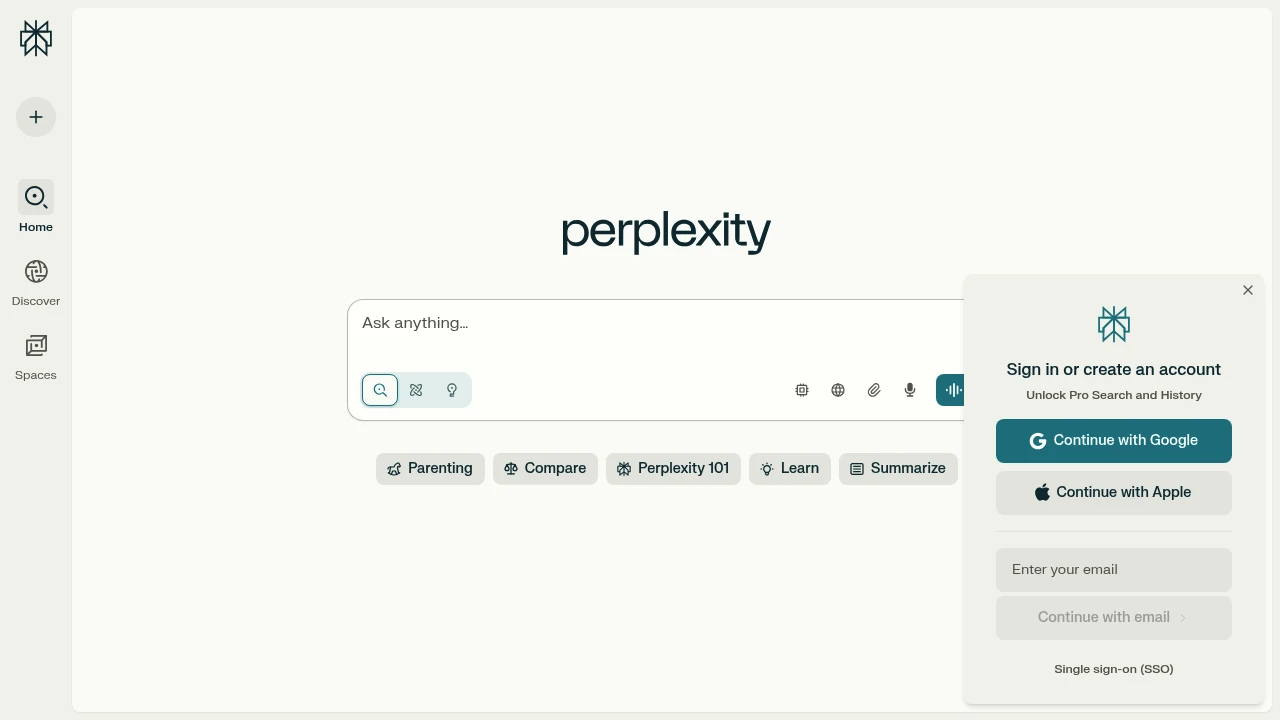
Perplexity helps users research questions through AI-assisted online retrieval, linked sources, and follow-up questions. It also supports file analysis. The free Standard plan and paid subscriptions differ in model access and usage allowances, so the appropriate plan depends on the work you need to do.
Key Highlights
- Research responses with links to supporting material
- Follow-up questions for exploring a topic
- File and attachment analysis with plan limits
- Paid access to additional models and research modes
- A separately billed API platform for developers
What Makes It Different
The product combines retrieval and answer generation in one research workflow. Source links provide a route to inspect the underlying material, but they do not guarantee that an answer is correct or that every statement has a suitable citation. For consequential work, read the referenced material and check how it supports the answer.
Features & Capabilities
Pro expands access to research and Pro Search, increases file upload and analysis allowances, and offers advanced AI models. It also includes limited Create files and apps queries. Model and mode choices affect the available capacity.
Advanced AI queries can face limits during heavy usage. Best mode is described separately as having no query quota; that does not make every feature, upload, or research mode unlimited. Enterprise subscriptions add organization-focused capabilities, while API access is a separate product and billing arrangement.
User Ratings and Testimonials
Evaluate Perplexity with questions whose answers you can check against primary documents. Compare citation relevance, file analysis, and follow-up quality. Consider whether the plan's allowances cover your research workload rather than assuming a paid subscription removes all restrictions.
Pricing & Value
Standard is a free plan with limited Pro Searches and basic file uploads. Pro, Max, Education Pro, and enterprise options provide different access levels. Check the current subscription terms for model and feature limits. API usage is billed separately from consumer subscriptions. The useful comparison is the research capacity and features your tasks require.
Today’s top products
SponsoredRanked by total paid bids today.
Similar proprietary alternatives:

 bisibility — Free beta: Track your website’s keywords, Google rankings, Search Console insights, and share of voice.


