Evernote Alternatives
A curated collection of the 4 best alternatives to Evernote.
How to choose a replacement
An Evernote replacement should preserve the way you capture and retrieve information. Some alternatives organize knowledge around linked objects, others use a flexible workspace or AI-assisted recall. Test retrieval on your own notes before moving an entire archive.
Compare by
- Fast capture on the devices you use
- Folders, linked notes, objects, or workspace databases
- Search and AI answers grounded in saved material
- Import fidelity, attachments, offline needs, and export
Which alternative fits your workflow?
- Capacities: Object-based personal knowledge management with linked context.
- Mem: Notes with AI-assisted organization and retrieval.
- Notion AI: A workspace that combines documents, structured information, and AI features.
- Reflect: Linked personal notes with AI-assisted writing and recall.
What to test before switching
Import a small sample containing attachments, long notes, and links between topics. Check what survives the transfer and whether you can export it again. Meeting transcription can be useful, but it does not replace the rest of a personal note archive.


Write, search team knowledge, capture meeting notes, and run agent tasks inside Notion and connected apps.
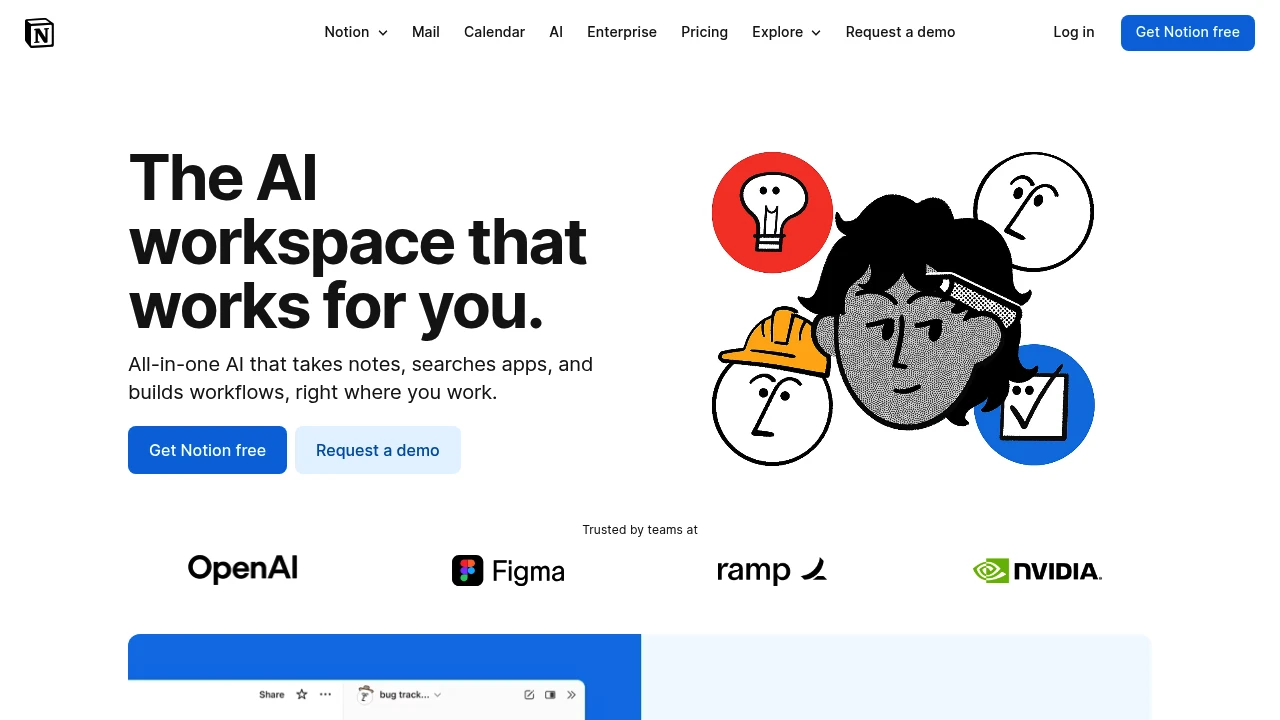
Notion AI works inside Notion pages, documents, tasks, and databases. Teams can use it to draft content, find information, capture meeting notes, and carry out agent tasks. Connected apps add context when enabled, so the available information depends on the workspace and its integrations.
Key Highlights
- Notion Agent for multi-step tasks
- Custom Agents for recurring work
- Search across the workspace and connected apps
- AI Meeting Notes with summaries and action items
- Writing, translation, and database assistance
What Makes It Different
Notion combines AI assistance with the workspace where a team keeps its documents and structured information. An agent can create or edit pages and databases using that context. Custom Agents add triggered or scheduled work for recurring processes rather than only responding to a chat prompt.
Features & Capabilities
Use an agent to draft a document, update structured information, or investigate a topic. Search can bring together information from Notion and supported connections such as Slack, Google Drive, and GitHub.
AI Meeting Notes transcribe conversations and summarize key points. Set up integrations and access appropriately, then review notes and generated changes. An agent answer can only be useful if the underlying workspace information is relevant and current.
User Ratings and Testimonials
Notion publishes selected accounts from teams such as Ramp and Braintrust. Those stories describe particular setups. Evaluate answer quality, access boundaries, and the actions an agent takes with your own workspace before automating a recurring process.
Pricing & Value
Core AI features are included in Business and Enterprise. Free and other plans offer limited trial access. Custom Agents use separately purchased Notion credits, advertised at $10 per 1,000 credits after trial use. Included AI access and Custom Agent usage are separate billing considerations.
Looking for alternatives to other popular tools? Check out other posts in the alternatives series and flowtools.co, a directory of best AI tools with filters for tags and categories for easy browsing and discovery.

Capacities is more than a note-taking app. It's a calm place to make sense of the world and create amazing things. Like an artist's studio, it's your creative space for all your knowledge and ideas.
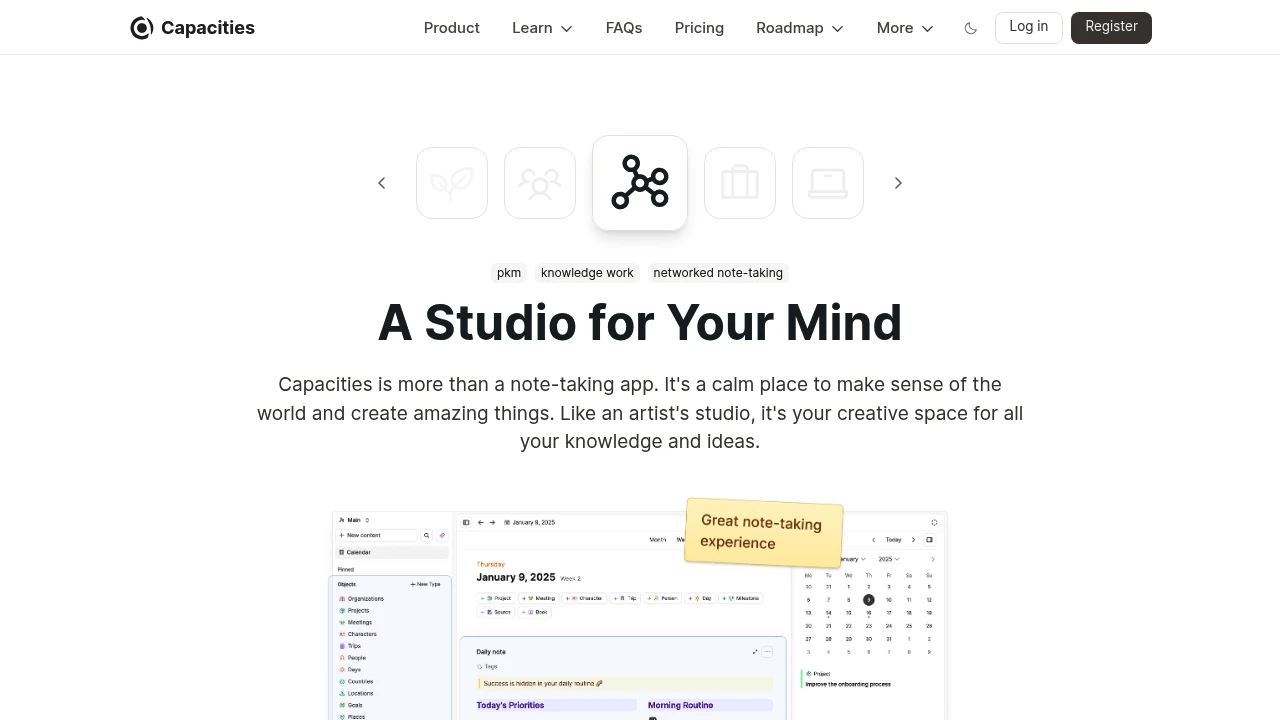
Capacities transforms how you organize and connect information using an object-based approach that mirrors natural thinking patterns.
This knowledge management platform helps professionals, researchers, and teams build interconnected knowledge systems without rigid folder structures. It's designed for people who need flexible note-taking that grows with their ideas.
Key Highlights
- Object-based structure that connects related information automatically
- Clean, intuitive interface with excellent mobile performance
- Daily notes feature for consistent knowledge capture
- Cross-device sync with unlimited spaces and objects
- AI assistant integration for enhanced productivity
- Calendar connections to link time-based information
What Makes It Different
Capacities breaks away from traditional folder-based organization by treating every piece of information as an object that can link to other objects. This creates a web of knowledge that reflects how your brain actually works. Unlike rigid note-taking apps, it adapts to your thinking style rather than forcing you into preset structures.
Features & Capabilities
The platform centers around objects - people, projects, ideas, or any concept you define. These objects connect naturally, creating a knowledge graph that reveals relationships between your information. Daily notes anchor your thoughts to specific dates while maintaining connections to relevant objects.
Core features include unlimited spaces for different projects, flexible templates, media storage, and powerful search capabilities. The system works across all devices with real-time sync, making your knowledge accessible anywhere.
User Ratings and Testimonials
Capacities has an average rating of 4.8 out of 5 stars from 134 reviews on Product Hunt.
People love the object-based approach and find it easy to link notes together. They praise the clean interface and flexible structure. Many switched from Notion and appreciate the better performance on mobile devices. The daily note feature gets positive feedback.
Some concerns include limited offline access and the need for bulk import features. A few worry about future pricing for mobile apps. People also want a web clipper and better table functionality.
Pricing & Value
Capacities offers several pricing plans:
- Free: Unlimited spaces and objects, sync across devices, and 5 GB media storage with 100 MB monthly limit after.
- Pro: $11.99/month with AI assistant, calendar integrations, and unlimited media uploads.
- Believer: From $14.99/month with beta access to new features plus all Pro benefits.
14-day free trial available for Pro plan without credit card required.
The main value of Capacities is its flexible knowledge management system that adapts to how you think and work.

Mem is the AI Thought Partner that captures your ideas, meetings, and research - and brings them back to you exactly when you need them.
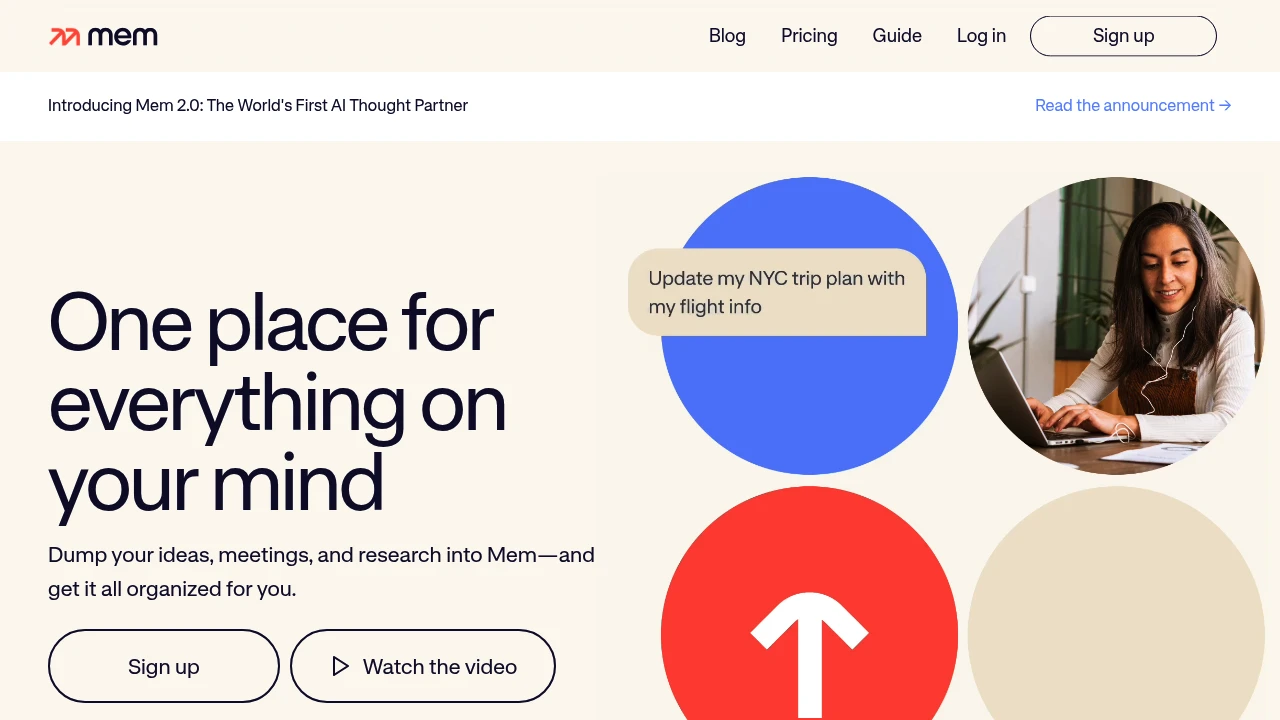
Mem is an AI-powered knowledge management system that automatically captures, organizes, and retrieves information for professionals and researchers. The platform connects related ideas and surfaces relevant content when you need it most. It targets users who want smarter note-taking without manual organization.
Key Highlights
- AI-powered automatic organization and connection of notes
- Fast search functionality across all stored content
- Ligature-supported fonts for improved readability
- Free plan with limited notes, messages and Voice Mode
- Automatic information retrieval based on context
What Makes It Different
Mem focuses on AI-driven knowledge management rather than traditional folder-based organization. The system automatically links related concepts and surfaces relevant information without manual tagging or categorization.
Features & Capabilities
Mem offers AI writing assistance and automatic note organization. The platform includes fast search capabilities and contextual information retrieval. Users can capture thoughts and ideas while the AI handles connections between concepts. The system works best for knowledge workers who need quick access to related information across their notes.
User Ratings and Testimonials
Mem provides AI-assisted note capture and retrieval. Test how it finds related information in a representative set of your notes, rather than assuming automatic organization will suit every project. Compare the monthly note and message allowances, task tracking and supported connections before choosing a plan.
Pricing & Value
Options include the following plans:
- Free: limited monthly messages, new notes, task tracking and Voice Mode.
- Mem Pro: $29/month with 100 messages, 100 new notes, task tracking for 100 notes, 50 open tasks and projects, one custom routine, one connection and 25 hours of Voice Mode per month.
The main value of Mem is its ability to organize and search through your notes using AI-powered connections.

Reflect Open is a local Markdown note app with backlinks, daily notes, optional AI, and iCloud or Git sync.
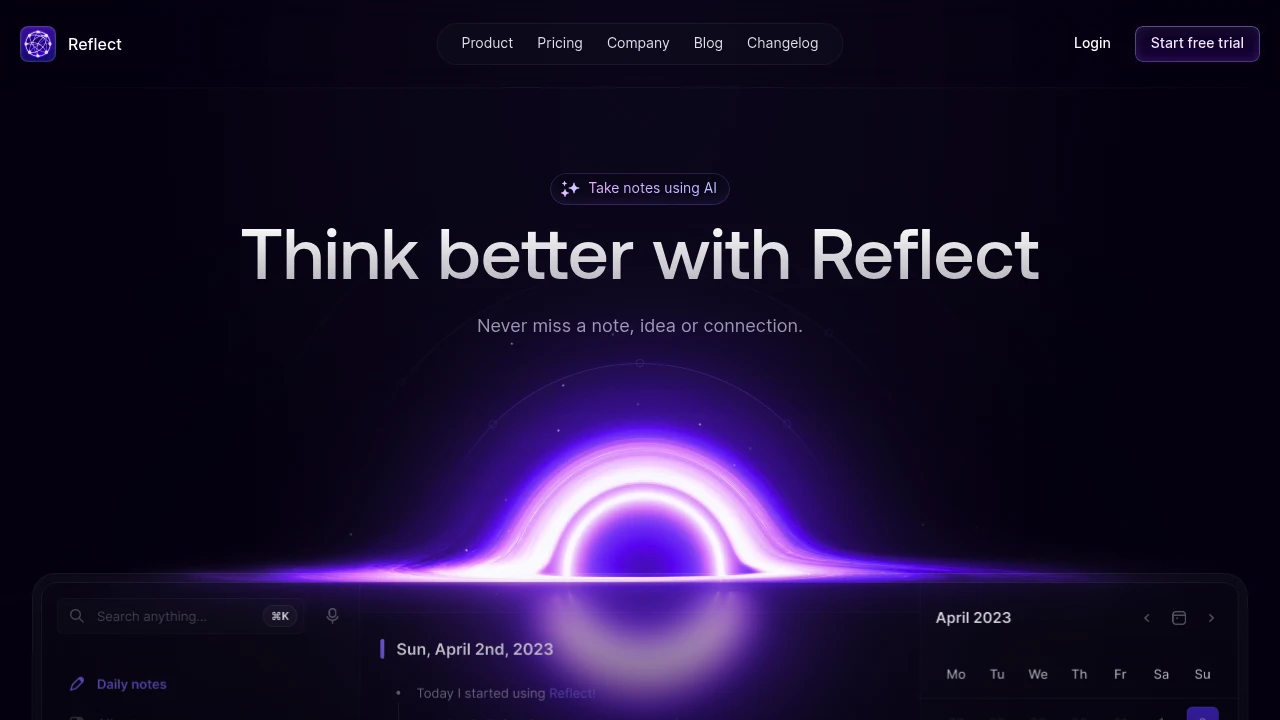
Reflect Open is a note-taking app with daily notes, backlinks, and local Markdown files. It is free on Mac and has a paid iPhone and iPad subscription. Optional AI uses your own provider API key, with provider charges billed separately. Reflect Classic remains a separate maintained product.
Key Highlights
- Notes stored in a local folder you choose
- Daily notes and backlinks for connecting ideas
- Mac, iPhone, and iPad apps
- Sync through iCloud Drive or Git
- Optional AI for questions, summaries, and writing
- Voice-note transcription through your chosen provider
What Makes It Different
Reflect Open separates local notes from optional model use. You choose the folder and sync method rather than relying on an AI assistant to create every relationship automatically. Backlinks connect notes; they should not be described as guaranteed automatic semantic linking of all ideas.
Features & Capabilities
Capture notes, web clips, and audio memos, then use search and backlinks to revisit the material. The Mac browser extension can keep the original link alongside a clip. Device synchronization requires setting up iCloud Drive or Git.
The optional assistant can answer questions with links to notes, summarize text, and help improve writing. It can extract key takeaways and action items from meeting notes, but that does not mean connecting a calendar automatically records every meeting. AI requests go directly to the chosen provider, so review that provider's terms and billing.
User Ratings and Testimonials
Testimonials on the website describe user experiences with Reflect. They do not establish one combined rating for Open and Classic. For an evaluation, consider note portability, sync setup, and whether optional AI fits the material you store.
Pricing & Value
- Mac: free, with no subscription required
- iPhone and iPad: paid subscription at the local App Store price
- Optional AI: separately billed by your provider
Reflect Classic remains maintained with its own subscription. Moving a copy of notes to Open does not automatically cancel a Classic subscription.
Similar proprietary alternatives:

 bisibility — Free beta: Track your website’s keywords, Google rankings, Search Console insights, and share of voice.


