Microsoft Excel Alternatives
A curated collection of the 6 best alternatives to Microsoft Excel.
The best alternative to Microsoft Excel is Softr. If that doesn't suit you, we've compiled a ranked list of other Microsoft Excel alternatives to help you find a suitable replacement. Other interesting alternatives to Microsoft Excel are: AppSheet, Glide, Julius and Rows.
Microsoft Excel alternatives are mainly AI Data Insights tools but may also be AI App Builders tools. Browse these if you want a narrower list of alternatives or looking for a specific functionality of Microsoft Excel.

Turn your siloed data and workflows into powerful custom apps for your business. Easy. Fast. No code required.
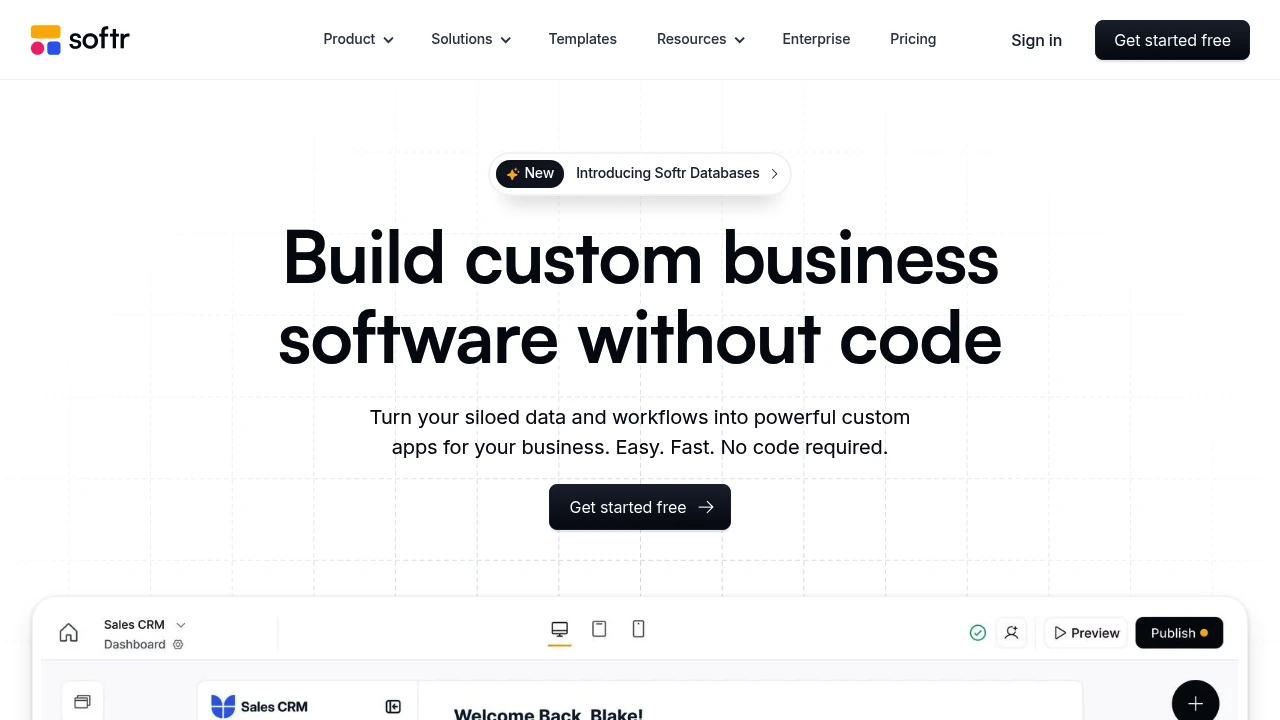
Softr is a no-code platform. It lets you build websites, client portals, and internal tools. You can use your Airtable or Google Sheets data for this. It’s for businesses and people who want to create custom web apps without coding.
Key Highlights
- Data-Powered Apps: Turn your Airtable or Google Sheets data into a fully functional web app.
- No-Code Builder: Create and customize your app with a drag-and-drop interface and pre-built blocks.
- User Authentication: Easily set up user logins, roles, and permissions.
- Seamless Integration: Real-time, two-way sync with your data sources.
What Makes It Different
Softr's key differentiator is its seamless integration with Airtable and Google Sheets. This lets users use their existing data and workflows to create strong web applications. The platform is easy to use and quick to develop. This makes it a great choice for creating MVPs, client portals, and internal tools.
Features & Capabilities
With Softr, you can create different web apps. This includes marketplaces, online courses, and internal dashboards. The platform provides many pre-built blocks. You can find lists, tables, charts, and forms. You can also customize these blocks to meet your needs. Softr also provides features for user management, payments, and integrations with other tools.
User Ratings and Testimonials
Softr has a 4.7-star rating out of 5 on G2 and a 4.8-star rating out of 5 on Product Hunt. Users praise its ease of use, powerful features, and excellent customer support. Some users see the design options as too limited and think the pricing is high for advanced features.
Pricing & Value
Softr offers a free plan with basic features for up to five users. You can bill paid plans monthly or annually.
The Basic plan costs $49/month for 100 users. The Professional plan is $139/month for 1,000 users. The Business plan is $269/month for 10,000 users.
Softr offers great value. It lets users build custom web apps quickly and easily, without needing a development team.
Looking for alternatives to other popular tools? Check out other posts in the alternatives series and flowtools.co, a directory of best AI tools with filters for tags and categories for easy browsing and discovery.

AppSheet helps you build powerful applications and automations that boost productivity. No coding required.
 Read more
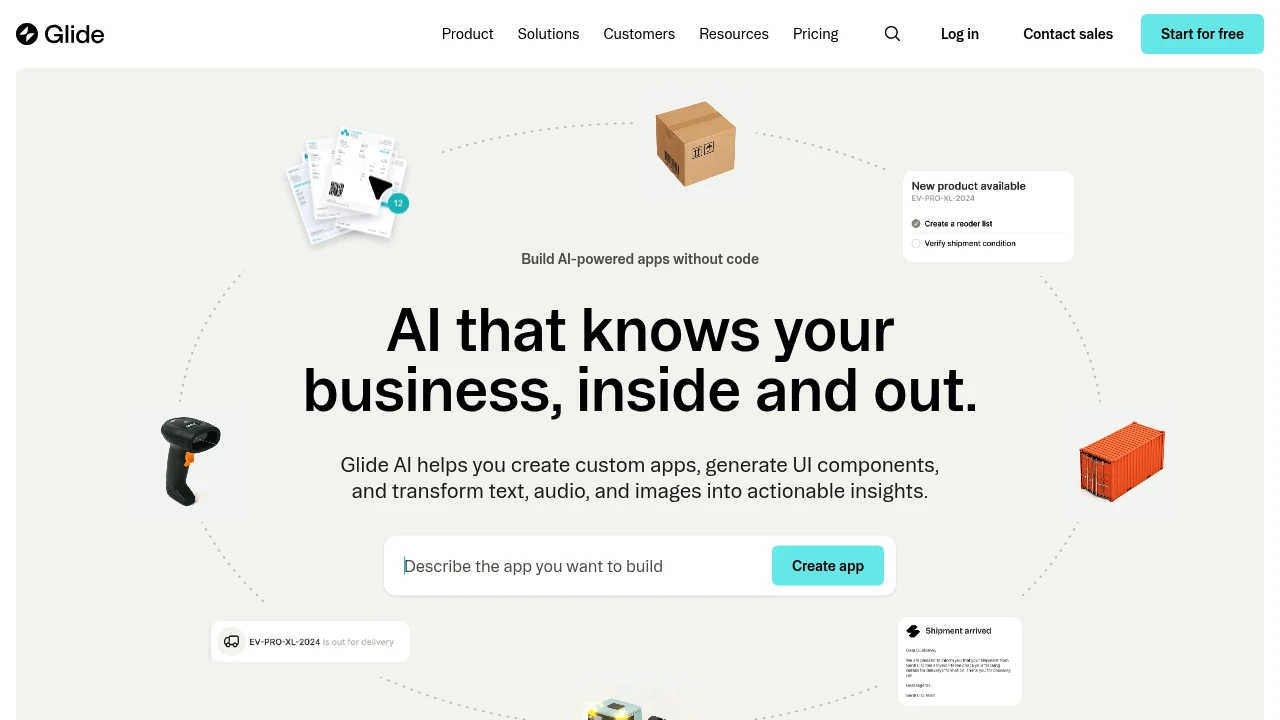
Glide AI helps you create custom apps, generate UI components, and transform text, audio, and images into actionable insights
 Read more
Connect your data, ask questions in plain English, and get insights in seconds. No coding required.
Julius transforms complex data analysis into simple conversations through AI-powered chat interfaces. This tool lets you analyze spreadsheets, databases, and files by asking questions in plain English. Perfect for business analysts, researchers, and anyone who works with data but lacks advanced technical skills.
Key Highlights
- Chat-based data analysis - no coding required
- Works with Excel, Google Sheets, CSV files, and databases
- Real-time visualizations and charts
- Team collaboration features
- Activity dashboard for tracking analysis
- Quick customer support response times
What Makes It Different
Julius stands out by making data analysis accessible to non-technical users. Instead of learning complex formulas or programming languages, you simply ask questions about your data. The AI understands context and provides instant insights with visual charts and graphs.
Features & Capabilities
Julius handles various data formats including spreadsheets, databases, and file attachments. Users can ask questions like "What are my top-selling products?" or "Show me sales trends by month." The tool generates charts, performs statistical analysis, and creates summaries automatically. Team features allow multiple users to collaborate on data projects. The activity dashboard tracks all analysis work for easy reference.
User Ratings and Testimonials
Julius has an average rating of 4.5 out of 5 stars from 4 reviews on G2.
Users praise Julius for making data analytics much easier and faster. They find it great for Excel and Google Spreadsheet work. The customer service is quick and helpful. The activity dashboard and campaigning features work well.
Some users mention the tool can be slow at times. There are usage limits per month that some find restrictive. The tool sometimes has trouble understanding file attachments. Searching people by demographics can be challenging.
Pricing & Value
Julius offers several pricing plans:
- Free: 15 messages per month with AI custom settings and 8GB RAM
- Plus: $20/month for 250 messages, saved prompts, and advanced reasoning
- Pro: $45/month with unlimited messages, team collaboration, and 32GB RAM
- Enterprise: Custom pricing with dedicated deployments, custom integrations, and priority support
Save 15% with yearly billing.
Julius provides a free tier with basic analysis capabilities. The Plus plan offers good value for professionals who need regular data analysis without hiring specialists.

Rows AI makes spreadsheets easy. Import cloud data, extract table from PDFs, and build powerful analysis and reports.
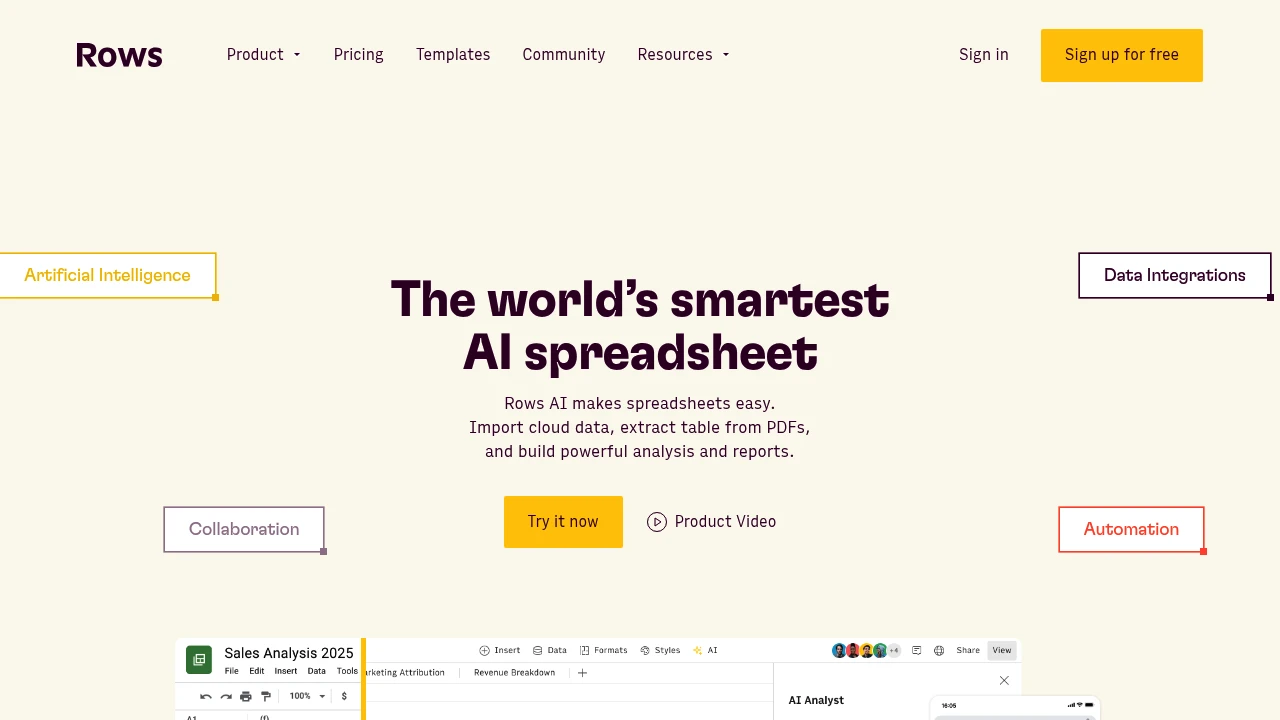
Rows transforms traditional spreadsheets into smart, connected workspaces that pull data from 200+ sources automatically. This Excel alternative combines familiar spreadsheet functions with AI analysis and real-time data imports. Perfect for business analysts, marketers, and teams who need live data without manual updates.
Key Highlights
- AI-powered analysis and insights built into every spreadsheet
- 200+ integrations for automatic data imports from popular tools
- Real-time collaboration with clean, modern interface
- No-code automation for data workflows
- Free plan available with no credit card required
- Fast setup with helpful onboarding videos
What Makes It Different
Rows bridges the gap between basic spreadsheets and complex data tools. While Excel requires manual data entry, Rows automatically syncs information from your favorite apps. The AI features turn raw data into business insights without needing separate analytics tools.
Features & Capabilities
Rows offers standard spreadsheet functions plus advanced automation. Users can connect data from CRM systems, social media platforms, and marketing tools.
The AI assistant analyzes trends and creates detailed reports. Teams can share spreadsheets with up to 200 guests on higher plans. Automation runs from daily updates to minute-level refreshes depending on your plan.
User Ratings and Testimonials
Rows has an average rating of 4.9 out of 5 stars from 24 reviews on G2 and 5.0 out of 5 stars from 151 reviews on Product Hunt.
People praise Rows as a great Excel replacement with better design and functionality. They find it easy and intuitive to use with helpful integrations. Many like the clean interface and fast connections.
Some use it for personal projects like tracking stock portfolios. The AI features provide accurate business insights and detailed reports. The onboarding process gets positive feedback for its intro videos and user-friendly approach.
Pricing & Value
Rows offers several pricing plans:
- Free: Unlimited spreadsheets with limited AI prompts and manual data imports.
- Plus: $8/month per user with unlimited AI prompts, daily automated imports, and 100k cell enrichments.
- Pro: $79/month + $8/month per user with minute-level automation, 1M cell enrichments, and up to 200 guests.
- Enterprise: Custom pricing with dedicated support, custom integrations, and unlimited usage.
The Free plan is available forever with no credit card required. Plus and Pro plans offer 25% savings when billed annually.
Rows stands out by combining spreadsheet functionality with AI analysis and automated data imports from 200+ integrations.
Propel your business with a next-gen app-building platform. See data move in real-time and securely transform your work with AI.
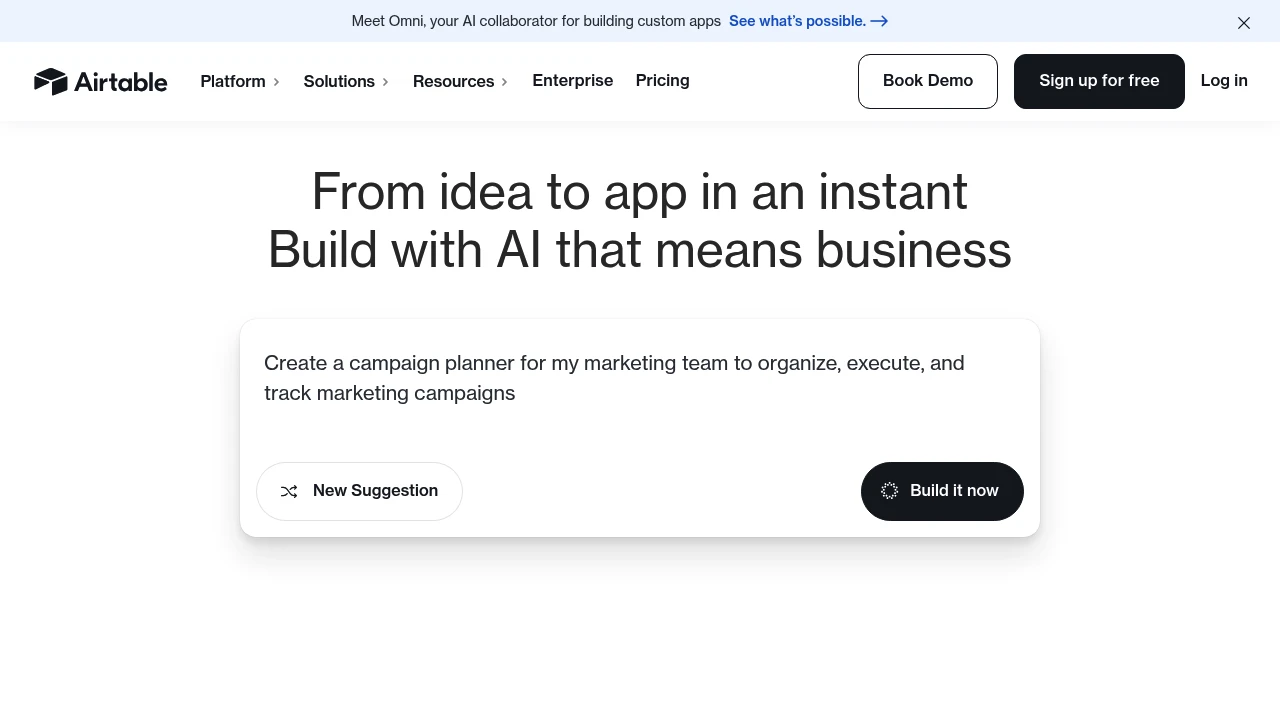
Airtable is a powerful no-code database platform that combines spreadsheet simplicity with database functionality.
It helps teams organize, track, and collaborate on projects through customizable bases, forms, and automated workflows.
Key Highlights
- Flexible Views: You can choose from grid, calendar, Kanban, gallery, or form views. This lets you visualize data in different ways.
- Relational Database Functionality: Connect records in tables. This helps create relationships and prevents data duplication.
- Customizable Fields: Use a variety of field types, including attachments, checkboxes, and formulas.
- Automation: Create custom trigger-action workflows to automate repetitive tasks.
What Makes It Different
Airtable stands out because it makes relational databases easy for non-technical users. It offers the strength of a database. Plus, it has a friendly, spreadsheet-like interface. This allows teams to build custom applications and workflows without writing any code.
Features & Capabilities
Airtable helps you build and manage databases for various purposes. You can use it for project management, content calendars, CRMs, and tracking inventory.
Collaborate with your team in real-time. Build custom interfaces for your data. You can also integrate with tools like Slack, Zapier, and Make. The platform also offers a robust API for more advanced integrations.
User Ratings and Testimonials
Airtable has an average rating of 4.6 out of 5 stars from over 3,000 reviews on G2.
Users often praise its flexibility, ease of use, and powerful features. Some users say the pricing is high for larger teams. They also mention that performance may slow with very large datasets.
Pricing & Value
Airtable offers a free plan with basic features and limits on records and storage. Paid plans begin at $20 per user each month. They offer more features, higher limits, and advanced options like automations and interfaces.
Airtable might cost more than a basic spreadsheet tool. But, it adds great value by replacing several other apps and streamlining workflows.
Similar proprietary alternatives:

 bisibility — Free beta: Track your website’s keywords, Google rankings, Search Console insights, and share of voice.


