Microsoft Copilot Alternatives
A curated collection of the 8 best alternatives to Microsoft Copilot.
The best alternative to Microsoft Copilot is ChatGPT. If that doesn't suit you, we've compiled a ranked list of other Microsoft Copilot alternatives to help you find a suitable replacement. Other interesting alternatives to Microsoft Copilot are: Poe, Mistral Le Chat, Gemini and Grok.
Microsoft Copilot alternatives are mainly AI Chats tools but may also be AI Research Assistants tools or AI Search Engines tools. Browse these if you want a narrower list of alternatives or looking for a specific functionality of Microsoft Copilot.


A conversational AI system that listens, learns, and challenges
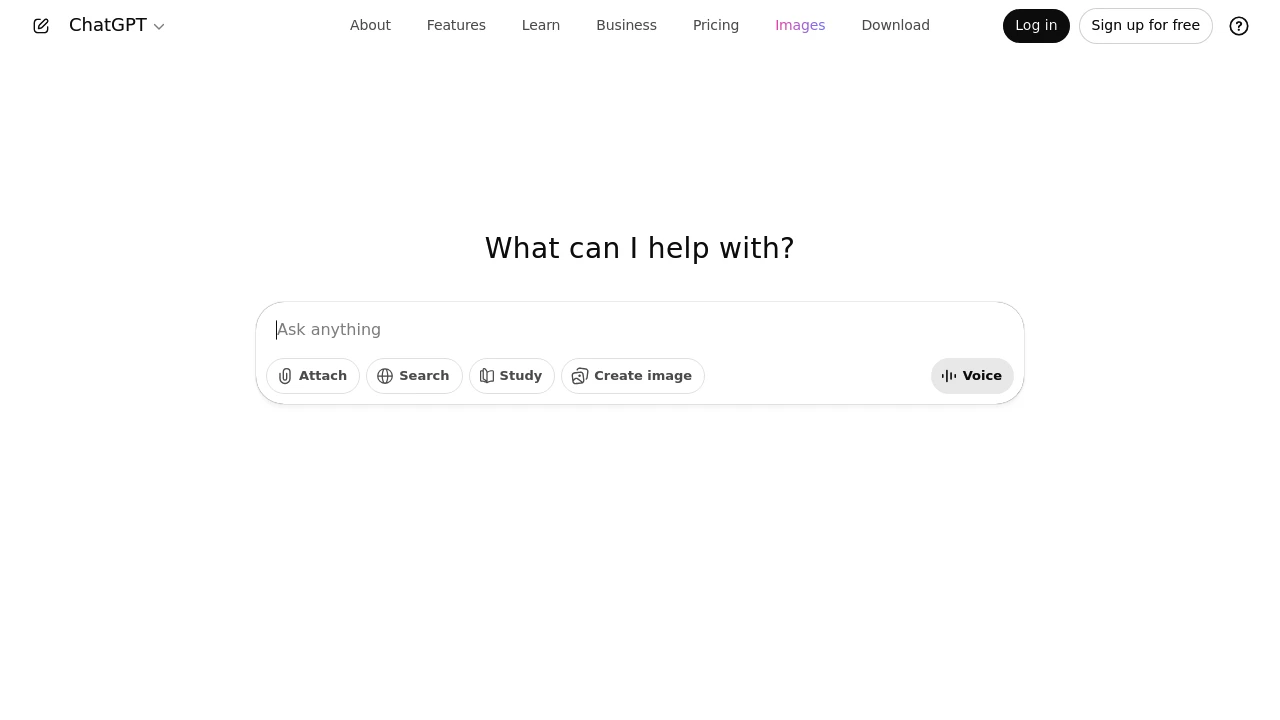
ChatGPT helps you work better by making communication and tasks easier. It boosts your efficiency with dynamic content creation. It provides valuable insights and personalized experiences.
Use ChatGPT as your trusted partner. Boost your productivity with advanced AI features. You'll see your operations run with greater smoothness and effectiveness than ever before.
Brief Overview
ChatGPT is a top AI tool. It boosts efficiency and improves productivity in many workplaces.
It improves communication and automates simple tasks. This makes it a helpful tool for busy professionals and tech lovers.
It has powerful AI features. It uses natural language processing and works well with other tools. This helps improve decision-making and manage workflows better.
Users can improve operations with both the free and premium plans. ChatGPT is a valuable tool for businesses that want smarter automation. It's also great for tech-savvy people who want to boost their productivity.
Key Highlights
-
ChatGPT uses AI to make complex tasks easier. It helps you focus on strategy by handling and understanding large datasets.
-
Works well with current tools. It offers helpful tips and personalized experiences to boost productivity.
-
Offers advanced AI-powered conversations, reducing misunderstandings and enhancing clarity with personalized user interactions.
-
Flexible pricing offers free to premium plans. These plans fit various professional needs and budgets.
Understanding ChatGPT's Role in Productivity
ChatGPT is revolutionizing how professionals manage their time and tasks. It boosts workplace productivity by streamlining communication and automating routine tasks. ChatGPT's AI solutions can make your daily tasks easier. This works for both teams and individuals.
This section explores how ChatGPT boosts productivity. It also explains why it’s a must-have in your AI toolkit.
How ChatGPT Enhances Workplace Efficiency
When it comes to enhancing workplace efficiency, ChatGPT is a game changer. It makes tough tasks easier with smart AI tools. This lets professionals spend more time on important strategies. One of its significant advantages is managing and interpreting vast sets of data. Users can get useful insights without the hassle of manual data collection.
ChatGPT's NLP abilities help teams communicate with clarity and efficiency. This accuracy cuts down on the time spent clarifying instructions or fixing misunderstandings. So, it leads to a smoother workflow.
The integration of ChatGPT into your daily tasks allows for more efficient decision-making.
Businesses can use tools like ChatGPT to automate responses. This helps cut down the time it takes to answer important questions. It's not just a tool. It improves productivity and reduces stress in many workplaces and for various jobs.
Moreover, it plays a significant role in meetings. By summarizing discussions and extracting key points quickly, it saves a lot of time. This reduces the hours spent on lengthy recaps and meeting minutes.
ChatGPT's tools are essential for any organization looking to improve workflow. They take care of time-consuming tasks. This lets teams focus on creative and strategic projects.
Top Benefits for Busy Professionals
Busy professionals often find themselves juggling many tasks and priorities. ChatGPT offers a wealth of benefits that help manage this juggling act with ease.
One of its best features is turning complex information into easy-to-understand formats. This helps users spend less time managing tasks and more time getting things done. This streamlining helps professionals lower costs and boost productivity. This is a big advantage in any tough job.
ChatGPT provides quick insights on business operations and strategies. It offers concise summaries and clear action steps. This enables users to make fast, informed choices. By reducing mental load, busy professionals can stay productive. This also helps avoid burnout, a major issue in fast-paced jobs.
Innovation rarely comes without a reliable support system. ChatGPT’s support features help users by providing fast access to information. This enhances their capacity for creative thinking and problem-solving. This is highly valuable for professionals who often shift between projects.
Also, it fits right into current workflows. This cuts down on the learning curve and leads to quick productivity gains. ChatGPT's adaptability and wide range of tools make it an essential AI partner. It's perfect for anyone wanting to boost their efficiency and output.
Key Features and Capabilities
ChatGPT has strong features that change how professionals work. It uses advanced AI technology with comprehensive creative and analytical capabilities. ChatGPT allows for smooth conversations and has flexible integration options. It creatively adapts to many different needs with ease.
This includes:
- Image creation
- Advanced reasoning
- Deep research
- Searching the web
- A collaborative interactive canvas
- Video generation (for paid plans)
This segment shows how AI-powered conversations can change things. It also explores ways to integrate them to boost user productivity. ChatGPT is essential for enhancing productivity in tech-friendly spaces. It offers easy-to-use tools and integrations that expand its capabilities.
AI-Powered Conversations with ChatGPT
ChatGPT excels at improving conversations through advanced thinking and reasoning capabilities. It uses advanced natural language processing to create smooth, human-like chats. It also has strong research skills, thanks to real-time web search. These interactions are intuitive and efficient. AI-driven dialogues cut down on misunderstandings and ensure clarity.
ChatGPT's voice features make it easy for users to share information. They can also tailor their experience with just a little effort.
The interactive canvas lets users edit documents and brainstorm visually with AI.
Custom GPTs offer unique conversations tailored to specific industries or user preferences.
ChatGPT's flexibility lets it understand context and nuances. This keeps the experience engaging and consistent.
ChatGPT boosts traditional communication with AI insights. This leads to smarter, more rewarding conversations in both professional and personal settings.
Integration Possibilities and Plugin Support
ChatGPT offers many integration options, showing its multipurpose nature. This tool has web search features and the possibility to run deep research. Together, these make it great for streamlining processes. It functions effectively with various platforms and integrates into existing systems without difficulty. This minimizes disruption and boosts functionality.
Developers access OpenAI models through its API. You can add features to apps. These include image generation and advanced reasoning skills. This easy integration makes ChatGPT a top choice for businesses of all sizes. It helps improve efficiency.
One key feature is robust plugin support. Users can personalize their experience with plugins. This allows ChatGPT to connect with other software. It expands capabilities to include CRM systems and project management tools. As a result, data flow improves, helping to align all tools with productivity goals.
Users on Plus plans or higher can deploy custom GPTs. This lets them customize integrations for their specific needs. Paid plans offer premium features like video generation and AI agent access.
ChatGPT's ability to use plugins shows that AI will help with daily tasks in many industries. It streamlines tough tasks. It makes images, dives into the deep web, and collaborates on a canvas. This way, it offers personalized solutions. ChatGPT is a helpful tool for organizations aiming to enhance their AI systems.
Community Feedback and User Experiences
ChatGPT has great app store ratings based on user feedback from 2025. It holds 4.9 stars from 3.2 million ratings on Apple's App Store, ranking #1 in Productivity. On Google Play Store, it has 4.8 stars from 23.2 million reviews.
Users often highlight ChatGPT's flexibility. It's a great research partner, a helpful writing assistant, and a creative teammate. Many call it their "daily companion." It helps with brainstorming, problem-solving, and even therapy-like talks. It’s also great for learning support. Users are often amazed by what the AI can do. It handles tasks ranging from complex calculations to creative writing with ease.
What Users Appreciate Most about the GPT Model
Users value the ChatGPT model for its language skills and adaptability. They often highlight the AI's human-like conversation abilities. The model maintains context during chats, which reduces misunderstandings and improves clarity. This precision boosts the quality of digital communication.
Another feature users enjoy is ChatGPT's easy integration into various platforms and workflows. Besides using ChatGPT through its web interface, users can access OpenAI models via API. This allows seamless integration into custom applications. No-code automation tools like Make and n8n enhance this capability. They enable users to connect ChatGPT to different services without coding skills.
Users also praise ChatGPT for its continuous learning. The model learns from user interactions. This way, it keeps important information. Models update their knowledge during version releases or web searches. Also, storing insights from user interactions helps keep responses accurate and relevant.
This is especially helpful in fast-moving areas like tech and finance. In these fields, information can become outdated quickly. Users can trust ChatGPT for current and reliable information without extra effort. Users value how ChatGPT mixes advanced tech with practical use. This makes it an important tool in their work.
Pricing and Value for Money
ChatGPT has a tiered pricing model. It starts with a strong free plan and goes up to enterprise solutions. The pricing ranges from $0 for basic access to $200/month for professional users, with a team plan at $25/month per user.
Each tier offers better features. Higher plans offer unlimited access to premium models. You also get better collaboration tools and strong security features for businesses.
Comparing Free and Premium ChatGPT Plans
Choosing between free and premium ChatGPT plans means understanding their features and value. The free version has some limits but still offers good utility. Users can access core ChatGPT features, making it a solid choice for those new to AI.
Premium plans offer advanced features for power users and professionals. You can create and manage tasks, projects, and custom GPTs. They also offer limited access to Sora video generation. Plus, you get early access to experimental tools like AI agents.
Upgrading depends on your specific needs. A premium plan offers the bandwidth and support you need for frequent queries. The free plan is great for tech fans or small business owners. It lets them explore AI and gain useful insights into ChatGPT without spending much. Both options boost productivity and cater to different needs and budgets.
Choosing the Right Plan for Your Needs
Choose a ChatGPT plan that fits your needs and goals. People and small businesses can opt for either the free tier or the basic premium plan. Both are good options. The free version lets you explore ChatGPT at no cost—perfect for those new to AI tools. It handles everyday tasks and highlights how AI can streamline your workflow.
Premium plans suit heavy use, speed up processing, and offer advanced features. These plans are great for users who handle a lot of data or need tasks done faster. When choosing a plan, consider how often you rely on AI, your budget, and how your needs might grow over time. Premium options enhance productivity and can scale with your goals.
Both free and premium plans offer key privacy controls. You can opt out of model training, delete chat history, and manage memories.
ChatGPT is a top AI tool for professionals looking for smart solutions. It integrates advanced artificial intelligence with a user-friendly interface. This improves teamwork and task management. The platform offers insights that save time and make work easier. ChatGPT can improve your solo work or help your team perform better. It adapts to your needs and supports lasting success.
Looking for alternatives to other popular tools? Check out other posts in the alternatives series and flowtools.co, a directory of best AI tools with filters for tags and categories for easy browsing and discovery.

Poe is one app for chatting with GPT, Claude, Gemini, and thousands of other AI models in a single place.
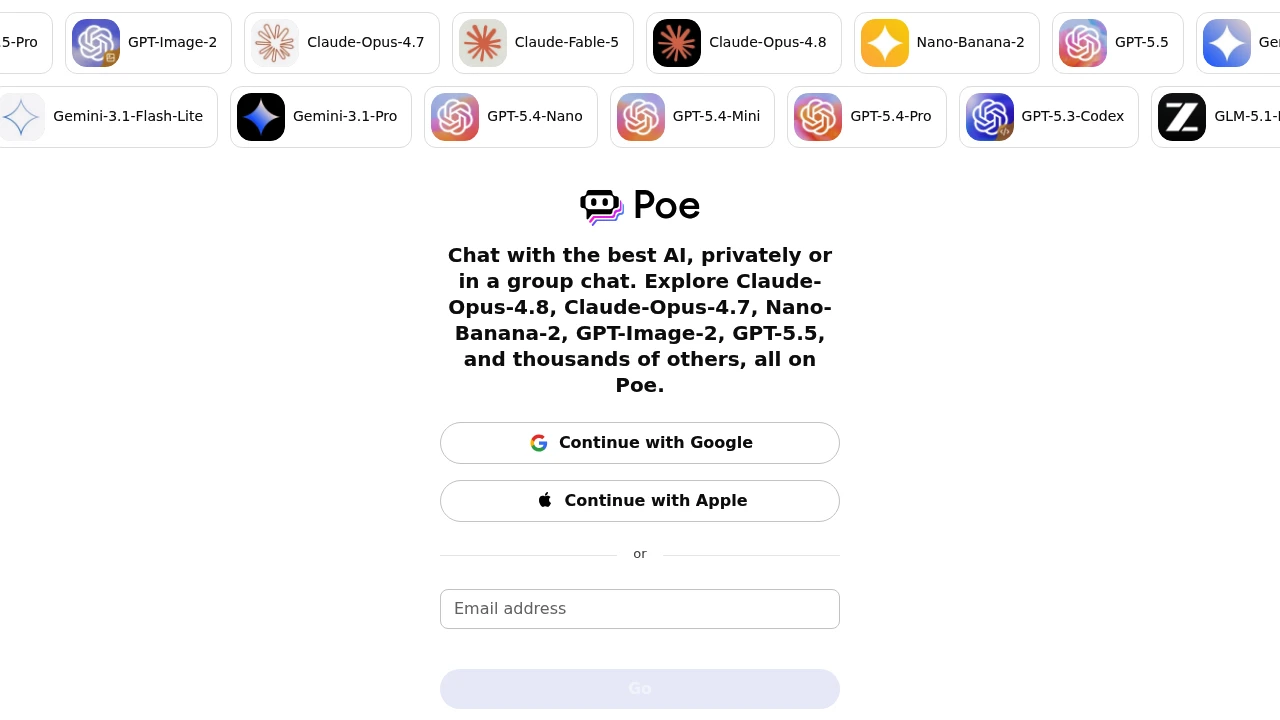
Poe is a multi-model AI chat app from Quora that lets you talk to many leading AI models in one place. It is built for anyone who would rather not pay for several separate AI subscriptions, from casual users to developers comparing outputs. You can chat with GPT-5.5, Claude, and Gemini, generate images and video, and group several models in one thread.
Key Highlights
- Access to thousands of models, including GPT-5.5, Claude, Gemini, Grok, and image and video models
- One subscription and one set of compute points shared across every model
- Group chats where multiple AI models respond in the same thread
- Custom bots you can build with your own prompts, knowledge, and model choice
- Web, desktop, iOS, and Android apps that sync your conversations
What Makes It Different
Poe's main draw is aggregation: instead of separate accounts and bills for ChatGPT, Claude, and Gemini, you get all of them behind one login and one payment. A shared compute points system meters usage, so heavier models cost more points per message and lighter ones cost fewer.
The other differentiator is the bot ecosystem. Anyone can build a custom bot from a base model, a system prompt, and uploaded knowledge, then publish it for others to use.
Features & Capabilities
You pick a model or bot, type a prompt, and Poe returns the response while syncing your chat history across devices. Group chats compare several models on one question side by side, useful for checking facts or finding the strongest answer. Poe also routes to image and video generators from the same interface.
Developers can connect their own models through Poe's server bot protocol, and creators can monetize bots that drive subscriptions, with Poe handling billing and distribution.
User Ratings and Testimonials
Poe is generally well reviewed as a convenient hub for trying many AI models without juggling subscriptions, with praise for the breadth of models and group chats. Common criticisms are that the compute points system is hard to budget, that the most capable models burn through points quickly, and that power users sometimes prefer a provider's native app for the newest features.
Pricing & Value
- Free: $0, with a daily message allowance (around 100 messages a day) and access to the model catalog, enough for light use
- Starter: about $4.99/month for a smaller allowance (around 10,000 points a day)
- Subscription: $19.99/month, or $199.99/year (about $16.67/month), with a 1 million monthly points allowance across premium models
- Teams: $249.99/month, with up to 12.5 million monthly points for heavy and business use
Compute points do not roll over between periods. The free tier is enough to test the breadth of models, while the $19.99/month subscription is the practical entry point for regular use of more than one premium model.

Le Chat (now Mistral Vibe) is Mistral's AI assistant for chat, online answers, document analysis, image generation, and agentic, long-horizon tasks.
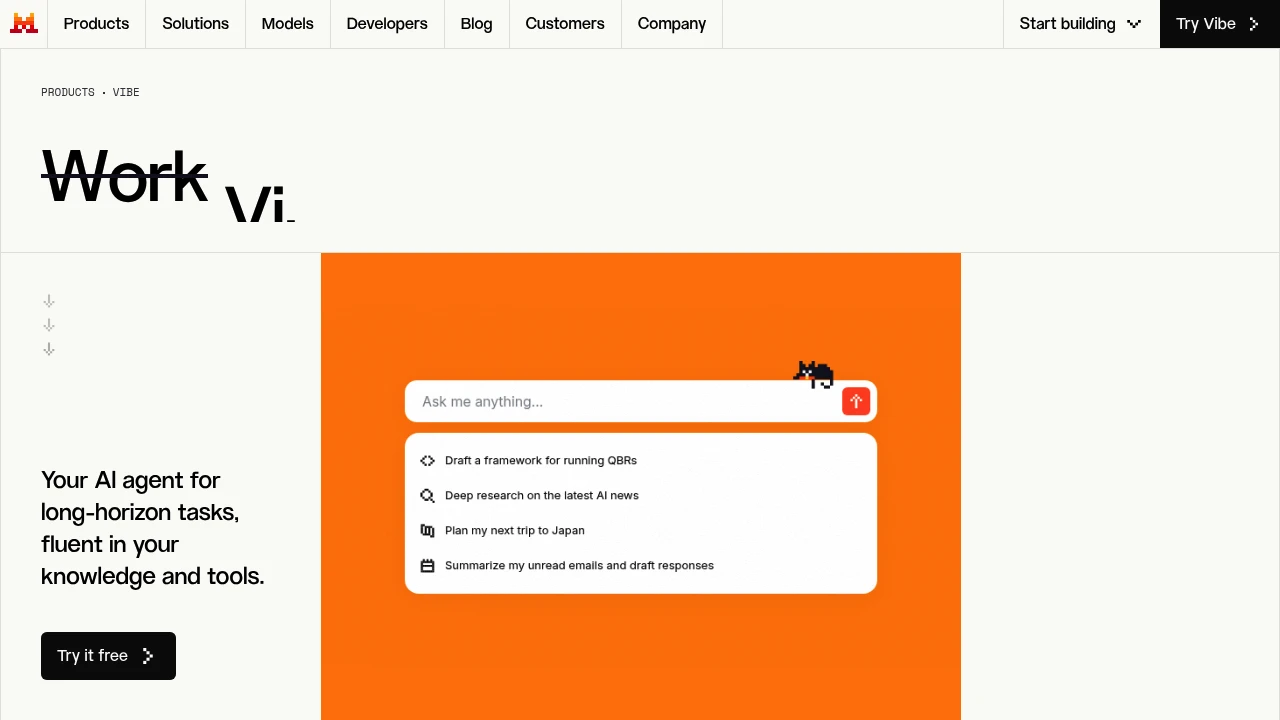
Le Chat, recently rebranded Mistral Vibe, is the AI assistant from French lab Mistral AI. It handles chat, online answers, document and image analysis, image generation, and increasingly agentic, multi-step work across your tools and knowledge. It is positioned as the leading European alternative, with a focus on speed, privacy, and data residency for individuals and businesses.
Key Highlights
- Conversational AI built on Mistral's own open and frontier models
- Online answers with fast "Flash Answers"
- Document, image, and data analysis
- Image generation
- Agentic tasks and connectors to your tools and knowledge
- European hosting and a privacy-first stance
What Makes It Different
Le Chat stands out on sovereignty and speed: it is built and hosted in Europe by a company that develops its own models, which appeals to organizations with strict data-residency or privacy requirements. Its Flash Answers deliver responses notably faster than many rivals.
Features & Capabilities
You can chat, search the web, upload documents and images for analysis, and generate images. Memory and connectors let it carry context across sessions and act inside your apps, and the Vibe direction pushes it toward longer, agentic tasks like coding and research rather than single answers.
Developers can also reach Mistral's models directly through La Plateforme API, making Le Chat the front end to a broader platform.
User Ratings and Testimonials
Users praise Le Chat for speed, the privacy posture, and strong multilingual performance, particularly for European languages. Criticisms include a smaller ecosystem than ChatGPT or Gemini and rapid product changes, including the recent rename to Vibe.
Pricing & Value
- Free: web and mobile access to Mistral's SOTA models, with limited messages, online answerses, and coding sessions
- Pro: $14.99/month for higher usage, more messages, and all-day coding in the CLI, IDE, and web
- Team: $24.99/user per month with shared storage, domain verification, and data export
- Enterprise: custom private deployments
The free tier is capable for daily use, and the paid tiers are competitively priced for privacy-conscious teams.

Gemini is an interface to a multimodal LLM (handling text, audio, images and more).
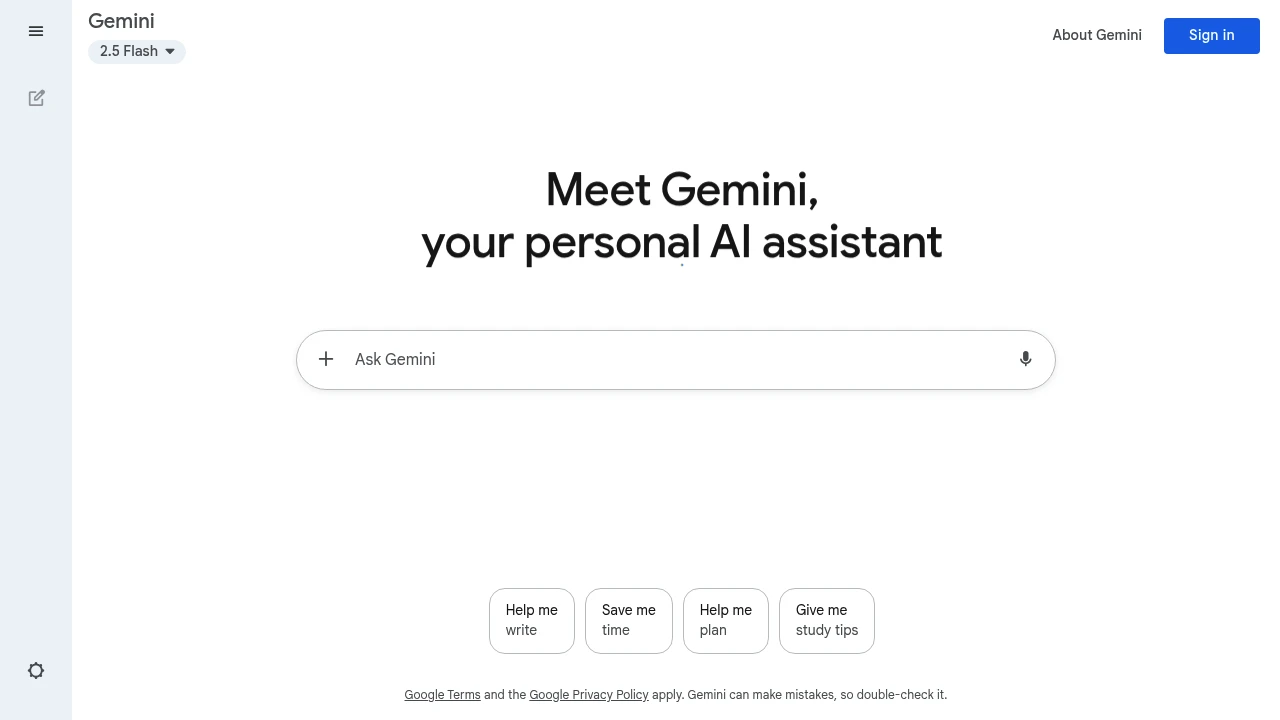
Gemini is a conversational AI tool from Google that helps users with writing, coding, research, and creative tasks across multiple platforms. It connects directly with Gmail, Docs, and other Google services for smooth workflow integration.
Key Highlights
- Fast response times for quick task completion
- Multi-language support for global users
- Direct integration with Google Workspace apps
- Free tier available with solid basic features
- Advanced reasoning capabilities with Deep Think model
- Video generation through Veo 3 technology
- Canvas feature for visual project collaboration
- Nano Banana model - Google's state-of-the-art image generation and editing model
What Makes It Different
Gemini stands out through its deep Google ecosystem integration. Unlike standalone AI tools, it works directly inside Gmail, Google Docs, and Chrome browser. This creates seamless workflows without switching between apps.
The tool offers three distinct AI models - Flash for speed, Pro for balance, and Deep Think for complex reasoning tasks.
Features & Capabilities
Gemini handles text generation, code writing, image creation, and video production. Users can chat with documents, generate emails, create presentations, and solve coding problems.
The Canvas feature lets teams collaborate on visual projects. NotebookLM helps with research tasks by analyzing documents and sources. Gemini Live enables voice conversations for hands-free interaction.
User Ratings and Testimonials
Gemini has an average rating of 4.4 out of 5 stars from 162 reviews on G2.
Users praise the clean interface and quick Google service integration. Many find it helpful for daily writing tasks and basic coding projects. The fast response times and multi-language features get positive feedback.
However, some users report that image generation lags behind competitors like DALL-E. Others mention occasional spelling mistakes and incomplete answers for complex coding tasks.
Pricing & Value
Gemini offers three pricing plans:
- Free: $0/month with access to Gemini 2.5 Flash, limited 2.5 Pro access, and image generation with Imagen 4.
- Google AI Pro: $19.99/month for more access to Gemini 2.5 Pro, video generation with Veo 3 Fast, and integration across Google apps.
- Google AI Ultra: $249.99/month with highest access to Veo 3 video generation, Gemini 2.5 Deep Think reasoning model, and exclusive features like Project Mariner.
All plans include access to Gemini Live, Canvas, Gems, and NotebookLM research assistant.
The Free plan offers solid basic AI capabilities for everyday tasks. College students get the Pro plan free for one year.
Pro plan includes a free one-month trial, while Ultra offers 50% off for the first three months.
The main value comes from Google ecosystem integration, making AI accessible directly in Gmail, Docs, Search, and Chrome.

Meet Grok by xAI: your truth-seeking AI companion for honest answers and insightful analysis.
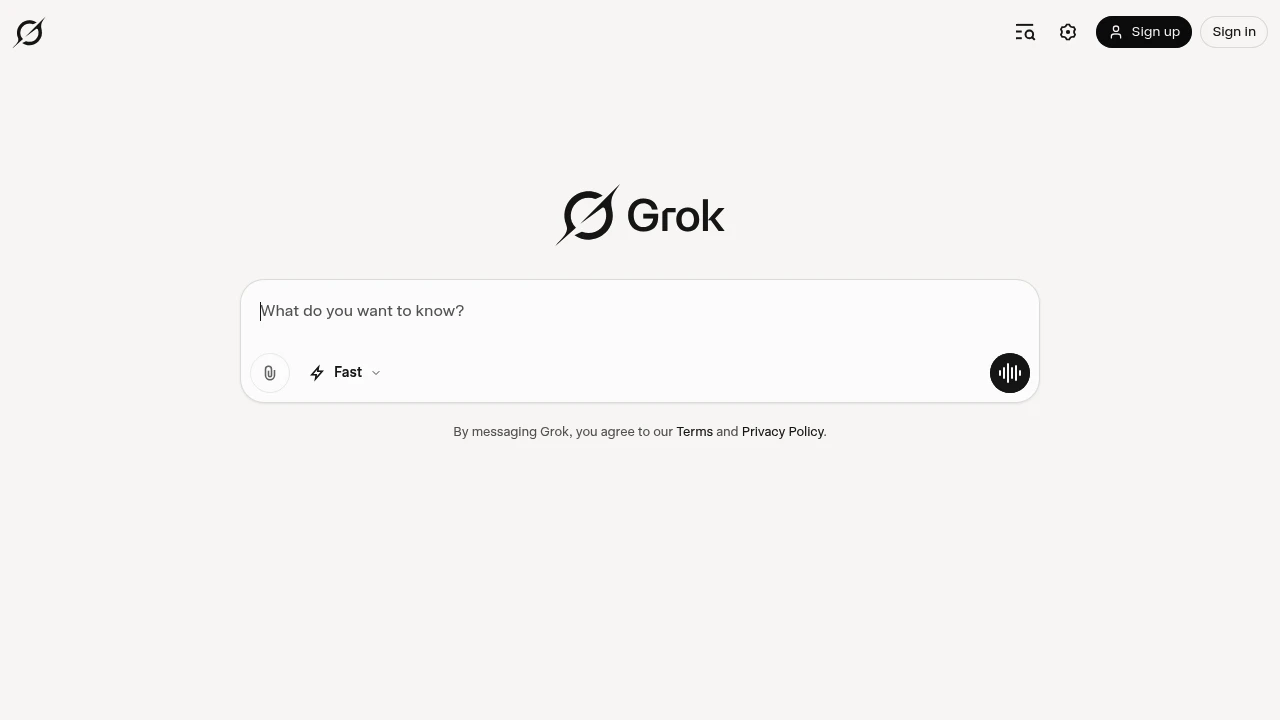
Grok is xAI's conversational AI assistant that combines real-time data access with advanced reasoning capabilities. Built for professionals and curious minds who want unfiltered insights and practical help with coding, research, and creative tasks.
Key Highlights
- Real-time search integration with X platform data
- Advanced reasoning through "Think" mode for complex problems
- Voice conversation capabilities with natural dialogue
- Image and video generation from text prompts
- Code writing and debugging assistance
- Document analysis and summarization
- Multi-platform availability (web, mobile, X integration)
- Uncensored responses with witty personality
What Makes It Different
Grok stands out with its direct access to real-time X data, giving it current information that other AI models lack. The AI takes a "rebellious" approach with unfiltered responses and witty personality.
Its Think mode provides deep reasoning for complex problems, while Grok Heavy offers extended processing time for challenging tasks. The integration across X's ecosystem makes it unique among AI assistants.
Features & Capabilities
Grok offers conversation, coding, and creative capabilities in one platform. Users can generate images and videos, analyze documents, write and debug code, and get real-time insights from social media trends.
The voice mode allows natural conversations, while the Think feature tackles complex reasoning tasks. Document processing helps summarize lengthy reports and extract key insights.
The AI handles everything from casual questions to professional coding projects and creative writing tasks.
User Ratings and Testimonials
Grok has an average rating of 4.9 out of 5 stars from over 1 million reviews on the Play Store.
Users praise the AI's quality and conversational abilities. Many find it helpful for research, writing, and problem-solving tasks. The voice mode gets positive feedback for its natural feel and multiple personality options.
Common complaints include app stability issues. Users report crashes, screen orientation problems that erase prompts, and voice mode cutting out unexpectedly. Some Android users feel the app lacks features available on iOS.
Technical issues like text input glitches and photo upload problems are frequently mentioned. Several users find the $30 monthly subscription expensive, especially when features don't work properly.
Pricing & Value
Grok offers three pricing plans:
- Basic: Free with limited access to Grok 3, limited context memory, Aurora model, projects, and tasks.
- SuperGrok: $30/month for increased access to Grok 4, increased Grok 3 access, and 128,000 token context memory.
- SuperGrok Heavy: $300/month with exclusive Grok 4 Heavy preview, extended Grok 4 access, and 256,000 token context memory.
The SuperGrok plan includes voice with vision capabilities and replaces Grok 3 Think and DeepSearch features.
Grok provides a free tier with basic AI access, making it accessible for users to test before upgrading to paid plans with more advanced models and larger context windows.

Claude is a next generation AI assistant built by Anthropic and trained to be safe, accurate, and secure to help you do your best work
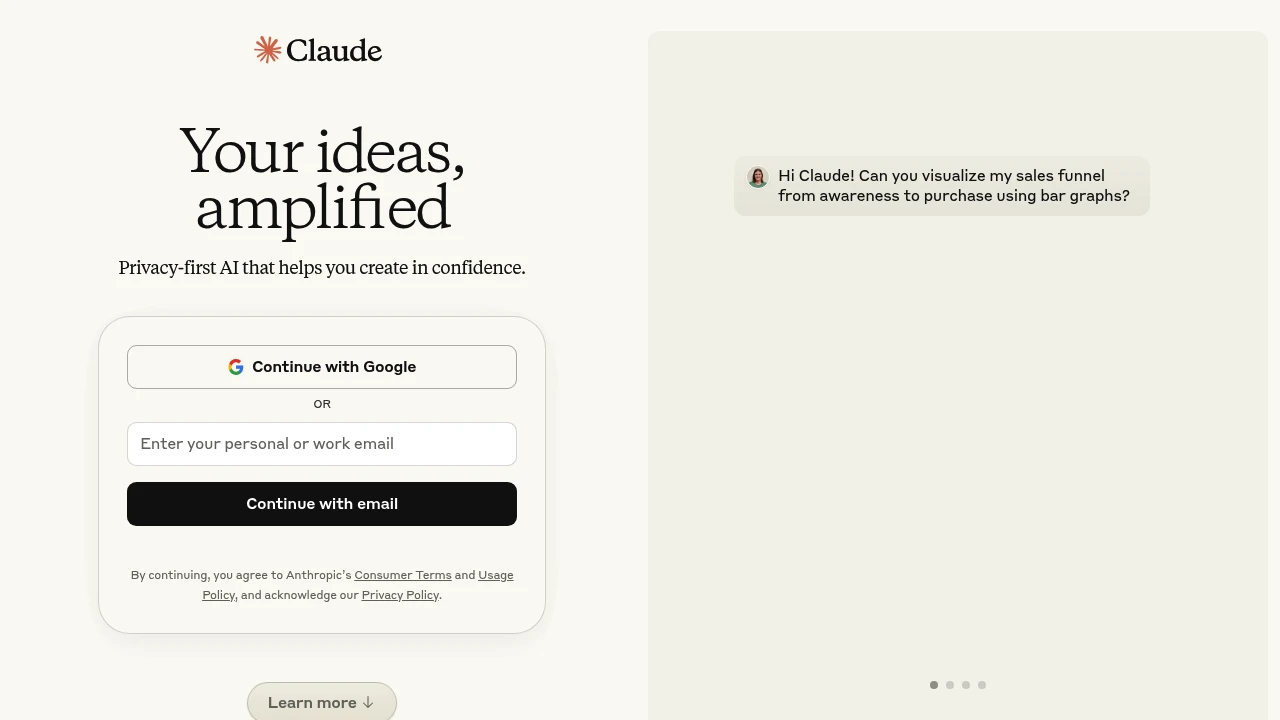
Claude is the AI assistant that finally gets conversation right. This advanced AI chatbot from Anthropic focuses on natural, helpful dialogue across text, code, and document analysis. Built for professionals who need reliable AI support without the usual quirks.
Key Highlights
- Natural conversation flow that feels human-like
- Strong document analysis and file upload capabilities
- Admits knowledge gaps instead of making things up
- Good memory of past conversations within sessions
- Multi-platform availability (web, mobile, desktop)
- Integrated web search and research tools
What Makes It Different
Claude stands out through its focus on helpful, honest responses. While other AI tools might generate confident but wrong answers, Claude admits when it doesn't know something.
The conversational style feels more natural than many competitors. Its document analysis features work well for professionals who need to process large files quickly.
Features & Capabilities
Claude handles text generation, code writing, document summarization, and creative tasks.
You can upload files for analysis, get help with complex research, and use it for everything from email drafts to technical documentation.
The Pro version includes Projects for organizing work and Research mode for deeper analysis. Integration with Google Workspace makes it useful for business workflows.
User Ratings and Testimonials
Claude has an average rating of 4.4 out of 5 stars from 57 reviews on G2.
People praise Claude for its natural, human-like responses and conversational flow. They find it helpful for summarizing large documents, coding assistance, and creative writing tasks.
Many say it remembers past conversations better than other AI tools and admits when it doesn't know something rather than making things up. The file upload feature gets positive feedback for document analysis.
Some concerns include limited daily usage on the free plan and occasional translation errors. A few mention it has less training data than competitors, which can limit its capabilities. The free version restrictions can be frustrating for heavy users.
Pricing & Value
Claude offers several pricing plans:
Individual Plans:
- Free: $0 - Chat on web, iOS, Android, and desktop with basic features like code generation, content creation, and web search
- Pro: $20/month ($17 with annual discount) - More usage, terminal access, unlimited Projects, Research access, Google Workspace integration, and extended thinking for complex work
- Max: From $100/month - 5x or 20x more usage than Pro, higher output limits, and early access to advanced features
Team & Enterprise:
- Team: $30/month per person ($25 with annual discount, minimum 5 members) - Almost everything in Pro plus more usage, central billing, and early collaboration features
- Enterprise: Custom pricing - Everything in Team plus enhanced context window, SSO, role-based access, SCIM, audit logs, and Google Docs cataloging
Claude offers a free tier that includes basic chat functionality across all platforms, code generation, content creation, image analysis, and web search capabilities.
The Pro plan provides significantly more usage and advanced features like Projects and Research access, making it good value compared to other AI assistants at similar price points.
Looking for alternatives to other popular tools? Check out other posts in the alternatives series and flowtools.co, a directory of best AI tools with filters for tags and categories for easy browsing and discovery.
Perplexity is a tool. A direct line to the world’s knowledge - compressed, cited, and made clear
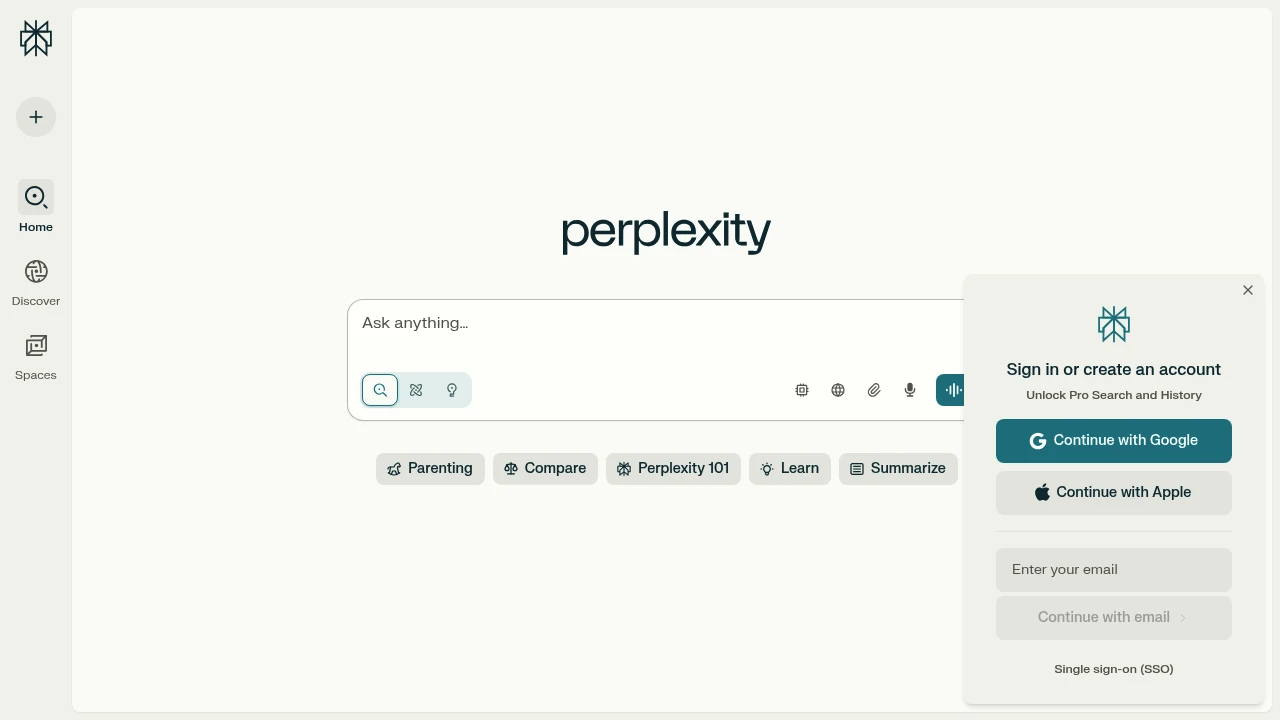
Perplexity combines the power of AI with real-time web search to give you accurate, cited responses. It's built for researchers, professionals, and anyone who needs reliable information fast.
Key Highlights
- Cited sources - Every answer comes with references you can verify
- Real-time information - Access current data, not outdated training material
- Multiple AI models - Switch between different AI engines for varied perspectives
- File analysis - Upload and analyze documents, images, and data
- Simple interface - Clean design that gets straight to the point
What Makes It Different
Perplexity stands apart by combining search with AI reasoning. While other AI tools give you answers from training data, Perplexity searches the web first, then uses AI to synthesize current information.
The citation system lets you fact-check every claim, making it more trustworthy than standard chatbots.
Features & Capabilities
Core Search Functions:
- AI-powered web search with source citations
- Real-time information retrieval
- Multi-model AI access (GPT-4, Claude, others)
- Follow-up question capabilities
File & Media Support:
- Document upload and analysis
- Image processing and generation
- Data visualization tools
- File repository for teams
Research Tools:
- Academic paper search
- News and current events tracking
- Technical documentation lookup
- Market research capabilities
User Ratings and Testimonials
Perplexity has an average rating of 4.7 out of 5 stars from 51 reviews on G2.
Users praise the cited sources that come with every answer. They find it easy to verify information and check where data comes from. The platform saves time by giving direct answers instead of making users search through multiple websites. Many appreciate switching between different AI models and accessing real-time information.
Some users note that follow-up questions can be less accurate. Others mention responses are sometimes too short or the tool gets confused when updating questions. A few find the authentication process annoying and want better team collaboration features.
Pricing & Value
Perplexity offers several pricing plans:
- Free (Standard): Includes 5 Pro searches per day, unlimited basic searches, and 3 file attachments daily with limited file uploads.
- Pro: $20/month for unlimited Pro searches, access to advanced AI models, and unlimited file uploads with image generation.
- Enterprise Pro: $40/month per seat with all Pro features plus organization-wide file repository, seat management, and dedicated support.
- Max: $200/month for unlimited access to advanced AI models, unlimited Labs queries, and early access to new products like Comet browser.
- Sonar API: Pay-as-you-go pricing for developers integrating Perplexity into their own products.
The Free plan offers a good starting point for light users to test the platform.
The main value of Perplexity is its ability to provide AI-powered search with real-time information and advanced reasoning capabilities for research and productivity tasks.

DeepSeek, unravel the mystery of AGI with curiosity. Answer the essential question with long-termism
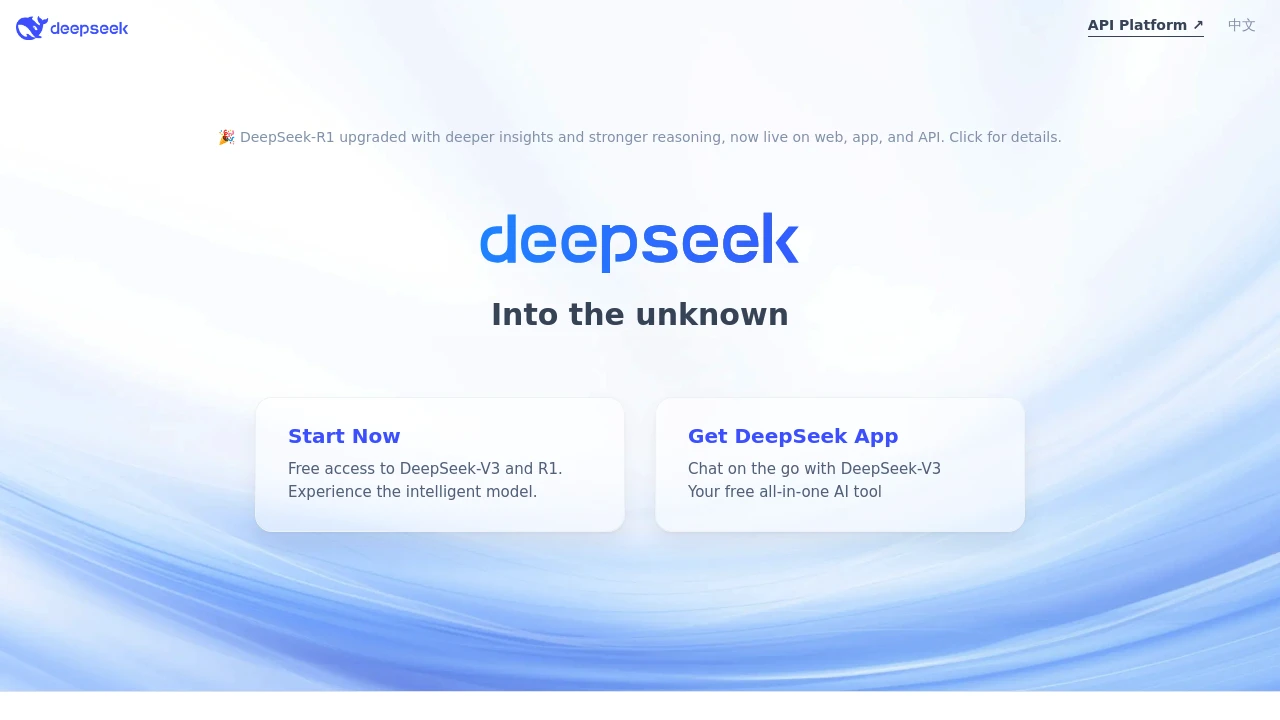
DeepSeek is the AI assistant that finally delivers advanced reasoning without breaking the bank. This free AI platform offers unlimited daily usage with powerful models that can handle complex math, document analysis, and detailed problem-solving. Built for students, professionals, and developers who need reliable AI assistance without subscription fees.
Key Highlights
- Completely free with no daily usage limits
- Advanced reasoning model with chain-of-thought processing
- 64K context window for handling long documents and conversations
- API access available with competitive token-based pricing
- Deep Think feature shows AI's step-by-step reasoning process
- Multiple file formats supported for document analysis
- Off-peak API discounts up to 75% during specific hours
What Makes It Different
DeepSeek stands apart by offering truly unlimited free access to advanced AI models. Most competitors impose daily limits or require subscriptions. The platform's "Deep Think" feature provides transparency by showing exactly how the AI reaches its conclusions. For developers, DeepSeek offers some of the most competitive API pricing in the market, with significant off-peak discounts that can reduce costs by up to 75%.
Features & Capabilities
DeepSeek provides two main AI models through both web interface and API access. The general-purpose chat model handles everyday tasks like writing, analysis, and problem-solving. The advanced reasoner model tackles complex mathematical problems, logical puzzles, and multi-step reasoning tasks.
The platform supports file uploads for document analysis, code review, and data processing. Users can upload PDFs, images, and text files for AI analysis. The 64K context window allows for processing lengthy documents without losing important details.
API users get access to JSON output formatting, function calling capabilities, and chat prefix completion. Both models support up to 8K output tokens for the chat model and 64K for the reasoner model.
User Ratings and Testimonials
DeepSeek has an average rating of 4.4 out of 5 stars from over 189,000 reviews on Google Play Store.
Users praise the AI for being free with no daily limits and providing detailed, accurate responses. Many find it helpful for math problems, document analysis, and learning complex topics. The "Deep Think" feature that shows the AI's reasoning process gets positive feedback.
Common complaints include frequent "server busy" errors that block access for hours. Users report file upload issues with "no text extracted" errors. Many mention the chat length limit that forces starting new conversations.
Some users note censorship issues where responses get deleted and replaced with "beyond scope" messages. The app also has stability problems with crashes and slow performance.
Pricing & Value
DeepSeek offers API access with token-based pricing for two main models:
- deepseek-chat: General-purpose model with 64K context length and up to 8K output tokens
- deepseek-reasoner: Advanced reasoning model with 64K context and up to 64K output tokens
- off-peak discounts: 50-75% price reduction during specific UTC hours (16:30-00:30)
Both models support JSON output, function calling, and chat prefix completion. The reasoner model includes chain-of-thought processing for complex problem solving.
DeepSeek uses pay-per-token pricing with no subscription tiers. Users top up their account balance and pay only for actual API usage.
The main value of DeepSeek is providing high-performance AI models at competitive rates with flexible usage-based billing and significant off-peak savings.
Similar proprietary alternatives:

 bisibility — Free beta: Track your website’s keywords, Google rankings, Search Console insights, and share of voice.


