Zapier Alternatives
A curated collection of the 6 best alternatives to Zapier.
The best alternative to Zapier is Relay.app. If that doesn't suit you, we've compiled a ranked list of other Zapier alternatives to help you find a suitable replacement. Other interesting alternatives to Zapier are: Pica, MindStudio, Gumloop and Make.
Zapier alternatives are mainly AI Automation tools but may also be AI Agents tools. Browse these if you want a narrower list of alternatives or looking for a specific functionality of Zapier.


Relay.app builds AI agents and workflows from plain language, with human approval steps for teams that want automation they trust.
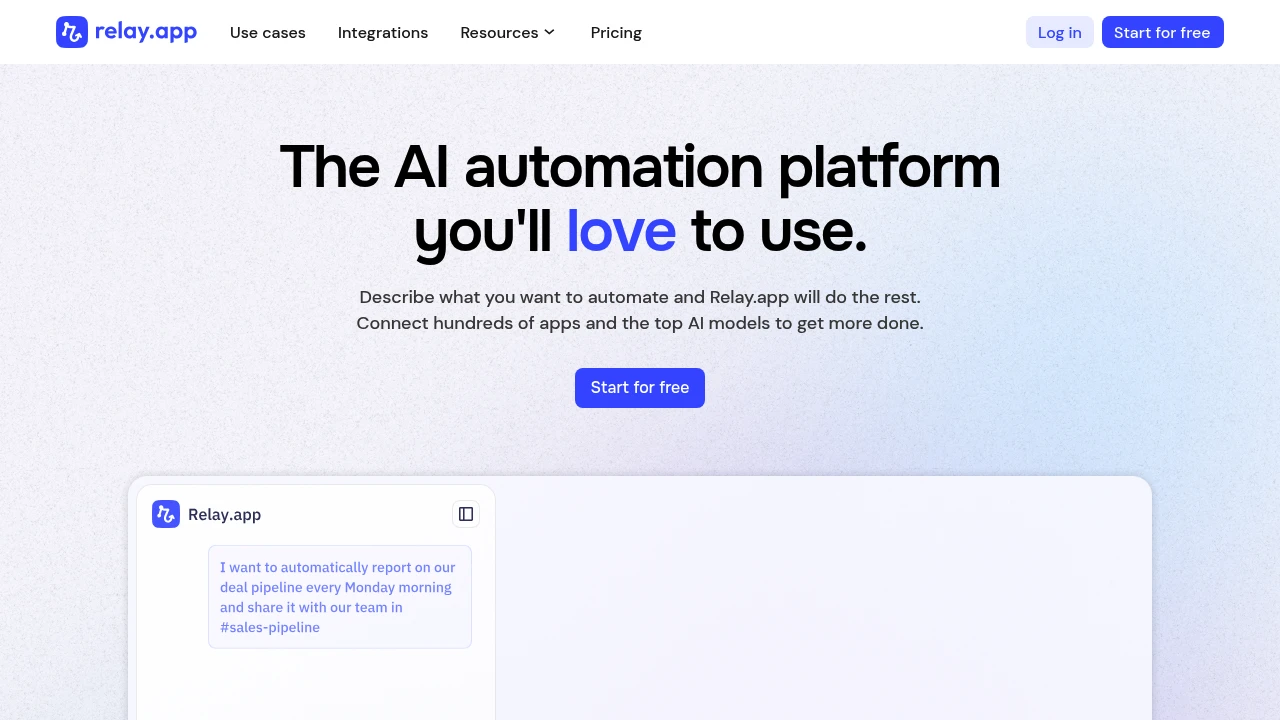
Relay.app is an AI automation platform that turns a plain-language description into a working workflow. It is built for operations, marketing, sales, and small business teams who want to automate repetitive work without writing code. You describe what you want, Relay.app connects your apps and AI models, and you add human approval steps wherever a person needs to stay in control.
Key Highlights
- Chat-first builder, powered by Opus 4.8, that turns a prompt into an editable visual workflow
- Connects 200+ apps including Gmail, HubSpot, Stripe, Slack, and Notion
- Human-in-the-loop steps for approvals, data entry, and AI output review
- Built-in AI steps using models from Anthropic, OpenAI, or Gemini
- Workflows, tables, and custom MCP servers built from the same blocks
- Free AI credits on every plan, or bring your own API key
What Makes It Different
The differentiator is the human-in-the-loop model. Instead of letting AI run unsupervised, you drop a checkpoint anywhere in a workflow to require an approval, collect data only a person knows, or route an AI output to email or Slack for review before it goes out. That suits irreversible actions like payments and customer messages. Relay.app also keeps the predictable process separate from the AI, so automations stay reliable run to run.
Features & Capabilities
Workflows start from a trigger: an app event, a schedule, a form, a webhook, an RSS feed, or a manual button. From there you chain app steps, AI steps, conditional paths, loops, and merging branches in a no-code visual editor.
Beyond app actions, Relay.app adds HTTP requests for any API, web scraping (extract content, screenshots, crawl links), and utilities like custom JavaScript and file conversion. You can also build MCP servers to expose your own tools to apps like ChatGPT, Claude, or ElevenLabs.
User Ratings and Testimonials
Users praise the interface, often calling it cleaner and easier to learn than Zapier or Make, and they single out the human-in-the-loop design and fast support. Several reviewers note they are not programmers yet still build complex workflows. The common caveat is that included AI credits and step limits on lower tiers can run out under heavy use, pushing frequent users to upgrade or bring their own key.
Pricing & Value
- Free: $0, 1 user, 500 AI credits and 200 steps/month, 2 active workflows, all features
- Professional: $19/month billed annually, 1 user, 2,000 AI credits and 750 steps/month, unlimited workflows
- Team: $59/month billed annually, 10 users, 2,000 AI credits and 1,500 steps/month, shared workflows and connections
- Enterprise: custom pricing and limits, private models via Bedrock, Vertex, or Azure, SOC 2 and GDPR compliance
The free plan mirrors the paid feature set with lower limits, so you can build and test real automations before paying.
Looking for alternatives to other popular tools? Check out other posts in the alternatives series and flowtools.co, a directory of best AI tools with filters for tags and categories for easy browsing and discovery.


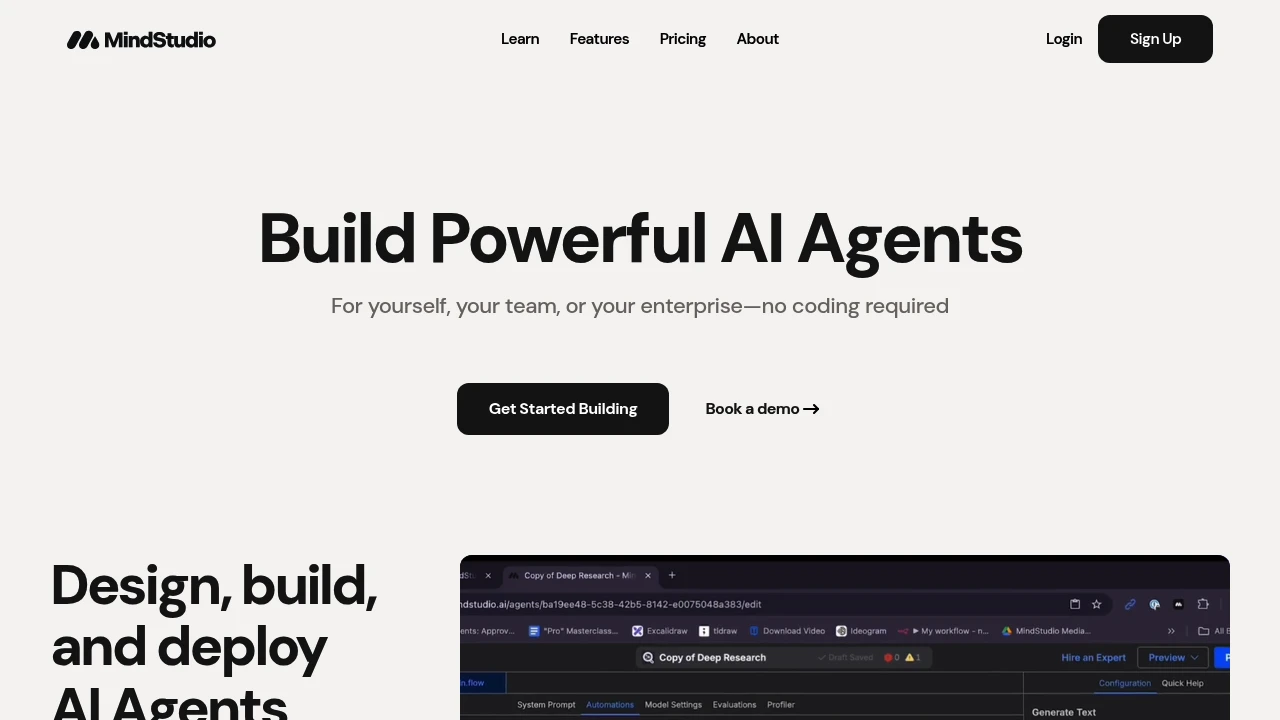

Everything you need – data, apps, and AI in an intuitive drag and drop interface to automate your workflows.
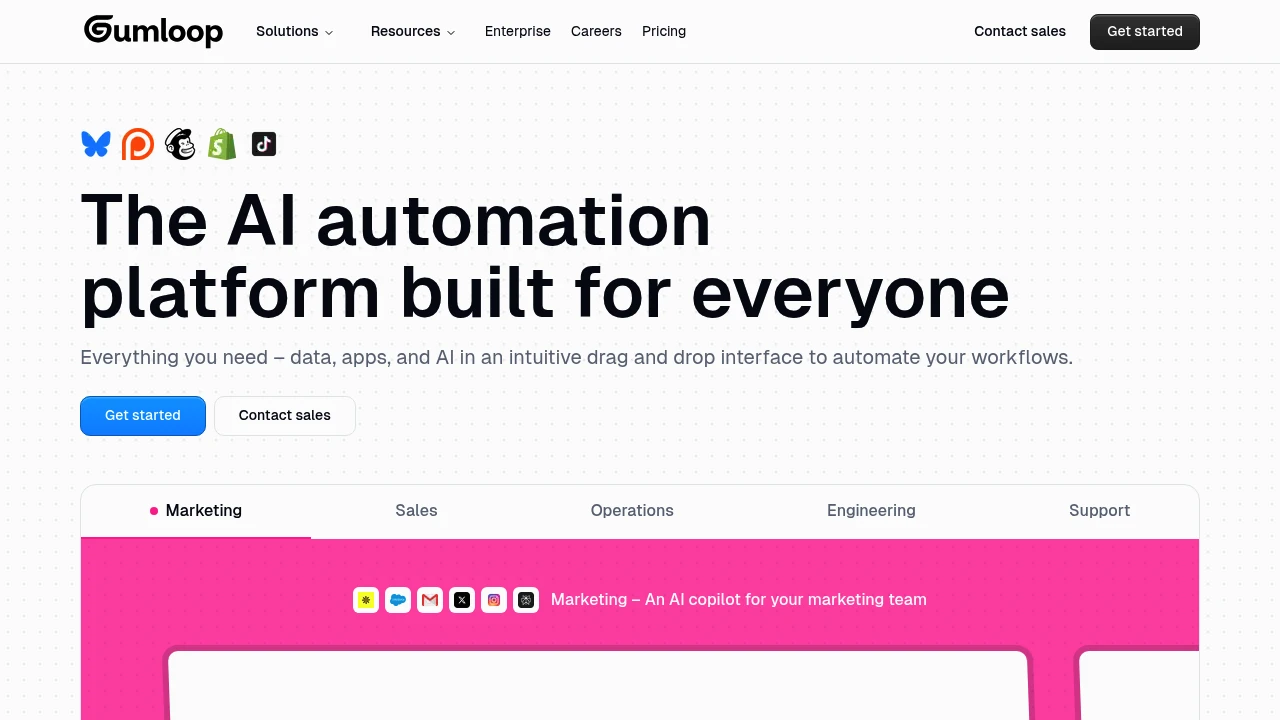
Gumloop transforms complex business processes into simple visual workflows that anyone can build. This AI-powered automation platform lets teams create sophisticated workflows without writing a single line of code. Perfect for businesses looking to streamline operations and boost productivity.
Key Highlights
- Visual drag-and-drop workflow builder
- AI-powered automation capabilities
- No coding required
- Unlimited triggers and webhooks on paid plans
- Team collaboration features
- Fast feature development and updates
- Better than traditional platforms like Make and n8n
What Makes It Different
Gumloop combines the simplicity of visual workflow building with advanced AI capabilities. Users describe it as "Zapier on steroids" - offering more power while staying user-friendly. The platform focuses on solving complex automation problems that other tools struggle with.
Features & Capabilities
Gumloop offers a complete visual automation platform. Teams can build AI-powered workflows for data processing, customer service, content creation, and business operations. The platform handles complex logic and integrations through an intuitive interface. Users can set up automated triggers, process data with AI, and connect multiple apps seamlessly.
User Ratings and Testimonials
Gumloop has an average rating of 5.0 out of 5 stars from 7 reviews on Product Hunt.
Users praise the platform for being super easy to use and highly customizable. They find it better than traditional automation platforms like Make and n8n for solving complex problems.
The seamless UX stands out compared to other workflow automators. Users also highlight the excellent support team and fast shipping of features.
Some describe it as "like Zapier but on steroids" for its advanced capabilities while remaining user-friendly for non-technical users.
Pricing & Value
Gumloop offers several pricing plans:
- Free: 2k credits per month with 1 seat and 1 active trigger
- Solo: $37/month for 10k+ credits with unlimited triggers and webhooks
- Team: $244/month for 60k+ credits with 10 seats and team collaboration features
- Enterprise: Custom pricing with advanced security, admin controls, and virtual private cloud
The Team plan includes a 14-day free trial.
The main value of Gumloop is its visual workflow automation platform that lets teams build AI-powered processes without coding.
Realize your business’s full potential with Make’s intuitive no code development platform and harness the full power of AI.
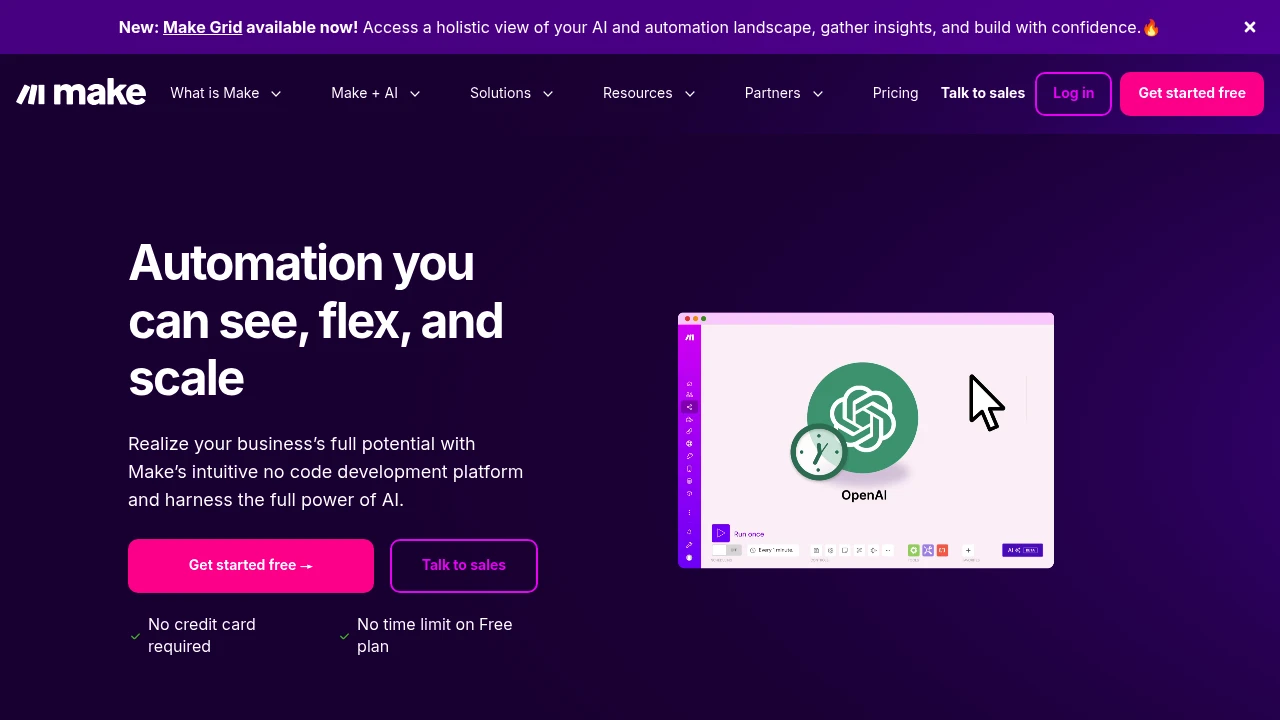
Make is a strong no-code platform. It helps you link various apps and services to automate tasks you do often. It is made for businesses and individuals who want to simplify their processes and boost efficiency.
Key Highlights
- Visual Workflow Builder: Create complex automations using a drag-and-drop interface.
- Extensive App Library: Connect to thousands of popular apps and services.
- Advanced Logic: Use routers, iterators, and error handlers to build sophisticated workflows.
- Real-time Execution Logs: Monitor and troubleshoot your automations with detailed logs.
What Makes It Different
Make's visual approach to automation sets it apart from other platforms. Viewing your entire workflow as a diagram makes it simpler to understand, create, and fix complex automations. Make provides more advanced features and flexibility than many competitors. This makes it a top choice for users with complex automation needs.
Features & Capabilities
Make helps you automate many tasks. You can sync data between apps, send automated emails, and create custom reports. The platform supports a vast number of integrations, and you can also connect to any API or webhook. Make offers features for team collaboration. You can share and manage automations across your organization.
User Ratings and Testimonials
Make has an average rating of 4.7 out of 5 stars from over 240 reviews on G2.
Users praise its powerful features, flexibility, and ease of use. Some users have reported problems with the pricing model. It counts operations, not tasks, so costs can be higher than expected. Some have also mentioned a steeper learning curve compared to other automation platforms.
Pricing & Value
Make offers a free plan with a limited number of operations. Paid plans start at $11 per month for 10,000 operations. The pricing is based on the number of operations you need and the features you require.
Make offers great value by helping businesses automate processes. This saves time and resources.
Build with the precision of code or the speed of drag-n-drop. Host with on-prem control or in-the-cloud convenience. n8n gives you more freedom to implement multi-step AI agents and integrate apps than any other tool.
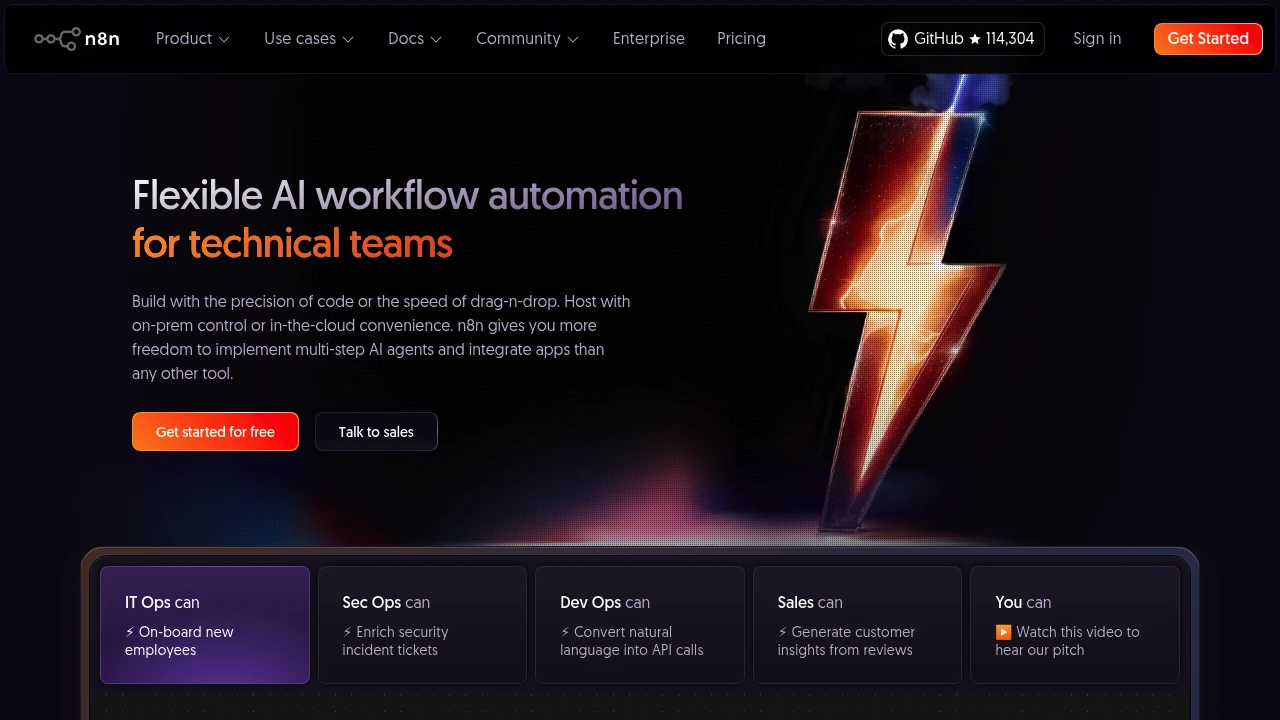
n8n is an open-source tool for automating workflows. It helps you link various apps and services to build complex automations. It's for developers, tech-savvy users, and businesses that want complete control of their workflows.
Key Highlights
- Open-Source and Self-Hostable: Host n8n on your own servers for full control over your data and security.
- Visual Workflow Builder: Create complex automations with a node-based, drag-and-drop interface.
- Extensive Integrations: Connect to hundreds of apps and services, or use the HTTP request node to connect to any API.
- Code Node: Write custom JavaScript or Python code to extend the functionality of your workflows.
What Makes It Different
n8n's open-source nature and self-hosting capabilities are its key differentiators. This lets users control their data, security, and costs. It's a big plus for businesses that have strict data privacy needs. n8n's flexibility lets you write custom code, making it a powerful and customizable choice. This sets it apart from many other no-code automation platforms.
Features & Capabilities
n8n allows you to build a wide range of automations, from simple data syncing to complex, multi-step workflows. The platform's node-based editor makes it easy to visualize and build your automations, and you can use the code node to add custom logic. n8n also offers features for error handling, and a strong community for support.
User Ratings and Testimonials
n8n has a 4.8-star rating out of 5 on G2 and a 4.9-star rating out of 5 on Product Hunt.
Users praise its flexibility, power, and the control that comes with being able to self-host. Some users say it has a steeper learning curve than other automation tools. They also find the user interface can get cluttered with complex workflows.
Pricing & Value
n8n offers a free, self-hosted version that is very popular. They also offer a cloud-hosted version with pricing based on the number of workflow executions.
The cloud plans start at $24 per month. For businesses ready to handle their own hosting, n8n is a fantastic option. It gives you a strong and flexible automation platform for free.
Similar proprietary alternatives:

 bisibility — Free beta: Track your website’s keywords, Google rankings, Search Console insights, and share of voice.


