Asana Alternatives
A curated collection of the 4 best alternatives to Asana.
The best alternative to Asana is HIVE. If that doesn't suit you, we've compiled a ranked list of other Asana alternatives to help you find a suitable replacement. Other interesting alternatives to Asana are: ClickUp, Taskade and Motion.
Asana alternatives are mainly AI Project Management tools but may also be AI Agents tools or AI Productivity Tools tools. Browse these if you want a narrower list of alternatives or looking for a specific functionality of Asana.


Hive helps teams manage tasks, project views, shared notes and communication, with AI features and paid team controls.
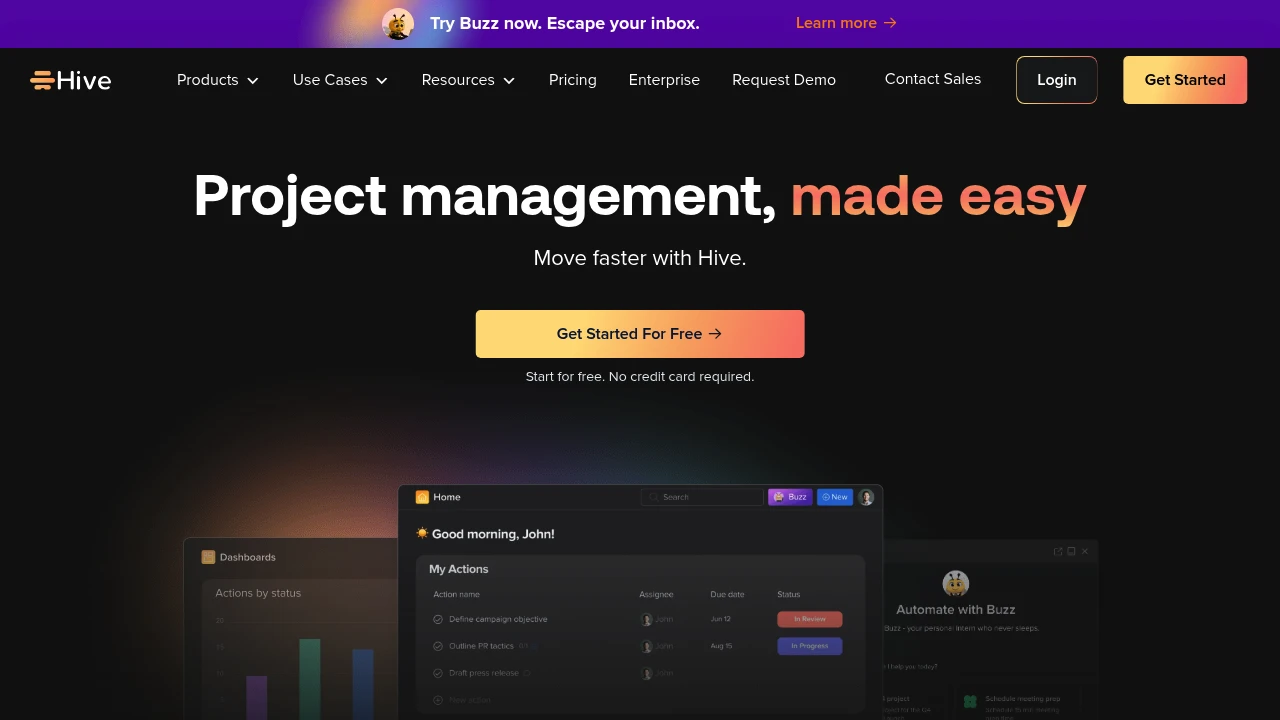
Hive is a project management platform for teams organizing tasks, projects and shared work. It brings task views, collaborative notes, chat and email into one workspace. AI features help with project-related work, with monthly credit allowances that vary by subscription.
Key Highlights
- Tasks and project views for organizing work
- Collaborative notes and native chat
- Email within the workspace
- AI assistance with plan-specific credits
- Paid integrations and optional team add-ons
What Makes It Different
Hive combines project planning with communication and shared notes. A team can keep work items and related discussion together instead of spreading each project across separate task and chat tools. Its paid plans also distinguish base features from optional add-ons.
Features & Capabilities
Create tasks and choose views that suit the project. Collaborators can maintain notes and discuss work in chat, while email support provides another way to keep messages nearby. Paid features include Gantt views, calendar access and supported cloud-storage integrations.
Teams adds forms, time tracking, portfolios and custom fields, labels and statuses. Optional add-ons cover areas such as resourcing, timesheets and advanced dashboards. Confirm the add-ons needed by your workflow before estimating the cost for every workspace member.
User Ratings and Testimonials
Hive displays selected customer logos and testimonials. These describe individual organizations rather than a guarantee about project delivery. Assess the views, notification flow and permission controls using a project representative of your own team.
Pricing & Value
- Free: up to ten members, 200 MB storage and 1,000 AI credits/month
- Starter: adds storage, project features and 3,000 AI credits/month
- Teams: unlimited members and 5,000 AI credits/month, with optional paid add-ons
- Enterprise: custom credits, administration and support
Paid plans use per-user billing. Monthly and yearly options differ, and some add-ons increase the total cost.
Looking for alternatives to other popular tools? Check out other posts in the alternatives series and flowtools.co, a directory of best AI tools with filters for tags and categories for easy browsing and discovery.

One app for projects, knowledge, conversations, and more. Get more done faster - together.
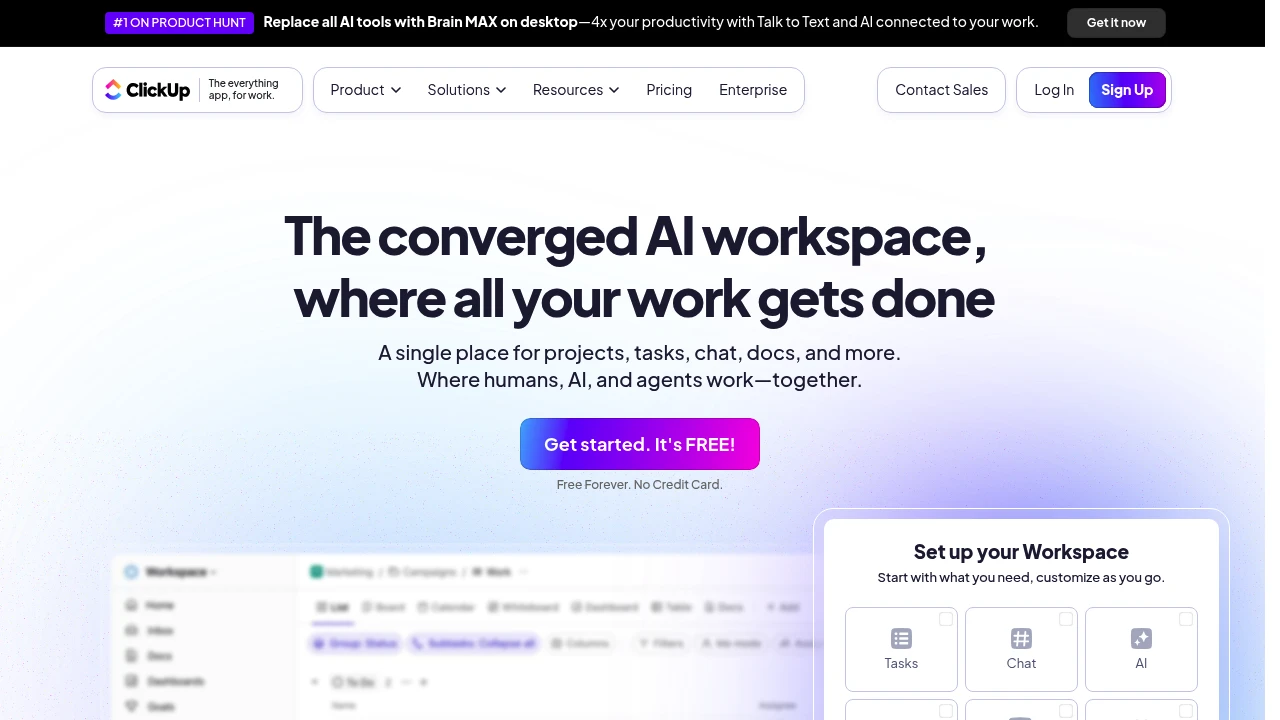
ClickUp is a comprehensive project management platform that combines task organization, team collaboration, and AI-powered features into one workspace. It serves teams of all sizes looking to streamline their workflows and boost productivity. The platform offers extensive customization options that adapt to different work styles and project needs.
Key Highlights
- All-in-one workspace combining tasks, docs, goals, and chat
- Extensive customization with multiple project views (Kanban, Gantt, Calendar)
- AI-powered writing assistant and automation features
- 1000+ integrations with popular business tools
- Generous free plan with unlimited tasks and users
- Real-time collaboration and commenting features
- Advanced time tracking and reporting capabilities
What Makes It Different
ClickUp positions itself as the "one app to replace them all" by combining project management, document creation, goal tracking, and communication features. Its highly customizable interface lets teams build workflows that match their exact needs rather than forcing them into rigid templates. The platform's AI features help automate routine tasks and generate content, setting it apart from traditional project management tools.
Features & Capabilities
ClickUp offers multiple project views including List, Board, Timeline, and Calendar formats. Teams can create custom fields, statuses, and workflows to match their processes. The platform includes native time tracking, goal setting, and milestone management. Document creation and wiki features let teams store knowledge alongside their projects. Advanced features include workload management, custom dashboards, and detailed reporting. The AI assistant helps with writing, task creation, and project summaries.
User Ratings and Testimonials
ClickUp has an average rating of 4.6 out of 5 stars from over 1,000 reviews on Product Hunt.
Users praise the platform for its flexibility and customization options. Many find it helpful for organizing tasks and managing projects across teams. The AI features and integrations with other tools get positive feedback. Some users mention it has a learning curve and can feel bloated with too many features. Performance issues and slow loading times are noted concerns. A few users want better UI design options compared to other tools.
Pricing & Value
ClickUp offers several pricing plans:
- Free: Includes 60MB storage, unlimited tasks, and basic project management features like Kanban boards and calendar view.
- Unlimited: $10 per user per month with unlimited storage, integrations, and advanced features like Gantt charts and time tracking.
- Business: $19 per user per month adding unlimited dashboards, automation integrations, and workload management.
- Enterprise: Custom pricing with white labeling, advanced permissions, and dedicated customer success manager.
ClickUp provides a generous free plan that works well for personal use and small teams. The free tier includes core project management features that many paid tools charge for.
Annual plans offer 30% savings compared to monthly billing.

Taskade combines projects, AI agents, app building and automations, with plan-specific users and AI credit allowances.
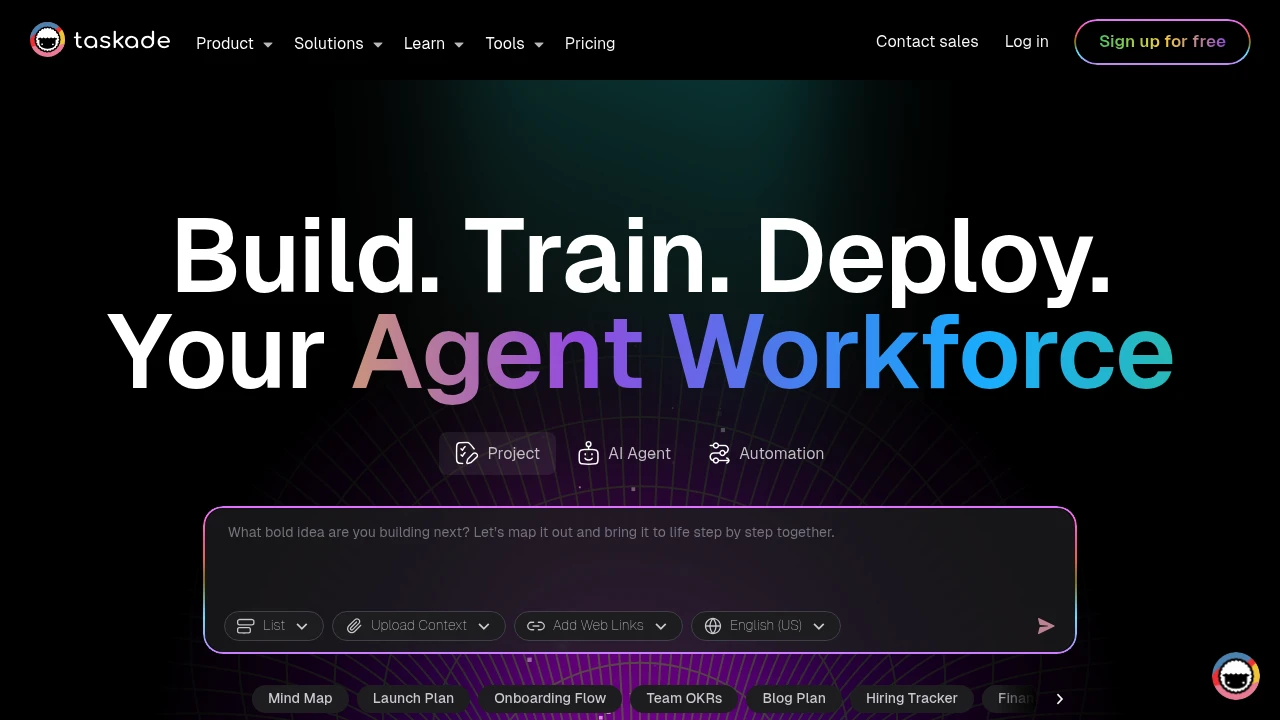
Taskade combines AI-powered project management with real-time team collaboration in one platform. This tool helps teams organize work through dynamic views, automated workflows, and custom AI agents. Perfect for remote teams and project managers who need smart automation.
Key Highlights
- AI Project Studio with custom agents and automations
- Real-time collaboration across multiple project views
- Template library for quick project setup
- Cross-platform sync (web, mobile, desktop)
- Free plan supports two users and up to three Genesis apps
- Dynamic views (lists, boards, calendar, mind maps)
What Makes It Different
Taskade stands out by integrating AI directly into project workflows. Unlike basic project tools, it offers custom AI agents that can automate tasks and generate content. The platform combines traditional project management with AI assistance, making it both a planning tool and an intelligent work assistant.
Features & Capabilities
The platform offers multiple project views including lists, kanban boards, calendars, and mind maps. Teams can create custom AI agents for specific tasks like content generation or data analysis. Real-time collaboration lets multiple users edit simultaneously. The automation system connects different tools and triggers actions based on project changes. Templates cover various use cases from marketing campaigns to software development sprints.
User Ratings and Testimonials
Taskade provides project and app examples for exploring its workspace. Test a representative project, agent and automation before extending the workflow to a team. Check generated outputs and connected actions, and measure how credit use changes with repeated builds or agent runs.
Pricing & Value
- Free: two users, up to three Genesis apps and 6,000 one-time signup credits, issued after verification and the first app build
- Pro: ten users and 50,000 monthly AI credits
- Business: unlimited users and 150,000 monthly AI credits
- Max: unlimited users and 400,000 monthly AI credits
- Enterprise: custom pricing and controls
AI apps, agents and automations consume credits. Free signup credits do not renew monthly. Choose the billing option before comparing paid prices; extra credit packs and plan-specific automation limits also matter.
Motion combines AI scheduling, tasks, calendars, and project management for individuals and teams.
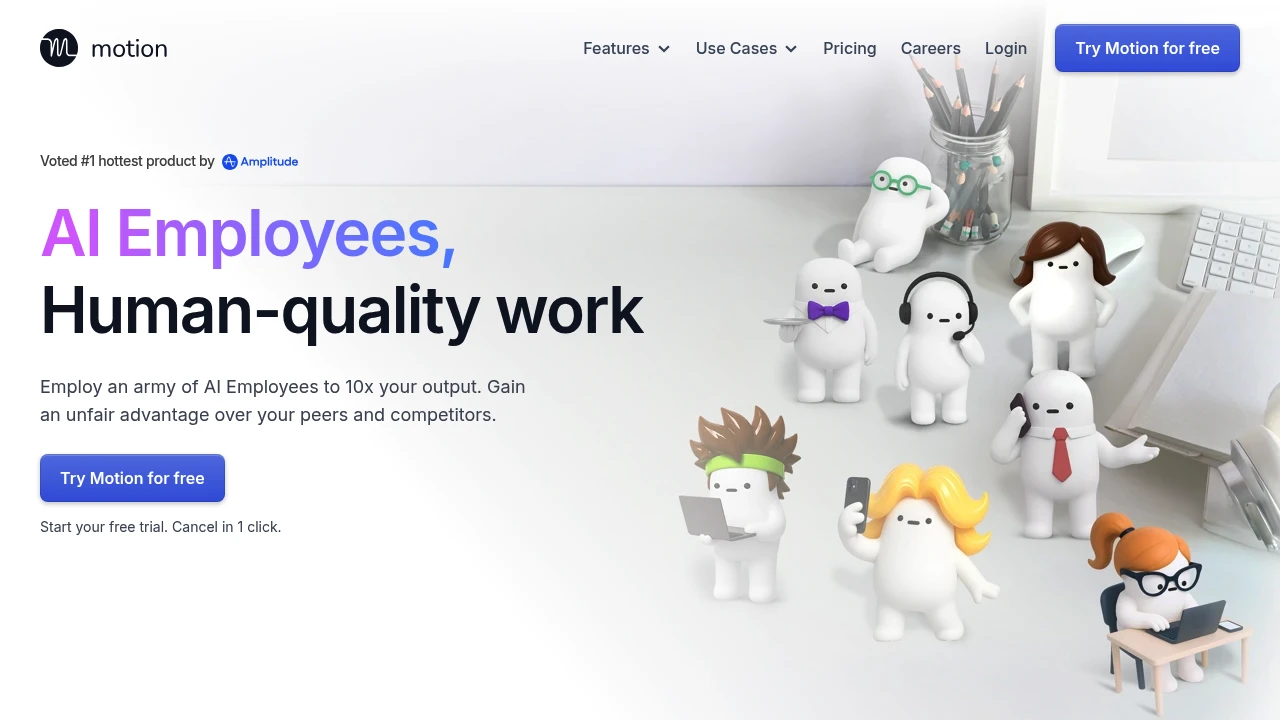
Motion is an AI tool. It helps you organize your schedule, manage projects, and automate your to-do list. It's for busy professionals, freelancers, and teams who want to boost productivity.
Key Highlights
- AI-Powered Scheduling: Schedules tasks around deadlines, priorities, and calendar events.
- Intelligent Calendar: It brings your tasks and meetings together. It also adjusts automatically if your plans change.
- Project Management: Create and manage projects, set deadlines, and collaborate with your team.
- Task Prioritization: Prioritizes your tasks based on deadlines and importance.
What Makes It Different
Motion uses task duration, deadlines, priorities, and calendar availability to propose a schedule. Users still provide task details and can review the result. When plans change, automatic rescheduling helps rearrange unfinished work, with the outcome depending on available time and constraints.
Features & Capabilities
Motion offers a range of features to help you manage your time and tasks. You can make tasks with deadlines and priorities. Motion will then schedule them in your calendar. The platform has project management tools. You can create templates, assign tasks, and track progress with minimal effort. Motion integrates with Google Calendar and Microsoft Outlook.
User Ratings and Testimonials
Test automatic scheduling with realistic deadlines and calendar events. Check how the proposed schedule responds to changes and how much adjustment you need. Team costs depend on seat count and the selected plan.
Pricing & Value
Motion offers a 7-day free trial. The public offer lists Pro AI and Business AI with seat-based pricing and AI credit allowances. Compare the selected individual or team option and billing cycle.
Assess the time needed to maintain task details and review the schedule during the trial. Compare seat costs with the number of team members who need access.
Today’s top products
SponsoredRanked by total paid bids today.
Similar proprietary alternatives:

 bisibility — Free beta: Track your website’s keywords, Google rankings, Search Console insights, and share of voice.


