
Captions

Captions is an AI video editor for creators who make talking videos, AI actors, captions, and translations.
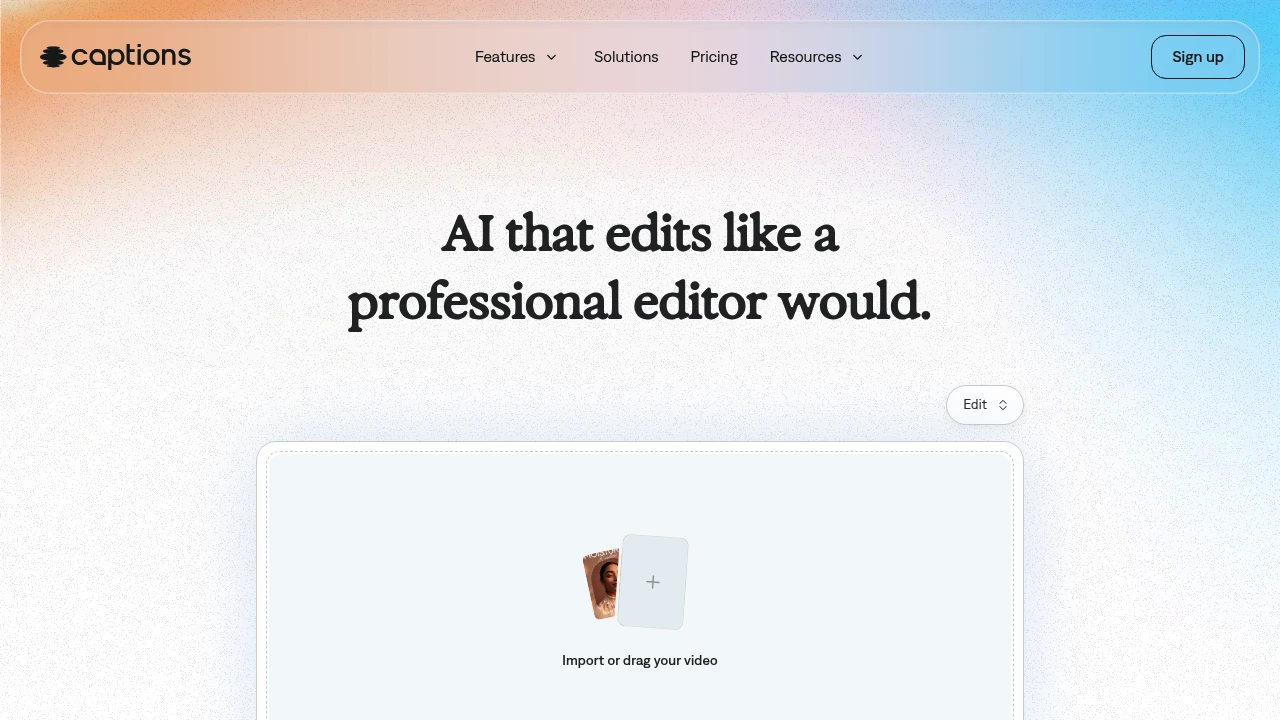
Captions is an AI video generator and editor for creators and teams making finished talking-head videos without a full edit timeline. Upload footage, choose a style, and the app can cut scenes, add B-roll, captions, and music. AI actors and custom avatars help produce new takes without recording every version.
Key Highlights
- Turns raw footage into a finished video with AI Edit
- Adds automatic captions
- Creates custom AI actors and digital twins
- Supports translation into 30+ languages
- Includes chat-based editing, eye contact correction, denoise, and pause trimming
What Makes It Different
Captions is built around one-tap production, not manual clip-by-clip editing. Its homepage says the AI reads the story in the footage, then tailors cuts and style choices.
The same workspace can edit uploaded footage, add captions and translations, create B-roll, generate music or sound effects, and reuse an AI actor across multiple videos.
Features & Capabilities
The main workflow starts with importing a video, choosing a style, and creating the edited version. AI Edit can cut scenes, overlay B-roll, and apply a style, while the chat-based editor handles plain-language change requests.
For talking-head content, Captions includes automatic captions, translation, eye contact correction, denoise, pause trimming, music, sound effects, and caption templates. Its avatar tools can generate talking videos from selfies, create custom AI actors, and change outfits, backgrounds, or product placement.
User Ratings and Testimonials
Captions does not publish third-party review scores or quoted customer testimonials. Captions does publish usage claims on its homepage: 100K+ daily users, 20M creators and businesses, and 3M+ monthly videos. Visible limits are that the free plan has no AI usage credits and only one caption template, while heavier generation work requires a paid tier.
Pricing & Value
- Free: $0, with limited tools, no AI usage credits, and one caption template
- Max: $24.99/mo, with 500 credits per month, AI Edit styles, AI actors, chat-based editing, and generative assets
- Scale: $69.99/mo, with 1,400 credits per month and Captions' most sophisticated generative AI models
- Scale 2x: $139.99/mo, with 2,800 credits per month for more output
- Scale 4x: $279.99/mo, with 5,600 credits per month for larger production volume
- Enterprise: Custom pricing, with bulk credit discounts, custom seats, account management, training data exclusion, onboarding, support, and early feature access
The pricing page says all listed prices are in USD and reflect iOS plans only, so buyers should confirm platform-specific billing before upgrading.


FAQs
Captions has a free plan. Paid iOS plans listed on its pricing page start with Max at $24.99/mo and Scale from $69.99/mo.
Yes. Captions has a free plan with limited tools and no AI usage credits; generative AI and advanced editing require a paid plan.

You might also like
 bisibility — Free beta: Track your website’s keywords, Google rankings, Search Console insights, and share of voice.

