Claude Code Alternatives
A curated collection of the 5 best alternatives to Claude Code.
How to choose a replacement
Compare coding agents on a repository task that includes editing, running checks, and reviewing the resulting patch. An editor assistant and a terminal agent can both help with code, but they differ in how much context and execution control you manage.
Compare by
- Terminal, editor, or delegated task workflow
- Repository context and multi-file changes
- Command permissions and human review
- Model access, usage limits, and billing
Which alternative fits your workflow?
- Codex: An agent for repository tasks, code changes, and development commands.
- Cline: An editor-based coding agent with explicit tool and command interactions.
- Amp: Agentic development work across a codebase.
- Augment Code: Coding assistance and agent workflows centered on codebase context.
- Factory Droid: A coding agent for delegated software development tasks.
What to test before switching
Use the same issue, test command, and acceptance criteria for each trial. Review the diff and any executed commands, including failures. Compare the cost of a completed and reviewed task rather than treating token allowance or an attractive demo as the result.


OpenAI Codex helps developers inspect repositories, edit code and run tools through local clients and eligible cloud tasks.
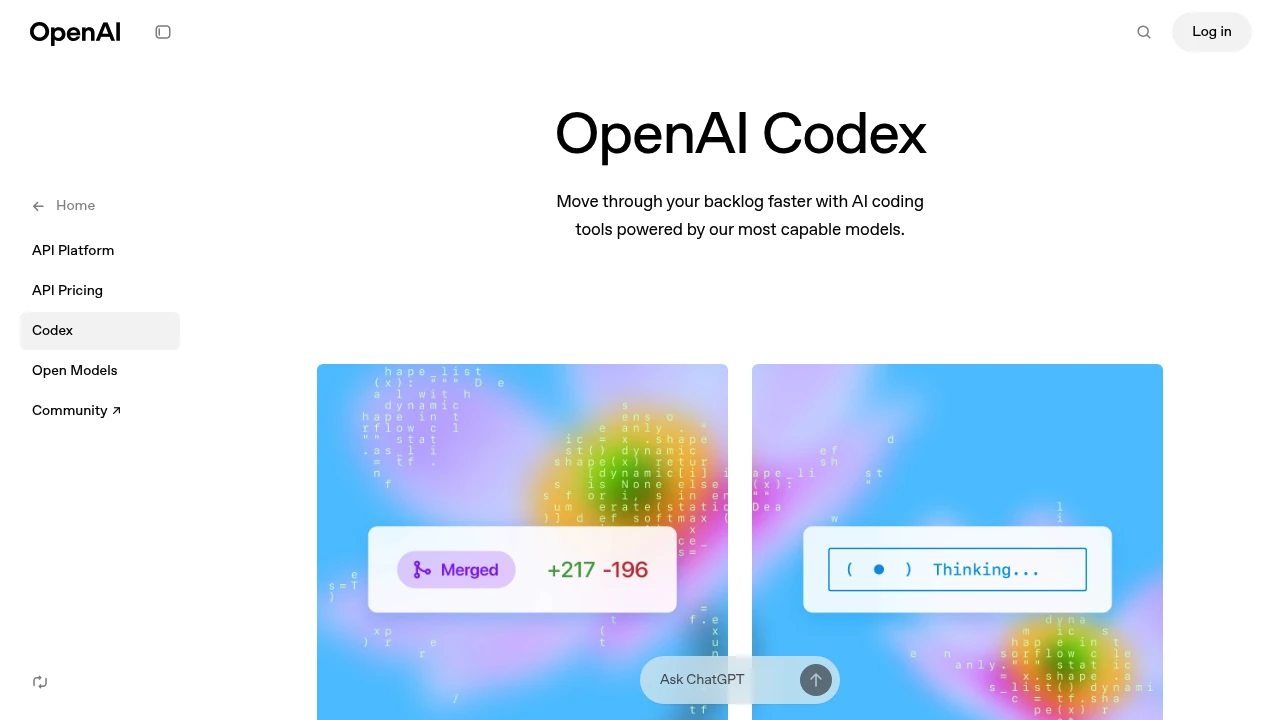
Codex is OpenAI's coding agent for developers who want help writing, reviewing and maintaining software. It can work with a repository, explain code, make edits and run development tools. Local clients and eligible cloud environments provide different ways to carry out a task.
Key Highlights
- Repository work from written instructions
- Code editing, explanation and review
- Commands and tests in the working environment
- CLI and IDE extension workflows
- Cloud tasks for eligible accounts and workspaces
What Makes It Different
Codex works on a development task with project context rather than only returning an isolated code snippet. It can inspect files and use tools while making changes. Its suggestions and test output help a developer review a result, but generated code still needs appropriate checks.
Features & Capabilities
Start in a repository and describe the behavior you want changed. Codex can examine existing implementation, edit files and run available checks. Project instructions, environment permissions and installed tools shape what it can do. Review the diff and any remaining failures before accepting changes.
The CLI and IDE extension provide local development workflows. Codex Cloud runs tasks in managed environments for eligible accounts, subject to workspace settings. Cloud work can continue while a computer is asleep, whereas local workflows depend on the device running the task.
User Ratings and Testimonials
OpenAI shows coding workflows and examples for Codex. Evaluate it with a representative task and your repository's checks. A successful demonstration does not establish correctness for a different codebase, dependency set or deployment environment.
Pricing & Value
- ChatGPT plans: Codex is included across plans, including Free and Go, with usage limits
- Codex Cloud: requires an eligible paid account and enabled workspace access
- API access: separate billing applies when using an API key
Allowances vary by plan, task complexity, tools and model. Check account eligibility and usage before starting long-running tasks.
Looking for alternatives to other popular tools? Check out other posts in the alternatives series and flowtools.co, a directory of best AI tools with filters for tags and categories for easy browsing and discovery.

Factory Droid is an AI software engineering agent for teams that need help coding, testing, and deploying software.
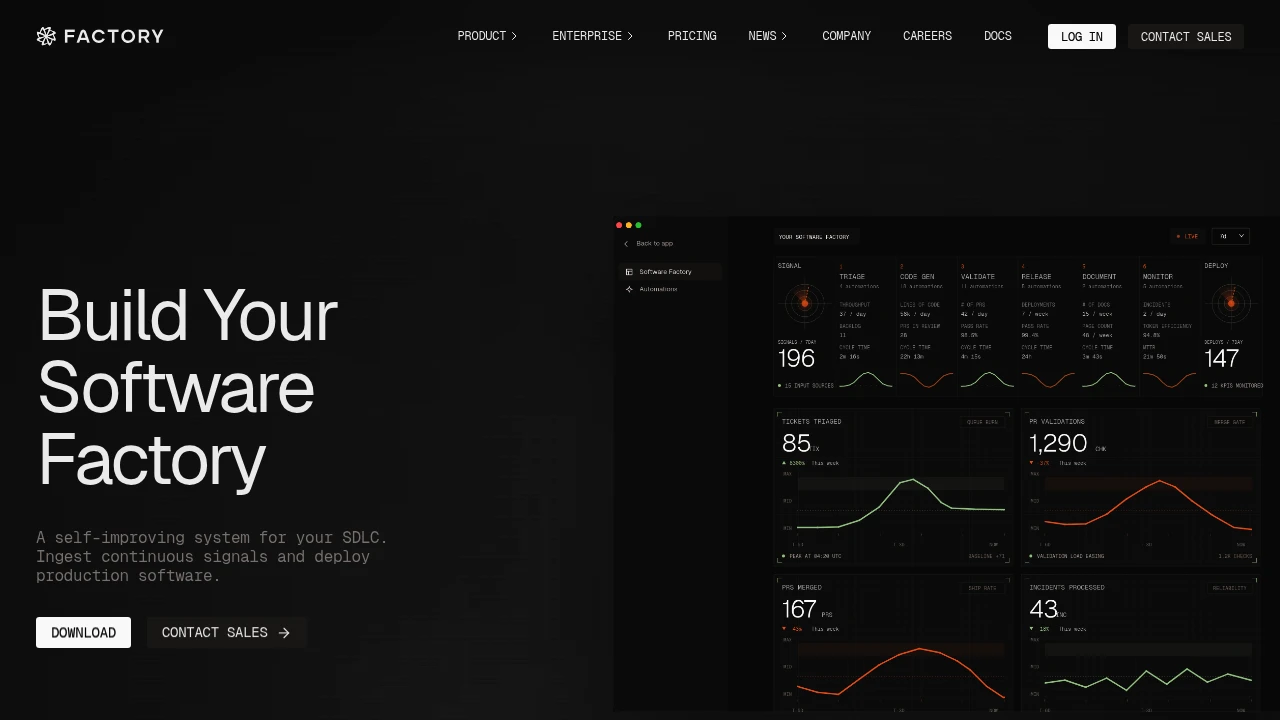
Factory Droid is an AI coding agent for teams that want agents involved across the software delivery lifecycle. It helps with coding, testing, and deployment, with background agents that can run in the cloud or locally.
Key Highlights
- Coding agents for coding, testing, and deployment
- Desktop, CLI, and SDK access
- Cloud and local background agents
- Model independence across frontier and open-weight models
- Enterprise on-premise deployment options
- SSO, SAML/SCIM, ZDR, audit logs, and admin controls on Business and Enterprise
What Makes It Different
Factory Droid is not pitched as a single editor plugin. Factory describes it as a self-improving SDLC system where engineering signals feed back into coding, testing, deployment, and readiness workflows.
Deployment flexibility is the other clear difference. Enterprise includes on-premise deployment options, dedicated compute, and data residency. Requirements for hosting and access should be included in the enterprise agreement.
Features & Capabilities
The Pro plan includes desktop, CLI, and SDK access, cloud and local background agents, billing and usage statistics, and an agent-readiness dashboard. Factory lists support for frontier and open-weight models, including GPT-5, Claude Opus and Sonnet, and Gemini.
Higher plans increase rolling rate limits and add infrastructure for remote agents. Plus adds about 5x Pro usage and Droid Computers for remote Droids. Max adds about 10x Pro usage and early feature access. Business and Enterprise add team management, security, dedicated compute, data controls, and larger deployment options.
User Ratings and Testimonials
Factory publishes customer quotes instead of a public average rating. A Nav CTO quote highlights a secure, controlled way to unify engineering context around sensitive financial data. A Tilt CTO quote frames Factory as a way to guide heavier software work.
The tradeoff is that the buying path is more enterprise-oriented than many coding tools. Business and Enterprise do not publish fixed monthly prices, and heavy users may need Plus or Max because usage is managed through rolling rate limits.
Pricing & Value
- Pro: $20/month, with desktop, CLI, SDK, background agents, usage tracking, and readiness dashboard
- Plus: $100/month, with about 5x Pro usage and Droid Computers for remote Droids
- Max: $200/month, with about 10x Pro usage and early access to new features
- Business: Custom pricing, for growing teams with tailored usage and pricing, custom usage, onboarding, SSO, SAML/SCIM, ZDR, audit logs, and admin controls
- Enterprise: Custom pricing, for unlimited seats, dedicated compute, on-premise options, data residency, and premium support
Factory Droid is priced for serious engineering usage. Pro covers the core workflow, while higher plans add usage, remote compute, security, and deployment control.

Augment Code is an AI coding platform for engineering teams running agents across triage, coding, review and verification.
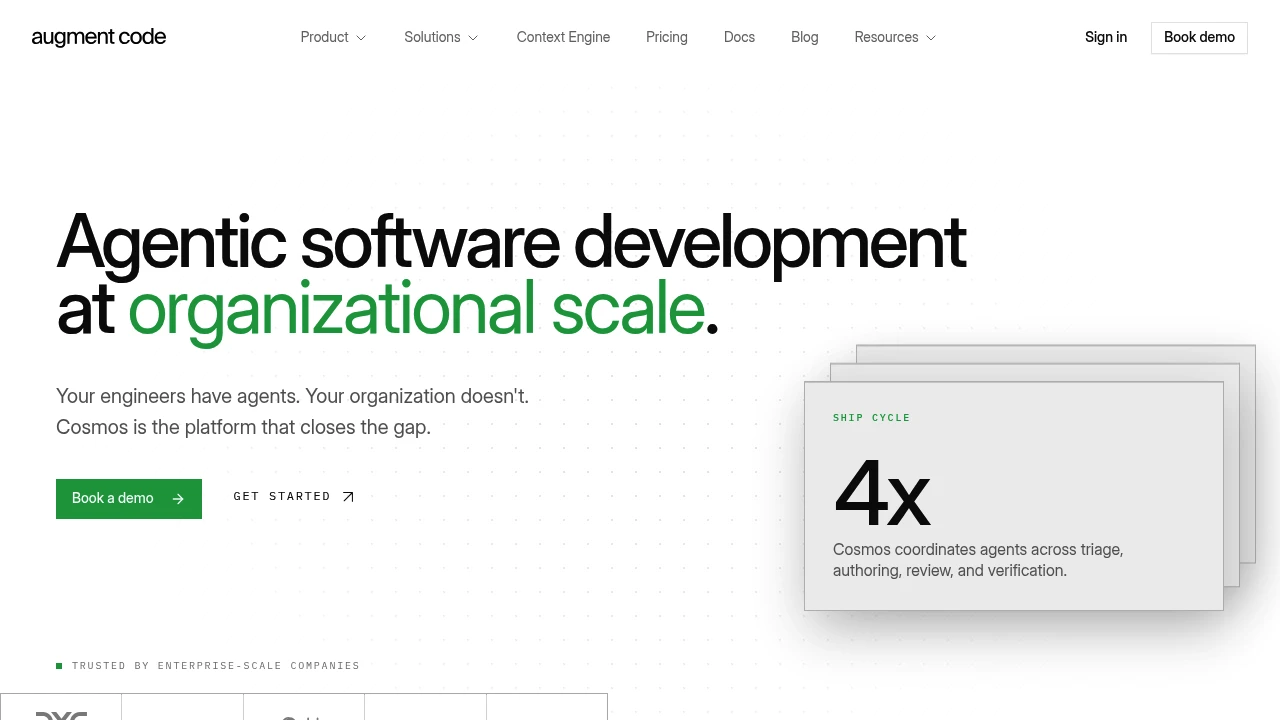
Augment Code is an AI coding platform for professional engineering teams that want agents to work across the software delivery loop, not just autocomplete code. Cosmos coordinates agents for triage, authoring, review and verification, with shared organization knowledge and controls for larger codebases.
Key Highlights
- Cosmos runs agents for triage, PR authoring, review, risk analysis and testing.
- Context Engine maps code by structure, including call paths and active code.
- Integrates with Slack, GitHub, Jira, CI, the CLI, MCP and native tools.
- Supports laptops, dev VMs, managed cloud and customer cloud deployment.
- Includes SOC 2 Type II, ISO/IEC 42001, SSO, RBAC, audit logs and SIEM.
- Paid plans state that Augment does not train AI on customer code.
What Makes It Different
Augment Code is positioned less like a single coding assistant and more like an organization-level agent system. The homepage describes specialized experts for each stage: Work Dispatcher, PR Author, Pair Review, Deep Code Review, PR Risk Analysis and Tester.
Its main technical differentiator is the Context Engine. Augment says it maps codebase structure and pulls only the slice relevant to the task, instead of sending broad keyword matches to a model. That matters for teams worried about token cost, context quality and large-repo changes.
Features & Capabilities
Teams can use shipped experts, fork them or build their own templates with separate environments, capabilities and memory. Cosmos adds an expert registry, human-in-the-loop escalation, organization knowledge, scheduling, sandboxes, shared file systems and lifecycle triggers.
The enterprise feature set includes zero data retention, CMEK encryption, VPC deployment, single-tenant instances, BYOK for models, data residency controls, replayable runs, on-prem deployment, HIPAA BAA availability and dedicated account support.
User Ratings and Testimonials
Augment's homepage includes vendor-reported customer outcomes. Those figures are examples of particular deployments, not guaranteed results for every team.
The product suits teams that need shared agent workflows, policy controls and codebase context. Standard and Business support is community-based with tickets through the support portal, while Enterprise adds dedicated support.
Pricing & Value
- Standard: $20/month, flat price for up to 50 seats, with $20/month of included usage.
- Business: $100/month, flat price for up to 50 seats, with $100/month of included usage across LLM, Context Engine and compute.
- Enterprise: Custom pricing for high-volume organizations, unlimited users, custom usage, multi-region compute, SSO, OIDC, SCIM, CMEK, ISO 42001 compliance and dedicated support.
Standard and Business usage is pooled across the team. Extra usage is handled with pay-as-you-go top-ups, and the pricing FAQ lists a 40% service fee on LLM usage, with compute billed separately and no service fee on compute.

Amp is a coding agent for developers who want CLI, editor, and web control over model-powered coding work.
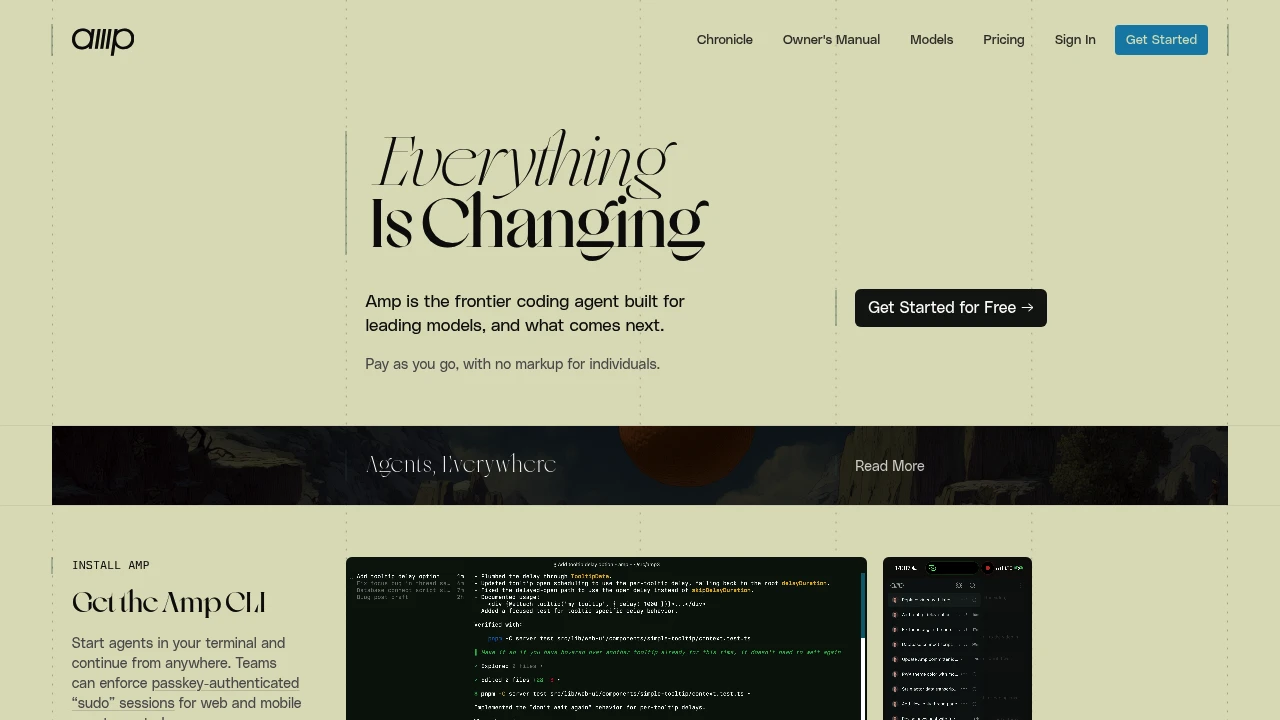
Amp is a coding agent and development environment for web, terminal, and native app workflows. It can inspect projects, edit code, and use tools. Its current experience includes orbs: machines created for agent threads with the project's code and tools ready to use.
Key Highlights
- Coding sessions through the web and CLI
- Native macOS, iPhone, and iPad apps
- Orbs that let agents continue working remotely
- Saved and shared threads across clients
- Plugins, skills, MCP, and AGENTS.md instructions
- Model access through supported subscriptions or your own keys
What Makes It Different
Amp combines the coding agent with a development environment. An orb supplies a machine for a thread, so a remote task can continue after you close your laptop. Local CLI workflows and your own runners provide other ways to work.
Features & Capabilities
Create a project from a Git repository, then give the agent a task. The web experience starts threads in orbs, while the CLI can work on your machine or from scripts. Native apps add notifications and ways to follow up on agent work.
Threads and workspace features support collaboration. Plugins and skills customize the workflow, and model routing can use supported external accounts. A consumer subscription must be connected and eligible; it does not automatically cover every model or infrastructure charge.
User Ratings and Testimonials
Amp publishes product examples and vendor-selected feedback rather than a universal independent rating. Review generated code and test changes in your project. Orb resource needs, provider access, and the selected workflow affect cost.
Pricing & Value
Hobby is free, with pay-as-you-go orbs or your own runners. Paid individual tiers start at $20/month. Teams have no additional team charge, and members can use different tiers. Enterprise pricing is custom. Amp lists no token fee for supported external subscriptions or BYOK; provider charges and orb usage still depend on the selected setup.

Use an open-source coding agent for editors and the terminal, with supported model providers and reviewable changes.

Cline is an open-source AI coding agent that runs inside VS Code, your terminal, CI pipelines, or your own product through its SDK. It is built for developers who want an autonomous agent that edits across a whole project, runs commands, and works with supported model providers while you keep control of cost.
Key Highlights
- Coordinated multi-file edits with diffs, checkpoints, and one-click undo on every step
- Plan mode to agree a strategy first, then Act mode to execute with step approval or auto-approve
- Runs bash commands in your terminal and reacts to output live, including servers and tests
- Works with Claude, GPT, Gemini, local Ollama or LM Studio, and any OpenAI-compatible endpoint
- Extends through MCP servers and an SDK, plus Slack, Discord, Linear, and CI integrations
- Apache 2.0 open-source coding project
What Makes It Different
Cline is open source (Apache 2.0) and model-agnostic, with several model-access options, including usage billing, BYOK, and optional ClinePass. Its Plan-and-Act split is the core mechanism: Plan mode lists which files it will touch and the steps it will take, then Act mode carries them out one approval at a time, keeping the agent transparent and reviewable rather than a black box.
Features & Capabilities
You point Cline at a task and it reads the codebase, proposes a plan, then makes coordinated changes across many files while keeping imports, types, and behavior consistent. It runs tests, starts dev servers, and reacts to terminal output live. A .clinerules file teaches it your standards, architecture, and deployment conventions.
Beyond the editor, the CLI runs in scripts, cron jobs, and CI pipelines. You can register custom tools and MCP servers and set up multi-agent teams where a coordinator delegates to specialists. Cline reports contributions from more than 250 contributors.
User Ratings and Testimonials
Evaluate the Plan and Act workflow with representative changes, and inspect commands before approving them. Large tasks can consume substantial model usage. Cline reports more than 11 million installs across supported platforms; an install count is not a count of unique developers.
Pricing & Value
- Open Source: Free for individual developers. Includes the VS Code extension, CLI, MCP marketplace, and multi-root workspaces. Model access uses provider keys, local runtimes, or Cline usage billing; no mandatory subscription or seat fee for the open-source version. Optional ClinePass costs $9.99/month.
- Enterprise: Custom pricing. Adds SSO, role-based access control, model and tool controls, remote configuration, observability, and team management. The JetBrains plugin is also listed among the regular applications.
The extension and model access have separate economics. Compare provider usage charges and optional ClinePass with the tasks you expect to run.
Similar proprietary alternatives:

 bisibility — Free beta: Track your website’s keywords, Google rankings, Search Console insights, and share of voice.


