OpenRouter Alternatives
A curated collection of the 5 best alternatives to OpenRouter.
The best alternative to OpenRouter is Together AI. If that doesn't suit you, we've compiled a ranked list of other OpenRouter alternatives to help you find a suitable replacement. Other interesting alternatives to OpenRouter are: Hugging Face, Groq, Fal.ai and Replicate.
OpenRouter alternatives are mainly AI Infrastructure tools but may also be Hosting and Inference tools. Browse these if you want a narrower list of alternatives or looking for a specific functionality of OpenRouter.


Together AI gives developers inference, fine-tuning, and GPU clusters for open-source model apps.
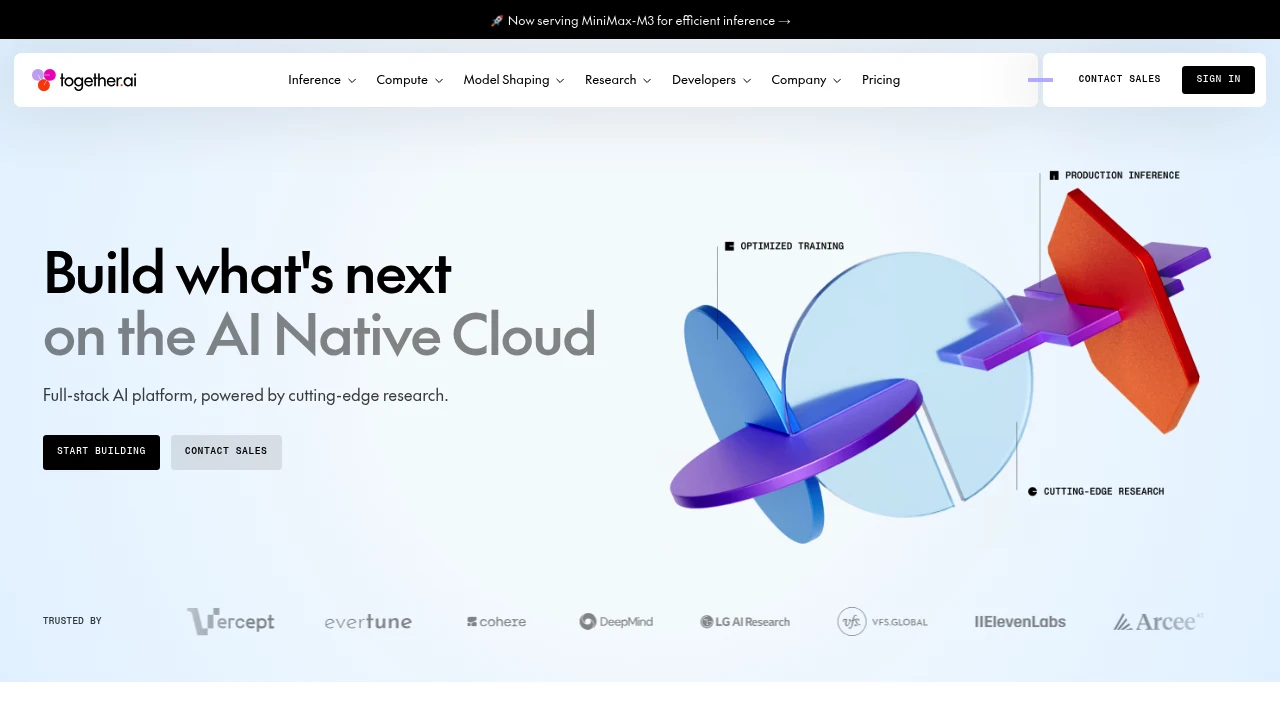
Together AI is an AI infrastructure cloud for teams building with open-source models. It combines inference, fine-tuning, GPU clusters, storage, and code sandboxes in one developer platform.
Key Highlights
- Serverless Inference for open-source models with no infrastructure to manage
- Batch Inference for asynchronous jobs, described at up to 30 billion tokens per model
- Dedicated Inference and containers for single-tenant model and media workloads
- GPU Clusters with NVIDIA H100, H200, and B200 capacity
- Fine-Tuning, Sandbox, and Managed Storage for model shaping, code execution, and storage
What Makes It Different
Together AI combines broad infrastructure with systems research. Its site claims 2x faster inference, 60% lower cost, and 90% faster pre-training through workload-specific optimization and the Together Kernel Collection. Instead of selling only an API, it lets teams move from serverless inference to dedicated endpoints or reserved clusters.
Features & Capabilities
Developers can run models on demand, submit batch jobs, deploy dedicated endpoints, or use containers for generative media. Compute spans self-serve clusters to thousands of GPUs, with object storage, parallel filesystems, and zero egress fees.
For model shaping, Together AI supports fine-tuning open-source models. The site says this can improve accuracy, reduce hallucinations, and control behavior without managing training infrastructure. Sandbox adds secure code execution and development environments.
User Ratings and Testimonials
Together AI publishes customer stories, including Cursor and Decagon. These are selected examples rather than an independent average rating. The main buying caution is billing: estimates may combine token rates, GPU hours, sandbox compute, storage, and fine-tuning tokens.
Pricing & Value
Self-serve access uses prepaid credits: a minimum $5 purchase and positive balance are required. Together AI does not currently offer free trials. Published usage rates include:
- Serverless Inference: per 1M tokens, MiniMax M3 costs $0.30 input/$1.20 output; Gemma 4 31B costs $0.39 input/$0.97 output
- Dedicated Inference: HGX H100 at $5.49 per GPU/hour and HGX B200 at $8.99 per GPU/hour for on-demand endpoints
- GPU Clusters: on-demand HGX H100 at $3.99, HGX H200 at $5.99 and HGX B200 at $8.19 per GPU/hour
- Sandbox and Storage: $0.0446/hour per vCPU, $0.0149/hour per GiB RAM, $0.03 per 60 minute code session, and $0.16/GiB/month storage
- Fine-Tuning: Llama 3.1 8B costs $0.34/1M training tokens for LoRA or $0.38/1M for full fine-tuning, with a $4 minimum job charge
Looking for alternatives to other popular tools? Check out other posts in the alternatives series and flowtools.co, a directory of best AI tools with filters for tags and categories for easy browsing and discovery.

Host and share machine-learning models, datasets, and apps, with paid inference, storage, and compute options.
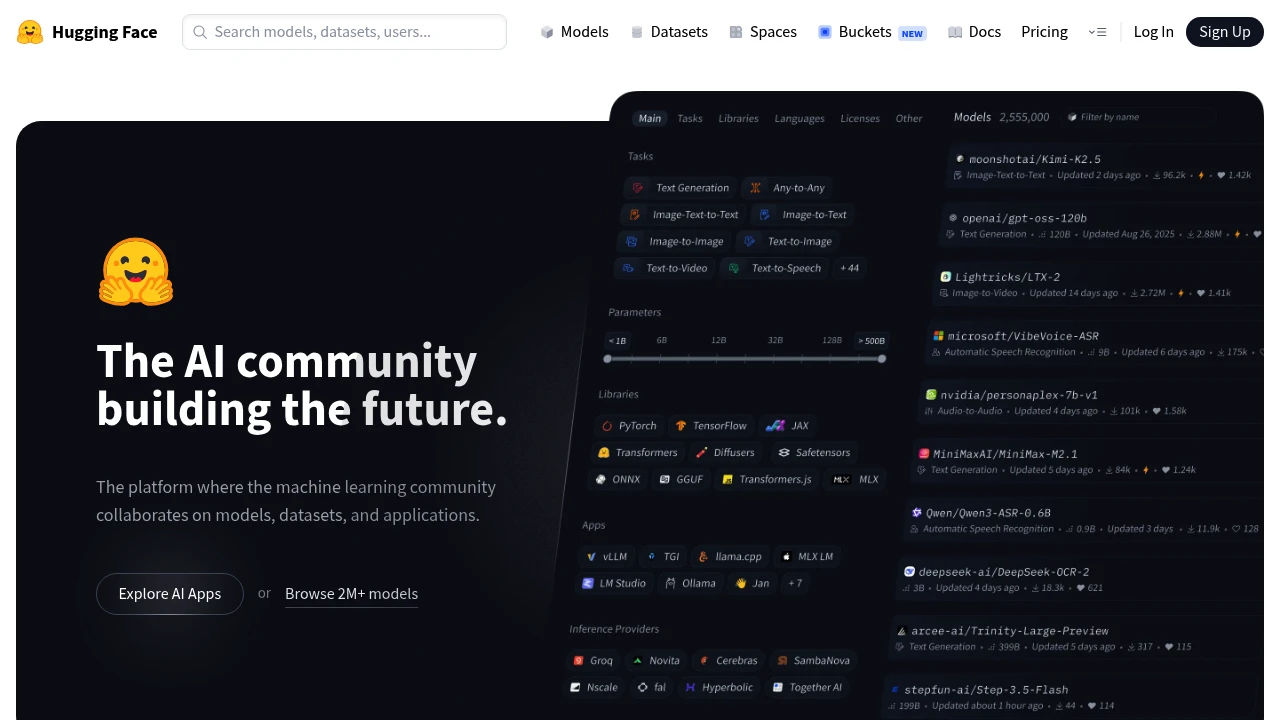
Hugging Face is an open platform where the machine learning community hosts, shares, and collaborates on models, datasets, and applications. It is built for ML engineers, researchers, and developers who want to find a pretrained model, publish their own work, or run AI in production. You can browse hundreds of thousands of public models for free, deploy a demo as a Space, or call models through a hosted API.
Key Highlights
- Host unlimited public models, datasets, and applications for free
- Access 45,000+ models from leading providers through one Inference Providers API, no service fees
- Run demos as Spaces, with free CPU and ZeroGPU tiers
- Git-based version control built for ML collaboration
- Paid GPU Spaces hardware starts at $0.40/hour for Nvidia T4 small.
- Used by more than 50,000 organizations
What Makes It Different
Most ML platforms lock you into one cloud or one model family. Hugging Face is provider-neutral: the Hub hosts models from many vendors, and the Inference Providers API routes a single call to 45,000+ models across different backends. The whole stack is Git-based, so versioning a model or dataset works like versioning code. That made it the default place the community publishes and discovers work.
Features & Capabilities
The Hub is the core: explore and download models, browse datasets with a built-in viewer, and run interactive demos called Spaces. Model and dataset repositories can be public or private. Paid plans increase private storage; protected Spaces are a separate paid visibility option. You can build an ML profile and collaborate through pull requests and discussions.
For running models, it offers hosted Inference Endpoints on dedicated autoscaling infrastructure (from $0.033/hour) with no cold starts, Spaces hardware upgrades for GPUs, and per-TB storage. Paid plans add SSO, audit logs, and access controls for teams.
User Ratings and Testimonials
Evaluate the model and dataset cards, licenses, and repository settings before using an asset in production. Test a representative deployment with the hardware and storage you intend to use. Private repository visibility, protected Spaces, and paid compute address different needs and have separate limits.
Pricing & Value
- Free: $0, unlimited public models, datasets, and Spaces, plus free CPU and ZeroGPU tiers
- PRO: $9/month, 10x private storage, 20x inference credits, more ZeroGPU quota, and Dev Mode
- Team: $20/month per user, with SSO, audit logs, storage regions, and resource groups
- Enterprise: $50/month per user, adding SCIM provisioning, advanced security, and dedicated support
Compute is billed separately: GPU Spaces and Inference Endpoints run by the hour, and storage is per TB. The free tier is generous enough to evaluate before paying for extra storage or compute.

Run supported language and speech models through GroqCloud APIs, with self-serve rates and Enterprise options.
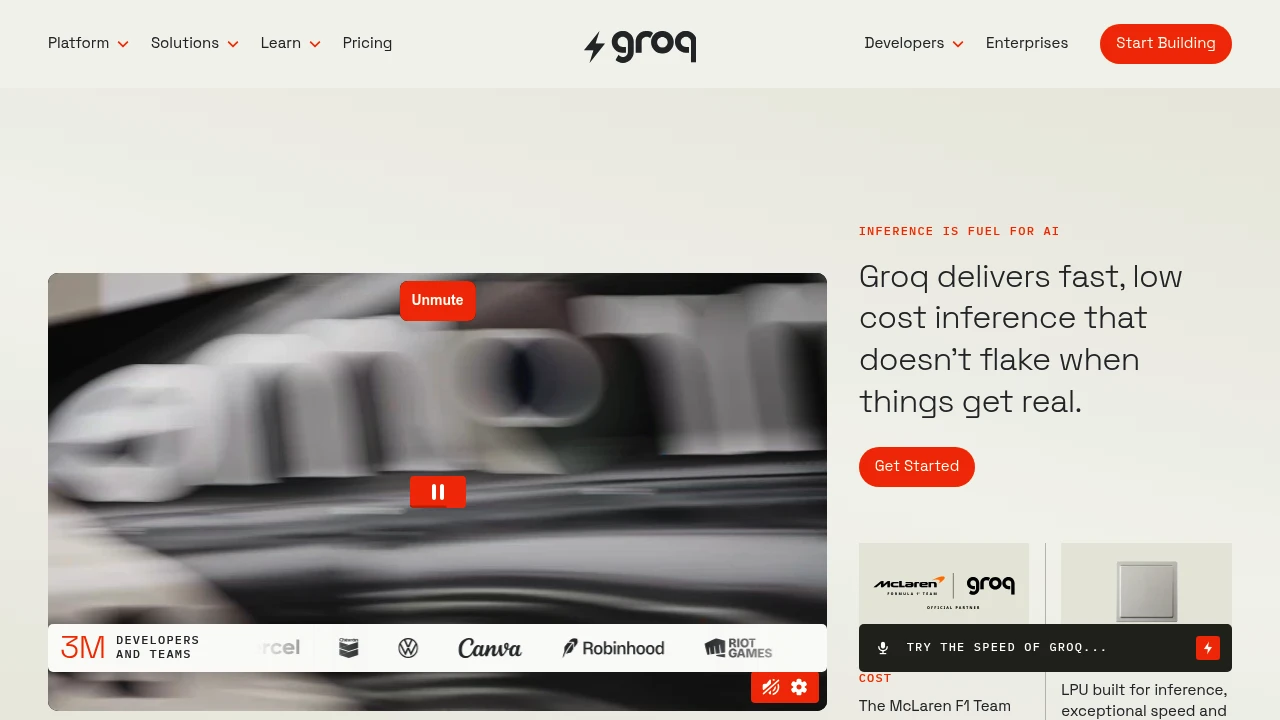
Groq runs open large language models on custom hardware built only for inference, so responses come back very fast at a predictable per token price. It is built for developers and teams who serve AI models in production and care about latency and cost. You reach the models through GroqCloud, an OpenAI compatible API you point existing code at in two lines.
Key Highlights
- Custom LPU chips, first designed in 2016 specifically for inference, not general GPUs
- GroqCloud hosts open models including GPT-OSS, Llama, Qwen3, Kimi K2, and Whisper
- OpenAI compatible API: change the base URL and key, keep your existing code
- Pay per token pricing in USD with no idle infrastructure charges
- Batch API runs async workloads at 50% lower cost, plus built-in online retrieval and code execution
What Makes It Different
Most inference providers run on GPUs alone. Groq designed its own chip, the LPU (Language Processing Unit), purpose-built for running models rather than training them. That hardware produces high token-per-second speeds, with Llama 3.1 8B Instant listed at 560 tokens per second in current documentation; actual performance depends on workload. Groq publishes self-serve unit rates for listed models. Enterprise pricing and volume terms are agreed separately.
Features & Capabilities
You call GroqCloud the same way you call OpenAI: set the base URL to the Groq endpoint, add your API key, and your existing client library works. You pick from a catalog of open models for chat, plus Whisper for transcription and text-to-speech voices. Compound systems route a query across models and call server-side tools (online retrieval, code execution, browser automation) billed by usage. Groq says 3 million developers and teams build on the platform, including the McLaren Formula 1 team.
User Ratings and Testimonials
Groq is widely recognized as one of the fastest inference providers, and the 2025 Artificial Analysis AI Adoption Survey lists it among providers developers use or consider. Fintool reported chat speed up 7.41x and costs down 89% after switching to GroqCloud. The main trade-off is scope: Groq hosts open models, not proprietary ones like GPT-4 or Claude, so teams needing those must look elsewhere.
Pricing & Value
Groq lists self-serve rates per million tokens, with some models available through Enterprise sales:
- Llama 3.1 8B Instant: Enterprise availability with pricing on request
- GPT-OSS 20B: $0.075 input and $0.30 output
- GPT-OSS 120B: $0.15 input and $0.60 output
- Llama 3.3 70B Versatile: Enterprise availability with pricing on request
- Whisper Large v3 Turbo: $0.04 per hour of audio transcribed
New users start on a free tier before adding billing, and the Batch API plus prompt caching cut costs further for high-volume workloads. The predictable pricing is the main draw for teams that need to plan inference spend.

An inference cloud where developers call 1,000+ image, video, audio, and 3D models through one API, or rent GPUs by the hour.
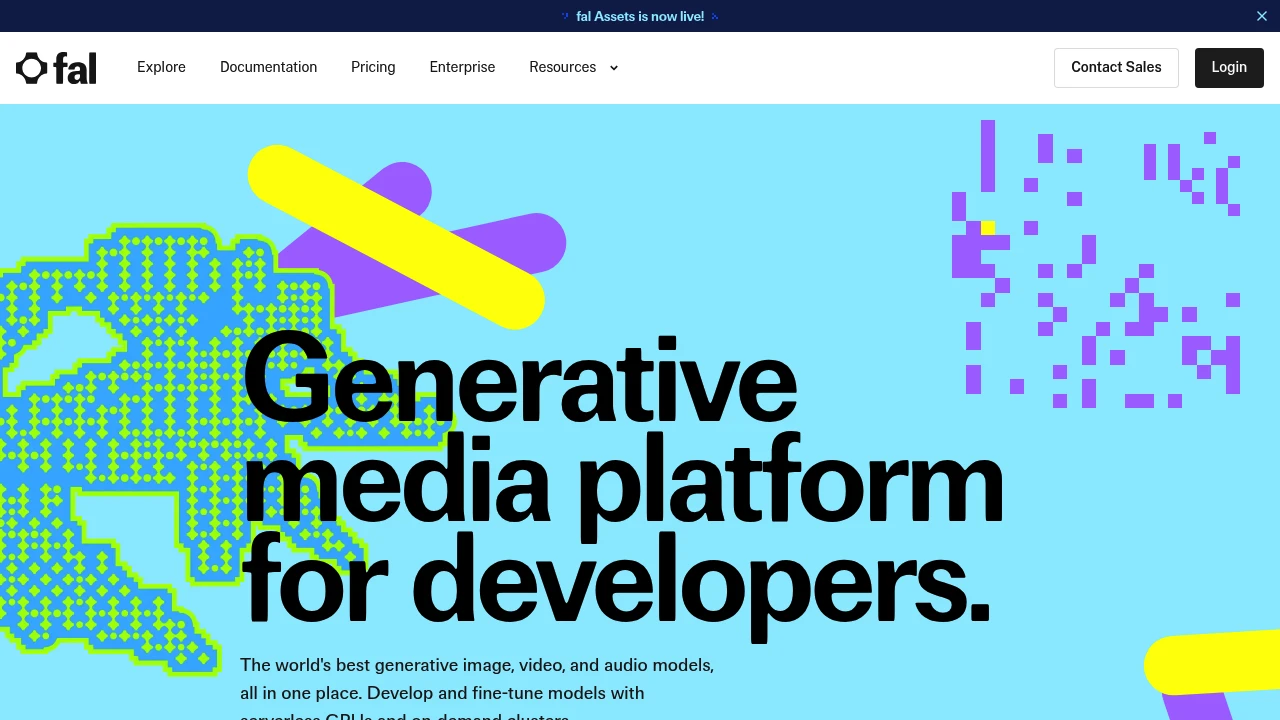
Fal.ai is a generative media inference cloud built for developers. It lets you call more than 1,000 production-ready image, video, audio, and 3D models (including FLUX, Kling, and Hailuo) through one unified API, with no MLOps or GPU setup. You can also deploy fine-tuned models on serverless GPUs or rent dedicated clusters.
Key Highlights
- One API and SDK to run 1,000+ hosted image, video, audio, and 3D model endpoints
- Serverless GPUs that scale from zero to thousands of instances with autoscaling
- fal Inference Engine, described as up to 10x faster for diffusion models
- Hourly GPU rentals (H100, H200, B200, B300, RTX PRO 6000) for custom workloads
- Pay-per-output billing on Model APIs, plus SOC 2 compliance and SSO for teams
What Makes It Different
Most teams either stitch together separate model vendors or run their own GPU infrastructure. Fal.ai collapses both into one platform: a hosted catalog of ready-to-call models plus the compute underneath them. Its fal Inference Engine is tuned for diffusion models and is marketed as up to 10x faster than alternatives, with a claimed 99.99% uptime at scale. Use serverless per-output pricing for quick integration, or rent GPUs by the hour to run private weights at lower marginal cost.
Features & Capabilities
The core workflow is a single API call: pick a model endpoint such as fal-ai/fast-sdxl, pass a prompt, and stream results back with queue updates and logs. Official JavaScript and Python clients support integration with applications, and the gallery spans text-to-image, image-to-video, voice, and 3D.
Beyond hosted models, you can bring your own weights or LoRAs and deploy private endpoints with one click. For frontier work, dedicated clusters offer the latest NVIDIA hardware across global regions for large-scale training, plus usage analytics and 24/7 priority support.
User Ratings and Testimonials
Fal.ai reports being trusted by over 1,500,000 developers and publishes endorsements from Canva, Perplexity, and Quora, which says fal powers 40% of Poe's official image and video generation bots. Developers praise the catalog breadth and inference speed. Estimate endpoint, resolution, and output-volume costs before scaling. Compare the billable settings with your expected workload.
Pricing & Value
- Pay-as-you-go: Model API rates depend on the selected endpoint and output settings
- Model APIs (per output): FLUX.1 schnell is $0.003/megapixel; MiniMax H3 Max Turbo is $0.025/second at the displayed configuration. Endpoint, resolution, and settings affect cost
- GPU Compute (hourly): H100 from $2.49/hr, H200 from $2.99/hr, B200 from $5.49/hr, B300 from $5.99/hr, RTX PRO 6000 from $1.99/hr (list prices run higher)
Pay-per-output pricing suits teams adding a single generative feature; hourly GPU rentals pay off once volume justifies your own deployments.

Replicate runs AI models through a cloud API, with model-specific usage pricing and support for custom deployments.
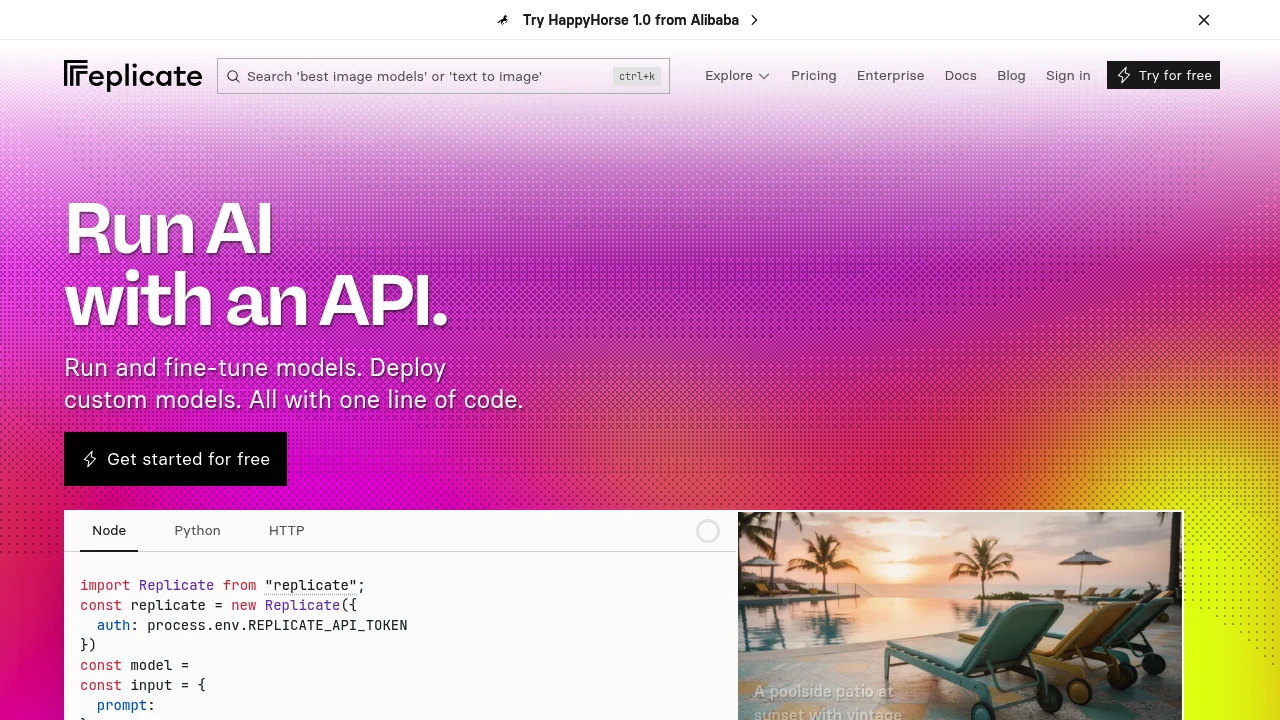
Replicate is a cloud platform for running machine-learning models through a simple API. It is built for developers who want to add AI features (image, audio, video, or language generation) without managing GPUs or infrastructure. You call a hosted model with a few lines of code, and Replicate handles the compute and scaling, with billing based on each model's hardware time or input and output.
Key Highlights
- Community open-source and proprietary models through one API
- Run models in Node, Python, or plain HTTP
- Usage pricing based on hardware time or model input and output
- Fine-tune models on your own data
- Package and deploy custom models with Cog
- Autoscaling, including scale-to-zero
What Makes It Different
Replicate removed the hardest part of using open models: setup. Instead of provisioning GPUs and wrangling dependencies, you run a model with one line of code. Its open-source Cog tool standardizes how models are packaged, so deploying your own model works the same way as running a community one.
Features & Capabilities
You browse a large catalog of image generators, speech and music models, LLMs, and upscalers, then run any of them via API, passing inputs and getting outputs back. Versioned models make results reproducible.
For custom needs, you can fine-tune existing models or push your own with Cog, then call it through the same API with automatic scaling to match traffic.
User Ratings and Testimonials
Evaluate model quality, latency, and total usage cost on your workload. Dedicated deployments can incur setup and idle costs; compare those costs with your traffic pattern and required availability.
Pricing & Value
- Public models: billed by hardware time or model input and output, depending on the model
- Private models: most run on dedicated hardware billed for setup, idle time, and active processing; fast-booting fine-tunes are an exception
- Enterprise: custom arrangements for volume and support
For prototyping and variable workloads, the pay-per-use model is excellent value; heavy steady traffic is where teams start comparing it to dedicated hosting.
This month’s top products
Ranked by total paid bids this month.
Similar proprietary alternatives:

 bisibility — Free beta: Track your website’s keywords, Google rankings, Search Console insights, and share of voice.


