Chatbase Alternatives
A curated collection of the 5 best alternatives to Chatbase.
How to choose a replacement
A replacement for Chatbase should answer from your actual support material and fit the support system your team already uses. Some options emphasize agent building, while others are tied more closely to an inbox or helpdesk. Those are different migration paths.
Compare by
- Knowledge ingestion and source-grounded answers
- Actions, integrations, and permission boundaries
- Live handoff and helpdesk workflow
- Testing, conversation review, and billing units
Which alternative fits your workflow?
- botpress: Agent building with workflows and tool integrations.
- Voiceflow: Visual conversational-agent design and deployment.
- Tidio Lyro: Customer support automation within the Tidio environment.
- Intercom Fin: AI support within the Intercom customer-service workflow.
- eesel AI: Support agents connected to company knowledge and support tools.
What to test before switching
Test known answers, missing information, and a question that should reach a person. Check whether an action is actually completed in the connected system. Compare billing units and the work required to maintain knowledge, review conversations, and update escalation rules.


Voiceflow helps CX teams design, deploy, and manage text and voice AI agents for customer support.
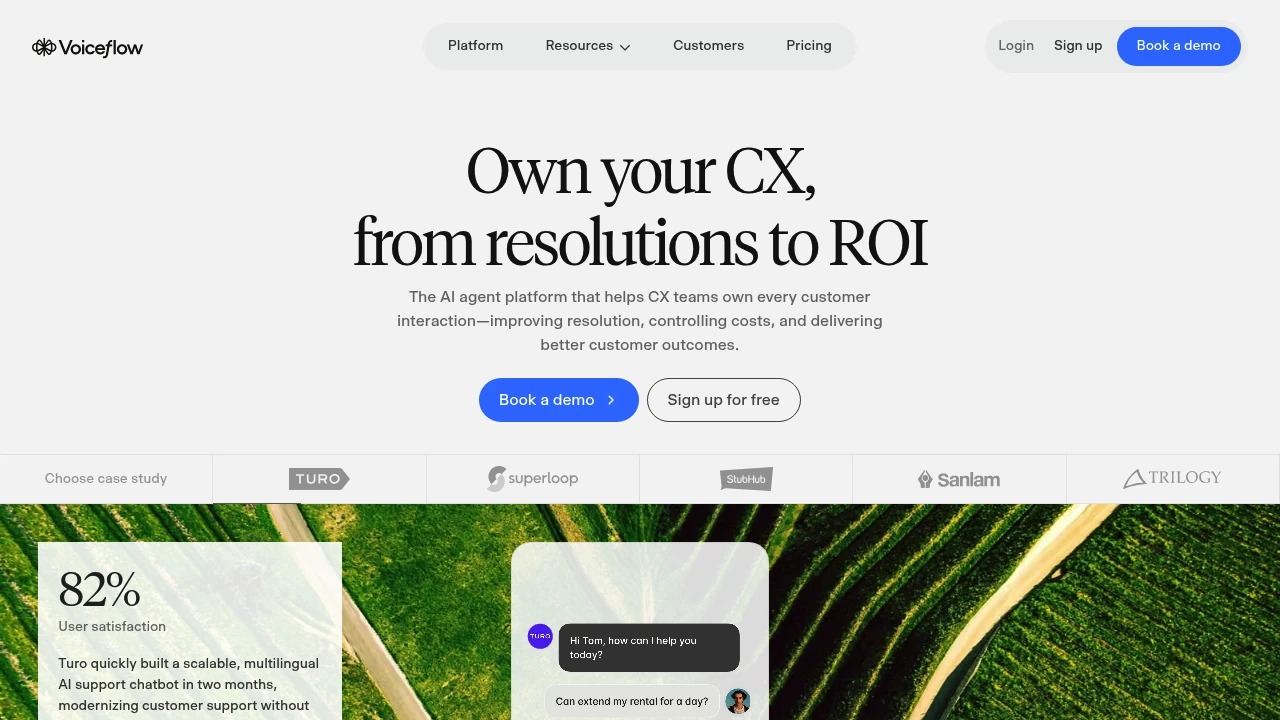
Voiceflow is a collaborative platform for designing, launching, and improving text and voice AI agents. It is built for CX teams, support leaders, product teams, and engineers who need visual workflows plus APIs for production customer interactions.
Key Highlights
- Visual agent builder with agentic playbooks, scripted workflows, global instructions, and guardrails
- Chat and voice deployment for customer support and other conversational workflows
- Hosted development, staging, and production environments
- LLM-powered evaluations, analytics, and conversation-level observability
- Production integration tools and APIs for connecting an agent to other apps
- Support for major LLM providers, with the option to bring your own model
What Makes It Different
Voiceflow covers the full agent lifecycle in one workspace. Teams can map business logic visually, test conversations, launch the same agent into production, and inspect how it performs without rebuilding it in a separate operations tool.
Its builder combines flexible AI behavior with deterministic workflows. This gives CX teams direct control over scripted rules and guardrails while engineers retain API access and model choice.
Features & Capabilities
Teams build an agent by combining playbooks, workflow steps, global instructions, and guardrails. They can prototype conversations, tune business logic, and collaborate in real time before moving the agent through development, staging, and production environments hosted by Voiceflow.
After launch, the observability suite tracks individual conversations and broader performance. LLM-powered evaluations help teams review outcomes and decide what to improve, while APIs and production integration tools connect the agent with the rest of the customer experience stack.
User Ratings and Testimonials
Voiceflow reports a 4.8/5 rating, more than 4,000 customers, and more than 200,000 users. Its featured testimonials praise the visual flows, rapid prototyping, real-time collaboration, API flexibility, and support for both designers and developers. These are vendor-selected testimonials, and the published rating does not include a review-count breakdown.
Pricing & Value
- Agencies & Partners: no-card free trial, usage-based billing, multi-client workspaces, white-labeling, and client handoff tools
- Businesses: request pricing, with self-serve or managed implementation, voice and chat deployment, analytics, and team permissions
Estimate cost from the selected arrangement and actual agent usage. Account-specific or legacy subscriptions can have different terms; confirm the agreement before production use.
Looking for alternatives to other popular tools? Check out other posts in the alternatives series and flowtools.co, a directory of best AI tools with filters for tags and categories for easy browsing and discovery.

Tidio Lyro is an AI customer support agent that answers questions, follows guidance, and hands off to your team.
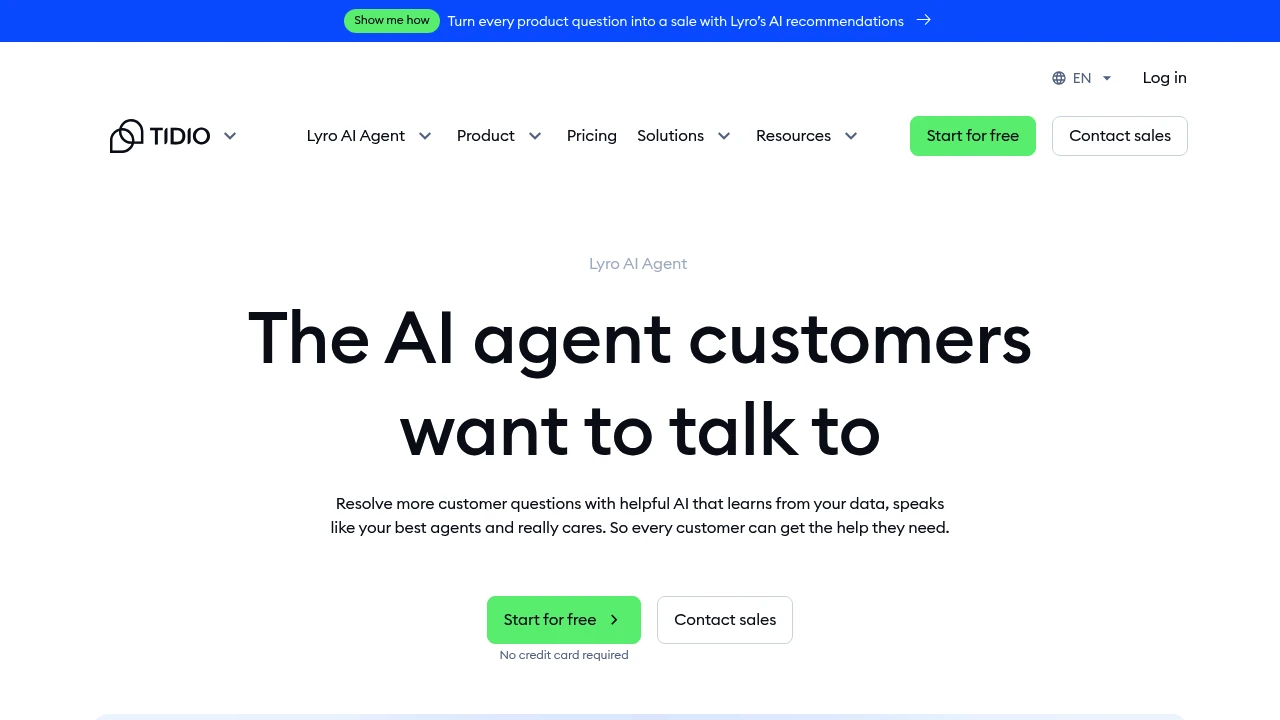
Tidio Lyro is an AI customer support agent for teams that want faster answers without replacing their current help desk. It learns from your support content, replies in your brand voice, and hands conversations to a human when needed.
Key Highlights
- Uses your knowledge base and guidance to answer questions
- Runs within Tidio; external help desks such as Zendesk, Intercom, and Salesforce require eligible Lyro Connect access
- Includes human handoff rules, real-time monitoring, and escalation controls
- Supports Smart Actions for order updates, lead qualification, and MCP workflows
- Starts with 50 free Lyro conversations and a 7-day trial
What Makes It Different
Lyro is not built like a scripted flow. Tidio says it uses Claude from Anthropic and in-house models rather than ChatGPT, then restricts answers to the content and guidance you provide.
The other difference is deployment flexibility. You can run Lyro inside Tidio or add it to an existing stack through Lyro Connect if your team already uses Zendesk, Salesforce, Intercom, or another help desk.
Features & Capabilities
Teams feed Lyro with help center articles, FAQs, product information, and support rules. From there, it answers customer questions, handles multiple replies inside one Lyro conversation, and lets agents monitor chats or jump in. Guidance controls shape tone, style, escalation rules, and sensitive-topic handling.
Lyro can also move beyond answers. Smart Actions automate recurring tasks such as order status updates and lead qualification, while product recommendations guide shoppers to relevant items. Reporting shows resolution rates, CSAT, and conversation patterns so teams can add missing knowledge.
User Ratings and Testimonials
Tidio publishes selected customer examples from Suitor and Your KAYA. Test Lyro against representative support questions and check whether replies preserve important qualifications. Review escalation behavior before increasing automated coverage.
Useful results depend on the support content and rules supplied. Higher monthly limits, Lyro Connect, custom analytics, and managed service options depend on the paid offer.
Pricing & Value
- Free Plan: $0/month, includes 50 one-time Lyro AI conversations and 100 Flows visitors reached
- Lyro AI Agent: from $32.50/month under the selected annual billing option for 50 Lyro AI conversations, available as a stand-alone product
- Growth: from $49.17/month under the selected annual billing option, adds advanced analytics, permissions, assignment, macros, and more billable conversations
- Premium: contact for pricing, includes managed Lyro AI service, subject to the agreed terms
Lyro fits support teams with repeat questions, enough help content to train it well, and a clear handoff process for cases that still need a human.

Intercom Fin is an AI customer support agent for teams handling chat, email, SMS, WhatsApp, and cases.
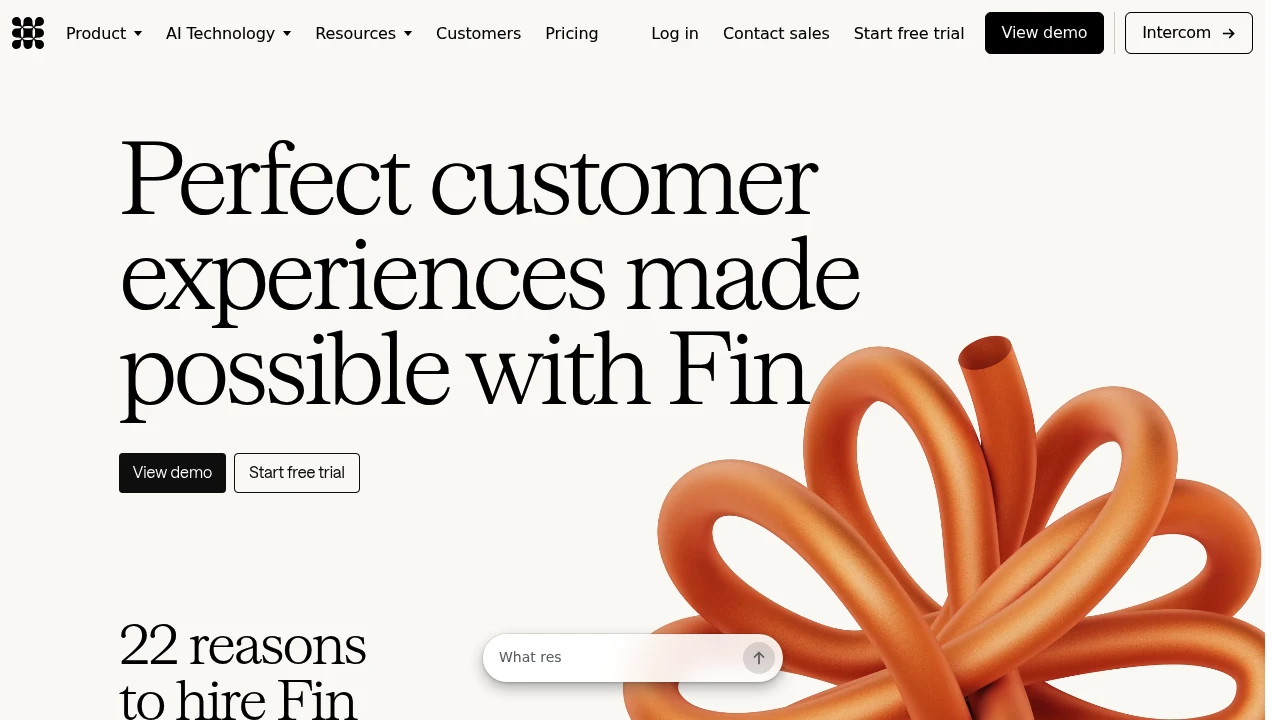
Intercom Fin is an AI customer service agent for support, sales, and ecommerce teams. It answers across chat, email, SMS, WhatsApp, Slack, social, voice, and API, using company knowledge, customer context, and connected systems. It can resolve issues itself or hand off to a human team with context.
Key Highlights
- Handles service, sales, and ecommerce conversations across major support channels
- Uses Apex and Apex Flash, proprietary models trained for customer experience work
- Takes approved actions through API actions, data connectors, procedures, workflows, and MCP
- Works with Intercom or other helpdesks, including Salesforce, Dixa, Front, Zoho, Sprinklr, and Gorgias
- Includes simulations, regression tests, monitoring, AI Topics, CX Score, and recommendations
What Makes It Different
Fin is built as a customer experience agent, not a generic chatbot added to a ticket queue. Its models are trained for support and customer operations, and Procedures let it do multi-step work such as updating accounts, processing refunds, troubleshooting technical issues, qualifying prospects, or handing off to a workflow.
Features & Capabilities
Teams train Fin on knowledge sources, policies, guidance, categories, and data from connected systems. Admins can adjust tone, answer length, behavior, and handoff rules, then test changes with simulations, regression tests, previews, and audience testing.
Fin deploys across Messenger, email, Slack, WhatsApp, SMS, Instagram, Facebook Messenger, voice, and API. Enterprise controls include a 99.8% SLA, SOC2, ISO 27001, ISO 42001, ISO 27701, HIPAA, AIUC-1, SSO, 2FA, SCIM, IP restrictions, and US, EU, or Australia data residency.
User Ratings and Testimonials
Fin reports more than 12,000 customers, 2 million weekly resolutions, a 76% average resolution rate, and a 90% satisfaction score. Customer examples include Anthropic, Avocado, Matterport, Personio, and WHOOP.
Main tradeoffs: rollout quality depends on current knowledge and procedures, Fin Voice uses custom pricing, and paid use after the trial has minimum commitments.
Pricing & Value
- Free trial: $0 for 14 days, no credit card required, with unlimited outcomes and no seat minimums or maximums
- Fin with your current helpdesk: $0.99 per standard outcome, a 50 outcome monthly minimum, unlimited teammates, and no setup, integration, or platform fees
- Fin with Intercom: from $0.99 per outcome plus $29 per helpdesk seat per month
- Qualified sales outcomes: $9.99 per qualification
- Pro add-on: $99 for 1,000 conversations analyzed monthly
- Copilot add-on: $35 per user per month
The pricing model fits teams that want AI spend tied to resolved customer work, with a stronger fit for active support operations than very small queues.

Build customer support agents with knowledge bases, action workflows, helpdesk tools, and channel integrations.
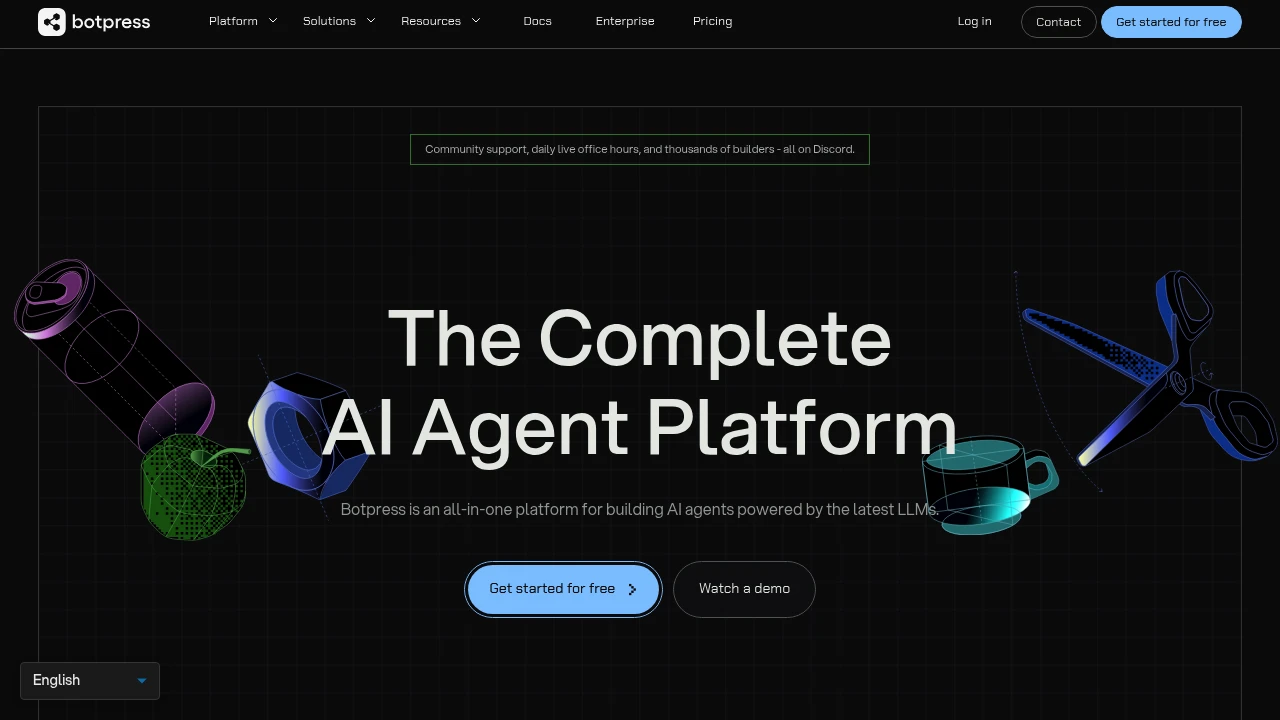
Botpress is an AI customer support platform with tools for building agents and managing tickets. Agents can answer questions from a knowledge base and take actions through connected systems. Teams can use Botpress Desk or connect an existing helpdesk.
Key Highlights
- Natural-language and visual agent builders
- Knowledge bases and structured tables
- Multi-step actions such as account updates and refunds
- Escalation rules and human handoff
- Webchat, WhatsApp, Slack, and helpdesk integrations
What Makes It Different
Botpress combines agent building with a support workflow. An agent can retrieve information and carry out configured actions, rather than only produce a reply. Botpress Desk handles tickets, while integrations let teams retain a helpdesk such as Zendesk or Intercom.
Features & Capabilities
Teams define knowledge, instructions, integrations, and the conditions for an action. Escalation rules determine when work moves to a person. The available channels and permissions should match the systems the agent needs to reach.
Agents can coordinate several steps, such as updating a record and completing the related support workflow. Test permissions, fallback behavior, and escalation with representative tickets before using an agent for account or billing changes.
User Ratings and Testimonials
Botpress publishes customer case studies about support resolution and costs. Those examples reflect particular implementations. Evaluate a support agent with your own ticket types, including unusual requests, missing information, and situations that need human judgment.
Pricing & Value
- Free: 25 conversations and 3 AI agents
- Plus: $150/month billed annually, 250 conversations/month
- Team: $750/month billed annually, 1,500 conversations/month
- Enterprise: custom pricing and conversation volume
Paid tiers include AI usage allowances. Conversation packs, additional AI usage, and storage can add cost; unlimited agents do not mean unlimited conversations.

Connect AI agents to helpdesks and company knowledge for support replies, chat, scheduled tasks, and reports.
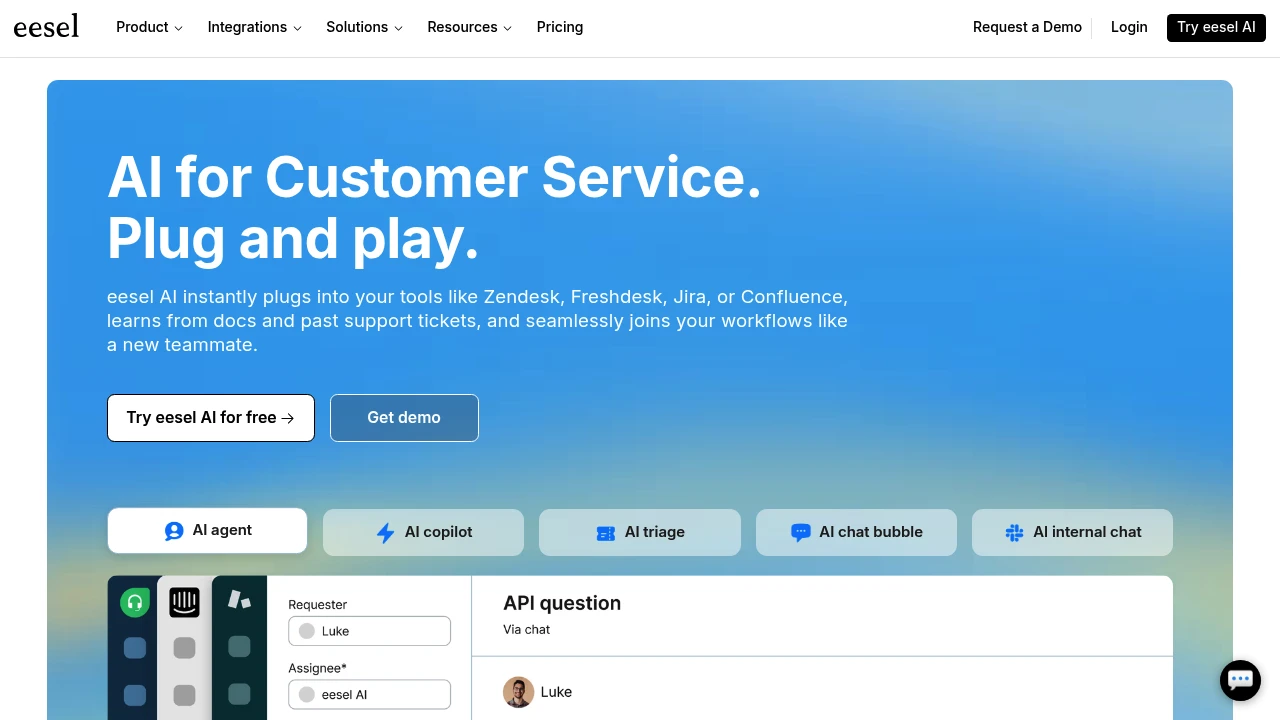
eesel AI provides agents for customer support and company knowledge. Teams connect helpdesks and information sources, then use agents to handle tickets, answer chat questions, and run scheduled work. The service uses credits rather than charging for each seat or agent.
Key Highlights
- Helpdesk agents for support tickets
- Chat, Slack, email, and browser-extension channels
- Connections to tools such as Zendesk and Google Drive
- Scheduled agents, reports, and skills
- Unlimited agents and seats on the listed plans
What Makes It Different
Ticket billing covers a whole support conversation rather than every reply. A ticket or customer chat uses one credit, while larger tasks such as drafting a blog post can consume more. This makes the kind of work important when estimating an allowance.
Features & Capabilities
Connect your helpdesk and relevant knowledge, then review drafts and decide which requests the agent should handle. Tickets that the agent stays out of do not count toward the ticket allowance.
The dashboard tracks usage. Agents pause when credits run out unless you enable overage with a monthly cap. Unused credits reset at the start of the billing month, so subscription credits are not a permanent balance.
User Ratings and Testimonials
eesel publishes selected customer accounts, including CartonCloud and Ecosa. They describe results in particular support workflows. Try the agent with representative questions and assess reply accuracy, escalation behavior, and the work it should leave to people.
Pricing & Value
- Free trial: 100 credits, no card required
- Teammate: from $299/month for 500 credits, with unlimited agents and seats
- Enterprise: custom arrangements and additional controls
Larger monthly credit batches are available. Priority support and SSO/MFA are paid add-ons; enabled overage costs $0.80 per extra credit.
Similar proprietary alternatives:

 bisibility — Free beta: Track your website’s keywords, Google rankings, Search Console insights, and share of voice.


