Intercom Alternatives
A curated collection of the 6 best alternatives to Intercom.
The best alternative to Intercom is Decagon. If that doesn't suit you, we've compiled a ranked list of other Intercom alternatives to help you find a suitable replacement. Other interesting alternatives to Intercom are: Sierra, HubSpot Breeze, botpress and Chatbase.
Intercom alternatives are mainly AI Agents tools but may also be AI Customer Support Agents tools or AI Marketing Tools tools. Browse these if you want a narrower list of alternatives or looking for a specific functionality of Intercom.


Decagon builds AI customer support agents for enterprise teams across chat, voice, and email.
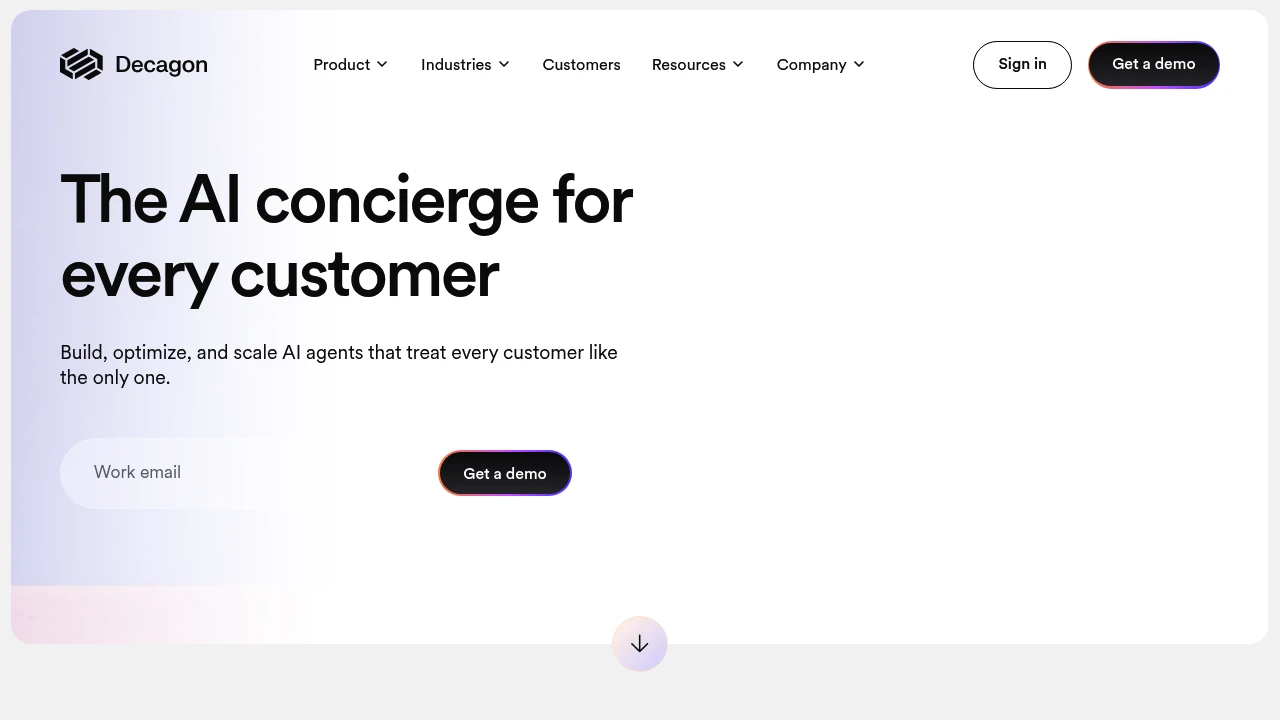
Decagon is an enterprise AI customer support platform for CX teams that need agents across chat, voice, and email. It is positioned as an AI concierge that can build, optimize, and scale customer interactions while keeping every conversation personalized. The product is aimed at companies that want more than a basic support bot and need agent behavior they can test, measure, and update over time.
Key Highlights
- AI agents for chat, voice, and email in one customer experience platform
- Agent Operating Procedures (AOPs) let teams define workflows in natural language
- Testing, observability, and experimentation tools for iterating on agent logic
- Analytics for turning support conversations into customer insight
- Public customer stories cite outcomes such as 70% chat and voice resolution, 80% deflection, and 65% cost reduction
What Makes It Different
Decagon's clearest differentiator is Agent Operating Procedures. Instead of asking teams to maintain complex configuration languages, AOPs let them describe agent workflows in natural language and revise them as policies, products, or customer needs change.
The platform also treats support channels as one intelligence layer. Decagon says teams can build once and deploy across chat, voice, and email, so customer context and behavior stay consistent across the full support lifecycle.
Features & Capabilities
The core workflow is built around three phases: Build, Optimize, and Scale. Teams define workflows with AOPs, validate and iterate on AI logic with testing and observability, then use analytics to understand conversation patterns and improve the agent over time.
For channels, Decagon covers voice agents for natural dialog, chat agents for personalized support flows, and email agents for always-on resolutions. The homepage examples focus on concrete service tasks such as applying membership perks, extending rentals, and rebooking appointments.
User Ratings and Testimonials
Decagon's own site emphasizes enterprise customer stories rather than public star ratings. The cited testimonials praise voice performance, brand customization, cross-channel memory, reduced maintenance work, and Decagon's ability to move quickly with CX teams.
The site does not detail common customer complaints or implementation tradeoffs. Buyers should validate setup effort, integration depth, reporting needs, and escalation handoffs during a demo.
Pricing & Value
- Custom demo: Price not publicly listed, with the site directing buyers to get a demo or contact sales
Decagon does not publish self-serve USD pricing. Treat it as demo-led enterprise pricing, best suited to teams where support volume, channel coverage, and automation quality can justify a custom contract.
Looking for alternatives to other popular tools? Check out other posts in the alternatives series and flowtools.co, a directory of best AI tools with filters for tags and categories for easy browsing and discovery.

Build customer experience agents for voice, chat, email, and WhatsApp, with company knowledge, integrations, and conversation review.

Sierra is an AI agent platform for enterprise customer experience. Businesses use it to build agents that answer questions and act through connected systems. Its product combines agent creation with company knowledge, customer context, conversation analytics, and controls for reviewing agent behavior.
Key Highlights
- Agents across voice, chat, email, and WhatsApp
- Ghostwriter for creating or modifying agent behavior
- Connections to systems of record such as CRM
- Testing, monitoring, and conversation review
- Explorer for questions about conversation data
What Makes It Different
Sierra presents agent development as a continuing workflow. Teams can describe behavior, connect business systems, set guardrails, and review how an agent handles real requests. The product includes tools for investigating conversations and improving behavior after deployment. Company context and defined actions guide how the agent responds.
Features & Capabilities
Ghostwriter lets users describe changes to workflows, integrations, guardrails, tone, and style. Explorer answers natural-language questions using analytics and sample conversations. Sierra also lists Agent Studio, Horizon, Context Engine, and Insights within its product family.
Connected systems can support tasks such as returns, insurance claims, or other customer requests. The available actions depend on the integration and permissions a company enables. Test incomplete information, escalation needs, and unusual requests before allowing an agent to complete actions for customers.
User Ratings and Testimonials
Sierra publishes selected customer stories and describes deployments across several enterprise industries. Evaluate those examples against the channels and policies used by your organization. Review conversation quality, successful actions, escalation handling, and the work required to maintain an agent after launch.
Pricing & Value
- Enterprise agreements: custom quotes
- Outcome-based pricing: tied to agreed valuable outcomes
Define the outcomes, integrations, support, and review requirements covered by an agreement. A deployment needs clear rules for measuring an outcome and for handing work to a person when the agent cannot complete a request.

Use CRM-connected AI assistance and agents for marketing, sales, and service workflows inside HubSpot.
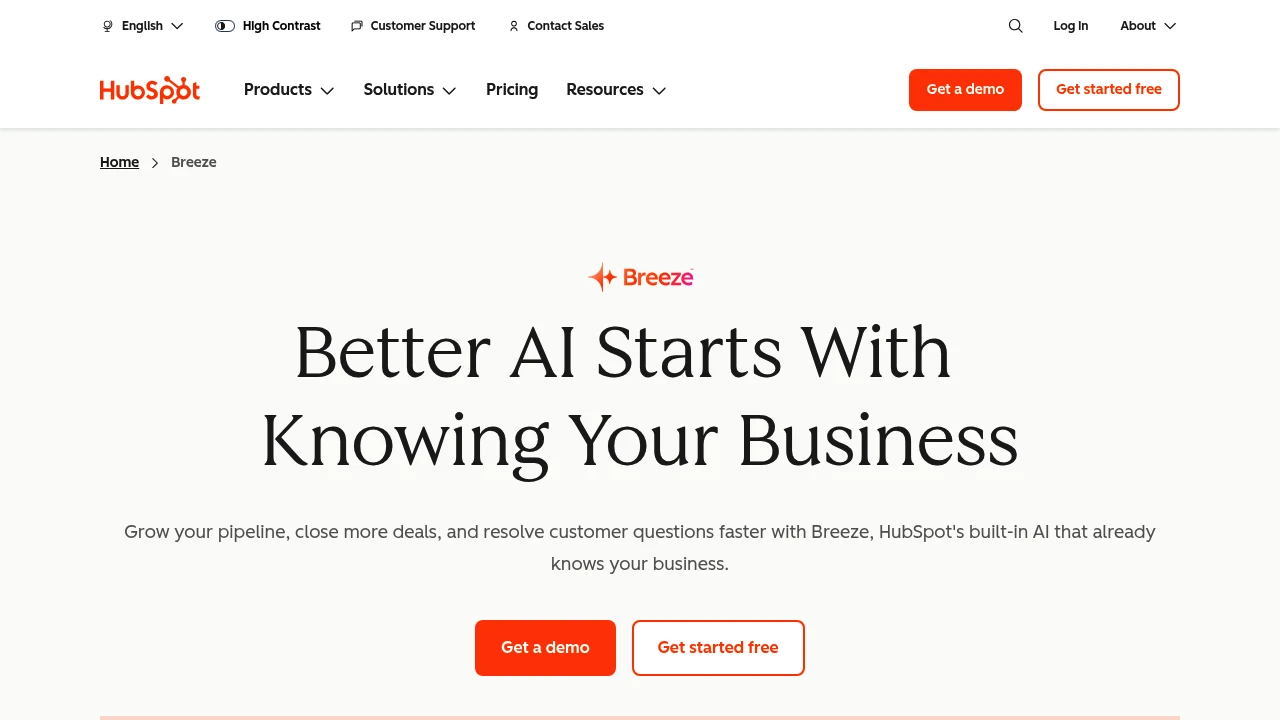
HubSpot Breeze is the AI layer within the HubSpot customer platform. Its assistance and agents use CRM information to support marketing, sales, and service work. HubSpot now presents Agent Hub as the place to build, manage, and monitor agents across the platform.
Key Highlights
- Breeze Assistant for CRM-connected assistance
- Customer, prospecting, and data agents
- Agent Hub for managing active agents
- Custom agent and workflow building
- HubSpot Credits for many AI features
What Makes It Different
The agent workflow connects to information already held in HubSpot, including customer records and conversations. Agent Hub brings activation, management, and performance review into one place. Teams can use predefined agents or build custom workflows around company knowledge and CRM data.
Features & Capabilities
Customer agents support service requests, while prospecting agents help research and engage leads. Data agents answer questions using customer information. Access to these tools depends on the relevant HubSpot edition and feature requirements.
Agent builder lets teams combine prompts, knowledge, and CRM data on a visual canvas. Before enabling actions, review account permissions and test how the agent handles incomplete records, unusual requests, and work that needs a person’s judgment.
User Ratings and Testimonials
HubSpot publishes selected customer examples and reported business outcomes. These are results from particular implementations, not guarantees for a new account. Evaluate an agent against your own CRM records, service policies, and required approval steps before relying on it in a recurring workflow.
Pricing & Value
- Agent Hub: included in Starter, Professional, and Enterprise editions
- HubSpot Credits: used by many agents and AI features
- Credit purchases: packs or pay-as-you-go options
Compare the edition needed for each feature and the credits consumed by the intended workflow. Included agent-management access does not mean every AI action has unlimited free usage.

Build customer support agents with knowledge bases, action workflows, helpdesk tools, and channel integrations.
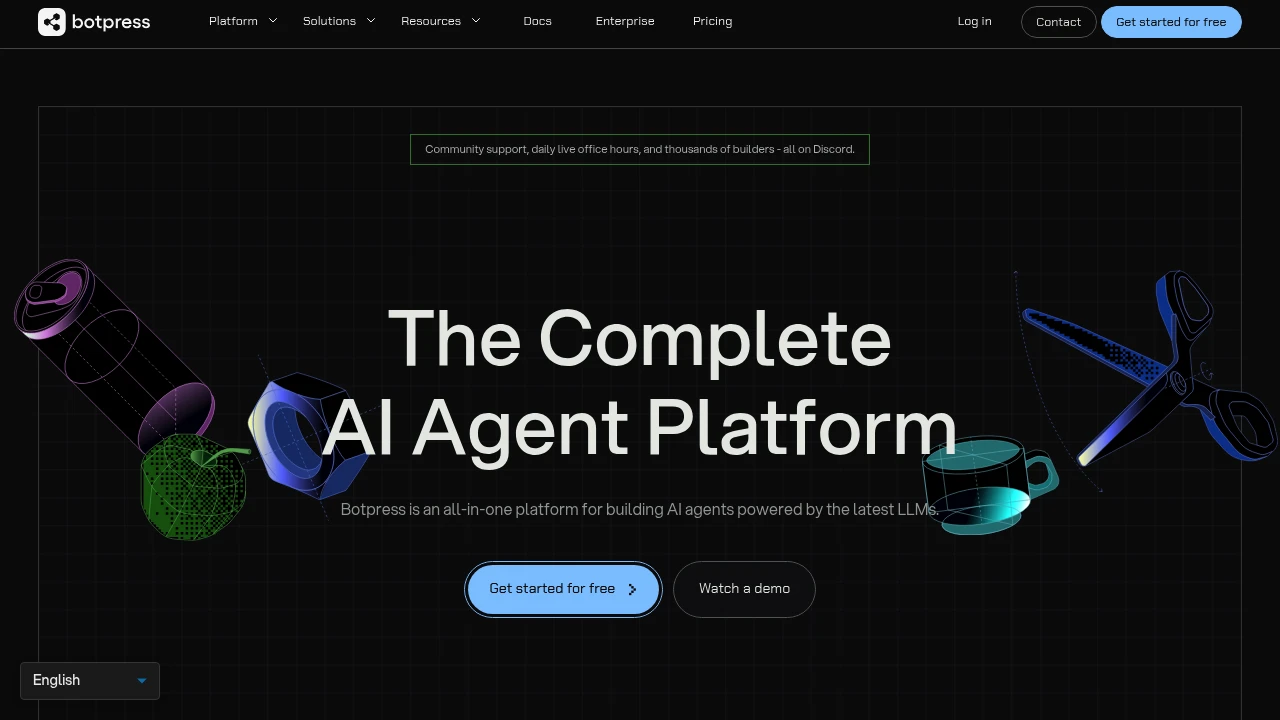
Botpress is an AI customer support platform with tools for building agents and managing tickets. Agents can answer questions from a knowledge base and take actions through connected systems. Teams can use Botpress Desk or connect an existing helpdesk.
Key Highlights
- Natural-language and visual agent builders
- Knowledge bases and structured tables
- Multi-step actions such as account updates and refunds
- Escalation rules and human handoff
- Webchat, WhatsApp, Slack, and helpdesk integrations
What Makes It Different
Botpress combines agent building with a support workflow. An agent can retrieve information and carry out configured actions, rather than only produce a reply. Botpress Desk handles tickets, while integrations let teams retain a helpdesk such as Zendesk or Intercom.
Features & Capabilities
Teams define knowledge, instructions, integrations, and the conditions for an action. Escalation rules determine when work moves to a person. The available channels and permissions should match the systems the agent needs to reach.
Agents can coordinate several steps, such as updating a record and completing the related support workflow. Test permissions, fallback behavior, and escalation with representative tickets before using an agent for account or billing changes.
User Ratings and Testimonials
Botpress publishes customer case studies about support resolution and costs. Those examples reflect particular implementations. Evaluate a support agent with your own ticket types, including unusual requests, missing information, and situations that need human judgment.
Pricing & Value
- Free: 25 conversations and 3 AI agents
- Plus: $150/month billed annually, 250 conversations/month
- Team: $750/month billed annually, 1,500 conversations/month
- Enterprise: custom pricing and conversation volume
Paid tiers include AI usage allowances. Conversation packs, additional AI usage, and storage can add cost; unlimited agents do not mean unlimited conversations.

Build and deploy AI support agents using your company content, with website chat, integrations, and plan limits.
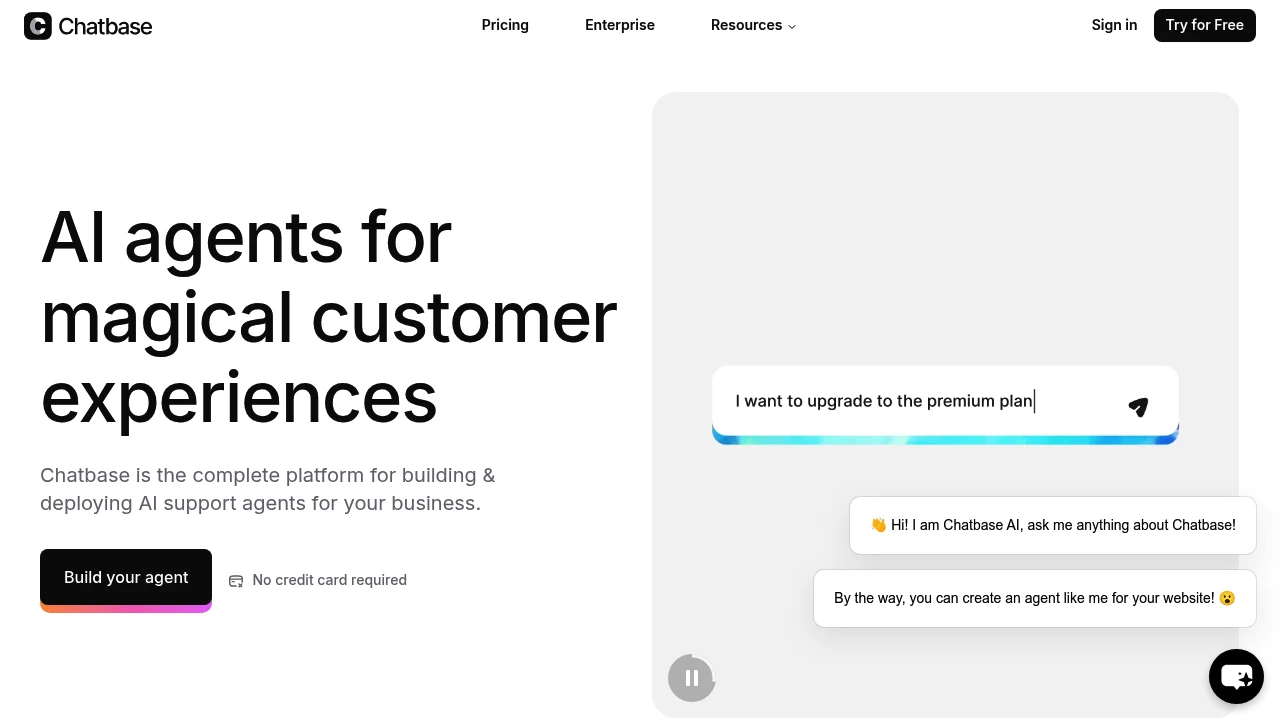
Chatbase helps teams build AI chatbots from their own content for websites and apps. It focuses on a simple setup for support, sales, and FAQs. It suits startups, small businesses, and tech teams that want quick results.
Key Highlights
- Fast, simple setup.
- Trains on your own content.
- Easy to add to your site.
- Useful for support, pre-sales, and lead capture.
- Plan-specific integration and API access.
What Makes It Different
- Puts speed and no-code setup first.
- Trains on your content with minimal steps.
- Aims to be an all-in-one builder and host for site chatbots.
Features & Capabilities
- Build chatbots from your content and knowledge base.
- Add the bot to your website or share it for feedback.
- Use cases: customer support, FAQ automation, lead qualification, and internal answers.
User Ratings and Testimonials
Chatbase publishes selected customer quotes, including feedback from Synergym. Those accounts describe particular deployments. Test answers against your own knowledge base and monitor credit consumption before scaling support traffic.
Pricing & Value
Chatbase offers several pricing plans:
- Free: $0/month with 50 message credits per month, 1 AI agent and 1 MB training content.
- Hobby: $40/month with 700 message credits per month, advanced models, integrations and 2 workspace members; API access starts with Standard.
- Standard: $150/month with 4,000 message credits per month, 1 AI agent and 3 seats.
- Pro: $500/month with 15,000 message credits per month, 1 AI agent, 5 seats and advanced analytics.
- Enterprise: Custom pricing with higher limits, priority support, and dedicated success manager.
The free plan includes basic chatbot creation but agents get deleted after 14 days of inactivity.
Chatbase stands out with its comprehensive model support including OpenAI, Anthropic, and Gemini options across paid plans.

Connect AI agents to helpdesks and company knowledge for support replies, chat, scheduled tasks, and reports.
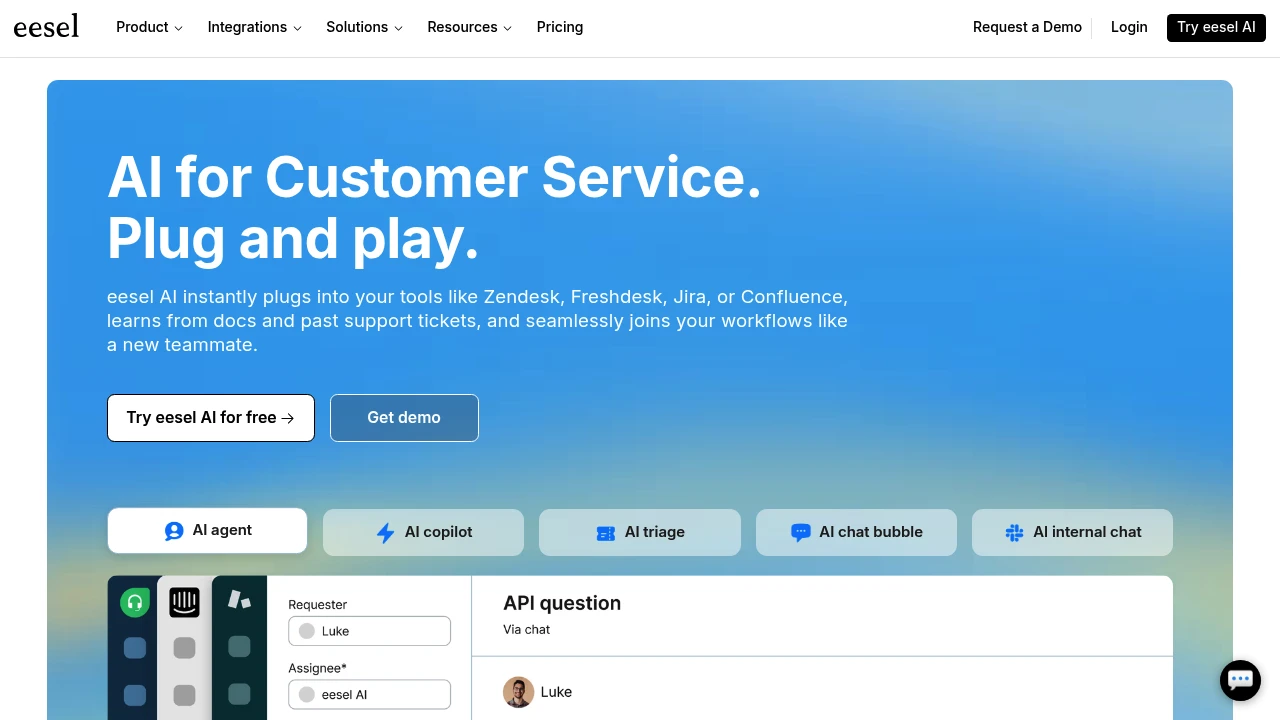
eesel AI provides agents for customer support and company knowledge. Teams connect helpdesks and information sources, then use agents to handle tickets, answer chat questions, and run scheduled work. The service uses credits rather than charging for each seat or agent.
Key Highlights
- Helpdesk agents for support tickets
- Chat, Slack, email, and browser-extension channels
- Connections to tools such as Zendesk and Google Drive
- Scheduled agents, reports, and skills
- Unlimited agents and seats on the listed plans
What Makes It Different
Ticket billing covers a whole support conversation rather than every reply. A ticket or customer chat uses one credit, while larger tasks such as drafting a blog post can consume more. This makes the kind of work important when estimating an allowance.
Features & Capabilities
Connect your helpdesk and relevant knowledge, then review drafts and decide which requests the agent should handle. Tickets that the agent stays out of do not count toward the ticket allowance.
The dashboard tracks usage. Agents pause when credits run out unless you enable overage with a monthly cap. Unused credits reset at the start of the billing month, so subscription credits are not a permanent balance.
User Ratings and Testimonials
eesel publishes selected customer accounts, including CartonCloud and Ecosa. They describe results in particular support workflows. Try the agent with representative questions and assess reply accuracy, escalation behavior, and the work it should leave to people.
Pricing & Value
- Free trial: 100 credits, no card required
- Teammate: from $299/month for 500 credits, with unlimited agents and seats
- Enterprise: custom arrangements and additional controls
Larger monthly credit batches are available. Priority support and SSO/MFA are paid add-ons; enabled overage costs $0.80 per extra credit.
Today’s top products
SponsoredRanked by total paid bids today.
Similar proprietary alternatives:

 bisibility — Free beta: Track your website’s keywords, Google rankings, Search Console insights, and share of voice.


