Zendesk Alternatives
A curated collection of the 6 best alternatives to Zendesk.
The best alternative to Zendesk is Decagon. If that doesn't suit you, we've compiled a ranked list of other Zendesk alternatives to help you find a suitable replacement. Other interesting alternatives to Zendesk are: Sierra, HubSpot Breeze, botpress and Chatbase.
Zendesk alternatives are mainly AI Agents tools but may also be AI Marketing Tools tools. Browse these if you want a narrower list of alternatives or looking for a specific functionality of Zendesk.


Decagon builds AI customer support agents for enterprise teams across chat, voice, and email.
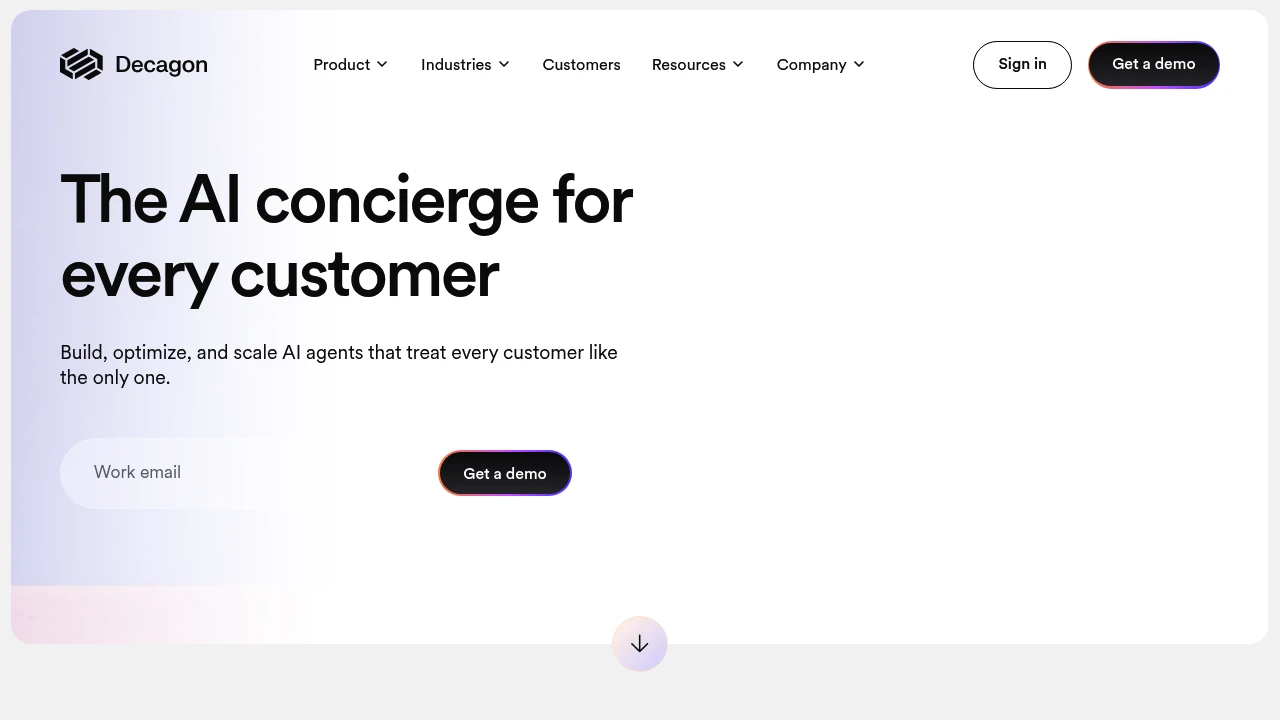
Decagon is an enterprise AI customer support platform for CX teams that need agents across chat, voice, and email. It is positioned as an AI concierge that can build, optimize, and scale customer interactions while keeping every conversation personalized. The product is aimed at companies that want more than a basic support bot and need agent behavior they can test, measure, and update over time.
Key Highlights
- AI agents for chat, voice, and email in one customer experience platform
- Agent Operating Procedures (AOPs) let teams define workflows in natural language
- Testing, observability, and experimentation tools for iterating on agent logic
- Analytics for turning support conversations into customer insight
- Public customer stories cite outcomes such as 70% chat and voice resolution, 80% deflection, and 65% cost reduction
What Makes It Different
Decagon's clearest differentiator is Agent Operating Procedures. Instead of asking teams to maintain complex configuration languages, AOPs let them describe agent workflows in natural language and revise them as policies, products, or customer needs change.
The platform also treats support channels as one intelligence layer. Decagon says teams can build once and deploy across chat, voice, and email, so customer context and behavior stay consistent across the full support lifecycle.
Features & Capabilities
The core workflow is built around three phases: Build, Optimize, and Scale. Teams define workflows with AOPs, validate and iterate on AI logic with testing and observability, then use analytics to understand conversation patterns and improve the agent over time.
For channels, Decagon covers voice agents for natural dialog, chat agents for personalized support flows, and email agents for always-on resolutions. The homepage examples focus on concrete service tasks such as applying membership perks, extending rentals, and rebooking appointments.
User Ratings and Testimonials
Decagon's own site emphasizes enterprise customer stories rather than public star ratings. The cited testimonials praise voice performance, brand customization, cross-channel memory, reduced maintenance work, and Decagon's ability to move quickly with CX teams.
The site does not detail common customer complaints or implementation tradeoffs. Buyers should validate setup effort, integration depth, reporting needs, and escalation handoffs during a demo.
Pricing & Value
- Custom demo: Price not publicly listed, with the site directing buyers to get a demo or contact sales
Decagon does not publish self-serve USD pricing. Treat it as demo-led enterprise pricing, best suited to teams where support volume, channel coverage, and automation quality can justify a custom contract.
Looking for alternatives to other popular tools? Check out other posts in the alternatives series and flowtools.co, a directory of best AI tools with filters for tags and categories for easy browsing and discovery.

Sierra helps enterprises build AI agents for support across chat, SMS, WhatsApp, email, voice, and ChatGPT.
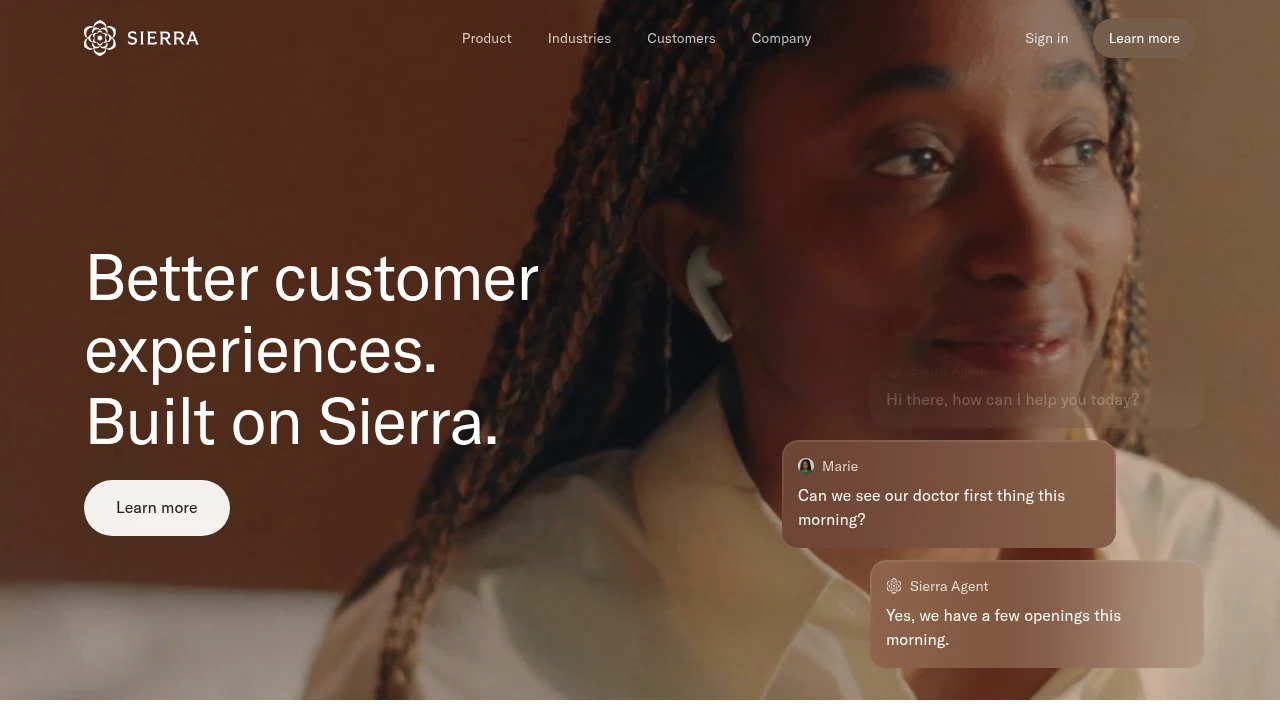
Sierra is an AI agent platform for customer experience teams. It helps businesses build, tune, personalize, and run customer-facing agents across support channels. The core promise is a single agent that can work from company knowledge, customer context, and defined business outcomes.
Key Highlights
- Build AI agents with or without engineering support
- Deploy one agent across chat, SMS, WhatsApp, email, voice, and ChatGPT
- Use Ghostwriter to create agents from SOPs, transcripts, whiteboard photos, audio, or plain English
- Review agent updates driven by flagged issues and proactive insights
- Connect conversation history, customer data, recommendations, and proactive engagement workflows
What Makes It Different
Sierra is built around Sierra Agent OS, not a simple chatbot builder. Its workflow covers agent creation, optimization, personalization, and operations in one system, with tools for reviewing changes before they go live.
The strongest differentiator is how it treats the agent as part of the customer experience stack. The site describes agent memory, structured customer data, recommendation logic, and proactive engagement, so the agent can respond with more context than a generic FAQ bot.
Features & Capabilities
Teams can start by uploading operating procedures, transcripts, whiteboard photos, and audio recordings, or by describing the goal in plain English. Ghostwriter turns that material into a multilingual, multichannel agent with built-in guardrails.
After launch, Sierra includes tools to inspect and improve agent behavior. Explorer analyzes conversations, Monitors flag conversations that need attention, Experiments run multivariate tests, and Observability shows agent actions such as tool calls, knowledge lookups, and latency. Sierra also supports customer data from systems of record and data warehouses.
User Ratings and Testimonials
The sourced pages do not publish an average rating. Sierra's site does include customer testimonials from leaders who describe better member care, more personal home ownership conversations, and subscriber insights from each interaction.
The main limitation for buyers is public information. The site does not show self-serve setup, numeric pricing, or public plan tiers, so teams need a vendor conversation to compare total cost and rollout requirements.
Pricing & Value
- Outcome-based pricing: Custom pricing, with Sierra saying customers pay for the value the agent delivers rather than a public seat or usage tier
No public USD price was verified. Sierra is best suited to businesses that can define customer experience outcomes and want one agent across several customer channels.

AI agents and assistant built into HubSpot for marketing, sales, and service teams that want CRM-grounded automation.
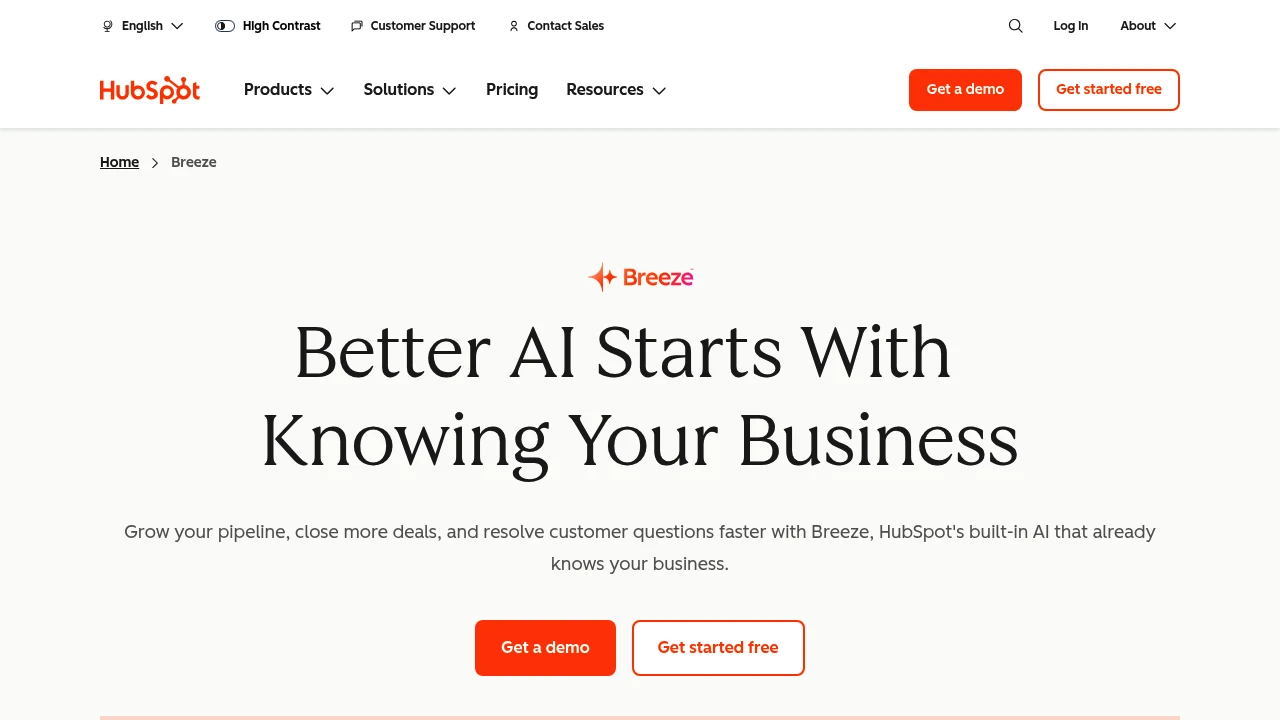
HubSpot Breeze is the built-in AI layer of the HubSpot customer platform. It helps marketing, sales, and service teams qualify leads, close deals, and resolve tickets without adding headcount. Because Breeze runs inside HubSpot, it draws on your CRM records, conversations, and deal history, so every action is grounded in your own data.
Key Highlights
- Breeze Agents that work autonomously: customer, prospecting, and data agents
- Breeze Assistant for answering questions, drafting content, and meeting prep
- 100+ AI features embedded across HubSpot for emails, call summaries, and lead scoring
- HubSpot AEO to track and improve how your brand appears in AI answer engines
- Custom Agents (Beta) trained on your own company knowledge
- Available on desktop and mobile
What Makes It Different
Most AI tools run separately from your CRM, so every prompt needs manual context and every output needs manual follow-up. Breeze closes that gap by living inside HubSpot's Smart CRM, where your contact records, deal data, and conversation history already sit. That shared context lets Breeze Agents act on their own, launching outreach or resolving a ticket instead of just drafting text.
Features & Capabilities
Breeze Assistant answers CRM-grounded questions, turns one piece of content into emails, social posts, and blogs, and writes back post-meeting CRM updates. The agents handle the heavier work: customer agent resolves common inquiries across channels around the clock, prospecting agent watches accounts for buying signals and drafts outreach, and data agent answers questions using your CRM data and the web. It runs on HubSpot's secure infrastructure, with model cards and SOC 2 Type 2 audits.
User Ratings and Testimonials
HubSpot cites results such as 77% more customer tickets closed per month with customer agent and 65% more sales leads created per month with prospecting agent. Teams praise that the AI already knows their data and works where they do. The caveats: Breeze is only useful if you run HubSpot, and the deeper agents and AEO sit behind the pricier Professional and Enterprise tiers.
Pricing & Value
Breeze is included in every HubSpot edition, with more unlocked as you move up. Agents bill by outcome, so you pay only when work is done.
- Free: $0, includes Breeze Assistant and 100+ embedded AI features
- Starter: adds prospecting agent, data agent, data enrichment, and meeting notetaker (Beta)
- Professional: adds customer agent, HubSpot AEO, AI-powered email, and brand identity tools
- Enterprise: adds predictive lead scoring and AI call transcript enrichment (Beta)
Agents run on HubSpot Credits: $0.50 per customer agent resolution, $1.00 per prospecting lead, and $0.10 per data agent answer. The free tier is enough to test the assistant and embedded features before paying.


Chatbase is the complete platform for building & deploying AI support agents for your business.
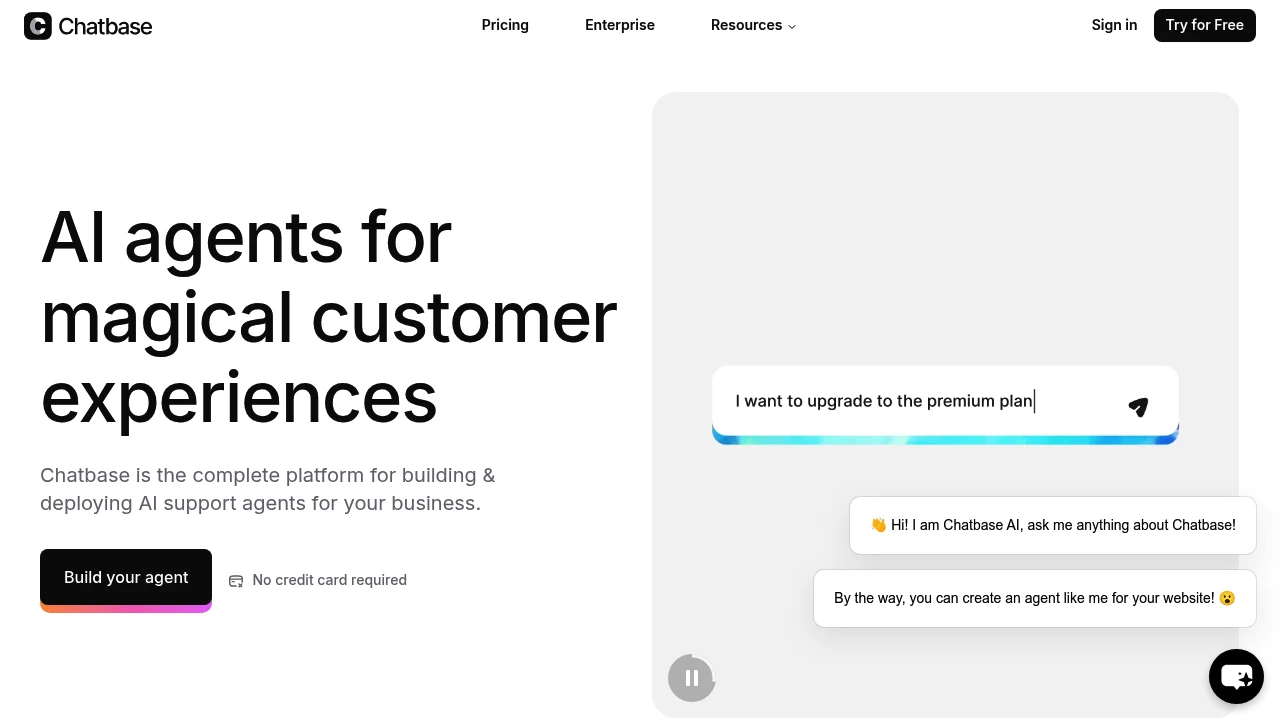
Chatbase helps teams build AI chatbots from their own content for websites and apps. It focuses on a simple setup for support, sales, and FAQs. It suits startups, small businesses, and tech teams that want quick results.
Key Highlights
- Fast, simple setup.
- Trains on your own content.
- Easy to add to your site.
- Useful for support, pre-sales, and lead capture.
- Some users report quick training and strong outcomes.
What Makes It Different
- Puts speed and no-code setup first.
- Trains on your content with minimal steps.
- Aims to be an all-in-one builder and host for site chatbots.
Features & Capabilities
- Build chatbots from your content and knowledge base.
- Add the bot to your website or share it for feedback.
- Use cases: customer support, FAQ automation, lead qualification, and internal answers.
User Ratings and Testimonials
Chatbase has an average rating of 3.2 out of 5 stars, based on 25 reviews, on Product Hunt.
- Pros: easy setup, quick training for some, practical answers, can save money, can boost sales.
- Cons: reports of long training times, frequent errors, slow support, and high pricing for the feature set.
- Several users report billing issues and trouble canceling.
- Some say the AI gives inaccurate answers instead of using the provided data.
Pricing & Value
Chatbase offers several pricing plans:
- Free: $0/month with 100 message credits, 1 AI agent, and 400 KB storage per agent.
- Hobby: $40/month with 2,000 message credits, advanced models access, and API integration.
- Standard: $150/month with 12,000 message credits, 2 AI agents, and 3 seats.
- Pro: $500/month with 40,000 message credits, 3 AI agents, and advanced analytics.
- Enterprise: Custom pricing with higher limits, priority support, and dedicated success manager.
The free plan includes basic chatbot creation but agents get deleted after 14 days of inactivity.
Chatbase stands out with its comprehensive model support including OpenAI, Anthropic, and Gemini options across paid plans.

eesel AI instantly plugs into your tools like Zendesk, Freshdesk, Jira, or Confluence, learns from docs and past support tickets, and seamlessly joins your workflows like a new teammate.
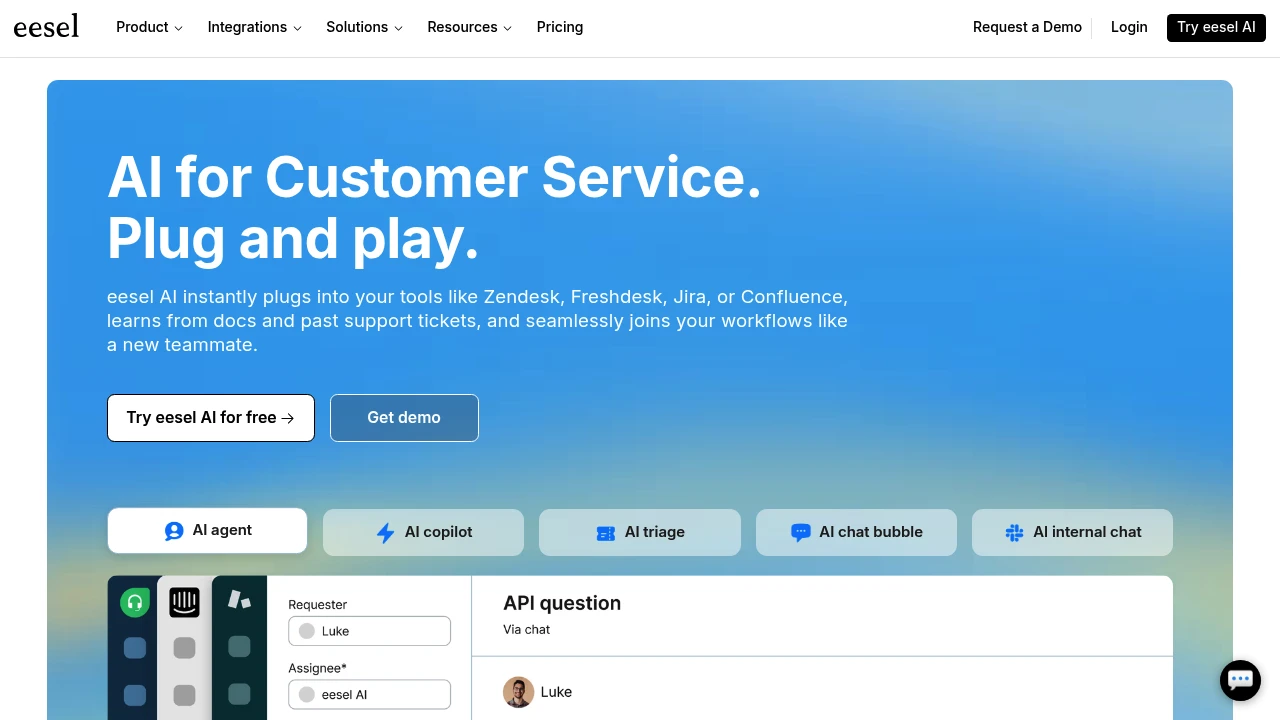
eesel AI helps you organize and find work docs, files, and tabs with AI. It can also build support bots that plug into Slack, Teams, and your helpdesk. Ideal for teams and small businesses that require faster responses and streamlined workflows.
Key Highlights
- Easy setup and simple UI
- Smart folders that group documents by topic
- Trains on websites, documents, and past tickets
- Works with Slack and Microsoft Teams
- Build multiple bots for support and internal Q&A
- Helpdesk copilot for faster ticket replies
What Makes It Different
- Combines document organization with AI support bots in one tool
- Setup is quick so that teams can get value fast
- Smart folders save time, and helpdesk features fit into existing workflows
Features & Capabilities
- Document and tab organization: find files, manage many open tabs, and auto-group by topic
- AI bots for support: website training, helpdesk copilot, AI agent, and past ticket training
- Integrations: Slack, Microsoft Teams, and helpdesk systems
- Use cases: answer FAQs, assist agents, surface internal knowledge, and tidy daily work
User Ratings and Testimonials
Eesel AI has an average rating of 4.7 out of 5 stars, based on 63 reviews, on Product Hunt.
People like how it organizes work documents and personal files. Setup is quick, and it helps manage hundreds of open tabs. Smart folders save time by sorting documents by topic.
Some users report slow backend performance with serverless timeouts. A few are still learning advanced features. One user requested additional community features and collaboration options.
Pricing & Value
-
Team: $299/month for up to 3 bots, 1,000 interactions monthly, website training, helpdesk copilot, and Slack integration.
-
Business: $799/month with unlimited bots, 3,000 interactions monthly, an AI agent for helpdesk, past ticket training, and Microsoft Teams integration.
-
Custom: Contact sales for unlimited interactions, multiple AI agent workflows, advanced API actions, and custom integrations.
-
All plans include training on websites and documents with helpdesk integration capabilities.
The core value of eesel AI lies in its ability to create specialized AI bots that integrate seamlessly with existing helpdesk and communication tools.
Similar proprietary alternatives:

 bisibility — Free beta: Track your website’s keywords, Google rankings, Search Console insights, and share of voice.


